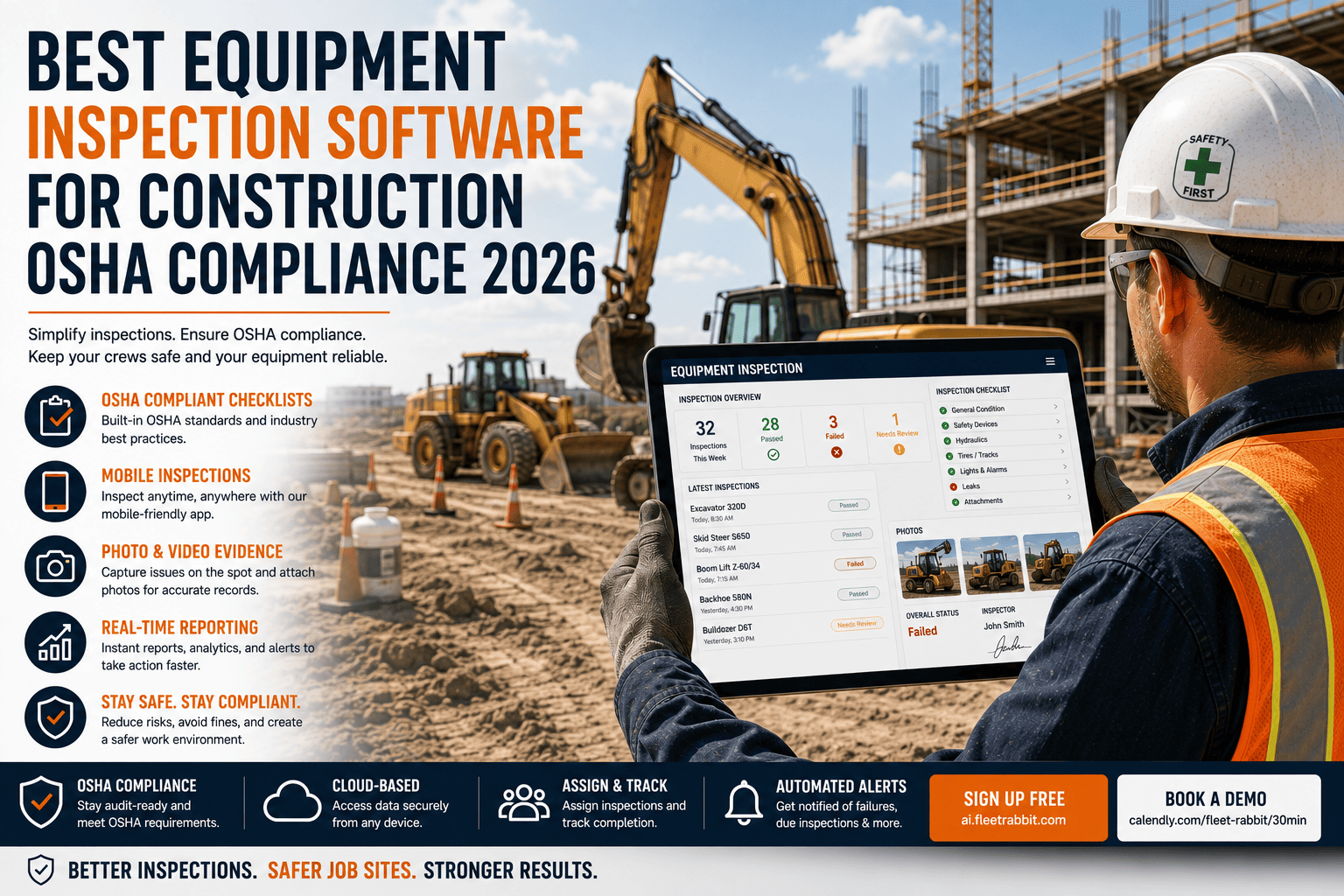
Somewhere on a job site right now, an operator is filling out a paper inspection form that will get soaked, lost, or forgotten in a truck cab within the week. OSHA requires a documented pre-shift inspection on nearly every piece of construction equipment, and the records have to hold up months later during an audit. Choosing the right inspection software is not about picking the flashiest app, it is about picking the one that actually gets used on site, works without signal, and produces a record that protects your company when it matters.
The best construction equipment inspection software for OSHA compliance combines offline mobile access, photo-based defect documentation, automated checklist logic by equipment type, and a searchable digital record retained for audits. OSHA 29 CFR 1926.602 requires daily inspection with defects corrected before use, and with penalties reaching over $165,000 for willful violations, the software you choose needs to make that documentation effortless enough that crews actually complete it every shift.
Why This Decision Matters More Than It Seems
Equipment failures contribute to roughly one in five workplace fatalities in construction, and the overwhelming majority of those failures were preventable with a proper inspection. OSHA cited construction employers over 34,000 times for equipment-related violations in a recent year alone, and unplanned breakdowns from missed defects cost projects between $1,500 and $2,500 per idle hour. A daily inspection catches the cracked weld or low hydraulic fluid in minutes. Skipping it turns the same issue into a multi-day repair and a compliance exposure at the same time.
What The Best Inspection Software Actually Needs To Do
Every construction inspection platform claims to be simple and compliant. The difference shows up in the details, whether it works when the site has no signal, whether defects get photographed instead of just described, and whether the record it produces would satisfy an auditor six months later.
How To Actually Evaluate These Claims
Most inspection platforms will say yes to all six of these on a sales call. The real test is watching an operator complete an inspection on a phone with no signal, in gloves, in poor light, and seeing whether the record that comes out the other side is something you would be comfortable handing to an OSHA inspector. If you want to run that test yourself, you can book a demo and try a real inspection on a sample piece of equipment.
Paper Checklists Versus Digital Inspection Software
Paper-Based Inspections
Clipboards get lost, handwriting is inconsistent, defects get described instead of photographed, and records are unreadable after a week in a cab.
FleetRabbit Digital Inspections
Equipment-specific checklists, photo-documented defects, automatic supervisor sign-off, and a searchable audit trail retained for compliance review.
FleetRabbit gives your crews an offline-capable inspection app with photo documentation, automatic sign-off chains, and OSHA-aligned checklists by equipment type. Sign up and run your first digital inspection today.
A Quick Checklist For Choosing Inspection Software
Why Adoption Matters More Than Feature Count
The most compliant checklist in the world does nothing if operators skip it because it is slow or confusing. The software that actually reduces OSHA exposure is the one crews complete every single shift without being reminded, which usually means fewer taps, clear equipment-specific prompts, and a workflow that fits into the minutes before a shift starts rather than after it.
Frequently Asked Questions
A paper checklist can protect you on paper. A digital one, done right, actually protects your operators, your equipment, and your company during an audit. FleetRabbit gives your crews an inspection workflow built for real job site conditions.







