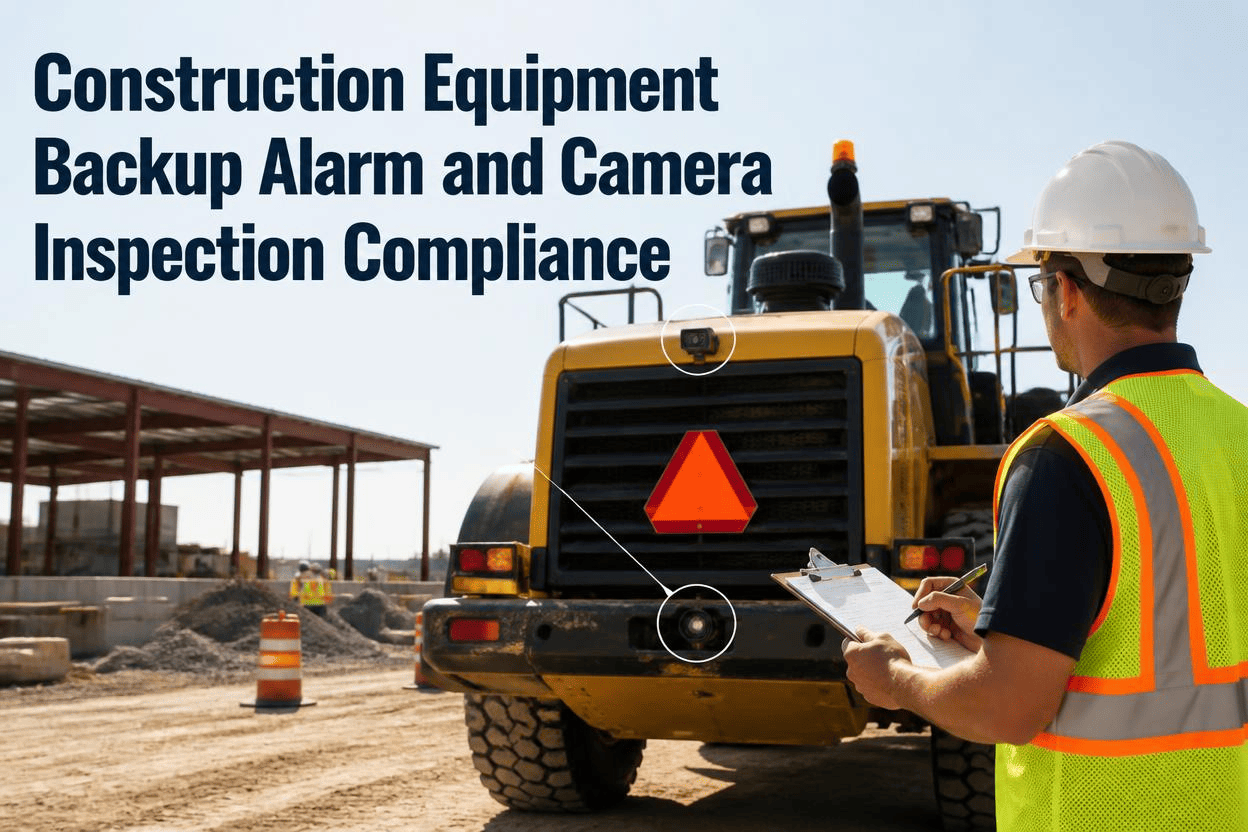
A dump truck backs up on a paving crew, the alarm sounding the same way it has all week. Nobody looks up. That's not carelessness, it's habituation, the well-documented pattern where a backup alarm that beeps constantly throughout the day eventually gets tuned out like background noise. Now imagine that same truck backing up with an alarm that's been disconnected entirely, or a rear camera with a cracked lens nobody reported. The worker who doesn't look up this time isn't going to get a second chance. Backup alarms and cameras are some of the cheapest, simplest safety devices on a jobsite, and they're also some of the most commonly found broken, bypassed, or ignored.
OSHA requires an operable reverse alarm, or an observer confirming it's safe to back up, on earthmoving equipment with an obstructed rear view. Backover incidents killed over 70 workers in a single recent year tracked by the Bureau of Labor Statistics, and OSHA has investigated multiple fatal cases specifically tied to alarms that weren't working. A functioning alarm or camera only protects a crew if it's actually inspected, since these systems fail quietly and often go unnoticed until an incident happens. FleetRabbit's inspection checklist verifies backup alarms and cameras are working before equipment moves.
Why A Backup Alarm Alone Isn't Always Enough
OSHA's rule for earthmoving equipment gives employers a choice: an operable reverse alarm distinguishable from surrounding noise, or a person confirming it's safe to back up. In practice, most jobsites rely on the alarm alone, but each layer of backup protection has its own strengths and its own failure point.
| Safety System | How It Protects Workers | Where It Commonly Fails |
|---|---|---|
| Audible Backup Alarm | Warns nearby workers a vehicle is reversing before it moves | Habituation from constant use, jobsite noise, or a disconnected wire |
| Rear Camera | Gives the operator direct visibility into blind spots behind the equipment | Dirty or cracked lens, dead display, or a camera never reconnected after repair |
| Spotter Or Signal Person | A dedicated set of eyes confirming the path is clear before backing | Fatigue, distraction, or simply not being present at the moment of movement |
| Proximity Sensors | Detects nearby workers automatically and alerts the operator regardless of noise or visibility | Sensor misalignment or coverage gaps if not calibrated for the specific machine |
Why Layering Systems Matters
No single system covers every failure mode on its own, which is why OSHA and safety researchers consistently recommend combining them: an alarm backed up by a camera, or a camera backed up by a spotter in high-traffic zones. A machine relying on one method, and one method only, is one broken part away from having no backing protection at all.
The Numbers Behind Backover Incidents
Backing incidents aren't a minor category of construction risk. They're a well-documented, repeat cause of worker deaths, and investigations keep pointing back to the same root causes.
Backup Systems Checked Every Shift
FleetRabbit's inspection checklist confirms alarms and cameras are functioning before equipment leaves the yard. Sign up free and put a real check in front of every operator.
Four Ways Backup Safety Systems Quietly Fail
Nobody decides one morning to disable a backup alarm. These systems fail gradually, in ways that are easy to miss unless someone is specifically checking for them.
Disconnected Or Damaged Wiring
Habituation And Ignored Alarms
Jobsite Noise Drowns The Signal
Dirty Or Failed Camera Displays
Why These Failures Stay Hidden
An alarm that still makes noise, even a weak or partially working one, sounds fine from the operator's seat. A camera display that flickers occasionally still looks functional at a glance. These systems rarely fail all at once, which is exactly why a specific, repeated check matters more than trusting that "it worked yesterday."
Building An Inspection Process That Catches These Failures
Catching a failed alarm or camera before a shift starts, instead of after an incident, comes down to making the check specific, required, and documented every single time.
Test The Alarm With Every Pre-Start Check
Shift the machine into reverse and confirm the alarm actually sounds, rather than assuming it's working because it was fine last week.
Check The Camera Feed, Not Just The Power Light
Confirm the display actually shows a clear, current image of the area behind the equipment, since a powered-on screen doesn't guarantee a working camera.
Log The Result Every Time, Not Just The Failures
A passing check that's documented builds a record proving the system was verified, which matters just as much as catching a defect during an audit.
Remove The Equipment From Service Until It's Fixed
A machine with a failed alarm or camera should be tagged and pulled from active work immediately rather than allowed to keep running "just for today."
Once alarm and camera checks are a required part of every pre-start routine, the failures that used to go unnoticed for weeks get caught the same morning they happen. You can book a demo to see how this fits your inspection process, or sign up free to start verifying backup systems today.
Alarm And Camera Checks Built Into Every Shift
FleetRabbit makes backup alarm and camera verification a required step before equipment goes to work, with every result logged automatically.
Frequently Asked Questions
Don't Let A Silent Alarm Or Dead Camera Go Unnoticed
FleetRabbit verifies backup alarms and cameras are working before equipment moves, with every check logged automatically for compliance and peace of mind. Start free with three machines, no credit card required.







