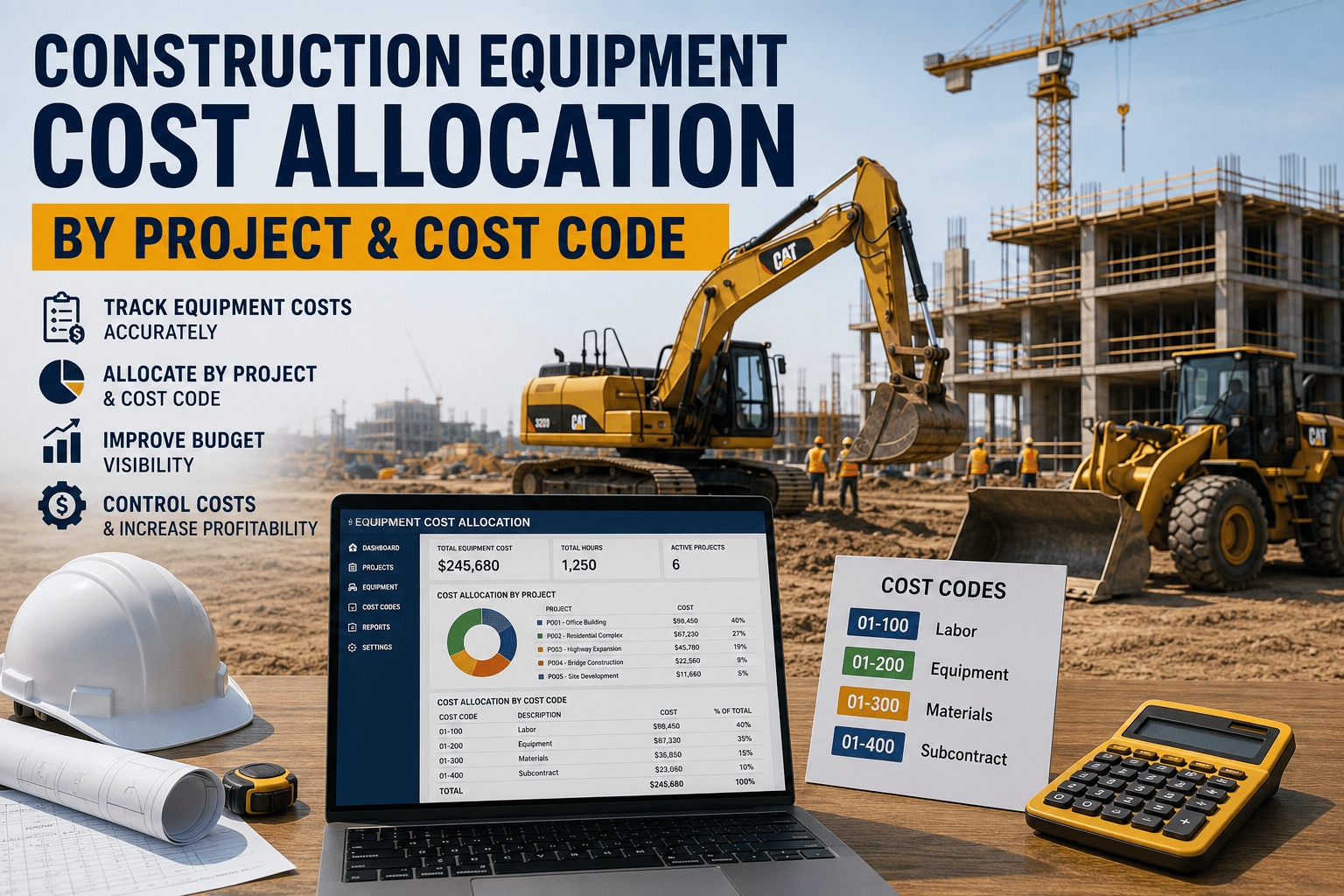
An excavator splits its week between two job sites, but the fuel card gets swiped once and the hours never get split. A month later, one project looks over budget and the other looks unusually profitable, and neither number is true. Equipment cost allocation is where job costing quietly falls apart, because machine hours are harder to capture in real time than a labor timesheet or a material receipt.
Construction Equipment Cost Allocation by Project and Cost Code
Equipment cost, including purchase or rental cost, fuel, maintenance, and operator time, needs to land on the exact project and cost code that incurred it, the same way labor and materials already do. When machine hours are logged manually and days late, equipment cost drifts into a general overhead bucket, and job cost reports understate the true cost of the projects actually using that equipment.
Why Equipment Cost Allocation Breaks Down
Construction job costing depends on tracking labor, materials, and equipment against a project and a cost code, so every dollar lands where it was actually spent. Equipment-related cost codes are meant to capture purchase, rental, maintenance, and repair cost for exactly this reason. In practice, equipment is the hardest of the three to allocate accurately, because a machine can move between sites in a single day while a fuel card, a maintenance invoice, and a depreciation schedule all keep tracking it as one asset rather than as time spent on specific jobs.
The result looks a lot like the labor burden problem contractors already know well: if a cost isn't captured completely and assigned correctly, the project's true cost gets understated, sometimes by a wide margin. Except with equipment, the failure point isn't a missed benefits calculation, it's a missed hour log, and those add up fast across a mixed fleet running several projects at once.
FleetRabbit captures engine hours and location at the source and tags them to the correct project and cost code in real time, so job cost reports reflect what equipment actually did, not a rough estimate from a weekly timesheet. Sign up for FleetRabbit or book a demo to see it mapped to your own cost code structure.
Building A Cost Code Structure That Actually Fits Equipment
Most cost code frameworks were built with labor and materials in mind first, and equipment gets bolted on afterward. Getting equipment costs onto the right code means accounting for how machines actually move through a mixed fleet.
| Cost Component | What It Should Capture | Common Misallocation | How To Fix It |
|---|---|---|---|
| Rental Fees | Daily or weekly rate for the exact project using the rented unit | Charged to whichever job placed the order, even if used elsewhere | Tag the rental to the site by GPS location, not the ordering project |
| Owned Equipment Hours | Depreciation and financing cost split by actual hours per job | Applied as a flat monthly charge regardless of usage | Allocate based on logged engine hours per project, not a fixed estimate |
| Fuel And Consumables | Fuel burned on the specific job where the machine was operating | One fuel card swipe covers a machine used across multiple sites | Match fuel logs to location and time stamps automatically |
| Maintenance And Repairs | Wear tied to the projects that generated the operating hours | Booked entirely to the site where the repair happened, not where the wear occurred | Distribute maintenance cost proportionally across the hours logged per job |
| Operator Labor | Time an operator spends running equipment on a specific job | Tracked under a general labor code, disconnected from the machine it relates to | Link operator time entries to the same job and cost code as the machine |
Getting Equipment Costs Onto The Right Code
This is a real sequence, and skipping a step is usually where allocation breaks down again.
Step One: Tag Every Machine To A Job Before Work Starts
Every unit that moves onto a site gets assigned to that project's cost code from the first hour, not retroactively once someone notices it there.
What to capture
Machine identifier, project and cost code, and the date the assignment starts.
Step Two: Capture Hours At The Source, Not At The Desk
Engine hours and location come directly from the machine, removing the gap between what a timesheet says and what actually happened on site.
What to capture
Start and stop times per site, split automatically when a machine moves between projects in the same day.
Step Three: Route Data Straight Into Job Cost Reports
Hours, fuel, and maintenance cost flow into the project's cost code the same day they occur, so a project manager reviewing the budget is looking at current numbers, not a stale estimate.
What to capture
A running total by cost code, updated continuously rather than reconciled at month-end.
FleetRabbit turns engine hours and location data into a live feed that lands directly on the right project and cost code, so job cost reports stay accurate without a month-end scramble. Start free with FleetRabbit or book a walkthrough of your cost codes.
What Changes Once Allocation Is Accurate
Accurate equipment cost allocation turns job costing from a month-end reconciliation exercise into a daily decision tool. Contractors are already investing heavily in this direction: a large share of firms plan to increase spending on automated cost analysis, because catching a misallocated cost while a project is still running is worth far more than explaining it after the fact. When equipment hours route straight to the correct project and cost code, project managers see real profitability by job, not a blended number that hides which sites are actually performing.
Frequently Asked Questions
Job costing is only as accurate as its weakest input, and for most contractors that weak point is equipment hours. Route every machine hour to the right project and cost code automatically, and stop discovering budget surprises at month-end. Start your free trial today, or book a demo and bring your current cost code structure.







