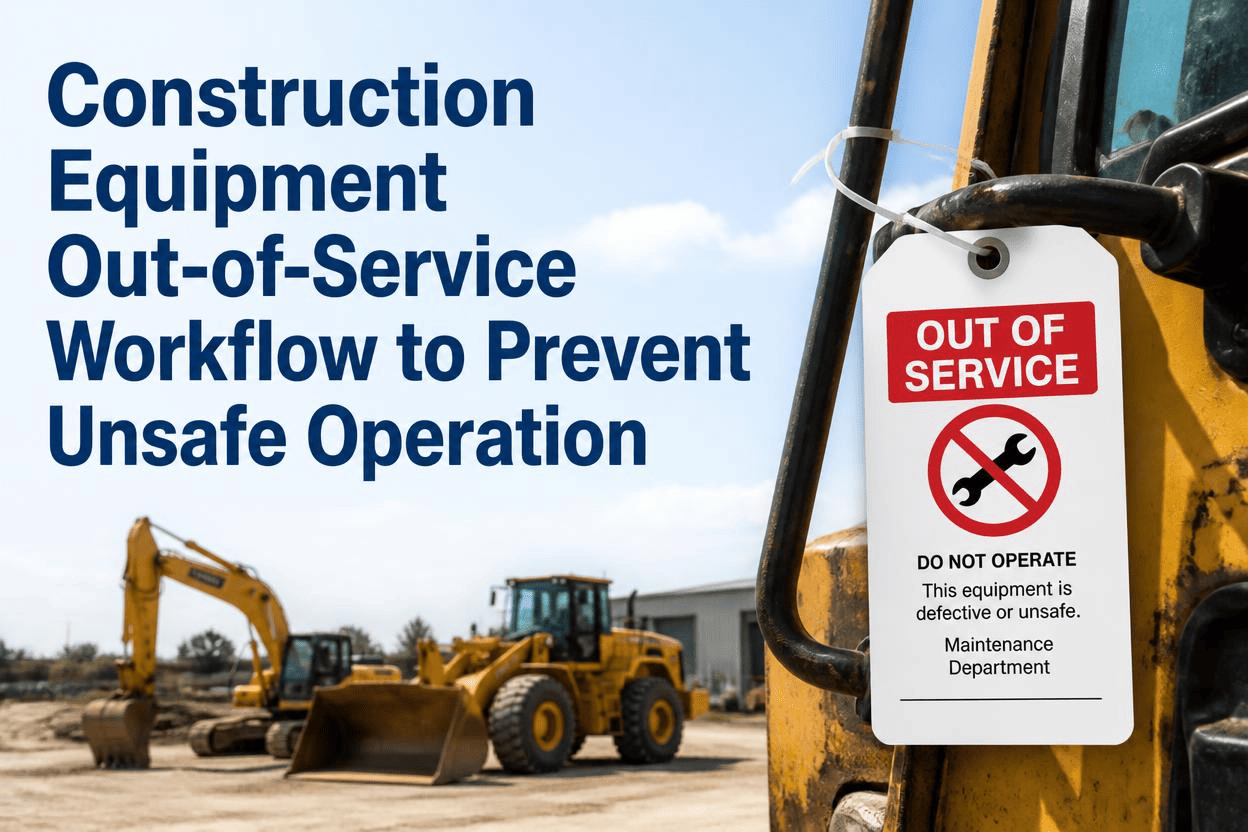
A technician inspecting a skid steer finds a cracked hydraulic line during a routine walk-around. He writes it on a paper inspection sheet, tucks it under the seat, and moves on to the next machine. Two hours later, a different operator grabs that same skid steer because nothing on the dispatch board says otherwise. The defect was caught. It just never reached the one place that could have stopped the machine from moving: the moment someone decided to operate it. That gap between flagging a defect and actually pulling equipment from service is where preventable incidents keep happening.
OSHA construction standards require equipment with a disqualifying defect to be tagged and removed from service immediately, not once paperwork reaches a supervisor. Ladders with cracked rails, cranes with worn wire rope, and equipment with unblocked raised attachments all fall under this rule. Yet most fleets still rely on a paper tag and a verbal heads-up, which means a flagged defect and an actual stop in operation can be separated by hours. An automated workflow that changes a machine's status the instant a defect is flagged closes that gap entirely.
Why The Paper Trail Creates A Dangerous Delay
A paper-based out-of-service process depends on a chain of people noticing, remembering, and acting in sequence. A technician tags the machine. The tag has to be seen. Someone has to update a whiteboard or radio the yard. The next operator has to check that update before climbing in. Any single break in that chain, a tag that falls off, a shift change, a rushed morning, means a defective machine gets dispatched as if nothing was ever wrong. This isn't a training failure. It's a structural weakness in how the information travels.
FleetRabbit changes a machine's status to out-of-service the moment a defect is flagged during inspection, visible instantly on the dispatch board and to every technician's mobile device. Start your free trial and remove the paper trail from your safety process entirely.
What Should Automatically Trigger An Out-Of-Service Status
Not every noted issue needs to pull a machine from rotation immediately. A workflow needs clear criteria for which defects trigger an automatic status change versus which get scheduled for routine repair. The table below outlines common construction equipment defects and how each should be handled.
| Defect Type | Example Condition | Required Action | Who Can Clear It |
|---|---|---|---|
| Structural Damage | Cracked hydraulic line, split ladder rail, worn wire rope past limit | Immediate out-of-service tag, machine removed from dispatch | Qualified technician after verified repair |
| Safety Function Failure | Backup alarm, warning light, or seat belt interlock not working | Function tagged out of service, equipment restricted until fixed | Technician who confirms function restored |
| Fluid Or Pressure Loss | Hydraulic leak, low brake fluid, air pressure below safe threshold | Immediate removal from service pending inspection | Qualified technician after root cause repair |
| Minor Cosmetic Wear | Faded decals, surface rust, worn upholstery | Logged for scheduled maintenance, no dispatch restriction | Standard maintenance sign-off |
| Attachment Or Blocking Issue | Bucket, blade, or apron not fully lowered or blocked during service | Immediate stop-work until blocking is verified in place | Supervisor or competent person on site |
Notice Tags Versus Do Not Use Tags
Out-of-service tagging isn't one size fits all. A notice-level tag flags a developing issue that needs attention soon but doesn't make the equipment immediately dangerous to operate. A do-not-use tag means the equipment must stop moving the instant the tag goes on, with no exceptions until a qualified person verifies the repair. Building both severity levels into a workflow prevents the common mistake of treating every flagged issue the same way, which either causes unnecessary equipment downtime or, worse, lets a serious defect slip through as a minor note.
Getting Severity Classification Right
Severity should be assigned at the moment of inspection, not decided later by whoever happens to read the report. Building the classification into the inspection checklist itself, rather than leaving it to a technician's judgment call under time pressure, keeps the response consistent across every crew and every shift.
Building An Automated Out-Of-Service Workflow
A workflow that actually prevents unsafe operation needs four connected pieces working together: the flag, the lock, the notification, and the verified release. Skipping any one of these turns the process back into a paper trail with extra steps.
Flag The Defect At The Point Of Inspection
The workflow starts the moment a technician notes an issue on a digital inspection form, not after the form is reviewed by someone else. Severity gets assigned right there, based on the criteria built into the checklist.
Lock The Equipment's Status Immediately
A do-not-use classification should change the machine's status in the system instantly, before the technician even finishes the inspection. This removes the machine from the available dispatch list automatically, so nobody has to remember to do it manually.
Notify Everyone Who Might Use It
Dispatchers, supervisors, and any operator who might reach for that machine need a real-time alert, not a note buried in an inspection log they may never open. A visible status flag on the dispatch board and a push notification to the crew closes this step.
Require Verified Release Before Return To Service
Only a qualified technician should be able to clear a do-not-use status, and that clearance should require confirming the specific repair, not just marking the record complete. This is the same principle behind lockout-tagout release, applied to the equipment's operational status itself.
FleetRabbit's work order system flags defects, locks equipment status, notifies your whole crew in real time, and requires a qualified technician to verify repair before a machine returns to dispatch. Book a demo to see the full workflow on your own fleet.
Tracking Whether The Workflow Is Actually Working
Time from flag to lock is the most important number in this entire process. It measures the gap between a technician noticing a defect and the equipment actually becoming unavailable for dispatch. A workflow with true automation should show this measured in seconds, not hours or shifts. Time to verified release tracks how long equipment sits out of service before a qualified technician confirms repair, which reveals whether repairs are being rushed through without proper verification or genuinely delayed by parts or scheduling. Repeat defect rate by machine flags equipment that keeps generating the same out-of-service event, often pointing to a root cause that a quick repair isn't actually fixing.
What A Strong Workflow Looks Like In Practice
A mature workflow shows a near-zero gap between flag and lock, a steady and predictable time to verified release, and a declining repeat defect rate as recurring root causes get addressed instead of patched repeatedly. Those three trends together are a much stronger signal of program health than simply counting how many inspections were completed.
Every hour between a defect being noticed and a machine actually being pulled from service is an hour of unnecessary risk. FleetRabbit closes that gap by changing equipment status the instant a defect is flagged, notifying your crew in real time, and requiring verified sign-off before anything goes back into rotation.







