Ask a superintendent why a machine is still sitting on their site three days after the work finished, and you will usually get the same honest answer. They are not sure it will actually show up when the next job needs it, so they keep it just in case. That single habit, repeated across every active site, is how a fleet with plenty of equipment still runs short. The real problem was never a lack of machines. It was a lack of visibility into where they already were.
Construction fleets running dispatch through phone calls, whiteboards, and spreadsheets lose track of equipment location, availability, and confirmation status the moment they pass three or more active job sites. That gap creates equipment hoarding, double-bookings, and idle machines that cost mid-sized contractors tens of thousands of dollars a year. Real-time dispatch software that shows live availability, matches certified operators, and confirms assignments automatically closes that gap and lets fleet managers allocate equipment based on facts instead of guesses.
Where Manual Dispatch Quietly Falls Apart
Phone-and-spreadsheet dispatch works fine for one or two active jobs. Add a third site, and the same process that used to feel manageable starts producing the same three failures on repeat.
What This Actually Costs A Mid-Sized Fleet
A general contractor running 15 to 40 pieces of equipment across three to eight active job sites commonly loses tens of thousands of dollars annually to dispatch inefficiency alone, from idle time, scheduling errors, and equipment sitting unused on one site while another desperately needs it. None of it shows up as a single line item. It accumulates quietly, one mis-dispatched machine at a time.
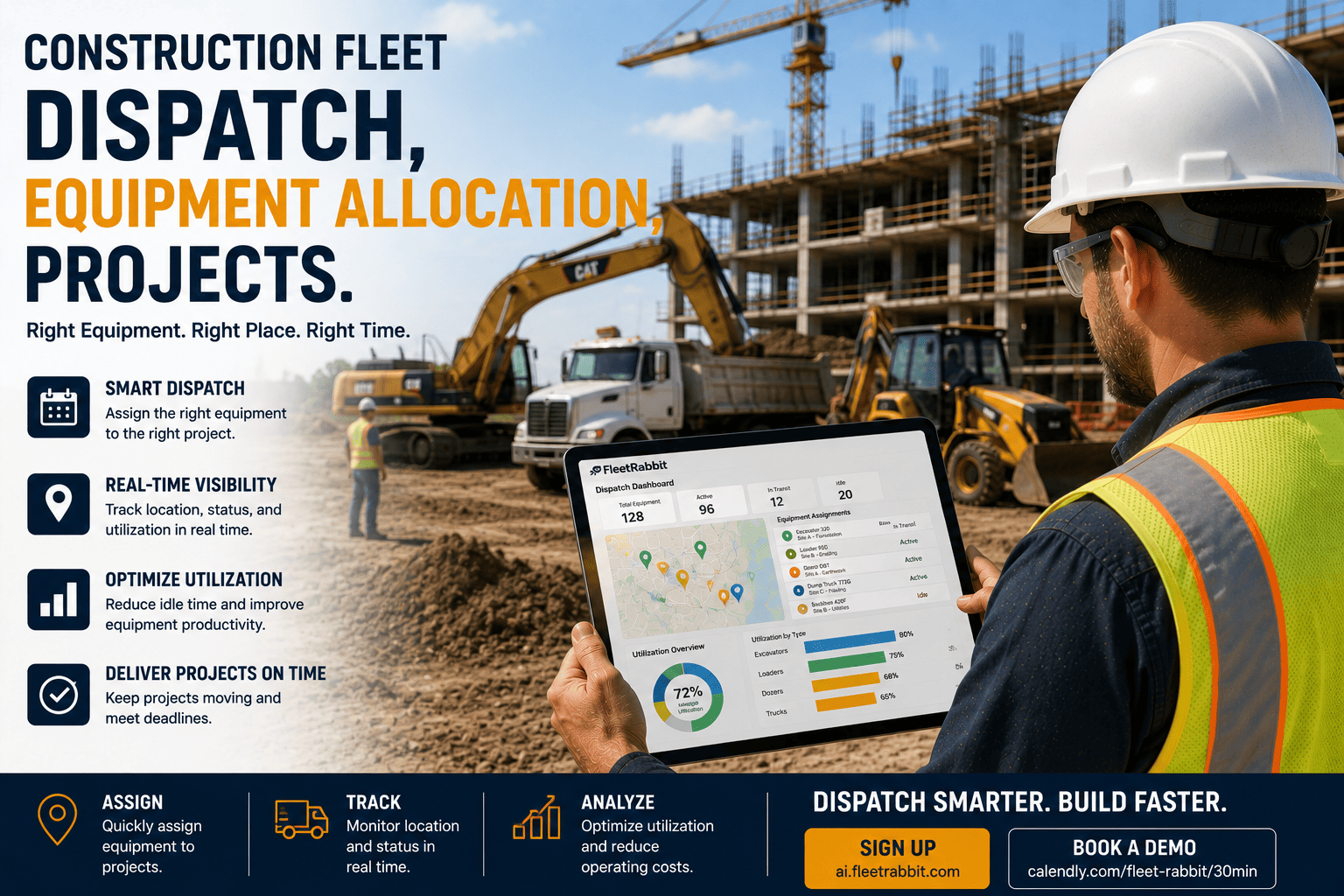
FleetRabbit gives dispatchers a real-time view of every machine, its location, and its assignment status, replacing the phone calls and spreadsheets that create hoarding and double-bookings. If you want to see it running on your own fleet, you can start a free trial today.
How A Dispatch Request Should Actually Flow
Real-time equipment dispatch replaces the string of phone calls with a single, visible workflow. Every request follows the same path, and every step is trackable by anyone who needs to see it.
Step One: The Request Comes In
A site supervisor submits what is needed and when, whether that is a specific machine type or any unit that meets a set of requirements. No more guessing which yard to call first.
Step Two: The System Scans Availability
Instead of a dispatcher working the phones, the platform scans the entire fleet for machines that match the request, are not already committed elsewhere during that window, and have completed any required maintenance.
Step Three: Options Get Ranked By Distance
The dispatcher sees a short list of available units ranked by transport time and distance, rather than defaulting to whichever yard happens to answer the phone first. The nearest qualified machine usually wins, and everyone can see why.
Step Four: Assignment And Confirmation
Once selected, the equipment and a certified operator are matched and notified automatically, with reporting time and site directions included. The supervisor sees a confirmed assignment instead of a verbal promise that may or may not hold.
| Dispatch Factor | Manual Process | Real-Time Dispatch |
|---|---|---|
| Equipment Location | Based on the last phone call or memory | Live GPS location visible to every dispatcher |
| Availability Check | Calling multiple yards to ask who is free | Instant fleet-wide scan against the request |
| Conflict Detection | Discovered when a truck arrives and the unit is gone | Blocked automatically before double-booking happens |
| Operator Matching | Manually checked, if checked at all | Certification and license validity confirmed automatically |
| Confirmation Trail | A verbal yes, with no written record | Timestamped confirmation visible to office and field |
Allocation Decisions That Actually Hold Up
Visibility alone does not fix allocation. What changes outcomes is using that visibility to make decisions that account for certification, distance, and utilization, not just whoever calls the yard loudest.
Match Certifications Before Distance
An available machine close to the site is worthless if no certified operator can run it that day. Checking license validity, training completion, and medical clearance before dispatch prevents a confirmed assignment from unraveling once the truck arrives.
Weigh Transport Time Against Idle Time
Sometimes the closest machine is not the best choice if it is scheduled for maintenance the following week, and a slightly farther unit avoids a second disruption entirely. Ranking options by more than raw distance produces fewer repeat conflicts.
Build Trust So Hoarding Stops On Its Own
Once a supervisor sees that a request gets confirmed and tracked reliably, the incentive to hold equipment longer than necessary disappears. Trust in the process, not a policy memo, is what actually ends hoarding.
FleetRabbit checks certifications, transport distance, and maintenance status before confirming any assignment, so equipment gets allocated based on facts instead of who called first. Ready to see your fleet run this way? Book a free demo and we will walk through it together.
Getting Started Without Disrupting Active Sites
Switching dispatch processes mid-project understandably makes fleet managers nervous. A staged rollout keeps active sites moving while the new visibility takes hold.
Start With Your Highest-Conflict Equipment
Rather than digitizing every asset at once, begin with the equipment categories generating the most repeat conflicts, such as excavators or compact loaders shared across several concurrent sites. Early wins there build confidence fast.
Keep A Shared View For Office And Field
The gap between what the office believes the schedule says and what is actually happening on site is where money quietly disappears. A shared, real-time dispatch board closes that gap by giving both sides the same information at the same time.
Every hour equipment sits idle on one site while another site waits is money your fleet is quietly losing. FleetRabbit gives your team real-time equipment visibility, automatic conflict detection, and certified operator matching across every active project. Start free and see your fleet-wide availability today.







