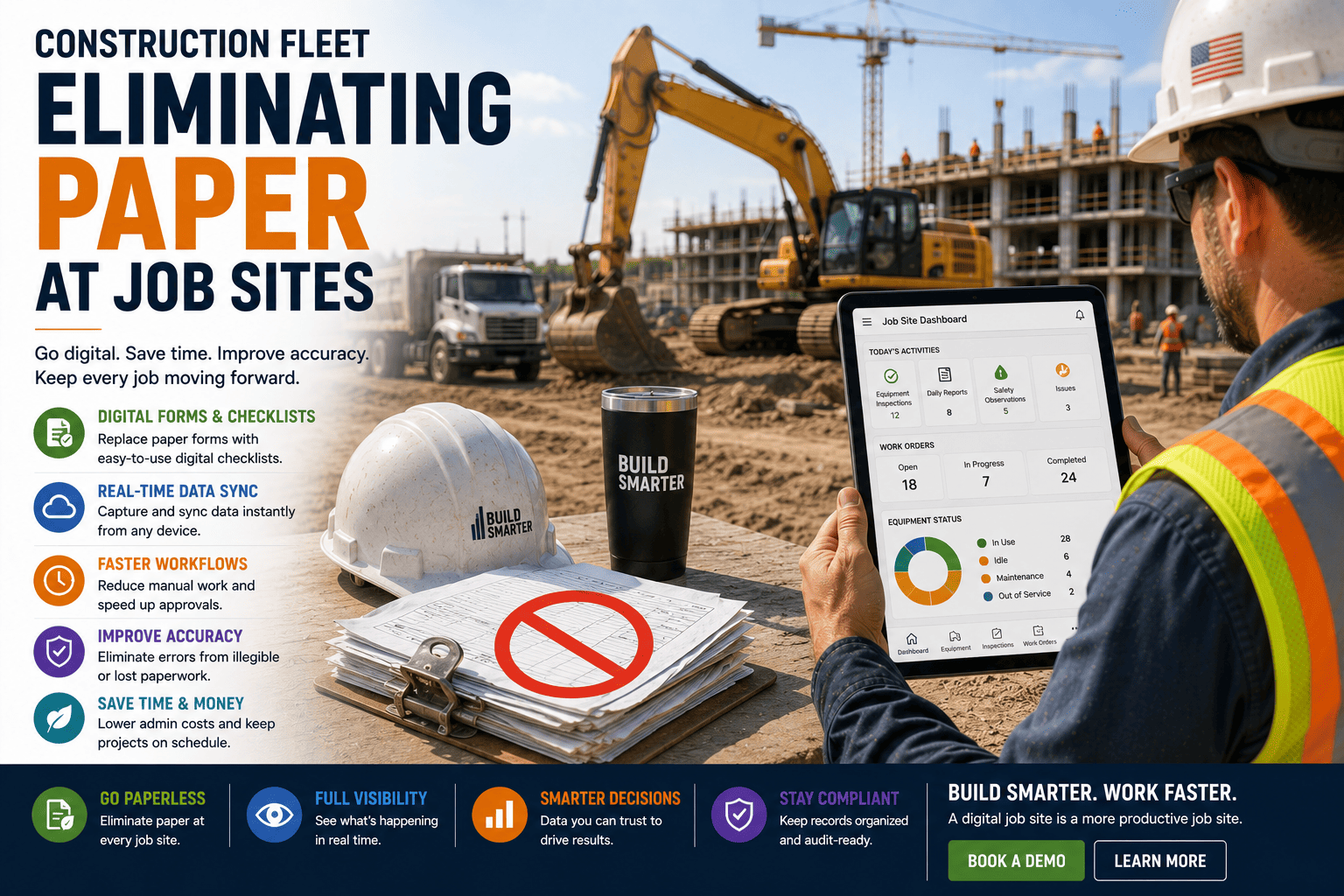
Walk any construction trailer and you'll find the same thing: a clipboard by the door, a stack of inspection sheets on the desk, and a filing cabinet nobody wants to open before an audit. Paper has run construction job sites for decades, and it still works, in the sense that forms get filled out and boxes get checked. What it doesn't do well is move information from the field to the office fast enough, accurately enough, or searchably enough to keep a project on budget. Every handwritten form is a small bet that someone will read it correctly, file it properly, and find it again months later. That bet doesn't always pay off.
Manual documentation costs mid-size contractors 180000 to 450000 dollars a year in direct waste, before counting rework, disputes, and compliance penalties. Paper daily reports take 30 to 45 minutes versus 5 to 10 minutes digitally, and 5 to 10 percent of paper forms are lost, damaged, or never returned. Digitizing job site paperwork typically pays for itself within 90 days.
Where Paper Still Lives on Your Job Site
Most contractors don't run on one paper process, they run on several, layered on top of each other. Equipment inspections, work orders, daily logs, and safety checklists each have their own paper trail, and each one carries its own version of the same problems.
Equipment Inspections
Pre-shift checklists get filled out by hand, and a missed field or unclear note can hide a defect until it becomes a breakdown.
Work Orders
Paper work orders travel between crews and shops by hand, often arriving after the repair window they were meant to schedule.
Daily Logs
Superintendents lose 30 to 45 minutes a day writing up daily reports by hand, time that never shows up as billable work.
Safety & Compliance
Incident reports and permits sit in a binder until an audit forces someone to hunt through years of paper for the right page.
FleetRabbit turns inspections, work orders, and daily logs into digital forms your crews already know how to fill out. Start your free trial and see your first digital inspection synced before the shift ends.
The Real Cost of Staying on Paper
None of these problems show up as a single dramatic expense. They show up as small delays and small errors, repeated across every crew, every day, for years.
| Paper-Based Cost | Typical Impact |
|---|---|
| Manual Documentation Waste | $180,000 - $450,000 per year for a mid-size contractor |
| Daily Report Time per Superintendent | 30 - 45 minutes on paper vs. 5 - 10 minutes digital |
| Lost or Damaged Forms | 5% - 10% of paper records never make it back |
| Record Retrieval Time | Minutes to half a day, versus a ten-second digital search |
| Dispute Resolution Cost | Complete digital records settle disputes 47% faster and 31% cheaper |
What Changes When You Go Digital
Fewer Errors, Faster Fixes
Digital forms can require fields, validate entries, and flag missing information before a form is submitted, closing the gap that handwriting and inconsistent notes leave open.
Real-Time Visibility
Instead of a form sitting in a truck for days, an inspection or work order syncs to the office the moment it's completed, so problems get addressed the same shift instead of the same month.
Audit-Ready Records
Every digital record is timestamped and searchable, turning an audit that used to mean hours of file pulling into a search that takes seconds.
Making the Switch Without the Chaos
Moving a crew off paper doesn't require replacing everything at once. A staged rollout keeps the transition manageable and builds trust in the new process.
FleetRabbit replaces inspections, work orders, and daily logs with a single connected digital workflow. Talk to our team and book a demo to see how a phased rollout would work for your crews.
How FleetRabbit Eliminates Paper
FleetRabbit replaces the clipboard with a connected digital workflow built for job sites, not office desks.
Digital Inspection Checklists
Crews complete pre-shift and post-shift inspections on a phone or tablet, with required fields and photo capture that a paper form can't enforce.
Electronic Work Orders
Work orders route directly from the field to the shop in real time, replacing the paper handoff that used to add days to a repair.
Automated Daily Logs
Voice-to-text and structured fields cut daily reporting from 30 to 45 minutes down to a few minutes per superintendent per day.
Searchable Compliance Records
Every inspection, incident report, and permit is timestamped and stored digitally, so audits and disputes are answered with a search instead of a search party through old boxes.
Every handwritten form is a small delay waiting to happen, from a missed inspection detail to a report that never makes it back to the office. FleetRabbit replaces the paper trail with one connected digital workflow your team can use from day one. Start your free trial today with no credit card required.







