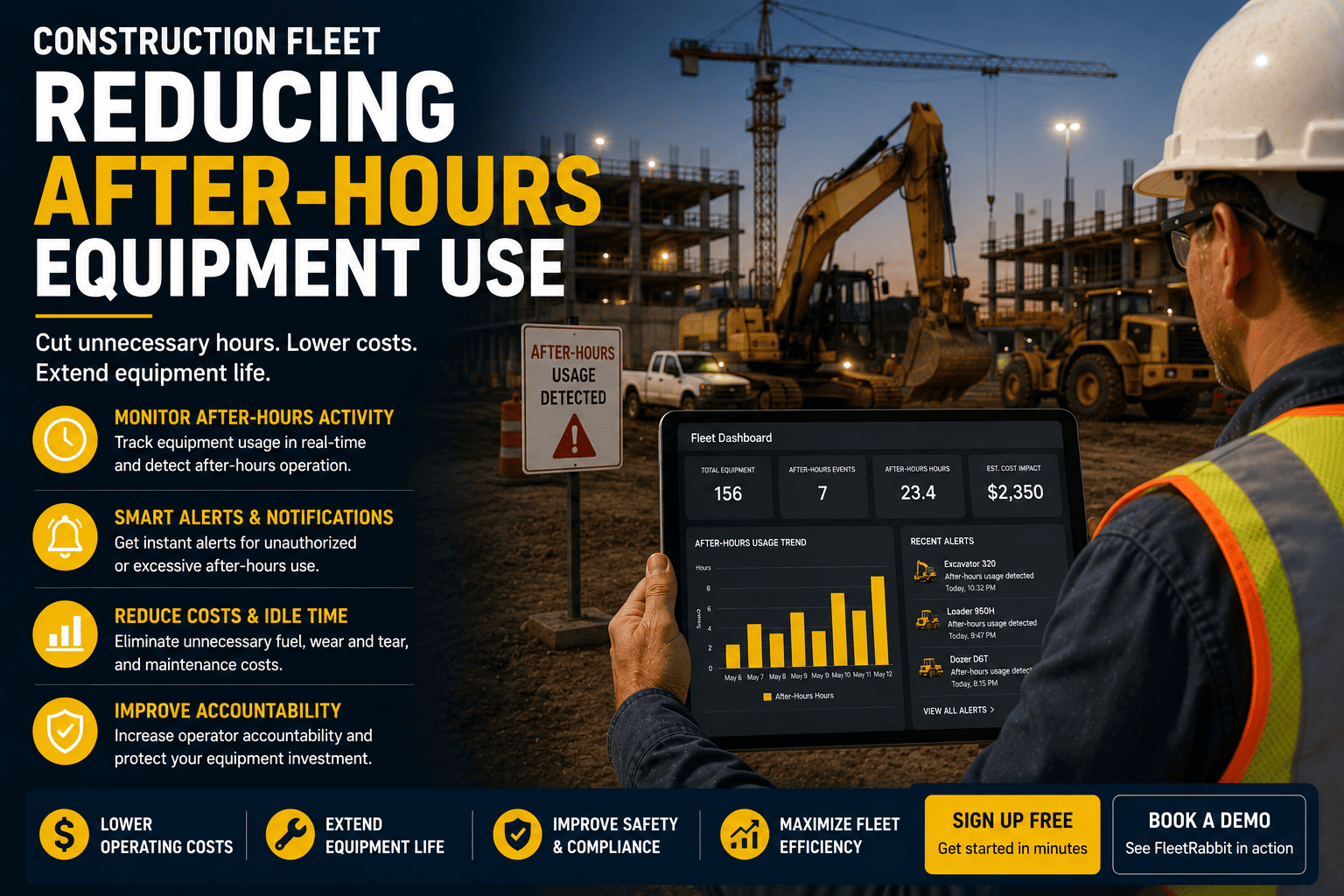
Every construction fleet has a quiet window between the last truck leaving the site and the first crew arriving the next morning, and that window is where a surprising amount of damage happens. A machine started up after hours might be an operator sneaking in overtime on a side job, a curious trespasser, or the opening move of a theft that ends with the equipment gone by sunrise. Most fleet managers only find out something happened when the fuel bill looks wrong, a maintenance interval comes due early, or the machine simply isn't where it was parked. By then, the moment to actually stop it has already passed. Knowing the instant a piece of equipment moves outside approved hours is what turns after-hours risk from a monthly surprise into something you can act on in real time.
The majority of construction equipment theft and unauthorized use happens between 5 PM and 7 AM, once crews leave and before the site wakes up. Beyond theft, after-hours operation quietly inflates fuel spend, shortens maintenance intervals, and creates liability if an unapproved operator is involved in an incident. Real-time geofence and after-hours alerts let fleet managers catch unauthorized activity within minutes instead of discovering it days later.
The Hours Nobody Is Watching
Construction sites run on predictable schedules, and that predictability is exactly what makes the after-hours window risky. Once the last operator clocks out, equipment sits alone, often for 12 hours or more before anyone returns. On a Friday afternoon, that gap stretches even further. Understanding how long that unwatched window actually is puts the scale of the problem in perspective.
What After-Hours Use Actually Costs A Fleet
Unauthorized operation doesn't have to end in a missing machine to hurt your bottom line. Even routine after-hours use, like an operator running a machine for an unapproved side job, quietly erodes margin in ways that are easy to miss until they show up in the numbers.
Fuel Spend Climbs Without An Obvious Reason
Unauthorized personal use and unmonitored fuel access account for a meaningful share of total fleet fuel expenditure in fleets that don't cross-reference fuel transactions against GPS location and odometer data. Add in the fact that a notable portion of the fuel a machine burns is lost to nonproductive idling, and it's easy for after-hours activity to disappear inside a fuel bill nobody is auditing line by line.
Maintenance Intervals Arrive Early
Engine hours logged during unauthorized operation still count against your service schedule. A machine running quietly overnight racks up wear that pulls its next inspection or overhaul forward, without anyone budgeting for the earlier cost.
Theft Risk Rises Sharply
Construction equipment theft costs the US industry between roughly 300 million and 1 billion dollars a year, and fewer than 25 percent of stolen machines are ever recovered once they leave the site. The overwhelming majority of these incidents begin during the same after-hours window that unauthorized use exploits, which is why catching unapproved activity early is also your best defense against outright theft.
Liability Follows The Operator, Not The Schedule
If an unapproved operator is involved in an incident while running equipment after hours, the liability exposure lands on the fleet owner regardless of whether the use was sanctioned. Knowing exactly who was operating a machine and when is as much a legal safeguard as a financial one.
FleetRabbit watches every asset against your approved working hours and sends an alert the instant something moves outside them. Sign up free to set your first geofence in minutes, or book a demo to see real-time after-hours alerts on your own equipment list.
Building After-Hours Rules That Actually Catch Something
Reducing after-hours use isn't about watching a live map all night. It's about setting rules once, in advance, so the system does the watching and only pings you when something falls outside them. Most fleets get real results from four settings working together.
Define Approved Hours Per Site, Not Per Fleet
A downtown project with a night security guard has different acceptable hours than a rural site with no one on-site after dark. Set the window per location rather than applying one blanket schedule to every asset.
Draw A Geofence Around Every Active Site
A geofence turns "the machine moved" into "the machine left the approved boundary," which is the distinction that separates a false alarm from a real one worth acting on immediately.
Alert On Ignition, Not Just Movement
Catching an engine start outside approved hours gives you a warning before the machine ever leaves the yard, which is the earliest possible point to intervene.
Route Alerts To A Person, Not A Dashboard
An alert that sits unread in a portal until Monday morning is no better than no alert at all. Text or app notifications to an on-call manager close the gap between detection and action.
| Rule Type | What It Catches | Typical Response Time |
|---|---|---|
| After-Hours Ignition Alert | Any engine start outside the defined working window for that site | Within seconds of ignition |
| Geofence Exit Alert | Equipment leaving the approved site boundary at any time | Real time, as the boundary is crossed |
| Unusual Idle Or Runtime Alert | Extended engine runtime that doesn't match the assigned task or schedule | Flagged same day for review |
Turning An Alert Into A Habit, Not A Headache
Setting up alerts is the easy part. What separates fleets that actually reduce after-hours use from those that keep getting surprised is a short, repeatable response every time an alert fires.
Check the asset and location first. Confirm which machine triggered the alert and where it is right now relative to its approved site boundary.
Confirm whether it's authorized. A quick call to the site supervisor rules out legitimate exceptions, like an approved late pour, before anyone assumes the worst.
Escalate immediately if it isn't. If the activity can't be confirmed as authorized, escalate to site security or law enforcement while the equipment is still trackable, since recovery odds drop fast once a machine leaves the immediate area.
Review the pattern weekly. A single after-hours alert might be a one-off. Repeated alerts on the same asset or site usually point to a policy gap or a recurring unauthorized user worth addressing directly.
FleetRabbit's real-time monitoring watches every machine against your approved hours and geofences, alerting you the moment something is off. Start free and set your first alert today.







