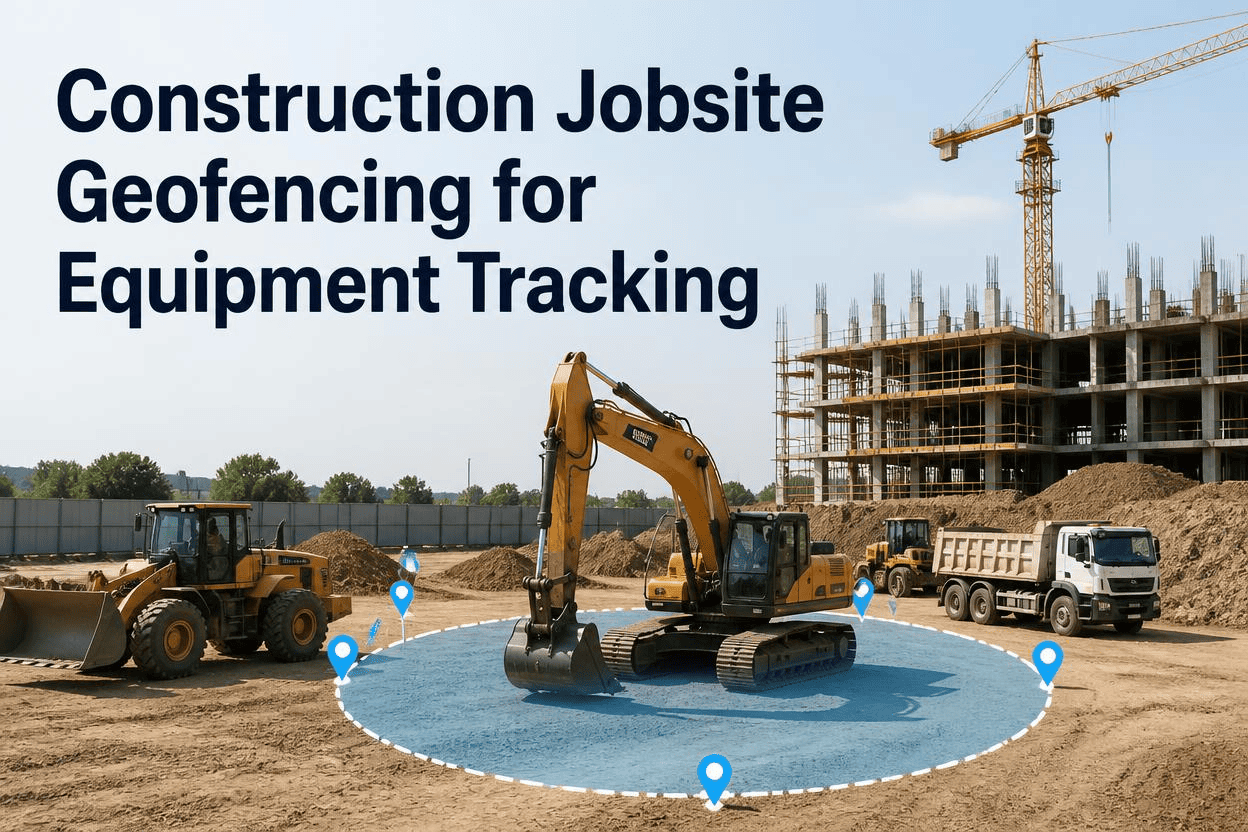
A geofence is nothing more than a line drawn on a map, yet that line is often the difference between catching a stolen excavator before it leaves the yard and finding out three days later that it is gone for good. For construction fleets spread across multiple active sites, a virtual boundary turns a passive GPS dot into an active alarm, one that fires the instant a machine crosses a line it should not cross, whether that is after hours, on a weekend, or during a normal workday when it simply should not be moving at all.
Construction jobsite geofencing draws a virtual boundary around a site, yard, or restricted zone and sends an instant alert the moment tracked equipment crosses it. Paired with GPS tracking, geofencing turns unauthorized movement into an immediate notification instead of a discovery made hours or days later, improving both equipment accountability and theft response. Sign up with FleetRabbit to start geofencing your active sites, or book a demo to see alerts fire in real time.
What a Geofence Actually Does on an Active Jobsite
Geofencing turns a static map into a live rule set. Instead of checking a dashboard every few hours to confirm equipment is still where it belongs, a fleet manager defines the boundary once and lets the system watch it continuously. The moment a tracked asset crosses that line, whether entering, exiting, or lingering somewhere it should not be, the platform fires an alert with a timestamp, a location, and often a direction of travel.
Beyond Theft: Automatic Accountability
Geofencing does more than guard against theft. Many platforms automatically assign a machine to a project the moment it enters that project's boundary, and unassign it the moment it leaves. That single feature keeps utilization records, billing data, and site history accurate without anyone manually updating a spreadsheet after the fact.
Turning Boundaries Into Documentation
Every entry, exit, and after-hours movement builds a timestamped history for a given asset. That record becomes valuable far beyond security, supporting insurance claims, contractor billing disputes, audits, and utilization reviews that would otherwise rely on someone's memory of where a machine was on a given day.
FleetRabbit lets you draw unlimited geofences around job sites, yards, and restricted zones, with alerts delivered the moment equipment crosses a line it shouldn't. Sign up free and set your first geofence in minutes.
The Three Geofence Types Every Fleet Should Run
Not every boundary serves the same purpose. Construction fleets that get the most out of geofencing typically layer three distinct zone types rather than relying on a single perimeter around one location.
| Geofence Type | What It Covers | Primary Purpose |
|---|---|---|
| Job-Site Fence | A circle or polygon drawn around a single active project | Confirms equipment stays on the correct project and flags unexpected departures |
| Equipment Yard Fence | A boundary around the shop, storage lot, or staging yard | Triggers the instant an asset rolls past the gate, day or night |
| After-Hours Zone | A time-based rule active during set overnight or weekend windows | Treats any movement during high-risk hours as suspicious by default |
Setting Up Geofencing That Actually Gets Used
A geofence only helps if it is configured correctly and someone is positioned to act on the alert it sends. Building the system in the right order avoids the two most common failure points: boundaries too loose to catch real problems, and alerts nobody is watching.
Start With Your Highest-Value Sites and Assets
Rather than geofencing an entire fleet on day one, most contractors begin with their busiest active projects and their most expensive machines, then expand coverage as the workflow proves out.
Draw Precise Boundaries, Not Rough Circles
A polygon that follows the actual shape of a site or yard catches meaningful movement more accurately than a wide circle that includes public roads or neighboring lots, which can otherwise generate alerts that do not reflect a real problem.
Layer in Time-Based Rules
Since most equipment theft happens overnight and on weekends, adding a time-based after-hours zone on top of a standard job-site fence means any movement during those windows gets flagged automatically, without needing a separate manual check.
Route Alerts to Someone Who Can Respond
An alert that lands in an unread inbox is no better than no alert at all. Direct after-hours and weekend notifications to a fleet manager or on-call contact who can verify the movement and act immediately.
Review the Data, Not Just the Alerts
Beyond security, geofence history reveals how long machines actually sit idle at a site versus how long they work, exposing underused equipment, unnecessary rentals, and assets that stayed on a job longer than the schedule required.
FleetRabbit combines job-site, yard, and after-hours geofencing with live GPS tracking, so equipment accountability runs automatically across every site. Book a demo to see your fleet mapped out, or sign up to start today.
Frequently Asked Questions
Every hour without a geofence is an hour equipment can leave a site unnoticed. FleetRabbit watches every boundary you set and sends an instant alert the moment something crosses it, day or night.







