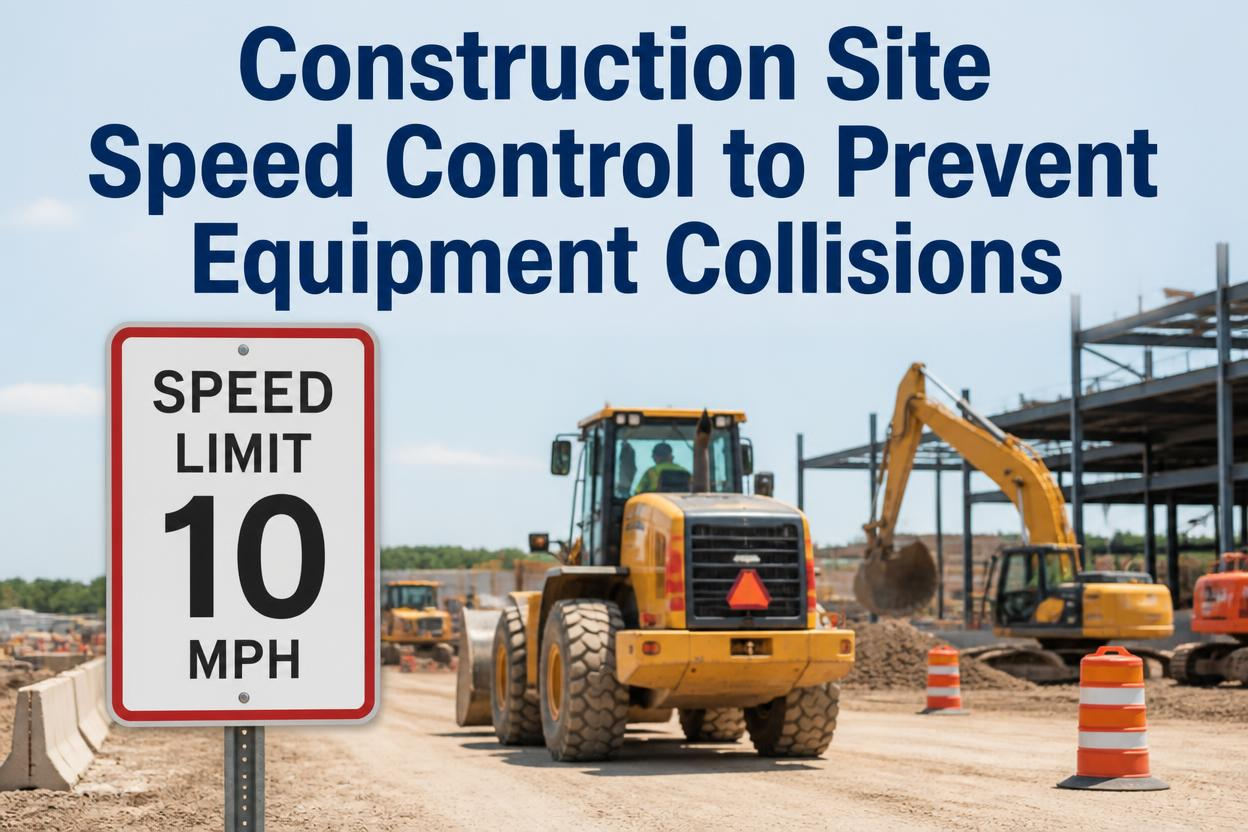
A loaded dump truck rounds the corner of a laydown yard doing what feels like a normal working pace, not reckless, just moving at the speed the driver's used to on that stretch. A worker steps out from behind a stack of material at the exact same moment, focused on a task, not on traffic. Neither one did anything unusual. That's what makes site speed one of the most underrated risks on a construction project: collisions rarely involve someone driving recklessly, they involve normal speed in the wrong zone, at the wrong moment, with nothing in place to slow things down before it's too late.
Vehicle and equipment strikes remain among the leading causes of fatal work injuries in construction, and speed is a common thread across incidents involving both public traffic and internal site movement. An internal traffic control plan that sets different rules for different site zones, backed by enforced speed limits rather than posted suggestions, is the standard way to reduce this risk. Geofencing active work areas and tracking equipment speed automatically turns a paper traffic plan into one that actually gets followed. FleetRabbit does both in one system.
What An Internal Traffic Control Plan Actually Does
An internal traffic control plan, or ITCP, is the site-specific counterpart to the traffic control most people picture on a highway work zone. Instead of managing public drivers passing by, it manages how equipment, delivery trucks, and workers on foot move around inside the site itself. The goal is straightforward: minimize the number of moments where a vehicle and a pedestrian occupy the same space, and reduce backing maneuvers, which are consistently one of the highest-risk movements on any jobsite.
A good plan assigns specific routes for equipment, marks pedestrian-only paths, and separates active work areas from walkways wherever the site layout allows it. None of that works, though, if the speed equipment actually travels at inside those zones isn't controlled to match the risk level of each one.
Three Zones, Three Different Speed Realities
Not every part of a jobsite carries the same collision risk, which is why a single sitewide speed limit rarely makes sense. Matching the limit to the zone is what actually reduces incidents.
Active Work Areas
Internal Travel Routes
Pedestrian-Priority Zones
Why Backing Maneuvers Deserve Their Own Rule
Even a well-mapped zone plan needs a specific answer for reversing equipment, since backing is repeatedly flagged as one of the highest-risk movements in work zone incident data. Routing site traffic to minimize how often equipment needs to back up at all, not just slowing it down when it does, removes a meaningful share of the risk before it ever becomes a close call.
Geofenced Zones With Real Speed Enforcement
FleetRabbit lets you draw active work zones and travel routes on a site map, each with its own speed threshold and automatic alerts. Sign up free and set your first zone today.
Why A Posted Sign Isn't The Same As Enforcement
Most sites already have a speed limit sign somewhere near the entrance. Far fewer have any way of knowing whether equipment is actually staying under it once it's out of sight of that sign.
| Approach | What It Provides | The Gap It Leaves |
|---|---|---|
| Posted Speed Signs | Sets a clear expectation for anyone who sees the sign | No way to confirm compliance once equipment is out of view, and no record if it's ignored |
| Verbal Site Briefings | Communicates zone rules directly to operators at the start of a shift | Relies entirely on memory through a long, physically demanding day |
| Geofenced Zone Limits | Applies a specific speed threshold automatically the moment equipment enters a zone | Closes the gap left by static signage, since the limit follows the zone, not a fixed post |
| Automatic Alerts | Flags a speed violation the moment it happens, not after an incident review | Gives supervisors a chance to correct behavior before it becomes a pattern or an incident |
What To Do With A Speed Alert
An alert isn't meant to be punitive on its own. It's a chance to have a quick, specific conversation with an operator about a zone they may not have realized carried a lower limit, or to catch a pattern early if the same equipment keeps triggering alerts in the same location, which often points to a layout issue rather than a driving one.
Building A Zone-Based Speed Program
Turning a paper traffic plan into something that actually shapes behavior on site comes down to a few concrete steps.
Map The Site Into Zones
Identify active work areas, travel routes, and pedestrian-priority zones on a site plan, and assign each one a speed limit that matches its actual risk level.
Geofence Each Zone Digitally
Create digital boundaries that trigger the correct speed threshold automatically as equipment moves between zones, instead of relying on drivers to remember where each posted sign was.
Route To Minimize Backing
Design travel paths so equipment can complete deliveries and moves with forward motion wherever possible, reducing how often the highest-risk maneuver happens at all.
Review Zone Alerts Weekly
Look at where speed alerts cluster across the site, since repeated violations in one spot usually point to a zone boundary or route that needs adjusting, not just a reminder to slow down.
Once zones are mapped and enforced automatically, the plan stops living only on a printed site map and starts actually shaping how fast equipment moves, minute to minute, everywhere on the project. You can book a demo to see how this fits your site layout, or sign up free to start geofencing your zones today.
Zone-Based Speed Enforcement, Automatically
FleetRabbit geofences your active zones and enforces the right speed limit in each one, with instant alerts when equipment moves too fast for its surroundings.
Frequently Asked Questions
Don't Let A Normal Speed In The Wrong Zone Cause A Collision
FleetRabbit geofences your active zones and enforces the right speed limit automatically, keeping equipment and crews separated before a close call becomes an incident. Start free with three vehicles, no credit card required.







