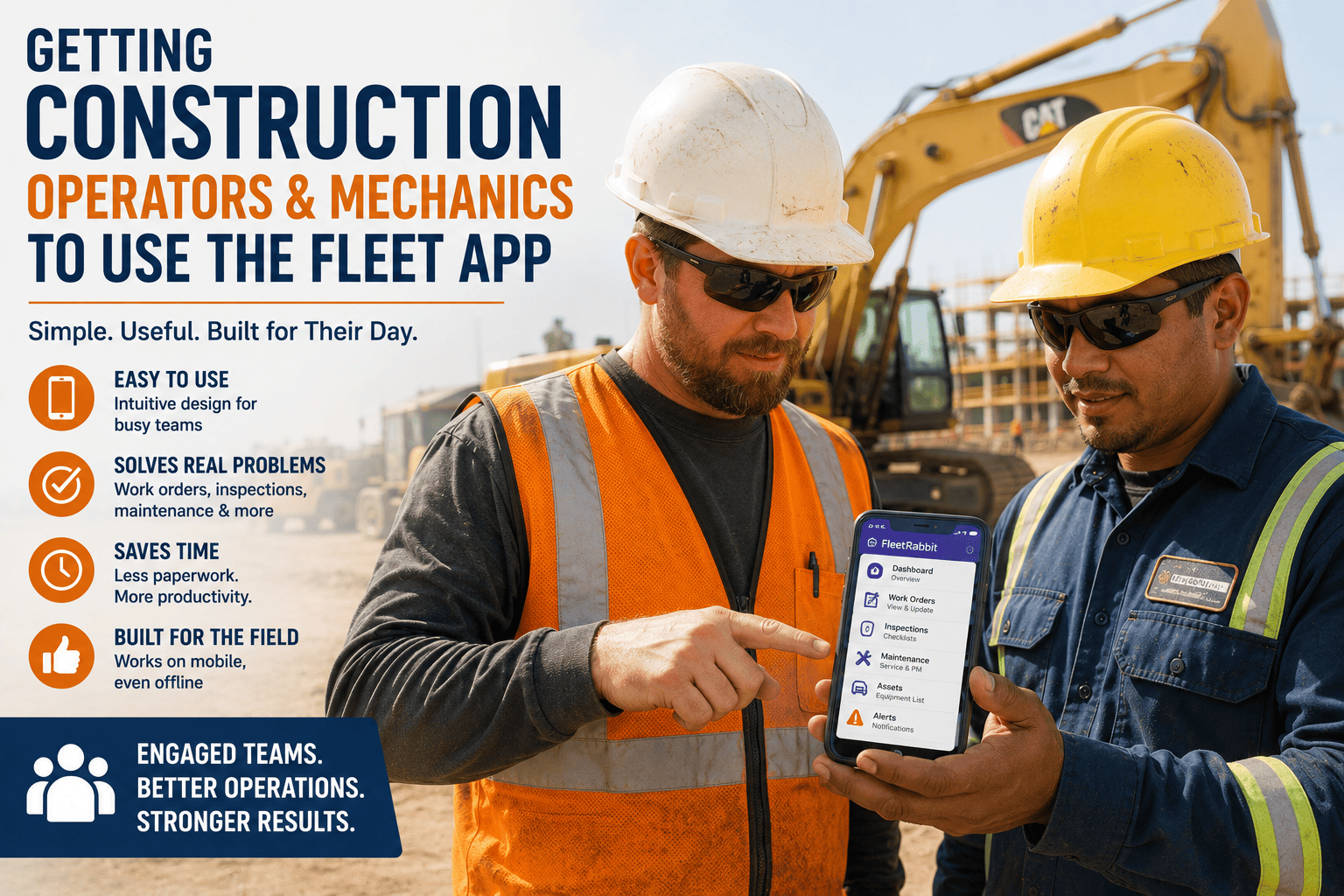
You bought the fleet app. The demo looked great, the dashboard was clean, and everyone in the office meeting nodded along. Three months later, half your operators are still texting the shop about breakdowns and your mechanics are filling out paper work orders "just to be safe." The software didn't fail. The rollout did. Getting construction operators and mechanics to actually open the app every single day is a different problem than picking the right software, and it's the one that decides whether your technology investment pays off or quietly becomes shelfware.
Operators and mechanics adopt a fleet app when three conditions are met: it works without a signal on the job site, it takes less effort than the paper process it replaces, and crews are shown early that it protects them rather than watches them. Fleets that involve field teams from day one and run a visible pilot before a full rollout report adoption above 90 percent in the first week, compared to well under half for fleets that simply hand out logins and hope.
Why Fleet Apps Fail On The Job Site
Construction crews have watched vendors come and go with tools that looked good in a boardroom and fell apart the first time a screen got dusty or a job site lost signal. That history makes operators and mechanics naturally cautious, and caution is fair. A crew member who has fought with a frozen app in a dead zone on a remote pipeline corridor will go back to a paper clipboard without a second thought, because the clipboard never runs out of battery.
The second failure point is trust. When a fleet app is introduced only as a management tool, without any explanation of what data is collected or why, operators assume the worst. Framing matters more than features here. An app introduced as "this logs your pre-trip inspection so you're covered if something fails later" earns cooperation far faster than one introduced as "this tracks your movements."
The third failure point is friction. If logging a defect takes six taps and three menus compared to a two-line note on paper, operators will choose paper every time, regardless of what management prefers. Adoption isn't a training problem first, it's a design problem, and it's why we built FleetRabbit's mobile experience around large touch targets, offline-first sync, and a defect report that takes under thirty seconds from a gloved hand.
What This Looks Like In Practice
A regional grading contractor with 40 pieces of equipment spent four months with a fleet app sitting mostly unused before realizing the problem wasn't the software, it was that operators had never been shown how a logged defect actually got a mechanic to their machine faster. Once superintendents demonstrated the loop, from tap to work order to parts on hand, usage climbed within two weeks.
FleetRabbit's mobile app is designed offline-first for job sites with no coverage, with defect reporting that takes seconds and syncs automatically once a signal returns. Construction crews using FleetRabbit report adoption above 90 percent within the first week of rollout.
A Five Step Framework For Getting Crews To Actually Use It
Fleets that get past 90 percent adoption in the first month all follow a similar pattern. The order matters as much as the steps themselves, because skipping straight to training without building trust first almost always backfires.
Step One: Bring Operators And Mechanics Into The Selection Process
Before you sign a contract, hand two or three operators and a lead mechanic a phone and let them try logging a real inspection or work order. Their objections at this stage are free information. The objections you hear after rollout cost you weeks of resistance instead.
Step Two: Run A Visible Pilot On One Crew First
Pick a single crew or job site for the first two to four weeks. Let that crew become the example everyone else hears about, not from management, but from a peer saying the app got them a part faster or kept them out of a blame conversation.
Step Three: Train On The Machine, Not In A Classroom
Fifteen minutes standing next to the equipment, logging a real pre-trip inspection on the actual device they'll use, beats an hour in a conference room every time. Muscle memory forms on the job site, not on a slide deck.
Step Four: Share The Wins Publicly And Quickly
When a logged defect prevents a breakdown, tell the whole fleet. "Operator caught a hydraulic leak before it took the excavator down for three days" is a story that spreads faster than any mandate ever will.
Step Five: Remove Every Excuse Not To Use It
No per-user fees that make managers restrict access, no confusing menus, no requirement for a signal. If a mechanic can't log a repair from the shop floor or an operator can't file a pre-trip in the cab before the sun is up, the app will lose to the old process.
| Adoption Barrier | Why It Happens | What Actually Fixes It |
|---|---|---|
| No signal on site | Most construction sites, tunnels, and remote corridors have partial or no cell coverage | Offline-first design that queues data and syncs automatically once connected |
| Fear of surveillance | Operators assume tracking exists to build a disciplinary case, not to protect them | Transparent communication about what is logged and how it protects the operator |
| Double data entry | Mechanics keep paper logs "just in case" the app fails or loses data | A single digital work order that becomes the one and only source of truth |
| Confusing interface | Apps built for office dashboards, not gloved hands and sun glare in the field | Large touch targets, minimal taps, and a design built for field conditions |
| Restricted access | Per-user pricing pushes managers to limit logins to a handful of people | Unlimited users included so every operator and mechanic can log in at no extra cost |
What Operators Want Versus What Mechanics Want
Operators and mechanics are asked to adopt the same app, but they judge it against completely different daily frustrations. Understanding both sides is what separates a rollout plan that works from one that only half the fleet buys into.
What Operators Actually Want
Operators want a pre-trip inspection that takes under a minute, a way to flag a problem without hunting for the right menu, and confidence that flagging an issue gets a response instead of disappearing into a system nobody checks. They also want proof the data protects them, not just the company, when something goes wrong on a job site.
What Mechanics Actually Want
Mechanics want work orders that arrive with enough detail to actually diagnose a problem before they walk to the machine, parts availability they can check before committing to a repair, and a record of what was done so the same failure doesn't get "fixed" three times by three different shifts. A digital history that follows the machine, not the mechanic, saves hours every week.
How To Tell If Adoption Is Actually Working
Adoption isn't a feeling, it's a number, and fleets that track it catch problems before they become six months of unused software. Watch how many operators log in daily versus how many are assigned a login, how many defects get reported through the app versus how many still show up as a phone call to the shop, and how quickly logged issues get a mechanic response. Fleets with strong adoption typically see 80 to 95 percent of assigned users active weekly within the first month, and a defect-to-resolution time that drops noticeably once the app becomes the default habit instead of the backup option.
If those numbers stall below 50 percent after the first month, the issue is almost never the crew. It's usually one of the five barriers in the table above still sitting unresolved. You can book a demo with FleetRabbit to walk through your specific rollout and see where adoption typically breaks down for fleets your size.
FleetRabbit includes unlimited users on every plan, so no manager has to ration access to control costs. Every operator, every mechanic, every shift, on one platform with a shared history that never disappears when a shift changes.
Key Takeaways
Software adoption in construction is a people problem wearing a technology costume. The fleets that get operators and mechanics using the app every single day are not the ones with the flashiest dashboard, they are the ones that built trust first, removed friction second, and let the results speak for themselves after that. Get those three things right and the app stops being a mandate and starts being the tool your crew reaches for before the clipboard.
If your current rollout has stalled, the fix is usually smaller than it feels. Try FleetRabbit and sign up for a free trial to see how an offline-first, unlimited-user platform changes adoption from week one, or book a 30 minute demo to walk through your specific crew's rollout with our team.
FleetRabbit was built offline-first for job sites with no signal, with an interface simple enough for gloved hands and a pricing model that never penalizes you for adding more operators and mechanics. See why construction crews open this app instead of avoiding it.







