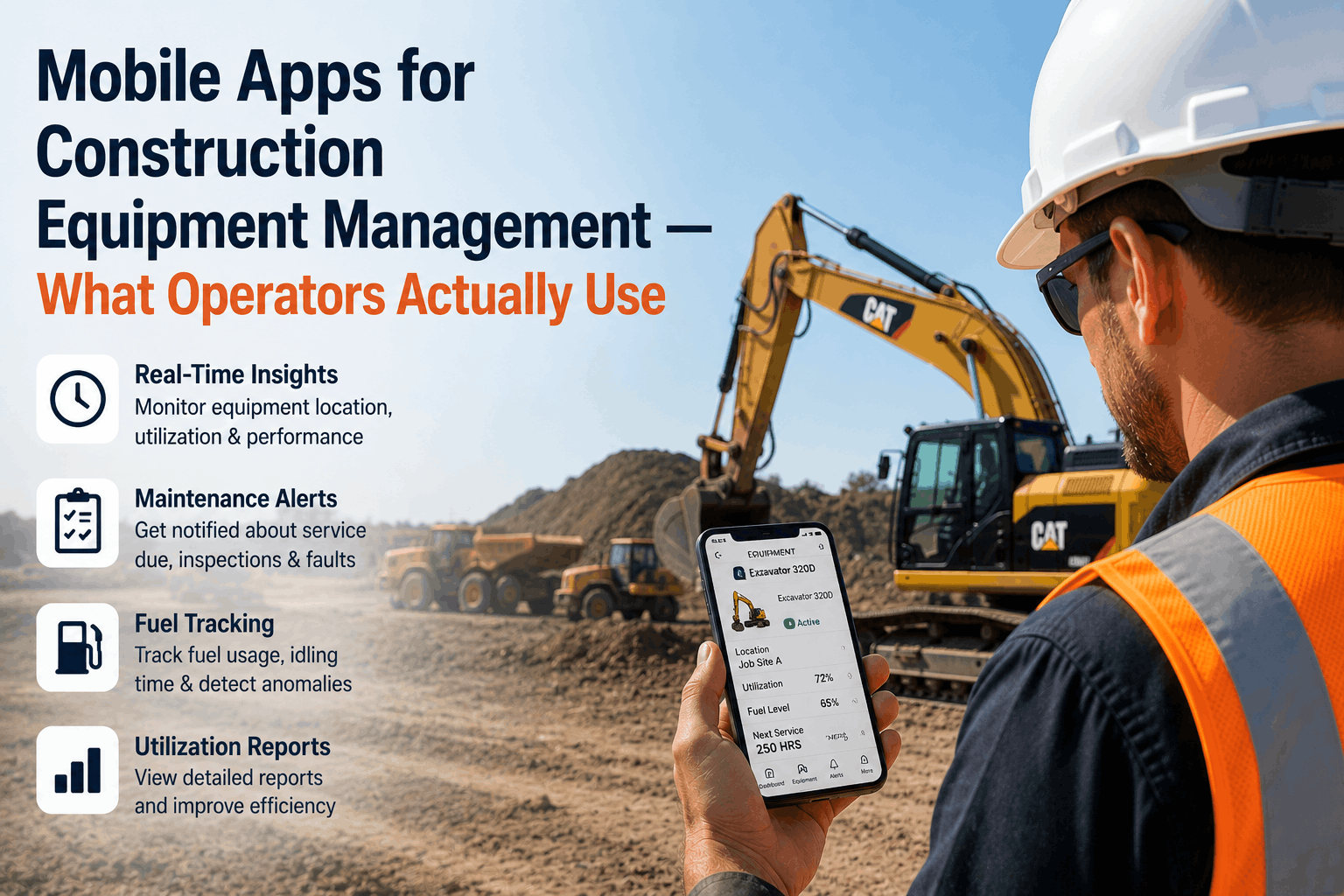
Mobile Apps for Construction Equipment Management — What Operators Actually Use
Mobile apps have transformed how Western US construction fleets manage heavy equipment — from California highway contractors dispatching dozers across 12 active sites to Nevada mining operators tracking fuel and hours on remote desert jobsites with no cell signal. The shift from paper-based field logs to purpose-built mobile tools has cut administrative overhead, closed accountability gaps, and given operators real-time visibility that was impossible five years ago. Book a demo to see Fleet Rabbit's mobile-first telematics platform in action for your construction fleet.
Quick Answer
Western US construction operators rely on mobile apps for equipment check-ins, fuel logging, fault reporting, and hour tracking — with offline mode as a non-negotiable for California, Nevada, Arizona, and Oregon remote sites. Fleet Rabbit's mobile telematics app covers all of these with photo capture, GPS geofencing, and operator accountability built in — no paperwork, no data gaps.
Why Mobile Apps Are Now Standard on Western US Construction Sites
A grading crew in the Mojave or a pipeline contractor in Eastern Oregon can't afford to drive to the site office every time equipment needs a fuel log entry or a fault gets flagged. Mobile apps close the gap between the machine and the fleet manager — turning every operator's phone into a live reporting terminal. California's prevailing wage compliance requirements and Nevada DOT documentation standards have accelerated mobile adoption: contractors who still rely on paper logs face audit exposure that app-based records eliminate entirely.
Offline Mode
Must-Have
for remote CA, NV, AZ, OR sites
Photo Capture
Top Feature
damage docs, fuel receipts, inspections
GPS Check-In
Site-Linked
operator-to-machine geofence matching
Hour Tracking
Auto-Sync
engine hours direct from CAN bus
What Operators Actually Use — The Core Mobile App Functions
Pre-Shift Equipment Inspections
Operators on California and Nevada job sites complete digital walkaround checklists before every shift — fluid levels, tire condition, visible damage — with photo documentation attached to each flagged item. Inspection records sync automatically to the fleet manager's dashboard, replacing paper forms that frequently disappeared before sign-off.
Fuel Event Logging
Manual fuel logs miss timestamps, machine IDs, and volume amounts — costing Western US fleets thousands monthly in untracked consumption. Mobile apps with sensor integration capture refuel events automatically, tying every gallon to an operator credential, GPS location, and work order. For fleets using Fleet Rabbit, CAN bus and flow sensor data populate the log without any operator input.
Fault and Damage Reporting
When a Cat 336 operator notices a hydraulic leak mid-shift on a Phoenix grading site, mobile fault reporting lets them log it instantly with photos, GPS pin, and severity rating — before the machine does further damage. Fleet managers in Sacramento or Las Vegas receive the alert in under 60 seconds, enabling remote triage that decides whether to dispatch a service truck or pull the unit.
The Non-Negotiable: Offline Mode for Remote Western US Sites
Cellular Coverage on Active Western US Construction Sites
Urban CA / NV Metro
88% coverage
Rural California
54% coverage
Eastern Oregon / Idaho
38% coverage
Remote NV / AZ Desert
22% coverage
Coverage estimates for active construction zones. Apps without offline mode lose all functionality below the coverage line — a real risk for 40%+ of Western US project sites.
1
Local Data Storage — No Signal, No Problem
Field-tested apps store inspection forms, fuel entries, and fault reports locally on the device when connectivity drops. Data queues and syncs the moment cellular or Wi-Fi returns — without operator intervention. Apps that require live connectivity for every form submission become unusable in Nevada desert and Eastern Oregon timber sites.
Arizona pipeline contractor, 6 remote sites: Switched to Fleet Rabbit's offline-capable mobile app after losing 3 weeks of inspection records to connectivity failures. Zero data loss in the following 90 days.
2
Satellite Fallback for Permanently Off-Grid Sites
For Nevada mining operations and California forest access roads where cellular never reaches, Fleet Rabbit's Iridium satellite integration delivers real-time alerts and syncs sensor data regardless of terrain. Operators see the same dashboard experience whether they're on a Sacramento highway project or a High Sierra access road.
Iridium satelliteEdge AI local storageAuto-sync on reconnect
3
Conflict Resolution When Data Reconnects
Well-built fleet apps handle data conflicts gracefully when multiple operators sync simultaneously after a connectivity outage — timestamping entries at creation rather than upload, preventing false overwrite. This is a common failure point in apps built for office environments and repurposed for field use.
Fleet Rabbit's edge AI timestamps every sensor event and operator entry at the device level — ensuring correct sequence even when 8 machines sync simultaneously after a remote site reconnects.
Mobile Telematics Platform
Fleet Rabbit's Mobile App — Built for Western US Construction Operators, Not Office Managers
Offline mode, photo capture, GPS check-in, and sensor-linked fuel logging. Works on any iOS or Android device. No hardware replacement required.
Field-Tested UX Patterns That Separate Good Apps from Frustrating Ones
01
UX Pattern
Large Touch Targets for Gloved Operators
The field problem: Excavator operators and dozer drivers work in gloves, direct sunlight, and vibrating cabs. Apps designed with desktop-scale buttons and small form fields become unusable in a Cat 390 cab in 105°F Phoenix heat.
What works: Tap targets at 48px minimum, high-contrast interfaces readable in direct sunlight, large-format number entry for fuel volumes and hour readings, and confirmation dialogs that prevent accidental submissions from vibration-induced taps.
Western US context: California and Nevada summer temperatures and dusty conditions make screen readability and glove-compatible input a baseline requirement, not a luxury.
02
UX Pattern
Photo Capture Built Into Workflows
The field problem: Damage documentation that requires operators to leave the app, open the camera, save the photo, return to the app, and upload manually rarely gets completed. Photos end up in personal camera rolls, unusable for insurance claims or maintenance records.
What works: Camera integration directly inside inspection and fault report forms — one tap captures, annotates, and attaches in sequence. Fleet Rabbit's mobile app ties photos to machine ID, GPS, and timestamp at capture, not upload.
Insurance value: Photo-documented damage with sensor-verified timestamps meets Zurich and AIG claim requirements for Western US heavy equipment policies.
03
UX Pattern
Role-Based Views — Operator vs. Fleet Manager
The field problem: An excavator operator in Bakersfield doesn't need to see the Nevada fleet's fuel budget variance — and a fleet director in Sacramento doesn't want to scroll past 200 machine check-ins to find an alert. Apps that show every user the same dashboard create cognitive overload and reduce adoption.
What works: Operator view shows today's machine assignment, inspection checklist, fuel log, and fault report. Fleet manager view shows fleet health, active alerts, site utilization, and fuel accountability by site and operator.
Adoption impact: Role-appropriate interfaces reduce training time from days to under two hours for new operators on California job sites.
04
UX Pattern
Push Notifications With Context, Not Just Alerts
The field problem: A push notification that says "Fuel Alert — Machine 14" sends a fleet manager to the app with no context — requiring 3–4 taps to find what happened, on which machine, at which site, and how much was lost.
What works: Alert notifications that include machine ID, site name, GPS coordinates, event type, and estimated volume in the notification itself — so the manager can triage and respond without opening the full app. Fleet Rabbit's alerts include all five data points in the SMS and push format.
Response time impact: Context-rich alerts cut average fleet manager response time from 4+ hours to under 20 minutes across Oregon and California multi-site contractors.
Before vs. After Mobile App Adoption — 20-Unit Western US Fleet
Without Mobile Fleet App
Inspection records: Paper forms, frequently lost
Fuel log accuracy: 50–65% of events captured
Fault report speed: End-of-shift verbal report
Remote site data: Zero during outage
Operator accountability: Unlinked consumption
Compliance documentation: Manual compilation, days
Frequently Asked Questions: Mobile Apps for Construction Equipment
QDoes Fleet Rabbit's mobile app work on older Android phones common on job sites?
Yes. Fleet Rabbit's mobile app supports Android 8.0 and above and iOS 14 and above — covering the vast majority of devices in active use on Western US construction sites. The app is optimized for low-RAM devices and performs reliably on mid-range hardware commonly issued to field crews in California and Nevada.
QCan operators complete inspections and fuel logs without any training?
Fleet Rabbit's operator interface is designed for minimal training — most field crews are fully operational within two hours. The app uses icon-driven navigation, large touch targets, and step-by-step form flows that guide operators through check-ins, fuel entries, and fault reports without reading a manual. Spanish-language support is available for California and Arizona mixed-language crews.
QHow does the mobile app connect to Fleet Rabbit's telematics sensors on the equipment?
Fleet Rabbit's IoT sensors on excavators, loaders, and dozers communicate via Bluetooth and cellular to the Fleet Rabbit cloud, which populates the mobile app dashboard in real time. Operators don't need to manually enter sensor readings — engine hours, fuel levels, and fault codes from the CAN bus appear automatically in their app view. Manual entries are reserved for visual inspections and damage reports.
QDoes the app meet California prevailing wage and CalTrans documentation requirements?
Fleet Rabbit's audit trail output is structured to meet California prevailing wage documentation standards and CalTrans fuel and equipment reporting requirements. Inspection records, fuel events, and operator hour logs export in formats accepted for prevailing wage audits — eliminating the manual compilation that typically takes contractor administrative staff 8–16 hours before an audit.
The four AI capabilities transforming fleet operations — real-time GPS, predictive health monitoring, dynamic route optimization, and delivery performance analytics — with ROI data for each.
AI-driven fault prediction and automated maintenance scheduling that prevents mid-project breakdowns — the reliability layer IoT sensor data powers across excavators, loaders, and cranes.
Real-time utilization tracking, idle reduction analytics, and fleet right-sizing data that reduce total heavy equipment operating cost for Western US contractors.
How GPS hardware, IoT sensors, and cloud analytics combine to deliver real-time heavy equipment visibility, predictive maintenance, and operational intelligence.
Put Fleet Rabbit's Mobile App on Every Operator's Phone — Free Trial, No Hardware Commitment
Fleet Rabbit's mobile telematics app delivers offline inspections, sensor-linked fuel logging, real-time fault reporting, and GPS operator check-in across any iOS or Android device. OEM-agnostic. Any brand. Full ROI in 45 days.