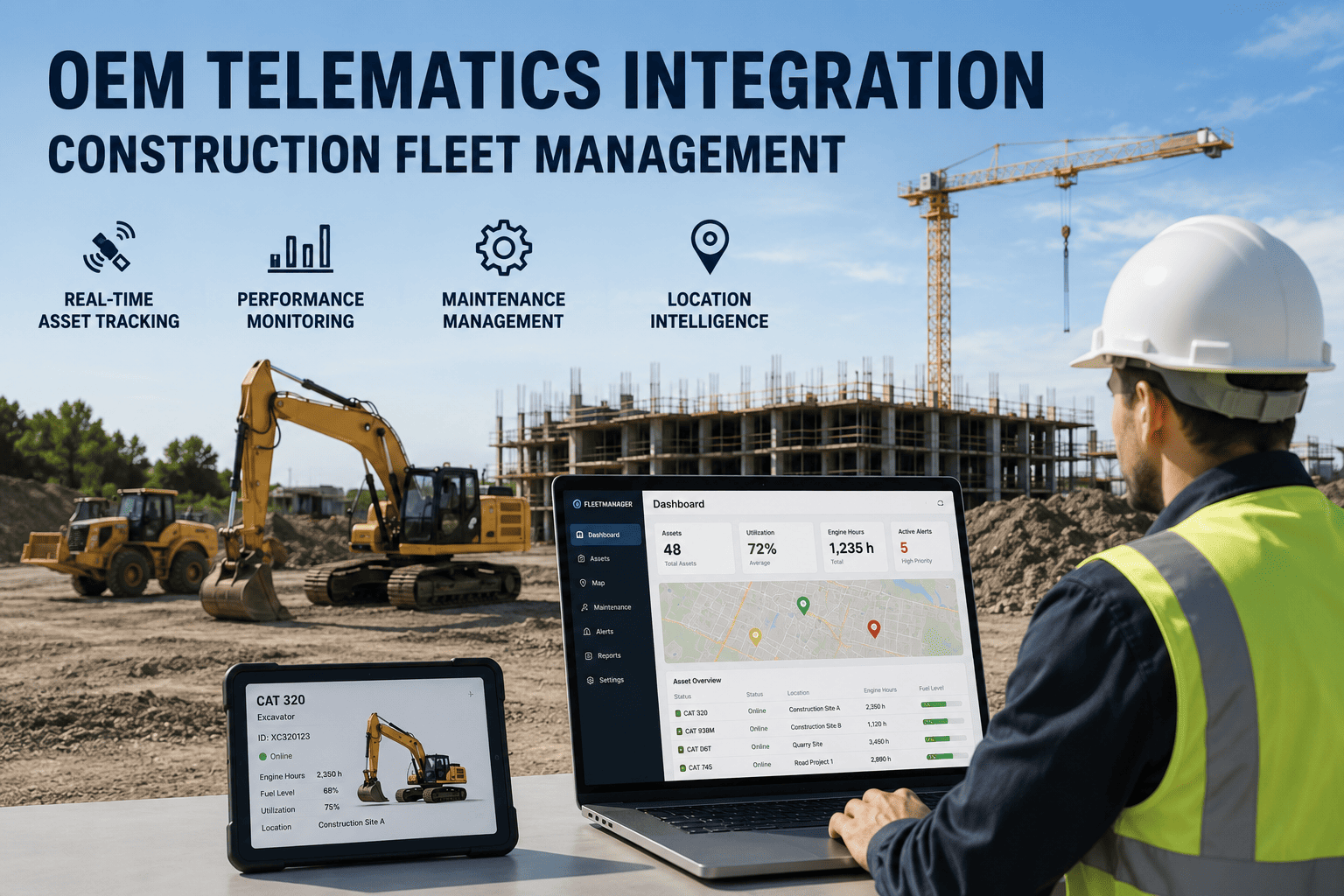
6:30 AM: log into Cat VisionLink to check an excavator's fault code. 6:50 AM: switch to JDLink for the loader's engine hours. 7:10 AM: open KOMTRAX to see if the dozer's fuel level is low. 7:30 AM: still no single answer to "which machines need attention today" because that answer lives in four different logins. This is the daily reality for most construction fleet managers, and it is exactly what OEM telematics integration is built to fix.
OEM telematics integration pulls data from manufacturer systems like Cat Product Link, Komatsu KOMTRAX, John Deere JDLink, and Volvo CareTrack into one platform through API connections, often standardized by the AEMP 2.0 / ISO 15143-3 data protocol. Mixed-brand fleets running separate portals lose 12 to 15 hours a week to manual switching and reconciliation, time that unified integration recovers almost entirely.
The Cost Of Managing Telematics Brand By Brand
Every OEM keeps its telematics data inside its own walled garden. Cat Product Link reports to VisionLink. Komatsu reports to KOMTRAX. John Deere reports to JDLink. Volvo reports to CareTrack. A fleet with equipment from four manufacturers is required to check four separate systems, each with its own login, its own interface, and its own way of formatting the same basic numbers.
Open VisionLink to check the Cat excavator's utilization for the week.
Switch to JDLink to review Deere loader hours and pending service alerts.
Open KOMTRAX to monitor the Komatsu dozer's fuel and fault status.
Export three CSVs to compare utilization across brands, only to find mismatched timestamps and units.
Two hours spent gathering data that should have taken two minutes.
This is not a rare bad morning, it is a daily pattern. Fleet managers running mixed-brand equipment routinely lose 12 to 15 hours a week to portal switching, manual reconciliation, and missed alerts that were sitting in a dashboard nobody checked. A platform like FleetRabbit exists specifically to end this pattern by pulling every OEM feed into one screen.
What OEM Telematics Integration Actually Pulls Together
Integration connects directly to each manufacturer's telematics API and standardizes the data that comes back, so a Cat engine-hour reading and a Komatsu engine-hour reading show up in the same format, on the same dashboard, at the same time.
Common OEM Systems And What They Report
| Manufacturer | Telematics System | Core Data Reported |
|---|---|---|
| Caterpillar | Product Link / VisionLink | Engine hours, fault codes, fuel level, location, idle time |
| Komatsu | KOMTRAX | Operating hours, fuel consumption, load factor, alerts |
| John Deere | JDLink | Machine hours, diagnostic trouble codes, location, utilization |
| Volvo | CareTrack | Engine data, fuel efficiency, service reminders, GPS position |
| Hitachi / JCB | ConSite / LiveLink | Fault codes, hour meters, machine health status |
The AEMP 2.0 Standard Behind The Scenes
Most major manufacturers now support ISO 15143-3, better known in the industry as the AEMP 2.0 data standard, which defines a common way to describe engine hours, location, fuel level, and fault data regardless of brand. This standard is what lets a platform pull a Cat feed and a Deere feed and present them side by side without hand-built translation for every possible pairing of brands.
FleetRabbit connects directly to Cat Product Link, Komatsu KOMTRAX, John Deere JDLink, Volvo CareTrack, and more, so every machine shows up in one place. Book a demo to see your own mixed fleet unified in a single view.
Setting Up Integration Across Your Fleet
1. Gather OEM API Credentials
Each manufacturer's telematics system requires its own authentication before data can be shared, so this starts with securing API access for every brand in the fleet.
2. Connect Each Portal Through API
No new hardware is installed on machines that already have factory telematics. The connection pulls data directly from Product Link, KOMTRAX, JDLink, and similar systems through their existing APIs.
3. Normalize The Data Formats
Engine hours, fault codes, and fuel readings are converted into consistent units and terminology, so an alert from a Cat machine and an alert from a Komatsu machine read the same way on the dashboard.
4. Add Non-Telematic Equipment
Older machines without factory telematics can be brought into the same view through aftermarket GPS devices, closing the visibility gap left by equipment built before OEM systems became standard.
Fleets with equipment already on factory telematics typically see full visibility within about a week, since the integration is API-based rather than requiring a physical install on every machine. Teams ready to connect their existing OEM subscriptions can sign up and begin linking portals the same day.
What Fleets Actually Gain From Unification
One Login Instead Of Four
Every machine, regardless of manufacturer, appears in a single dashboard instead of separate brand-specific portals.
Faster Fault Detection
Fault codes normalized across brands surface immediately instead of sitting unseen in a portal that only gets checked weekly.
Cross-Brand Comparison
Utilization and fuel data become directly comparable across manufacturers instead of requiring manual spreadsheet reconciliation.
No Lost Historical Data
Consolidated records stay accessible even if an individual OEM subscription changes or lapses on a specific machine.
Why This Matters Beyond Convenience
The value of OEM integration goes well past not having to remember four passwords. When fault codes, engine hours, and location data from every brand sit in one normalized model, patterns become visible that no single OEM system could ever reveal on its own, such as a failure signature that shows up across multiple manufacturers under the same jobsite conditions. That kind of cross-brand insight is simply invisible when data is trapped in separate portals.
It also removes the blind spot created by equipment age. OEM telematics is typically only available on machines built within roughly the last decade, so older equipment with real capital value can be invisible to a fleet manager relying purely on factory systems. Bringing that equipment into the same unified view, alongside newer OEM-connected machines, closes that gap without forcing early replacement.
Whether your equipment runs on Product Link, KOMTRAX, JDLink, CareTrack, or a mix of all four, FleetRabbit unifies the data automatically. See it configured for your exact fleet composition.
Frequently Asked Questions
Stop reconciling data across Product Link, KOMTRAX, JDLink, and CareTrack by hand. FleetRabbit connects to every major OEM telematics system and brings it into a single, real-time view of your entire fleet.







