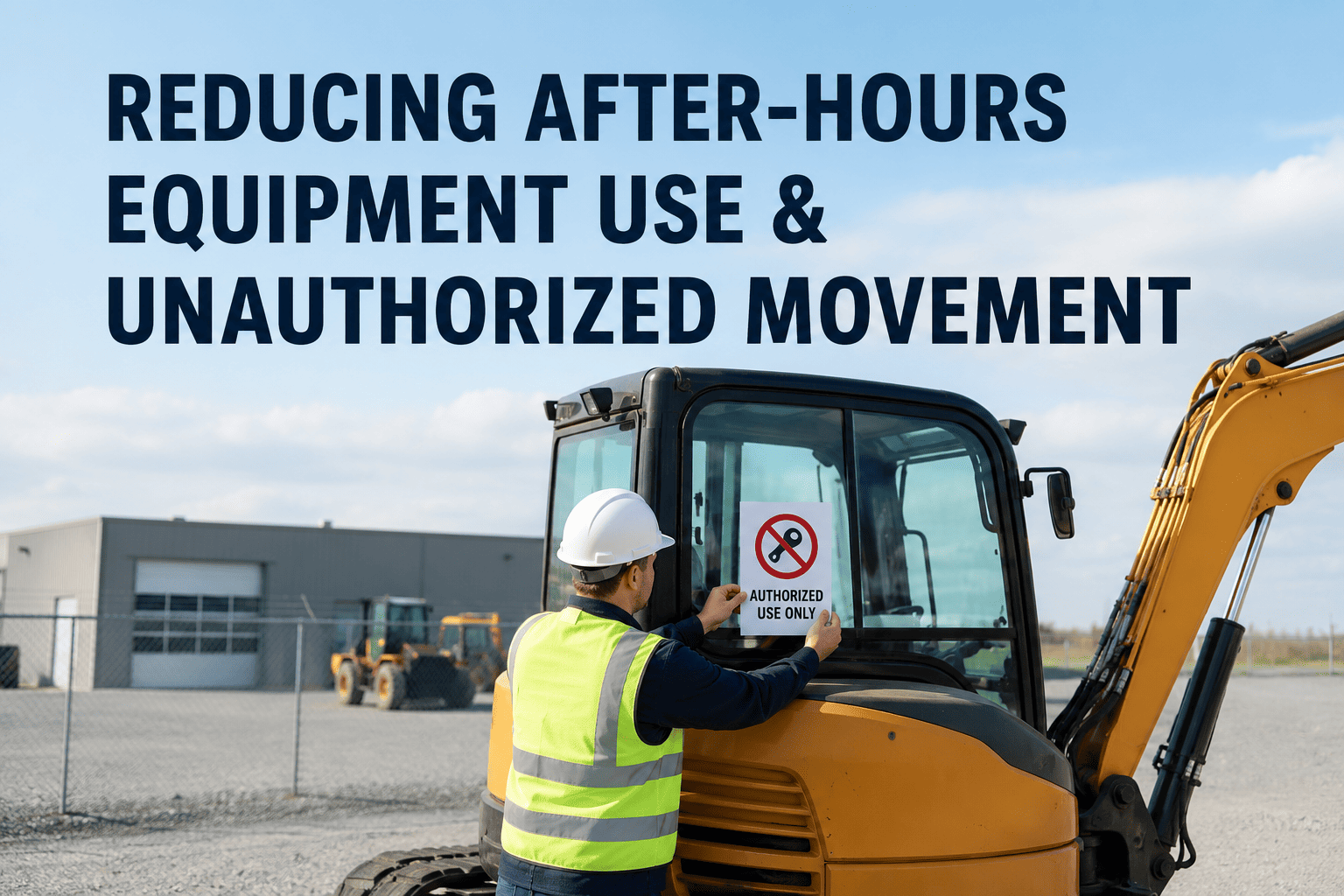
Not every piece of equipment that moves after hours has been stolen. Sometimes it is an employee borrowing a skid steer for a weekend side job, a truck making an unapproved detour, or a generator quietly running a personal project on company fuel. Unauthorized movement covers a wider problem than theft alone, and for many construction companies, the equipment walking away for a few hours on a Saturday costs just as much in wear, liability, and lost availability as the machine that never comes back at all.
Reducing after-hours equipment use and unauthorized movement requires visibility into when and where machines actually run, not just whether they are on-site. GPS tracking paired with after-hours geofence alerts and usage logs flags unapproved activity in real time, whether that activity comes from an outside thief or an employee using equipment off the books. Sign up with FleetRabbit to start monitoring after-hours activity, or book a demo to see it working on your fleet.
Two Different Risks, One Blind Spot
Unauthorized equipment movement is not a single problem with a single source. Fleet managers who only plan for external theft often miss the second, quieter risk sitting inside their own crew, and both risks share the same weakness: nobody is watching where equipment goes once the workday ends.
Outside Theft: Fast, Deliberate, and Gone
Thieves who target a jobsite typically case it in advance, then move quickly once they act, loading equipment onto a trailer and leaving the property within minutes. This kind of unauthorized movement is usually total loss unless it is caught the moment it happens.
Insider Misuse: Slower, Recurring, and Easy to Miss
An employee borrowing a machine for a personal job, running a generator on company fuel for an outside project, or moving a truck off-route rarely looks alarming in isolation. It is the pattern, a machine that consistently starts up after hours or drives to the same unapproved address, that reveals the problem, and that pattern is invisible without tracking data.
FleetRabbit tracks every asset around the clock, flagging after-hours activity whether it comes from an outside thief or an unapproved personal use. Sign up free and get visibility into what your equipment actually does after hours.
Warning Signs Worth Tracking
Unauthorized use rarely announces itself. It shows up as small irregularities in when and where equipment runs, the kind of detail that is easy to overlook without a system flagging it automatically.
| Warning Sign | What It Often Means | How Tracking Catches It |
|---|---|---|
| Engine Hours Logged Off-Schedule | Equipment running outside its assigned project hours | Usage logs tied to engine hours flag activity outside expected windows |
| Movement Outside The Job-Site Fence | A machine leaving its assigned project without authorization | Geofence alerts trigger the instant a boundary is crossed |
| Recurring Trips To The Same Unlisted Address | Equipment regularly used for an unapproved personal or side job | Location history reveals repeated patterns over time |
| Fuel Usage Without Matching Work Hours | Fuel consumed during periods with no corresponding project activity | Cross-referencing fuel data against location and usage exposes the gap |
| Weekend or Overnight Startups | Activity during the highest-risk hours for both theft and misuse | Time-based alerts flag any startup during defined after-hours windows |
Building an Automated After-Hours Monitoring Routine
Catching unauthorized movement consistently requires a system running in the background, not a fleet manager manually checking a dashboard every evening. The goal is to make after-hours visibility automatic, so nothing depends on someone remembering to look.
Layer Time-Based Rules On Top of Geofences
A standard job-site geofence tells you when equipment leaves a boundary. Adding a time-based rule on top of it treats any movement during defined off-hours windows as suspicious by default, regardless of whether the equipment technically stays within the fence.
Set Different Rules for Different Asset Types
A generator running quietly on-site overnight might be a legitimate job requirement, while the same generator leaving the property is not. Configuring rules per asset type avoids flooding your team with alerts for normal activity while still catching genuine irregularities.
Track Usage, Not Just Location
Location alone does not tell the whole story. Pairing GPS data with engine-hour and fuel-usage logs shows whether a machine that stayed within its boundary was actually running when it should have been idle, which is often how insider misuse gets missed.
Review Patterns Weekly, Not Just Incidents
A single after-hours alert might be a legitimate exception. A pattern of the same asset repeating the same after-hours activity week after week is worth a direct conversation, and a weekly review of usage reports is what surfaces that pattern before it becomes a much larger problem.
Document Everything for Accountability
Every alert, timestamp, and location record builds a defensible history. Whether the outcome is recovering a stolen machine or addressing unauthorized personal use with an employee, having the data on hand turns a difficult conversation into a straightforward one.
FleetRabbit combines geofencing, usage logs, and time-based alerts so unauthorized movement gets flagged automatically, whatever the source. Book a demo to see it in action, or sign up to start monitoring your fleet today.
Frequently Asked Questions
Unauthorized movement costs money whether it comes from a thief or a well-meaning employee cutting corners. FleetRabbit gives you the visibility to catch both, with alerts that fire the moment something looks off.







