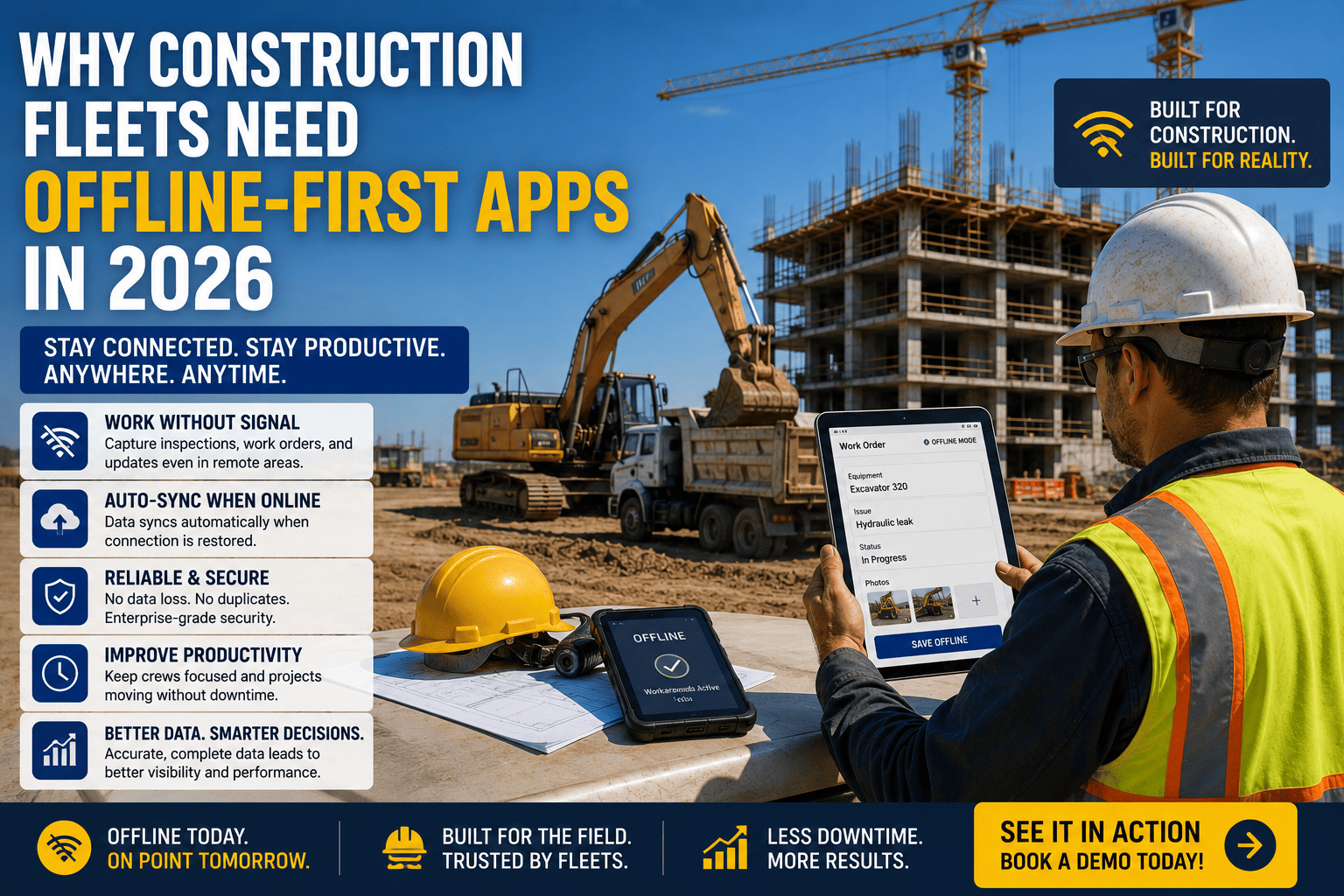
Ask any superintendent what happens to their fancy new fleet app the moment a crew heads into a basement, a steel-framed high-rise, or a job site forty minutes from the nearest cell tower, and you'll usually get a tired laugh. Most construction technology was built assuming a reliable signal, and most construction jobsites don't have one. That mismatch is why offline-first mobile design has quietly become one of the most important buying criteria in construction software, ranking ahead of flashy dashboards and AI features for the teams actually working with their hands. This piece breaks down why connectivity gaps are so common on jobsites, what separates a genuinely offline-first app from one that just claims to be, and what to look for before you commit to a platform. If your crews have ever lost an inspection to a dead zone, you can start a free trial or book a live demo to see how offline-first fleet management actually works.
Offline capability is widely considered the single most important feature for construction site apps, since connectivity is unreliable on large sites, underground, and in remote locations. Fleets using truly offline-capable tools report inspection completion times cut by 40 to 60 percent, jobsite delays reduced by up to 32 percent, and data accuracy improved by as much as 43 percent compared to paper-based processes.
Where Signal Disappears on a Jobsite
Construction crews don't get to choose where they work, and that means fleet and inspection apps have to function in some of the worst connectivity conditions imaginable. Underground levels, steel-framed structures that block cellular signal, and remote sites far from the nearest tower are not edge cases in construction. They're Tuesday.
The Real Cost of "Almost Offline" Apps
Nearly every construction app on the market claims offline support, but there's a meaningful difference between an app that merely caches data and one that's genuinely offline-first. That distinction determines whether your crews keep working or get stuck staring at a spinner in a dead zone.
Cached Offline vs. True Offline Creation
Cached offline means a form template downloads while the device is connected, gets filled out without signal, and syncs once reconnected. That only works if the crew knew which inspection or work order they'd need before losing signal. True offline creation lets a worker start something entirely new, no internet required, selecting a form, capturing photos, tagging GPS coordinates, and collecting signatures, all stored locally until a connection returns. Most platforms only deliver the first kind, which quietly fails the moment a job doesn't go exactly as planned.
| Capability | Cached Offline Apps | True Offline-First Apps |
|---|---|---|
| Starting New Work | Only works if the form was downloaded beforehand | New inspections, work orders, and reports can start from scratch anytime |
| Photo and Signature Capture | Often limited or unreliable without signal | Full capture with GPS tagging works entirely on-device |
| Data Loss Risk | High if the app crashes or storage limits are hit | Local storage protects data until sync is possible |
| Syncing Behavior | May require manual re-entry or resubmission | Automatic background sync the moment signal returns |
FleetRabbit supports true offline creation for inspections, work orders, and maintenance records, so your crews never lose a report to a basement or a rural jobsite. Start your free trial and put it to the test on your toughest site.
What Offline-First Design Actually Protects
Offline capability isn't a single feature. It's a foundation that three specific fleet workflows depend on completely, since each one has to keep functioning the moment signal disappears.
Equipment Inspections
Pre-trip and safety inspections happen wherever the equipment is parked, not wherever the signal is strongest. An inspector needs to complete a full checklist, attach photos, and log GPS-tagged conditions without waiting for a connection, and without losing that record if one never arrives before the shift ends.
Maintenance and Work Orders
A technician diagnosing a hydraulic issue in a basement mechanical room needs to log parts used, hours worked, and repair notes on the spot. If that record only saves once reconnected, a crashed app or a dead battery can erase an entire repair's documentation.
Field Reporting and Compliance
Accident reports, daily logs, and compliance documentation carry real legal weight, and none of that weight matters if the record never gets created because the app wouldn't function without a signal in the first place.
The Numbers Behind Going Offline-First
The construction industry is on track to reach 1.27 trillion dollars in the U.S. alone this year, and that scale is exactly why the cost of unreliable field software adds up fast. Teams that switch to true offline-capable mobile tools report inspection completion times dropping 40 to 60 percent compared to paper, driven mainly by eliminating manual transcription and automatic report generation. Documented case data from offline-enabled safety platforms shows jobsite delays cut by as much as 32 percent and data accuracy improving up to 43 percent compared to traditional paper-based methods.
FleetRabbit's mobile app captures inspections, work orders, and maintenance records with full offline support, syncing automatically the moment your crew reconnects. Book your demo to see it running on a device with no signal.
What to Ask Before Choosing a Fleet App
Not every vendor claiming "offline support" means the same thing, so it's worth testing specific scenarios rather than trusting a feature list.
Questions Worth Asking Every Vendor
Can a new inspection or work order start from scratch with zero signal, not just a pre-downloaded form? Do photos, signatures, and GPS tags capture reliably on-device? Does data stay stored locally with no risk of loss if the app closes unexpectedly? Does everything sync automatically in the background once connectivity returns, without requiring manual resubmission? A platform that answers yes to all four is built offline-first. A platform that hesitates on any of them is only offline-adjacent.
Frequently Asked Questions
No signal shouldn't mean no progress. FleetRabbit's offline-first mobile app keeps inspections, maintenance records, and work orders moving forward on any jobsite, connected or not, syncing everything the moment signal returns.







