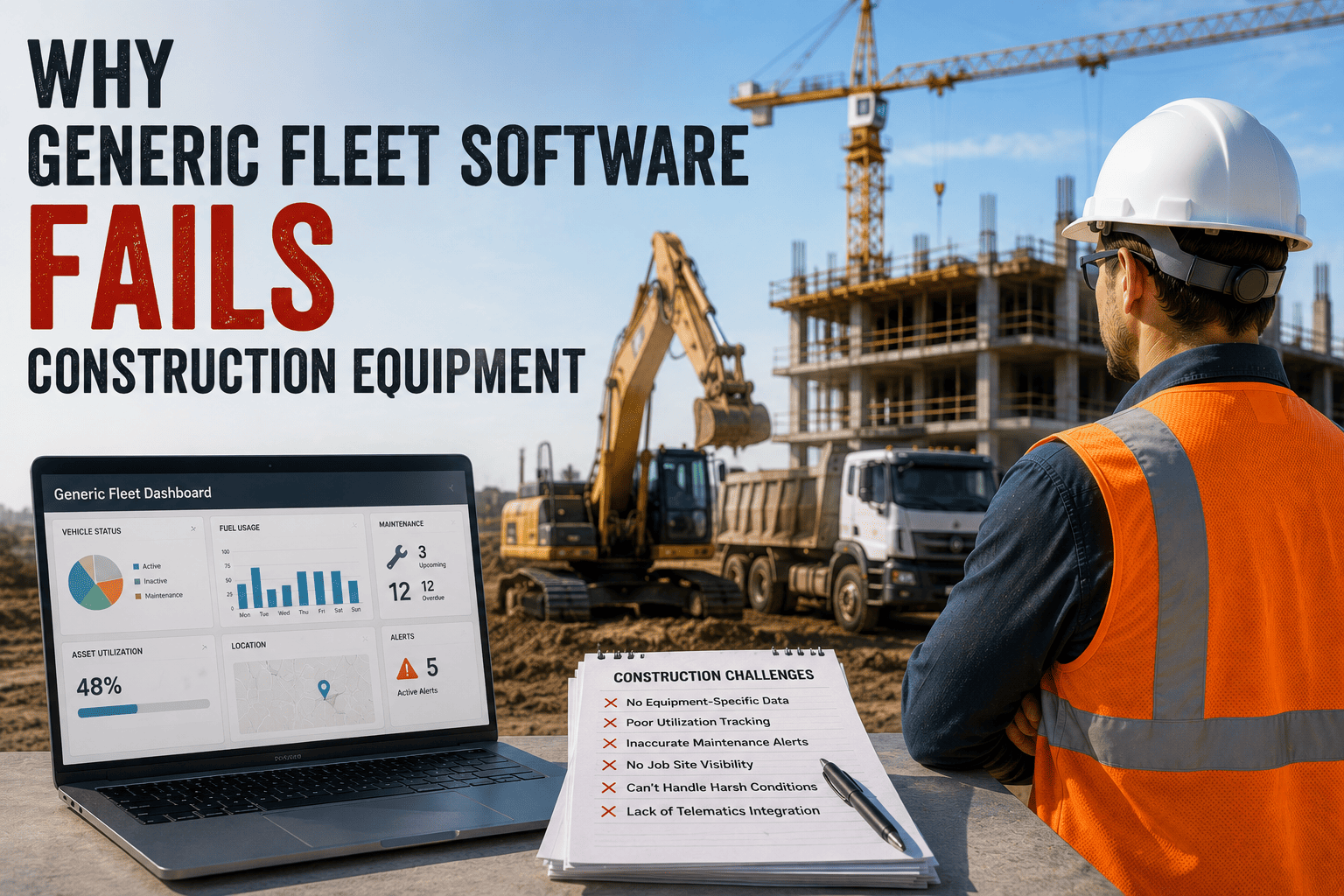
Somewhere in nearly every mid-size construction company sits a fleet platform that looked great in the sales demo and now runs at half capacity. It tracks the pickup trucks fine. The excavators, generators, and compactors are a different story — service reminders that never trigger, OSHA paperwork tracked in a separate binder, and an equipment manager who still gets a phone call every time someone needs to know where the skid steer is.
That gap isn't a training problem or a setup mistake. It's what happens when software built for delivery vans and long-haul trucks gets stretched to cover machines that don't work anything like a truck. Generic fleet platforms were designed around mileage, fixed depots, and DOT compliance. Construction equipment runs on engine hours, moves between job sites with no fixed home, and answers to OSHA — three fundamentals that most generic platforms simply weren't built to handle.
Generic fleet software fails construction operations because it schedules maintenance by mileage instead of engine hours, lacks OSHA-specific inspection and compliance tracking, and struggles with non-powered equipment that has no odometer or fixed depot. Contractors managing equipment without construction-purpose-built software typically lose 75,000 to 150,000 dollars a year through missed maintenance, idle assets, compliance gaps, and emergency rentals.
The Four Places Generic Software Breaks
These aren't edge cases. They're the everyday operational reality of running a mixed construction fleet, and they're exactly where platforms built for trucks and vans quietly stop working.
Mileage Instead Of Hours
An excavator can run ten hours a day without moving more than a quarter mile. Mileage-based maintenance triggers stay silent while the machine wears down exactly the way a truck driving hundreds of miles would.
No OSHA Framework
Competent-person inspections, ROPS requirements, and crane three-tier inspection programs fall under OSHA 29 CFR 1926 — a regulatory structure that DOT-focused platforms don't address at all.
No Fixed Depot
Equipment moves between job sites constantly, and non-powered assets like generators and compactors don't have an OBD-II port to plug a standard tracker into, leaving them invisible to vehicle-first GPS systems.
One Template For Everything
An excavator inspection checklist has nothing in common with a crane checklist. Generic software applies one template across every asset type instead of the equipment-specific checklists each machine actually requires.
What The Engine-Hours Gap Actually Costs
Consider a dump truck doing active site work. It might log 500 engine hours in 60 days — mechanically equivalent to more than 25,000 miles of road wear. A mileage-based platform tracking that same truck by odometer alone would miss every real service interval along the way, because the truck barely moved while the engine did the work.
Non-Powered Equipment Disappears Entirely
Excavators, generators, and compactors don't generate mileage data at all, and many don't have the OBD-II port a standard vehicle GPS unit plugs into. Without dedicated asset trackers built for exactly this gap, that equipment simply doesn't show up in the system — which is how a machine ends up sitting idle on one site for a week while another site pays to rent the same equipment.
| Requirement | Generic Fleet Software | Purpose-Built Construction Software |
|---|---|---|
| Maintenance Trigger | Mileage or odometer-based | Engine-hours based, matching actual wear |
| Compliance Framework | DOT / FMCSA only | OSHA 29 CFR 1926 plus DOT for on-road assets |
| Non-Powered Equipment | Often invisible, no native tracking | Dedicated asset trackers built into the platform |
| Inspection Templates | One generic checklist for all assets | Equipment-type-specific templates per machine |
| Offline Job Site Use | Frequently requires live connectivity | Full offline capability, syncs when signal returns |
Contractors who want to see how these gaps specifically apply to their own equipment list, rather than a generic comparison, generally find it faster to book a demo using their actual fleet.
FleetRabbit tracks engine hours, non-powered assets, and OSHA compliance natively — no bolted-on workarounds, no second login for the equipment your generic platform can't see.
What The Mismatch Actually Costs A Contractor
None of these gaps are abstract. They show up as real dollars leaving the business every year, usually spread across enough small incidents that nobody adds them up until they look at the total.
Where The Money Goes
Contractors managing equipment without real-time visibility built for construction typically lose 75,000 to 150,000 dollars annually through missed maintenance intervals, idle asset time nobody notices, compliance violations that surface during an audit, and emergency rentals brought in because nobody could confirm equipment availability. Purpose-built platforms that address these gaps directly report meaningfully different outcomes — companies using construction-specific fleet software see roughly 31 percent lower equipment downtime, 18 percent lower fuel costs, and 23 percent better equipment utilization within the first year.
When The Gap Becomes Unmanageable
Spreadsheets and generic tools tend to hold up under ten to fifteen pieces of equipment. Past that point, tracking errors start causing missed maintenance intervals, and knowing exactly where a specific machine is at any given moment becomes genuinely difficult without a system built for exactly that problem.
FleetRabbit was designed around engine hours, OSHA compliance, and mixed powered and non-powered equipment from the ground up. See how it handles the equipment your current platform treats as an afterthought.







