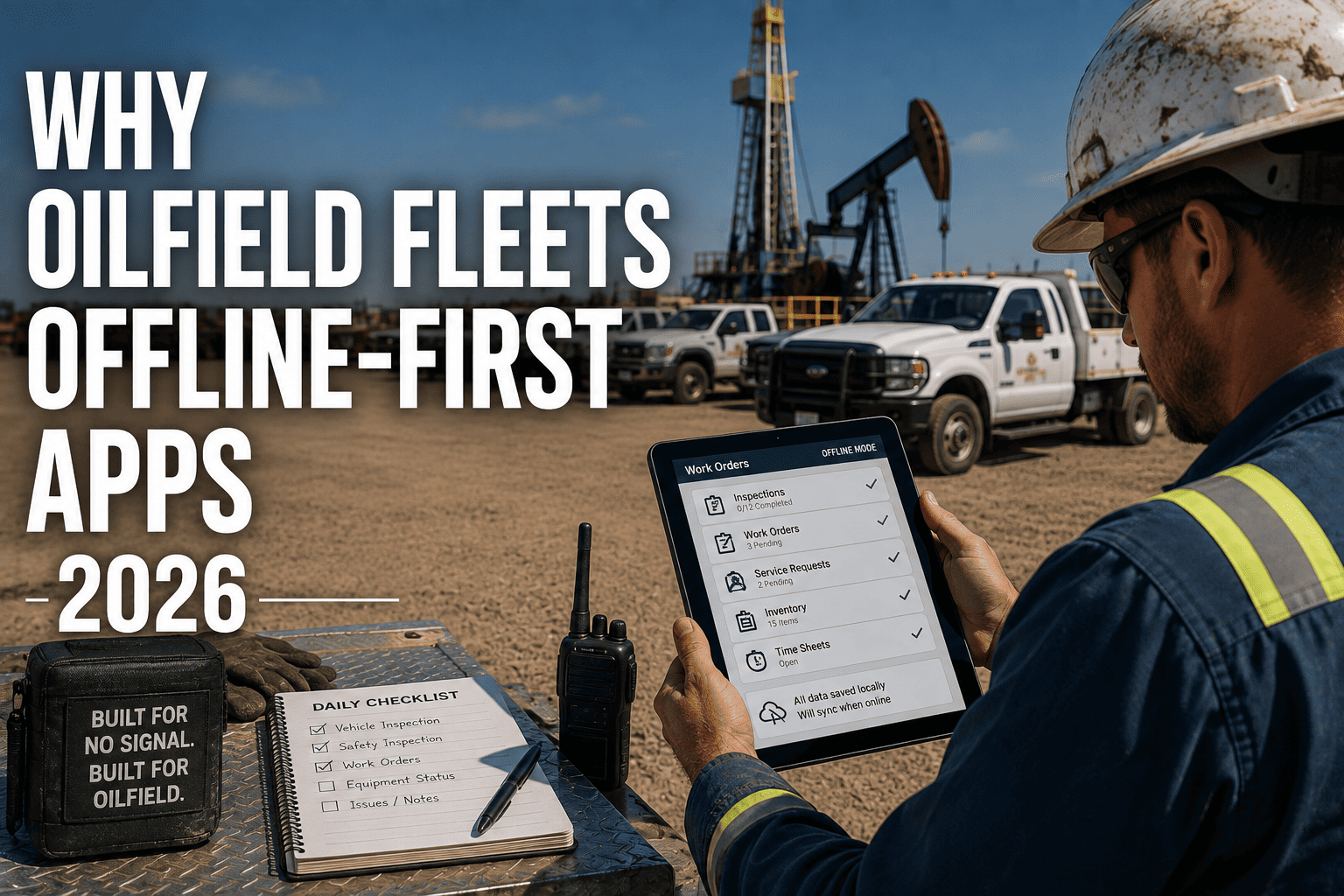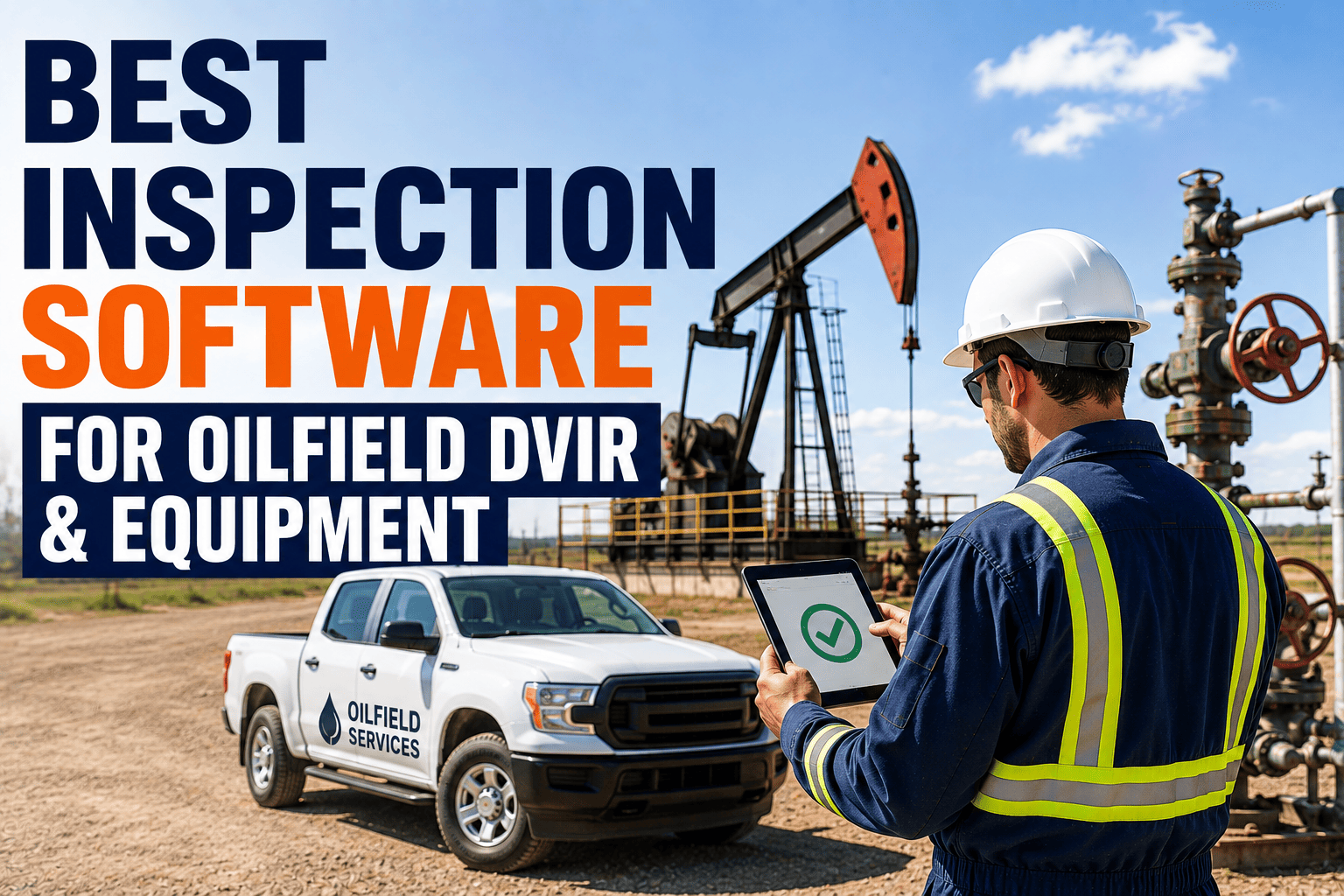
A driver finishes a flawless pre-trip inspection at 5:30 in the morning on a wellsite eighty miles from the nearest cell tower. Photos taken, defects noted, signature ready. Then the app freezes because there's no signal, the inspection vanishes, and the truck rolls out completely undocumented. No auditor, regulator, or attorney cares that the crew was in a dead zone. This is the exact failure point that separates real oilfield inspection software from apps that only work in places with good signal.
The best inspection software for oilfield DVIRs works fully offline, capturing photos, GPS coordinates, and digital signatures on-device before syncing automatically once connectivity returns. It should also route defects instantly to maintenance and block vehicles with unresolved issues from returning to service. Sign up free or book a demo to see FleetRabbit's offline-first inspection platform.
Why Paper and Basic Apps Fail at the Wellsite
Most inspection tools were built assuming a driver has cell signal, a clean surface to write on, and time to file paperwork back at the yard. None of those assumptions hold up at a remote well pad. The result is missing records, illegible defect notes, and vehicles returning to service without anyone confirming a flagged issue was actually fixed.
Paper Clipboards vs. Offline-First Digital Inspections
The difference isn't just convenience. It's whether your inspection records actually hold up when a regulator, insurer, or attorney asks to see them.
FleetRabbit captures full DVIRs with photos, GPS, and signatures on-device, then syncs automatically once your crew is back in range. Sign up free to try it on your fleet, or book a demo to see the offline workflow live.
How a Modern Digital DVIR Workflow Actually Runs
Good inspection software isn't just a form on a phone. It's a closed loop that follows a defect from the moment it's spotted to the moment it's verified resolved.
Comparing Inspection Software Capabilities
Not every inspection app that claims "mobile" or "digital" actually holds up at a remote wellsite. Use this comparison to separate a genuine oilfield-ready platform from a basic forms tool.
| Capability | Basic Inspection App | Oilfield-Ready Platform |
|---|---|---|
| Connectivity | Requires active signal to save or submit | Fully functional offline, syncs on reconnect |
| Equipment Templates | Generic checklists not built for oilfield units | Pre-built templates for vacuum trucks, frac pumps, and heavy haulers |
| Defect Routing | Manual review of submitted forms | Instant notification to maintenance with dispatch blocking |
| Audit Readiness | Records exported manually, inconsistently formatted | Compliance packages generated on demand in under a minute |
Choosing the Right Inspection Platform for Your Fleet
Fleet size and site remoteness both shape which features matter most when evaluating inspection software.
Fleets Running Multiple Remote Basins
Operations spanning several wellsite regions need equipment-specific templates and centralized dashboards so safety directors can see completion rates and defect trends across every location at once.
Smaller Crews Needing Fast Adoption
Smaller teams benefit most from pre-configured templates and short training modules that get drivers submitting accurate inspections within days, not weeks.
The Bottom Line for Oilfield Fleet Managers
An inspection app that only works with a strong cell signal isn't really an inspection app for the oilfield. It's a liability waiting for the first dead zone. The fleets that stay audit-ready are the ones running software built to capture, store, and sync inspection data entirely on-device, then automatically hold a vehicle back from dispatch until a flagged defect is actually verified fixed. That closed loop is what turns inspections from a paperwork obligation into a real safety and compliance system.
If your crews are still relying on paper clipboards or an app that stalls out at the wellpad, it's worth seeing what an offline-first platform looks like in practice. Sign up free to start digitizing your fleet's inspections today, or book a demo to walk through your sites with our team.
FleetRabbit gives oilfield crews offline-capable DVIRs, instant defect routing, and dispatch blocking so no inspection is ever lost and no unresolved issue slips back onto the floor. Start your free trial today with no credit card required.