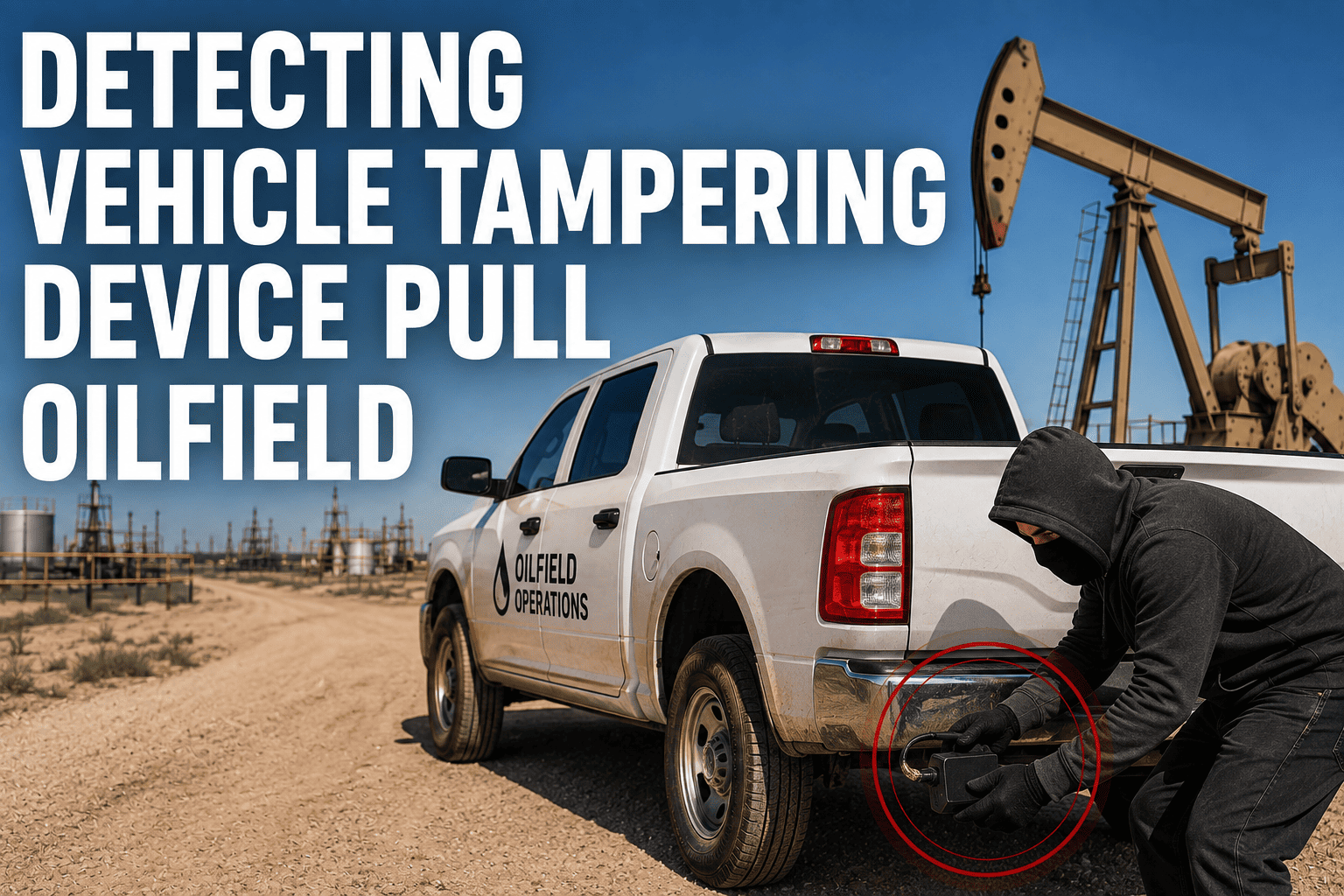
A tracking device that goes silent doesn't always mean it broke. On an oilfield fleet running trucks and vans across remote pads, a sudden gap in location data can mean a dead cell zone, a low battery, or something far more deliberate: a driver pulling the plug so a detour, a personal errand, or an off-route stop never shows up on the dashboard. Without a system built to tell those apart, every quiet device looks the same, and the ones worth investigating get lost in the noise.
Most fleets only notice a tracking gap when someone happens to check the map and see a vehicle missing. By then, the disconnected window could be hours long, and the reason for it is already impossible to reconstruct. Real tamper detection needs to flag the disconnect the moment it happens, not whenever a manager remembers to look.
Why a Silent Device Isn't Always an Accident
Plug-in trackers connect through the OBD-II port, usually tucked under the dash within easy reach of a driver's knee. That accessibility is exactly why it gets bumped loose during normal use and why it's just as easy to unplug on purpose. Industry reporting on fleet tracking shows drivers use a handful of recurring tactics to go dark: unplugging the device outright, wrapping it to block satellite signal, jamming the GPS receiver with a signal blocker, or disconnecting the power lead just long enough to cover a gap in the route. Each method leaves a slightly different fingerprint, but only a system actively watching for those fingerprints will catch the difference between a loose connector and a deliberate pull.
Power Disconnect
The device loses power the instant it's unplugged or the harness is cut, and reports that break the moment it happens.
Unexpected Reporting Gap
A check-in window closes without a location update, with no maintenance record or known dead zone to explain the silence.
Signal Jamming Pattern
Satellite signal drops sharply and consistently in a location with no physical obstruction, a common jamming signature.
Reading the Different Kinds of Tamper Signals
Not every disconnect looks the same on a report, and the response should match the signal. The table below breaks down the four patterns fleet managers see most often and what each one usually means.
| Signal Pattern | What It Usually Means | How Urgent It Is | First Check |
|---|---|---|---|
| Instant Power Loss | Device unplugged, harness cut, or vehicle battery disconnected | High, especially if it happens mid-route | Compare the timestamp against the driver's expected route and any recent service work |
| Gradual Signal Fade | Antenna obstruction, device wrapped or covered, or weak connection | Medium, worth a physical check at next stop | Confirm the device is seated correctly and not blocked by cargo or equipment |
| Sudden Total Blackout | Possible RF jamming or a device removed and physically shielded | High, particularly in a location with no known interference | Flag the location and cross-check against the vehicle's last confirmed movement |
| Repeated Short Drops | Loose connector, worn port, or intermittent bumping during normal use | Low to medium, but worth fixing before it becomes a bigger gap | Schedule a hardware check and consider a harness or zip-tie mount to secure the unit |
FleetRabbit flags power disconnects, signal gaps, and jamming patterns as they happen instead of waiting for someone to notice a blank spot on the map. Every alert comes with the vehicle's last known location and route context, so you can act while it still matters. Sign up for FleetRabbit and close the visibility gap across your fleet.
What to Do the Moment a Tamper Alert Fires
Speed matters once a device goes dark. The longer a gap runs, the harder it becomes to reconstruct what actually happened during it.
A Simple Response Sequence That Works
Confirm the last known location and timestamp
Check exactly where and when the device stopped reporting before assuming anything about the cause.
Rule out routine explanations first
Check for scheduled maintenance, a known dead zone on that route, or a low battery report from earlier in the shift.
Cross-check against the driver's expected route
If the gap falls in a spot that doesn't match the assigned job or delivery, treat it as a priority follow-up.
Document the event and follow up directly
Log the alert with its context and have a straightforward conversation with the driver, referencing the specific gap rather than a general accusation.
Reducing Tampering Before It Starts
Detection catches the event, but a few upfront steps make tampering far less tempting in the first place. Securing the device with a harness or zip ties under the dash removes the easy accidental bump and makes deliberate removal obvious rather than casual. Mounting the unit somewhere less visible reduces the temptation altogether, since most tampering happens simply because the device is within easy reach. Clear, communicated policy also matters: drivers who know their vehicle is tracked, understand why, and know that disconnects trigger an immediate alert are far less likely to try in the first place, because the two things that make tampering appealing, anonymity and low odds of getting caught, both disappear.
Closed Visibility Gaps
Real-time alerts mean a disconnected device gets flagged in minutes, not discovered days later during a routine review.
Faster Incident Reconstruction
Route history paired with tamper alerts makes it far easier to piece together what happened around a coverage gap.
Stronger Theft and Recovery Odds
Catching a tamper event early keeps the recovery window open instead of losing the vehicle's trail entirely.
Lower Fuel and Route Losses
Fleets that close tracking gaps consistently recover meaningful fuel and mileage costs previously lost to undetected off-route driving.
Putting Tamper Alerts to Work Across Your Fleet
FleetRabbit monitors every connected device for power disconnects, unexpected reporting gaps, and jamming-style signal loss, and pushes an alert the moment one of those patterns appears, complete with the vehicle's last confirmed location and recent route. That turns a vague "we lost the truck for a while" into a specific, time-stamped event a manager can actually act on. You can sign up and start monitoring your fleet right away, or book a demo to see how tamper alerts look against your own vehicles and routes before rolling the system out fleet-wide.
Frequently Asked Questions
Every hour a tracker stays disconnected is an hour of fleet activity you can't account for. FleetRabbit catches power disconnects, signal gaps, and jamming patterns the moment they happen, so your visibility never depends on someone remembering to check the map.