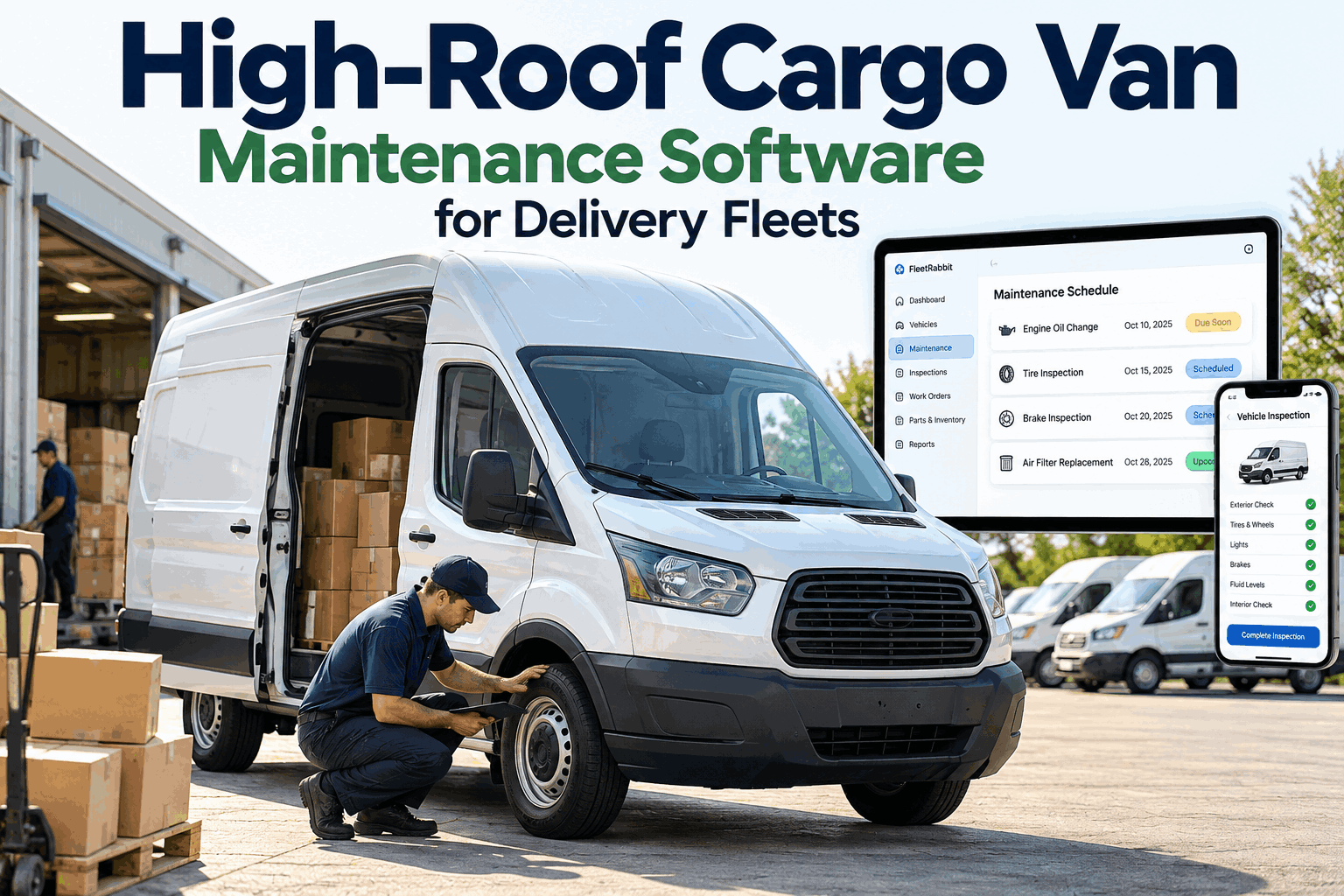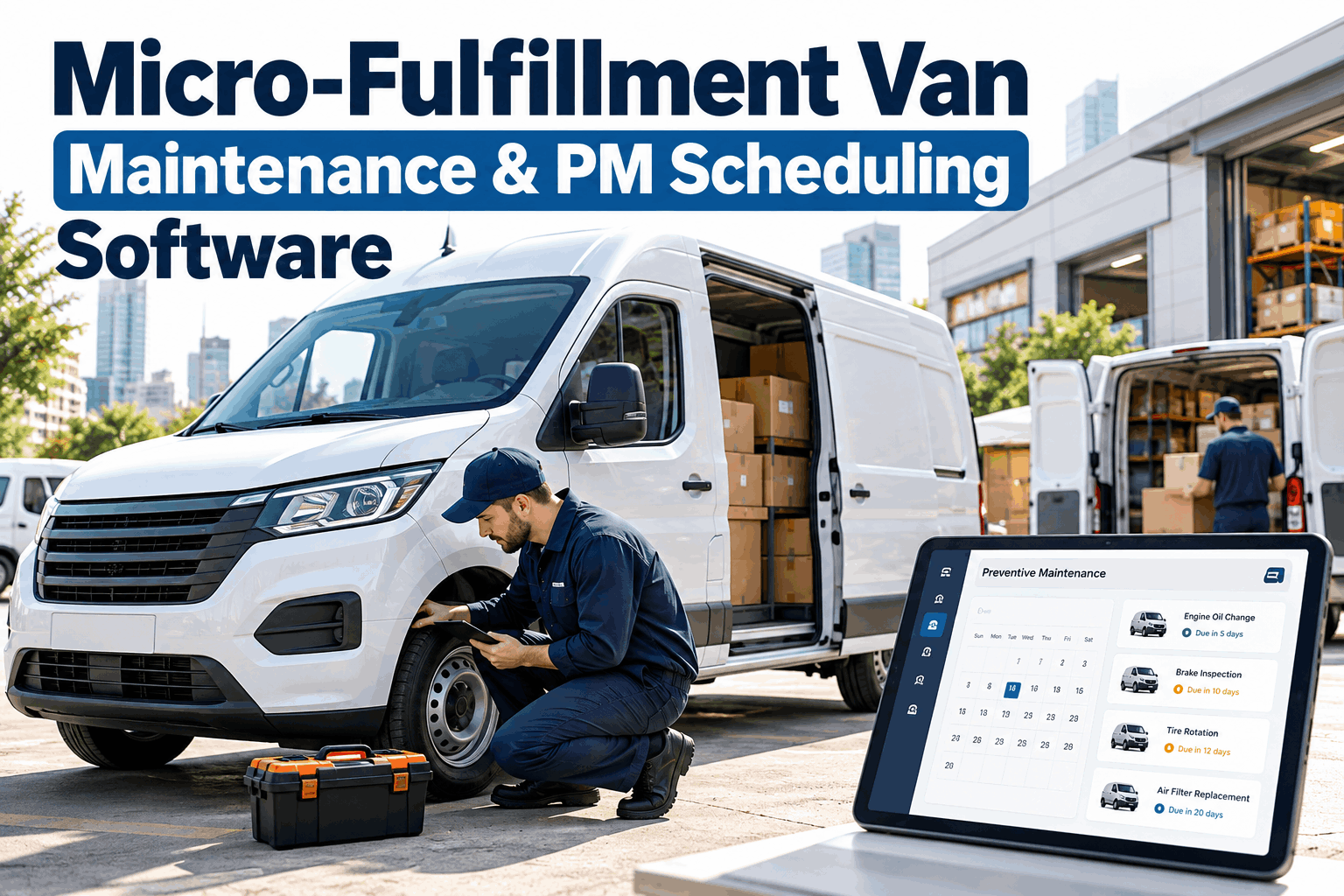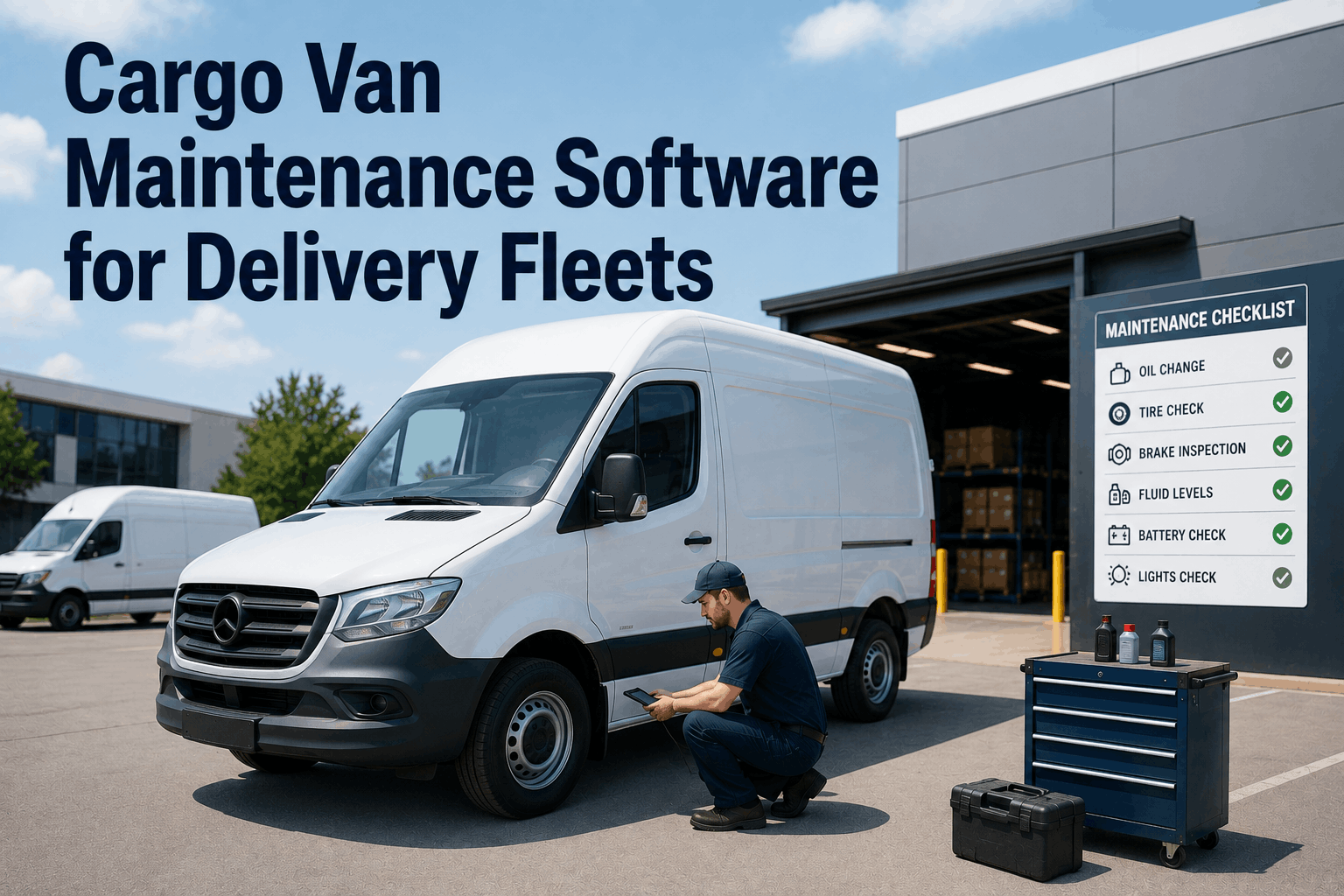
Vehicle breakdowns cause roughly a quarter of all last-mile delivery failures, and a single cargo van going down mid-route rarely stays a single problem. One flat tire or one dead battery can trigger fifteen to twenty cascading missed stops before the day is over. Cargo van maintenance software built specifically for delivery fleets exists to catch that failure before it happens, not to log it after the fact, and this guide walks through how that actually works for a carrier running cargo vans on tight delivery windows.
What Cargo Van Maintenance Software Actually Needs to Do
A cargo van running last-mile routes needs more than a service reminder app. It needs a system that connects what the van is doing on the road to when it should be in the shop, without anyone having to manually cross-check a spreadsheet. The pieces below are the ones that matter most for a delivery-focused fleet.
Route-Optimized Scheduling
Service windows are flagged days ahead and slotted into low-volume delivery days automatically, so a van never gets pulled off a loaded route without warning.
Proof-of-Delivery Tie-In
Every completed stop feeds live mileage and usage data back into the maintenance clock.
Predictive Alerts
Issues get flagged four to seven days before they become a roadside failure.
Telematics Integration
Connects with the GPS and diagnostics data providers most fleets already run.
Service History Log
Every completed repair and cost is logged automatically against the van it was performed on.
Depot-Based Repair, Not Roadside
Catching wear early means the fix happens in a scheduled shop visit instead of a tow truck call in the middle of a route.
Live in Days, Not Months: What Getting Started Actually Looks Like
One of the biggest reasons fleets put off adopting maintenance software is the assumption that it means weeks of setup before it does anything useful. For a cargo van fleet connecting existing telematics data, that timeline is much shorter than most managers expect.
Connect existing telematics feeds and pull baseline mileage and usage data for every van in the fleet.
Configure service intervals per van class and load in existing maintenance history.
Dispatch and drivers get access, service alerts start flowing, and the fleet is running on the new schedule.
Fleets that are still gluing together a spreadsheet and a shared calendar to track van maintenance usually find it faster to just sign up than to keep patching the manual process together for one more quarter.
See your cargo van fleet's maintenance status in one live dashboard
Route-optimized scheduling, proof-of-delivery data, and predictive alerts, running in days.
From Delivery Stop to Service Order: How the Data Actually Flows
The core idea behind cargo van maintenance software is simple even if the plumbing behind it is not. Every action a van takes on its route becomes a signal, and those signals accumulate into a service decision without anyone manually watching for them.
Driver marks a delivery complete, POD scan logs the location and odometer reading.
Mileage, engine hours, and any fault codes roll into the van's maintenance profile in real time.
The system compares live usage against the van's service interval, not a rough monthly estimate.
Dispatch gets a heads-up days in advance, with a suggested low-volume day to book the service.
This is the part that separates real cargo van maintenance software from a shared calendar with reminders on it. Carriers who want to see this flow running against their own fleet data are usually better served booking a walkthrough than reading a feature list, which is why so many book a demo before making a switch.
Signs Your Cargo Van Fleet Has Outgrown Manual Tracking
Not every fleet needs to make this switch on day one. But a few patterns tend to show up right before a fleet manager decides a spreadsheet is no longer enough.
Service dates are tracked by memory or a shared spreadsheet that nobody fully trusts
A van has gone down mid-route more than once in the last quarter with no advance warning
Dispatch finds out a van is due for service the same day it needs to run a full route
Telematics data exists but nobody has time to manually cross-check it against service intervals
Stop finding out a van needs service the same day it needs to run a route
Connect your telematics, set service intervals per van class, and go live in days.
Frequently Asked Questions
How is cargo van maintenance software different from a general fleet telematics platform
Telematics platforms collect location and diagnostic data. Maintenance software takes that same data and turns it into scheduled action, comparing live mileage and usage against each van's service interval and alerting dispatch before a service window is missed.
How long does it actually take to get a cargo van fleet set up
For a fleet connecting existing telematics data, setup typically runs about five days: telematics connection and baseline data on day one, interval configuration and history import over the next two days, and dispatch and driver access with live alerts by day five.
Does this replace the telematics provider a fleet already uses
No. Maintenance software sits on top of existing telematics data rather than replacing it, connecting to common providers and turning the raw data those systems generate into scheduled maintenance actions.
What percentage of delivery failures actually come from vehicle breakdowns
Vehicle breakdowns are responsible for roughly 26 percent of last-mile delivery failures, and a single breakdown on a multi-stop route can cascade into fifteen to twenty missed stops before the day is finished.
Can predictive maintenance actually prevent a breakdown before it happens
Predictive maintenance systems that monitor live vehicle data can typically flag developing issues four to seven days before they turn into a failure, giving fleets time to fix the problem in a depot instead of on the roadside.