A delivery van rarely breaks down on the day something actually goes wrong. It breaks down three weeks later, on a Tuesday afternoon, in the middle of a route it was never scheduled to finish that slowly. The real failure happened earlier — a service interval buried under invoices, a dispatcher juggling forty other things, a paper log nobody opened. For e-commerce fleets running dozens of vans across a metro area, that one missed interval turns into a stalled route, a scrambled reassignment, and a customer staring at a tracking page that hasn't moved in two hours.
Why a van going dark mid-route costs more than the tow
In most fleets, a breakdown isn't one expense — it's five stacked on top of each other. There's the tow, the diagnostic, and the repair itself. Then there's the driver sitting idle, the parcels that need a second van rerouted mid-shift, and the delivery windows that quietly slip past their promised time. For an e-commerce operation, that last piece is the expensive one: a late delivery isn't just an internal inconvenience, it's a broken promise a customer can see on their phone.
Reactive repair almost always costs more than planned service, sometimes several times over, because emergency labor, rush parts, and route disruption all get priced at a premium. Spreadsheets and paper logs can track that a service happened. They can't tell you, three days before a brake pad wears past its limit, that a van needs to come in. That gap is exactly where preventive maintenance software earns its keep, and it costs nothing to see how it fits your routes — sign up and connect your first van in a few minutes.
Every route already has stops. Maintenance should be one of them.
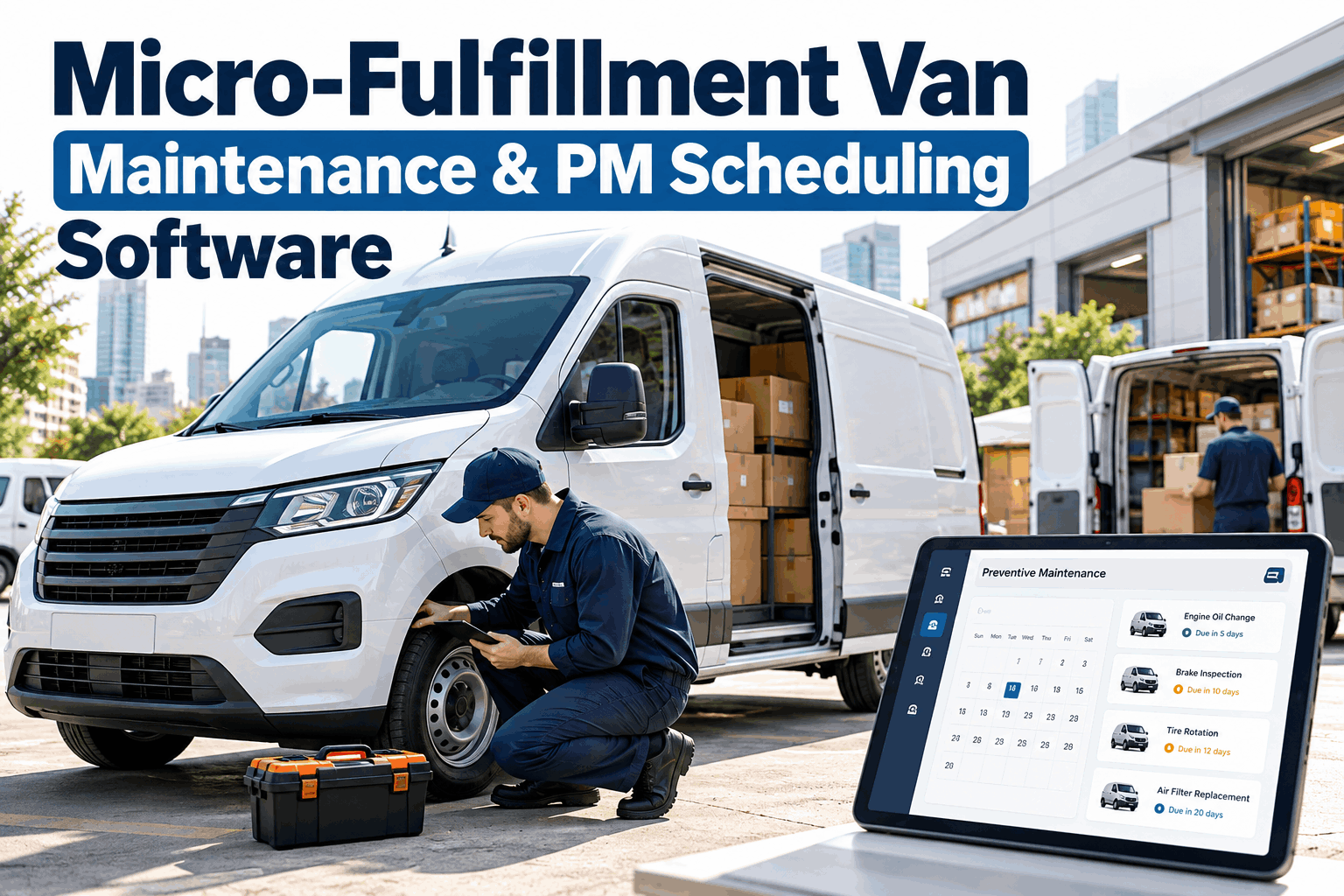
Delivery vans don't run on a maintenance calendar — they run on mileage, engine hours, and whatever the road did to them that week. Preventive maintenance scheduling software works the same way: instead of a fixed date on a wall calendar, each van gets its own set of checkpoints, triggered automatically as it actually drives.
Pre-trip inspection
Tires, lights, fluid levels, and brake feel, logged from a driver's phone before the van leaves the lot.
Oil and fluid service
Scheduled automatically per VIN, with a work order generated before the van is due, not after a warning light comes on.
Brake and tire inspection
The interval that most often gets skipped on paper systems, and the one most likely to strand a van mid-delivery.
Belts, filters, and diagnostics
Bundled into a single shop visit instead of three separate ones, cutting the days a van spends off the road.
Full compliance inspection
Service history compiled automatically, so audit season stops being a scramble through filing cabinets.
Once those checkpoints live in software instead of memory, a van that's approaching a service interval can be flagged before dispatch builds tomorrow's routes — not discovered after it's already three stops in. If you want to see your own fleet mapped out this way, book a demo and we'll walk through the intervals that matter most for your vans.
Stop finding out about a van the hard way
See how route-aware preventive scheduling looks for a fleet your size, with real intervals and real numbers.
The spreadsheet route versus the scheduled route
Most fleets don't lack effort — they lack a system that ties maintenance to the same schedule dispatch already runs on. The difference shows up less in the shop and more in how smoothly a delivery day actually goes.
- A mechanic finds a missed interval during an unrelated repair
- Service due dates live in someone's memory or a shared sheet
- Dispatch reshuffles routes by hand after a van goes down
- Delivery timestamps drift once a van reroutes mid-shift
- Service reminders trigger automatically from mileage and engine hours
- Fault alerts surface before a warning light becomes a stall
- Route optimization routes around vans already flagged for service
- Proof-of-delivery stays accurate because the van stays on schedule
That last row matters more than it sounds. Proof-of-delivery data is only as reliable as the route it was captured on — every unplanned detour, reassignment, or delay adds a gap between what the tracking page shows and what actually happened at the door. Fleets that sign up for scheduled maintenance often notice their delivery data gets cleaner before they notice their repair bills get smaller.
What a dispatcher's morning looks like once this runs itself
Preventive maintenance software isn't a separate app dispatch has to remember to check — it sits next to the tools already running the day.
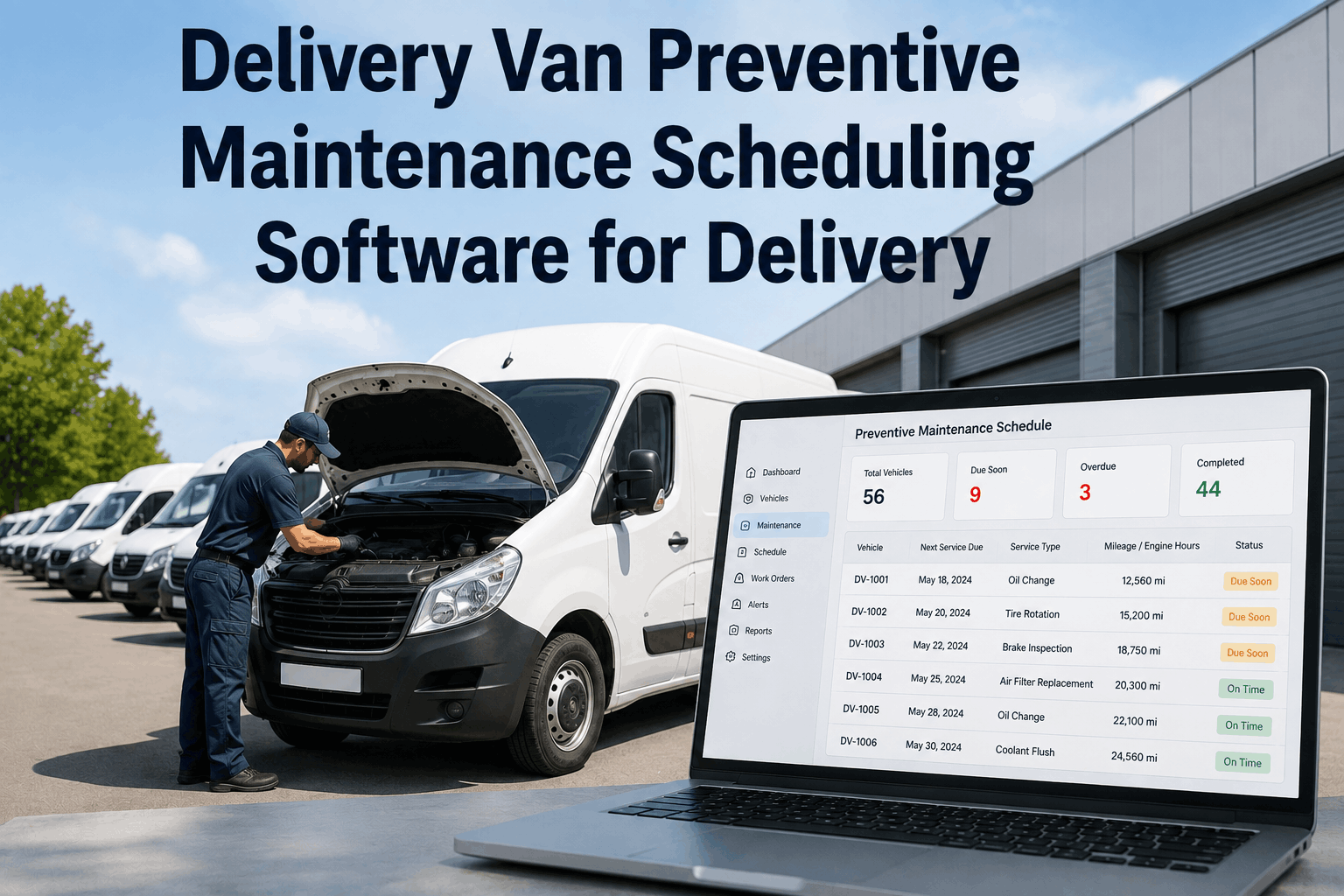
Today's service due list shows exactly which vans need attention before routes get assigned, ranked by urgency instead of buried in a folder.
Route-optimized scheduling keeps a flagged van off the longest, heaviest routes until it's cleared, without a dispatcher having to remember to check.
Proof-of-delivery records stay tied to accurate stop times, since the van completing the route is the one that was actually scheduled for it.
Cost-per-van reporting makes it obvious which vehicles are worth keeping and which are quietly draining the maintenance budget.
Built for the shape of e-commerce delivery, specifically
Last-mile delivery for e-commerce doesn't behave like long-haul freight. Routes are dense, windows are tight, and volume spikes hard around peak seasons — which is exactly when a fleet can least afford a van sitting in a shop bay. A maintenance schedule that ignores route load will always flag vans at the worst possible moment. One that's built around how delivery fleets actually run can space services out before a surge hits, instead of scrambling once it's already underway.
It also protects something harder to quantify: driver confidence. A driver who trusts their van won't strand them mid-route drives a fuller day with less hesitation, and that shows up in on-time rates as much as any repair budget line does. Fleets that get ahead of this usually start the same way — sign up and see which of your own vans are closest to a flagged interval right now.
Give every van a route that includes maintenance
Start free and connect your fleet in minutes, or talk it through with a real person first.
Common questions about delivery van preventive maintenance software
What makes preventive maintenance software different from a repair log
A repair log records what already happened. Preventive maintenance software predicts what's coming, based on mileage and engine hours per vehicle, and generates a work order before a problem interrupts a route rather than after.
How does route optimization actually connect to maintenance
Once a van is flagged for service, route optimization can factor that in when building tomorrow's assignments — keeping it off the longest or heaviest route until it's cleared, instead of leaving that judgment call to a dispatcher's memory.
Does this replace proof-of-delivery tracking or work alongside it
It works alongside it. Proof-of-delivery accuracy depends on a van completing its planned route without a mid-shift breakdown or swap, so keeping vans reliable is part of what keeps delivery records clean.
How soon does downtime actually start dropping
Most fleets see measurable change within the first 30 to 90 days, as automated scheduling replaces guesswork, with the larger cost savings compounding over the first two quarters as reactive repairs become the exception rather than the norm.
Will this work across a mixed fleet of van makes and models
Yes. Service intervals are tracked per VIN, so a mixed fleet of different makes, ages, and mileages can each run on their own schedule inside one dashboard, rather than forcing every van onto the same generic timeline.
What does it take to get started
Most fleets are up and running the same day. There's no long onboarding process required — sign up, connect your existing vehicle data, and the first set of service checkpoints builds itself from there.