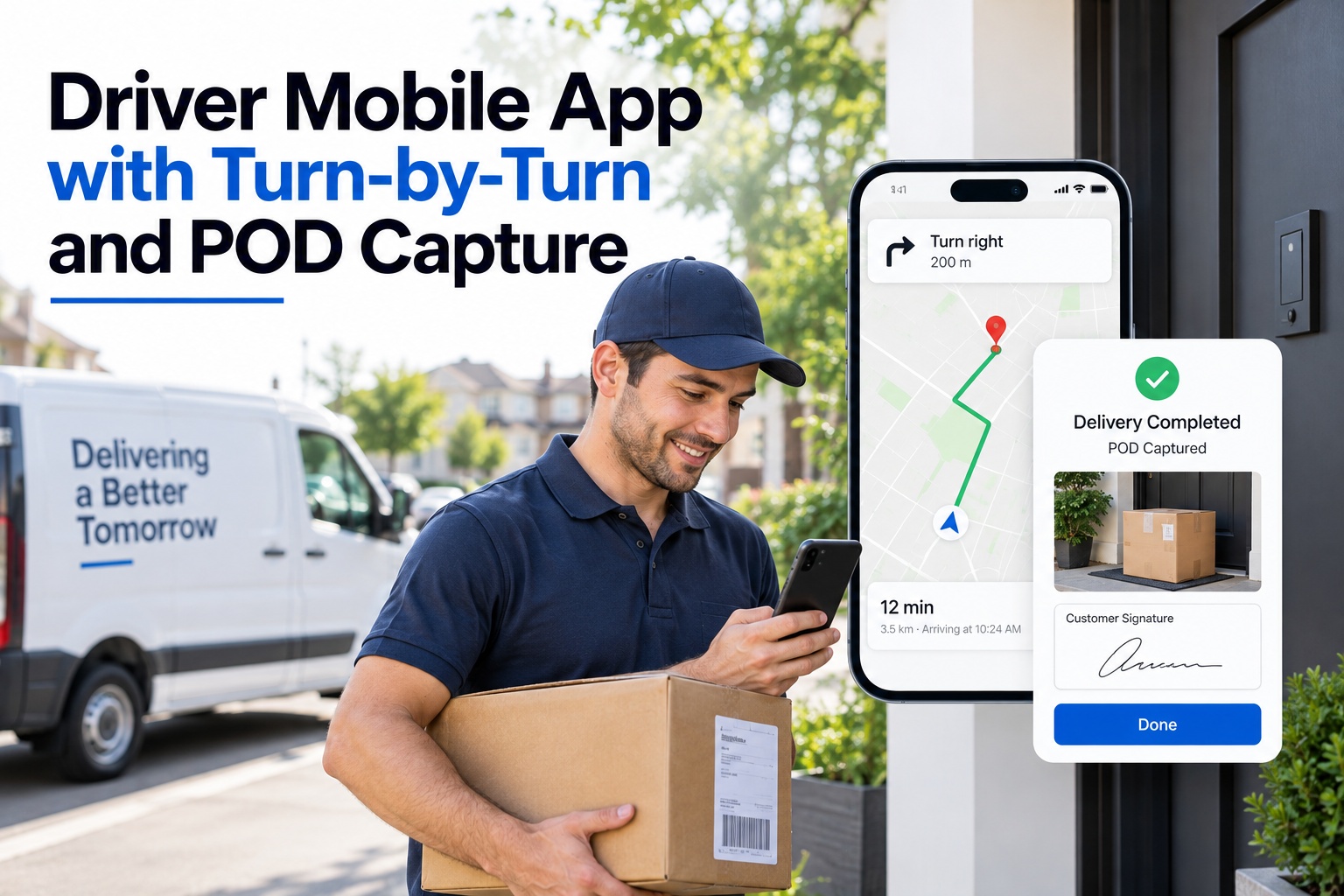
A driver's phone is where most of the delivery day actually happens — the turn-by-turn directions, the note that a gate code changed, the signature or photo that proves a stop was completed. When that phone is running three disconnected apps instead of one, dispatch loses the thread the moment a driver goes quiet between stops. Book a demo to see turn-by-turn navigation and proof-of-delivery capture working from a single driver app.
Driver Mobile App with Turn-by-Turn and POD Capture
Navigation, delivery confirmation, and route data in one app — so dispatch sees a closed stop the second a driver does.
Turn right on Elm St · 0.3 mi
What a Driver Actually Sees on Route
Turn-by-turn directions stay on screen the whole way, and the moment a driver reaches a stop, the same screen switches to capture — a signature, a photo, or a barcode scan, whichever the delivery calls for.
No app-switching, no separate login for the confirmation step, and no gap between "I dropped it off" and dispatch actually knowing it.
Evidence before the dispute
A timestamped photo and signature settle a "never arrived" claim before it turns into a chargeback.
Hours back each week
Teams moving off paper POD commonly report meaningfully fewer hours spent chasing down delivery disputes.
Captures without signal
Rural routes and warehouse dead zones don't stop a capture — it syncs the moment coverage returns.
Why Paper Trails Fall Apart
The form never makes it back
A signed paper slip sitting in a cab until end of shift is a slip that can be lost, damaged, or simply forgotten.
Disputes start blind
Without a timestamp or photo, a disputed delivery comes down to a driver's memory against a customer's claim.
SLA gaps go unnoticed
A late stop only becomes visible once someone manually reconciles route sheets at the end of the day.
Performance data is a guess
Without stop-level timestamps, comparing driver or route performance is closer to intuition than analysis.
What Dispatch Sees the Moment a Stop Closes
The same capture that confirms a delivery to a customer also updates the dispatcher's board in real time — no separate sync, no end-of-day upload.
Stop marked complete with proof attached, visible on the live route board immediately.
SLA timer stops the instant the capture is logged, not when someone reviews it later.
Route and driver analytics update automatically, ready for the next day's planning.
Everything the Driver App Handles
Turn-by-turn navigation
Route guidance built for delivery stops, not just point-to-point driving directions.
Multi-factor POD capture
Signature, photo, and barcode scan, chosen per stop instead of a one-size-fits-all form.
Offline mode
Captures save on the device and sync automatically the moment signal returns.
SLA tracking
Every stop timestamped against its delivery window, rolled up without manual reconciliation.
Driver scorecards
On-time rate, stop duration, and capture completeness, tracked per driver over time.
Exception flags
A missed capture or an overdue stop surfaces to dispatch immediately, not at shift's end.
Frequently Asked Questions
What counts as proof of delivery in the app?
A signature, a timestamped photo, or a barcode scan, tied to the stop's GPS location and captured at the moment of delivery.
Does the app work without cellular signal?
Yes. Navigation and capture both function offline, with data syncing automatically once the device reconnects.
How does proof of delivery actually reduce disputes?
It replaces a driver's word against a customer's claim with a timestamped record — evidence that exists before the dispute does.
Can dispatch see stop status in real time?
Yes. A completed capture updates the live dispatch board immediately, without an end-of-day upload or manual sync.
Do drivers need training to use it?
Most drivers are comfortable within a shift or two — navigation and capture sit on one screen instead of several separate tools.
How fast can a fleet get the driver app running?
Most teams are live within days of choosing to sign up, since existing driver and route data import directly.
Put navigation and proof of delivery on one screen
See exactly what your drivers see, and what dispatch sees the moment a stop closes.