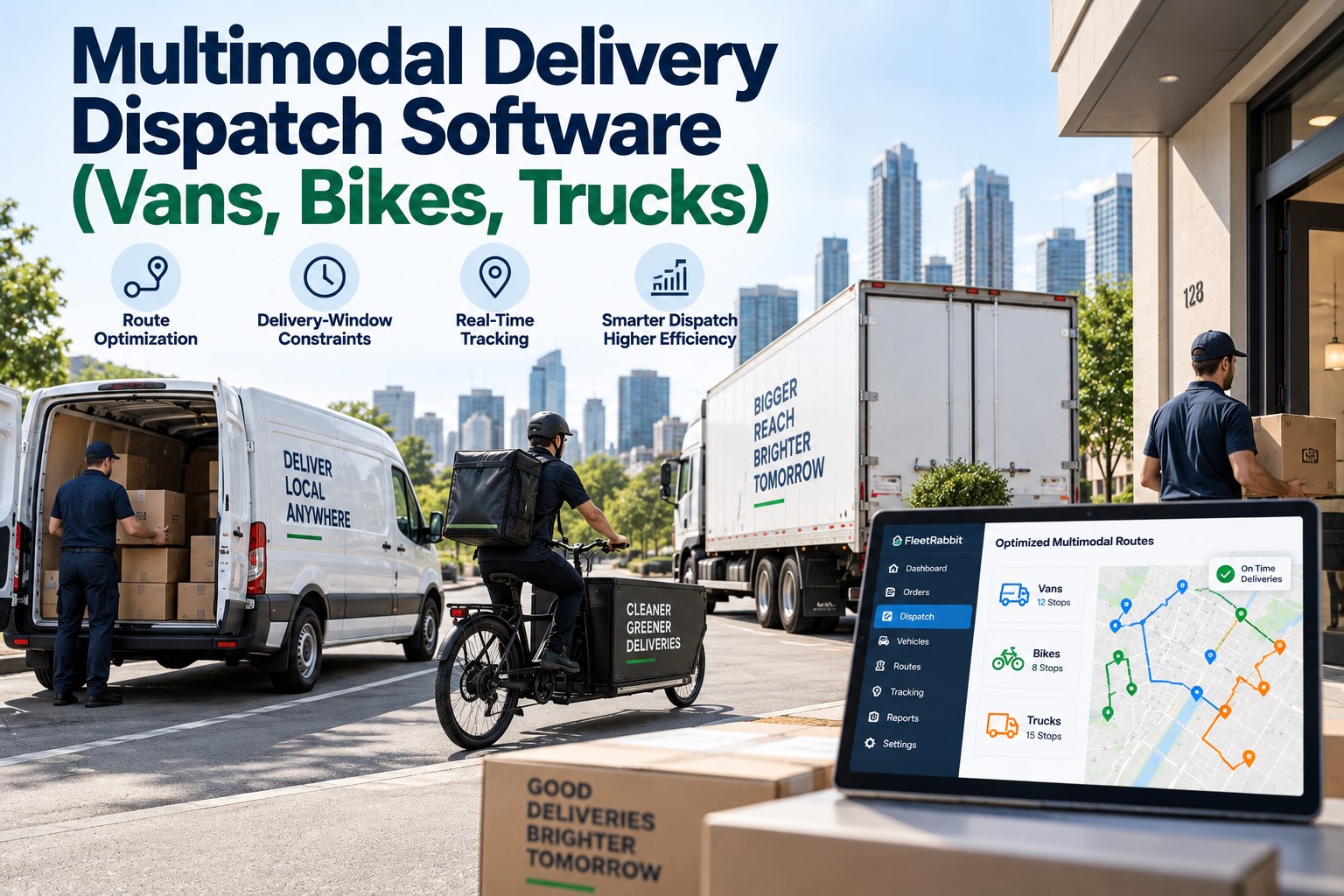
Bikes, vans and trucks don't run on the same clock — your dispatch software shouldn't pretend they do
Most last-mile fleets today aren't one vehicle type — they're three or four running side by side. If your dispatch tool was built for a single mode, you can sign up and see the difference a mode-aware planner makes on your own delivery zones within a day.
One route plan doesn't fit three vehicles
Route optimization software built for a single fleet type solves one problem: shortest path for one kind of vehicle. Add a bike courier and a 26-foot truck to the same dispatch pool and the math changes completely. A bike can cut through a park and skip traffic; a truck can't take that shortcut and needs loading-dock access. A van can absorb a late add-on stop; a truck's schedule is usually locked once it leaves the depot.
Multimodal delivery dispatch software treats vehicle type as a hard constraint, not an afterthought — matching each stop to a mode that can actually reach it, on time, within its own operating rules. That's the part generic route optimization software skips, and it's usually where the missed-window complaints start.
Three vehicle types, three very different rulebooks
Before a stop gets sequenced, the system checks what kind of vehicle can legally, physically and reasonably serve it. Here's what that comparison looks like across a typical mixed fleet.
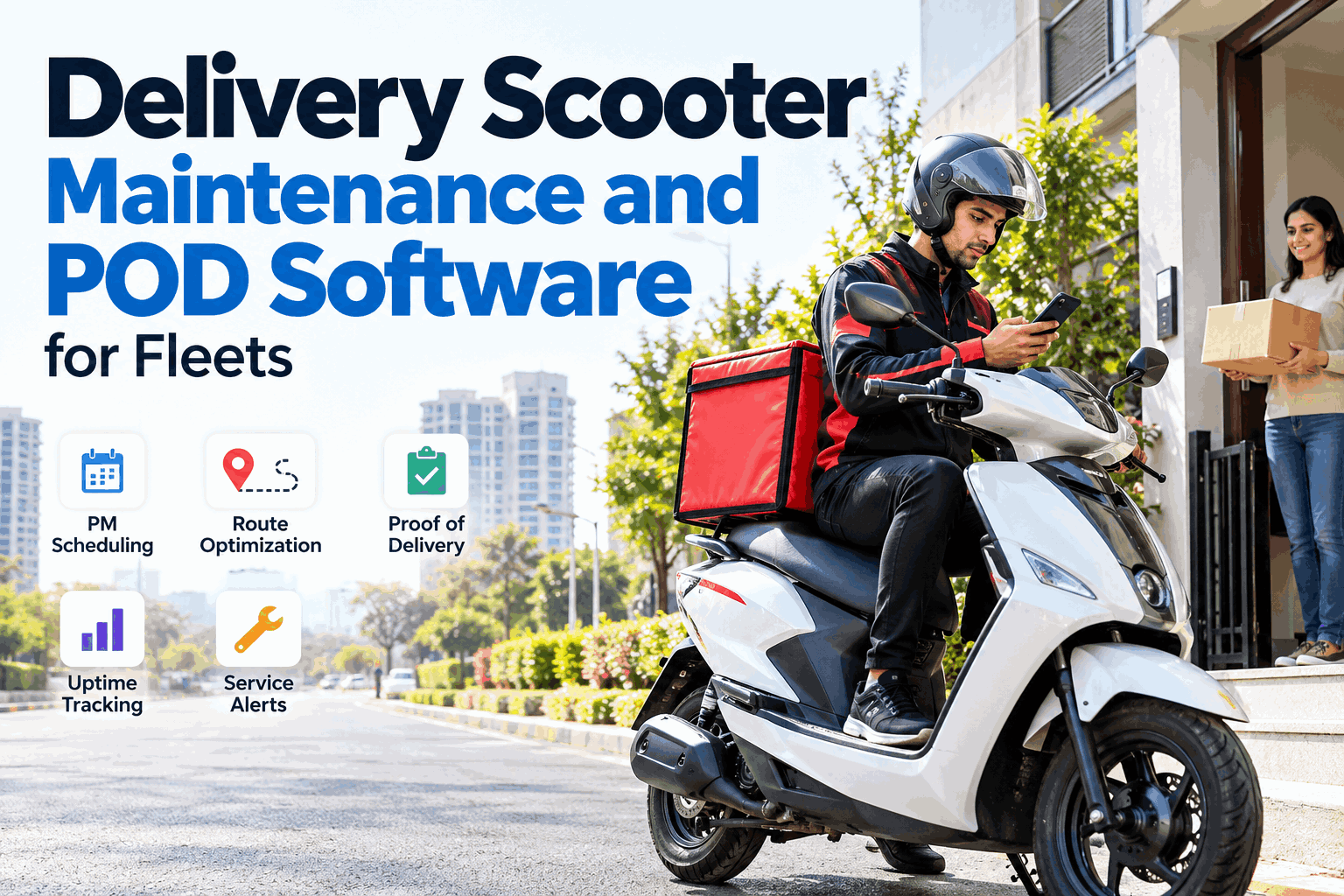
Bike
Low capacity, high maneuverability
- Best for dense urban cores and short delivery windows
- Skips traffic zones and restricted streets vans can't enter
- Payload and range cap how many stops fit per run
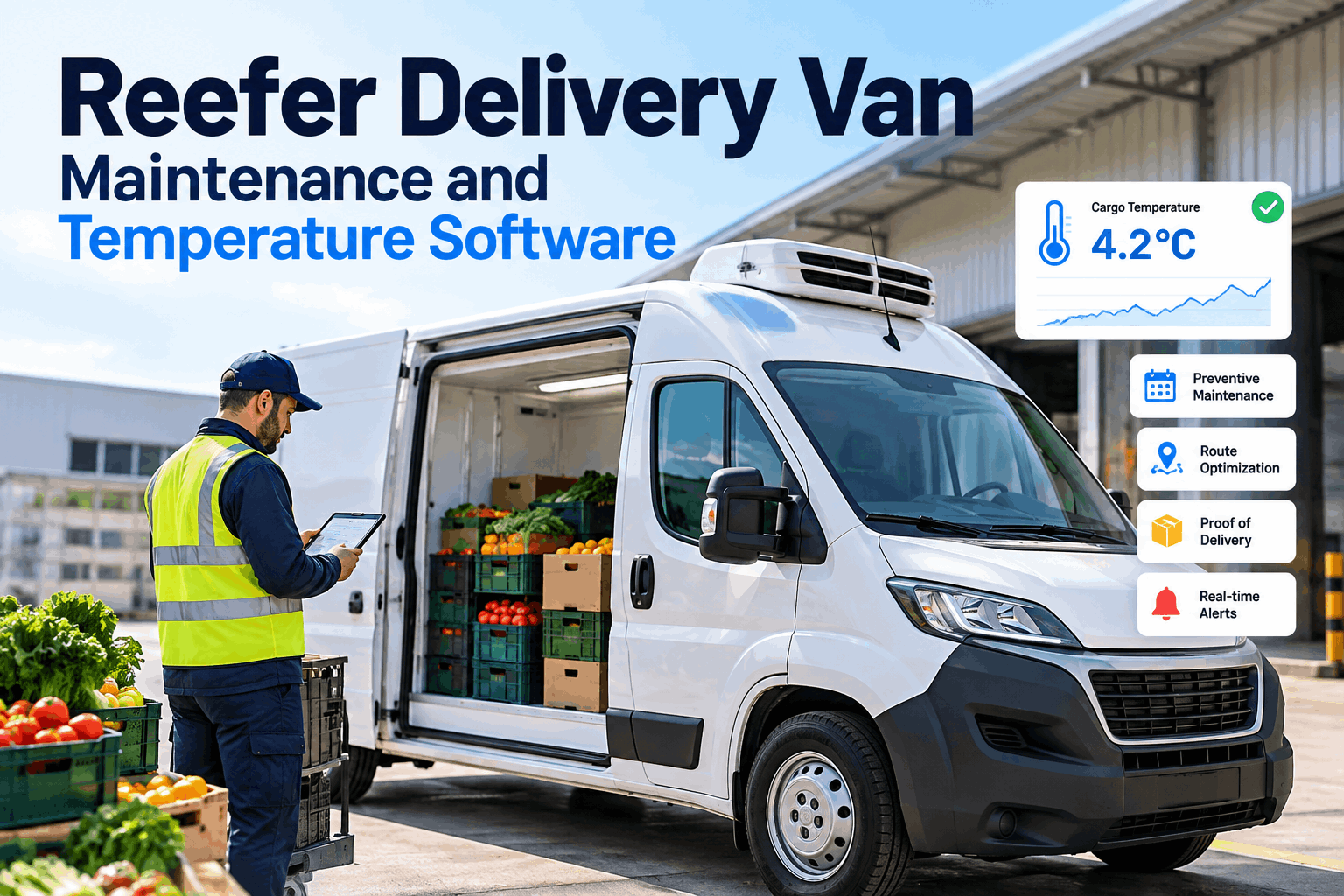
Van
Balanced capacity and reach
- Covers suburban routes bikes can't reach in time
- Handles mixed order sizes without a dock requirement
- Flexible enough to absorb late-added stops mid-route
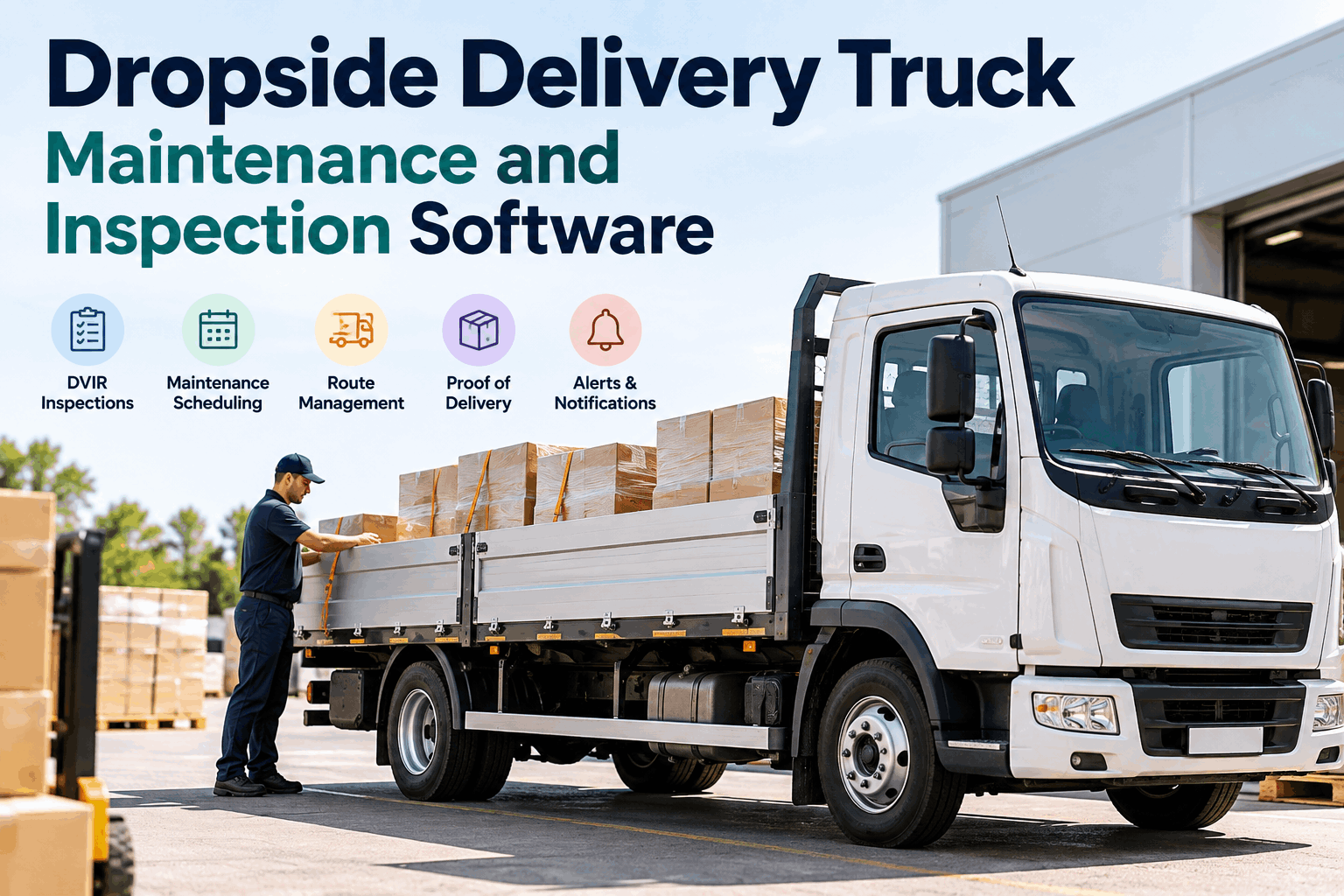
Truck
High capacity, fixed constraints
- Built for bulk drops and scheduled dock windows
- Restricted by height, weight and zone access rules
- Route locks earlier — re-sequencing costs more time
See your fleet on one board, not three spreadsheets
FleetRabbit sequences bikes, vans and trucks against the same delivery windows automatically — no manual reshuffling between fleets.
How time-window matching actually works
Delivery-window constraints are the backbone of multimodal dispatch — every stop, every mode, has to line up against the same promise to the customer. Here's the sequence FleetRabbit runs behind the scenes.
Order intake
Every order arrives with a location, a delivery window and a package profile — size, weight, fragility.
Constraint mapping
The system checks which vehicle types can physically and legally serve that stop within its window.
Mode assignment
Stops are grouped onto the mode that clears the window with the least slack — not just the nearest vehicle.
Sequencing
Each lane gets an ordered route, timed so no stop is reached before or after its promised window.
Once your delivery windows are mapped this way, tightening a promise to "within 30 minutes" doesn't mean rebuilding the whole plan. You can sign up and load a week of real orders to watch the constraint mapping run on your own zones.
Real-time re-routing when the road doesn't cooperate
Static plans hold up until the first delay: a closed street, a no-show at a loading dock, an order cancelled after the van already left. Multimodal delivery dispatch software has to re-plan without dragging every other stop down with it.
Planned route
- Stop A — 10:00–10:30
- Stop B — 10:30–11:00
- Stop C — 11:00–11:30
- Stop D — 11:30–12:00
Re-routed live
- Stop A — 10:00–10:30
- Stop C — 10:30–11:00
- Stop B — reassigned to bike, 11:10
- Stop D — 11:30–12:00
Instead of holding up the whole van route, the blocked stop gets handed to a nearby bike courier who can still make it inside the customer's window — the rest of the schedule barely shifts. That's the practical payoff of tracking every vehicle type against one shared plan instead of three disconnected ones. Teams that book a demo usually ask to see this exact scenario replayed with their own delivery zones.
What mode-aware dispatch tends to change
Dispatch that thinks in modes, not just miles
Multimodal delivery dispatch software isn't a bigger version of single-fleet routing software — it's a different problem, because every vehicle in your fleet has its own constraints, and every customer window still has to be honored regardless of which one shows up. Getting that right is less about faster route math and more about giving each mode its own rulebook while keeping every stop on one shared board.
If your bikes, vans and trucks are still being planned in separate tools, it's worth seeing what changes when they aren't. Sign up to connect your fleet, or book a demo and walk through your own delivery zones with our team.
Ready to put every vehicle on one plan
Start free and connect your fleet in minutes, or talk through your delivery windows with our team first.
Common questions
What makes dispatch "multimodal" instead of just route optimization
Standard route optimization software assumes one kind of vehicle and solves for shortest distance or time. Multimodal dispatch adds a layer before that: deciding which vehicle type should even take a stop, based on capacity, access rules and how tight the delivery window is, then optimizing the route within each mode.
Can bikes, vans and trucks really share one dispatch board
Yes — each vehicle type keeps its own lane, speed profile and constraints, but every stop is checked against the same set of delivery windows. That's what lets a planner see the whole day at once instead of flipping between separate tools per fleet.
How does time-window matching handle last-minute orders
New orders go through the same constraint check as everything else: which modes can reach that stop inside its window without breaking an existing commitment. The order gets slotted into whichever lane has the room, and the rest of the plan updates around it.
What happens when a delivery window is missed anyway
The system flags the stop as at-risk as soon as a delay makes the window unreachable, rather than after the fact, so a dispatcher or the re-routing logic can reassign it to another mode before the customer notices.
Does switching a stop between vehicle types slow down the rest of the route
Not in a well-built system. Reassigning one stop only touches the lanes it affects — the unrelated stops on other vehicles keep their original sequence and timing.
Is this only useful for large fleets
No — even a handful of bikes and one or two vans benefit, since the core problem (matching the right vehicle to the right window) shows up as soon as you're running more than one vehicle type at all.