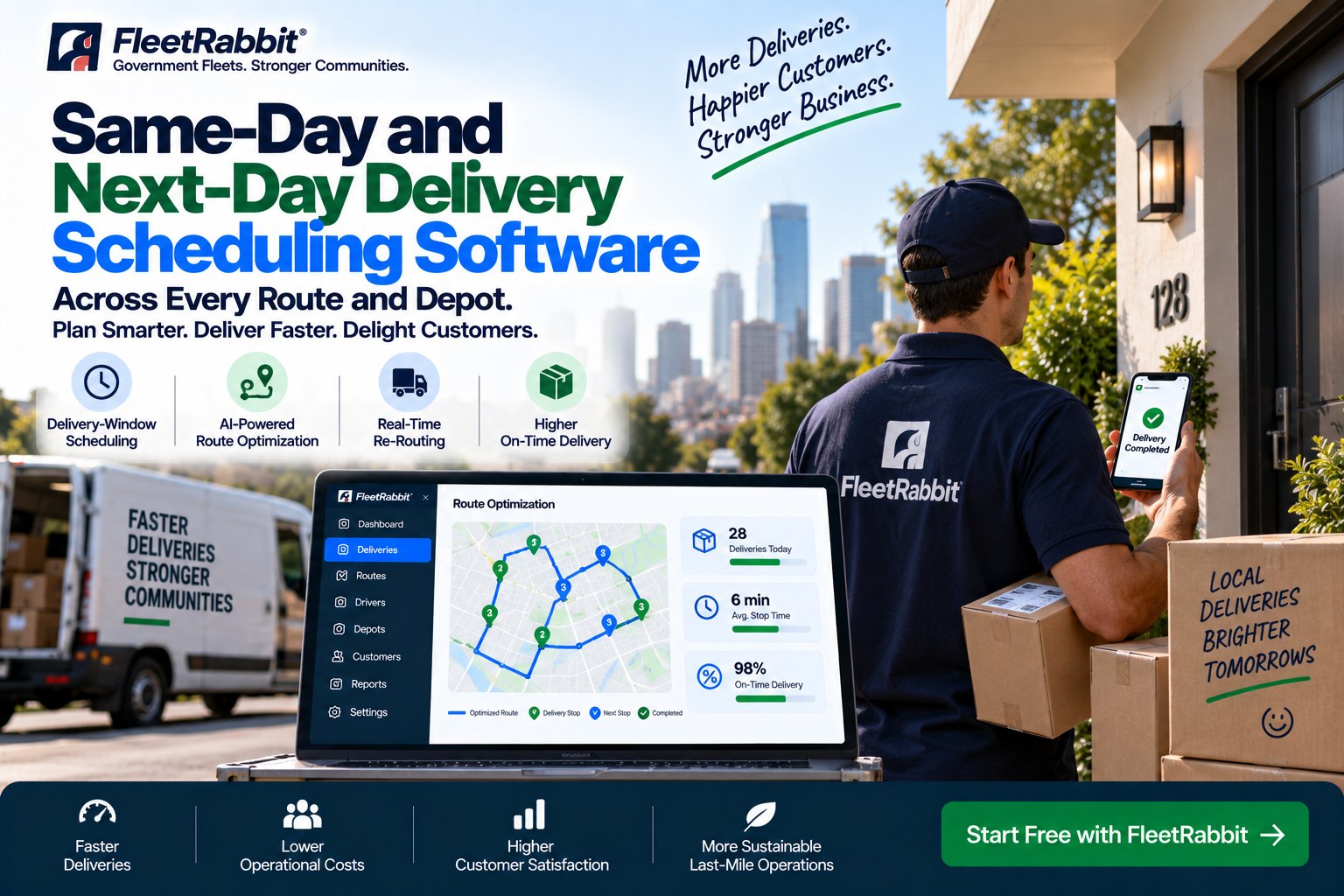
A customer places an order at eleven in the morning and expects it on their doorstep before dinner. Somewhere between that click and that knock, a dispatcher is juggling driver shifts, delivery windows, depot capacity, and a route map that keeps changing every time traffic shifts or a new order drops in. Same-day and next-day delivery scheduling software exists to take that juggling act off a person's desk and hand it to a system built to keep up.
For years, routes were planned the night before and locked in by morning, which worked fine when delivery was scheduled days out. That approach stops working the moment same-day and next-day windows become the default, because a route built at midnight is already stale by the time the first order lands at nine. Fleets running FleetRabbit plan routes that keep adjusting through the day instead of falling apart the moment reality disagrees with the plan. If mid-day chaos sounds familiar, book a demo and see what a schedule that updates itself actually looks like.
The pressure behind every delivery window
Same-day delivery went from a nice-to-have to a baseline expectation faster than most routing systems could adapt. A few numbers explain why scheduling software has turned from an upgrade into a requirement.
What good scheduling software actually does
Good scheduling software is not route optimization with a calendar bolted on. It is a live system that treats delivery windows, depots, and drivers as one connected picture instead of three separate spreadsheets. Sign up and connect your own order data to see which of these six pieces your current setup is missing.
Delivery-window matching
Every order carries a promise: a two-hour slot, an end-of-day cutoff, a next-morning window. New stops get fit into a route without breaking the windows already promised to earlier customers.
Real-time re-routing
When a driver falls behind or three new orders land in the same zip code, routes adjust on their own instead of waiting for a dispatcher to notice and rebuild everything by hand.
Multi-depot dispatch
Orders get assigned to whichever depot can actually reach the customer fastest, not just the depot that happens to own the account on paper.
Driver capacity balancing
Stops spread across available drivers based on real shift hours and vehicle capacity, so one driver is not buried in stops while another finishes early.
Live tracking and updates
Customers and support teams see the same live estimated arrival, so nobody is guessing where an order actually stands.
Pattern learning
The system remembers which zones run slow at certain hours and which addresses need extra time, then builds that knowledge into tomorrow's plan.
From order to doorstep, five moving parts
A same-day promise is really five small decisions made correctly, over and over, all day long. Book a demo to watch each of these happen on a live board instead of reading about them in the abstract.
Order comes in
A same-day or next-day request lands with its delivery window attached.
Depot and route assignment
The system matches the order to the depot and route that can honor that window.
Sequencing within the window
Stops are ordered so drivers hit every promised slot without wasted miles.
Dispatch to the driver
Turn-by-turn stop details go straight to the driver's device, no re-typing required.
Live adjustment through the day
Traffic, delays, and new orders reshuffle the plan automatically, right up until the last drop-off.
See your own routes plan themselves
Bring your delivery windows, your depots, and your driver count. We will show you what a self-adjusting schedule looks like on your actual network, not a sample route.
Same-day and next-day are not the same problem
Same-day and next-day delivery look similar on a calendar but behave nothing alike once orders start moving. Treating them with the same planning logic is usually where schedules start slipping. Sign up to run both order types through the same system and see the difference in how each gets handled.
| Same-day delivery | Next-day delivery | |
|---|---|---|
| Planning horizon | Built and rebuilt within hours of the request | Planned overnight, refined the next morning |
| Window tightness | Often a one- to two-hour slot | Usually a half-day or full-day window |
| Re-routing frequency | Continuous, as orders and conditions change | Once or twice, mainly for exceptions |
| Depot load balancing | Shifts depot to depot as orders land | Set the night before, rarely moved |
| Customer updates | Live estimated arrival that moves with the route | A confirmed window, updated only on exceptions |
One system, every depot
Running deliveries out of one depot is straightforward. Running them out of five, twelve, or fifty is a different problem entirely. Orders need to land with the depot that can actually reach the customer inside their window, not just the depot that happens to be closest to headquarters on a map. FleetRabbit reads live capacity across every depot and every driver, then places each order where it can genuinely be honored, shifting load between locations as the day fills up. A depot running light in the morning can pick up overflow from one that is already stacked, without a planner manually moving orders between spreadsheets. If your network has outgrown a single depot's worth of routing, book a demo and see how the same board handles ten locations as easily as it handles one.
What to look for before you choose
Not every routing tool built for weekly deliveries can handle the pace of same-day and next-day orders. Before committing, it is worth checking whether a platform actually does the following, or just claims to. Sign up for a free look and run the checklist against your own routes instead of taking it on faith.
Common questions about delivery scheduling software
What is the difference between route optimization and delivery scheduling software
Route optimization finds the most efficient order for a fixed set of stops. Delivery scheduling software does that continuously, while also matching orders to time windows, depots, and driver capacity as new requests arrive throughout the day.
Can one system handle both same-day and next-day orders together
Yes. Same-day and next-day orders can run on the same routes, with tighter windows prioritized first and remaining capacity filled with next-day stops that have more flexibility.
How does the software decide which depot handles an order
It looks at live capacity, driver availability, and distance across every depot at once, then assigns the order to whichever location can honor the delivery window most reliably.
What happens if a new order comes in after a route has already started
The active route is reworked around the new stop automatically, fitting it in without breaking the windows already promised to customers ahead of it on the route.
Is this only useful for large fleets
No. Smaller fleets often feel scheduling pressure the most, since there is less slack to absorb a missed window. A handful of drivers can run on the same system as a fleet of hundreds.
How long does setup usually take
Most fleets are running live routes within days, not months. Book a demo to see a setup timeline based on your own depot count and order volume.
Your routes are waiting to be simplified
Same-day and next-day promises only get harder to keep as order volume grows. The sooner scheduling stops depending on one dispatcher's memory, the sooner those promises get easier to hit.