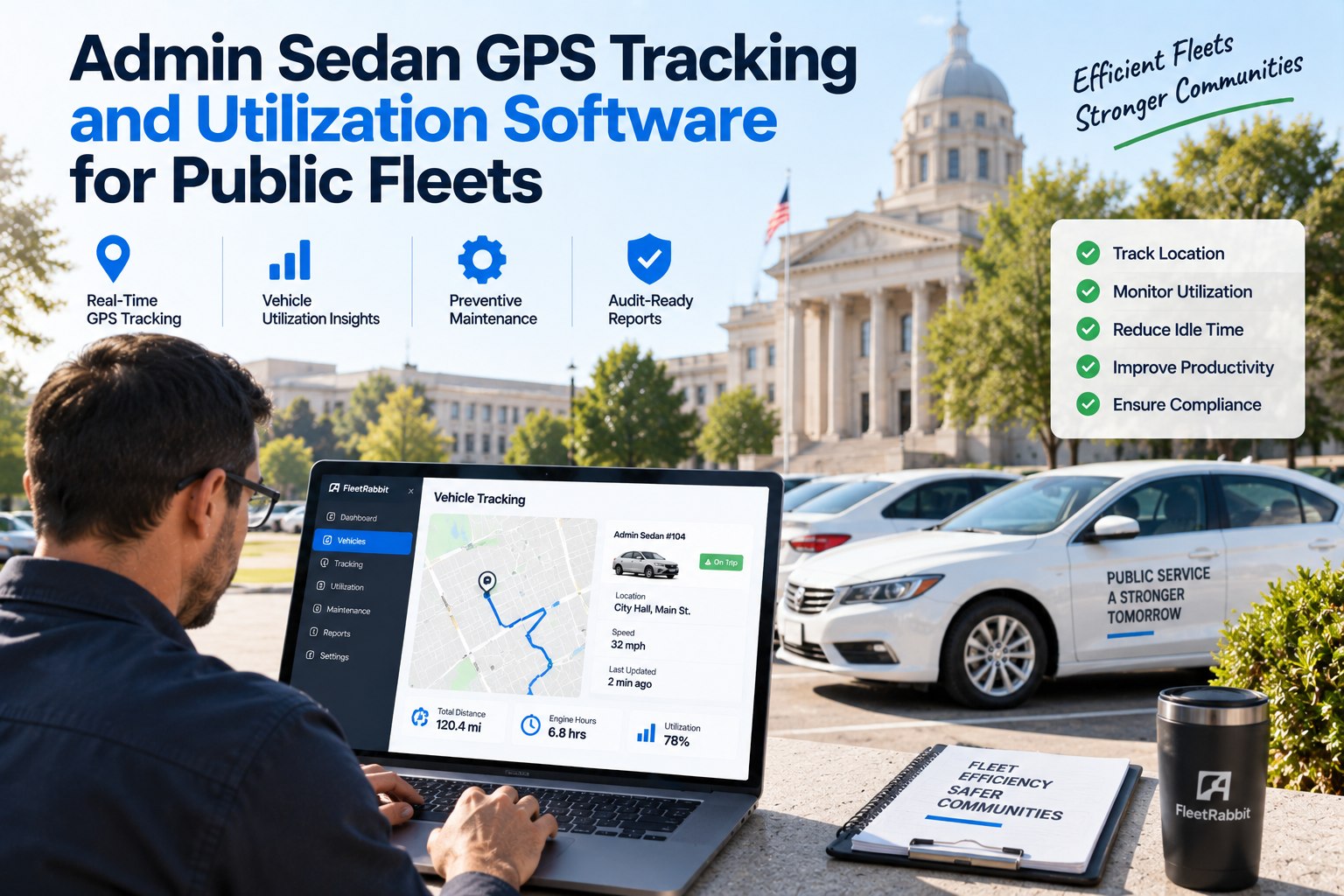
Every agency has a few admin sedans nobody quite tracks — the ones pulled from the motor pool for a meeting downtown, parked for three days, then quietly returned. Multiply that across a department fleet and you get vehicles that pass every inspection, sit on the books, and drain budget that should be funding replacements or maintenance elsewhere. FleetRabbit's admin sedan GPS tracking and utilization software gives public fleets the visibility to prove exactly what every vehicle is doing — and the audit-ready records to back it up. Book a demo to see utilization scoring for your fleet.
HERO WITH DONUT COMPARISONAdmin Sedan GPS Tracking and Utilization Software for Public Fleets
See which sedans are earning their place in the fleet and which ones are quietly costing your department money — with NFPA- and DOT-ready inspection records built in.
Typical Utilization
Before Tracking
Reported Utilization
After Right-Sizing
Four Places Idle Sedans Quietly Cost You
Underutilized vehicles don't announce themselves — they pass inspections and sit in the lot while the budget keeps paying for them.
Individually Assigned, Rarely Driven
A sedan permanently assigned to one role often sees a fraction of the mileage a shared pool vehicle would.
Duplicate Trips Across Departments
Without shared visibility, two departments book separate vehicles for overlapping routes and destinations.
After-Hours & Unauthorized Use
A sedan that leaves the yard after hours or strays outside its approved route creates liability nobody can see coming.
Replacement Decisions Made on Guesswork
Without mileage and utilization data, replacement budgets get spent on vehicles that didn't need replacing.
From Live Location to Audit-Ready Records
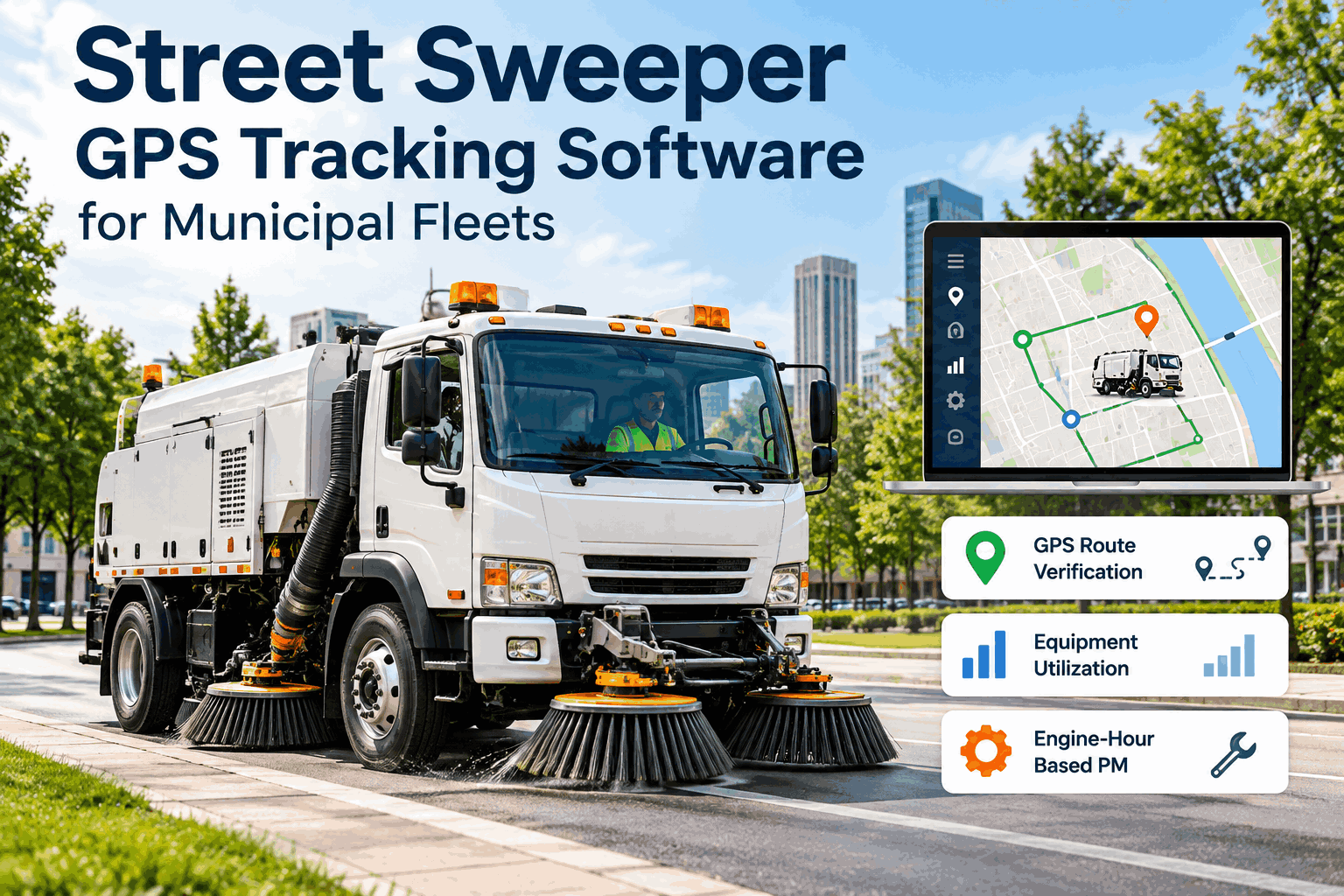
Real-Time GPS & Geofencing
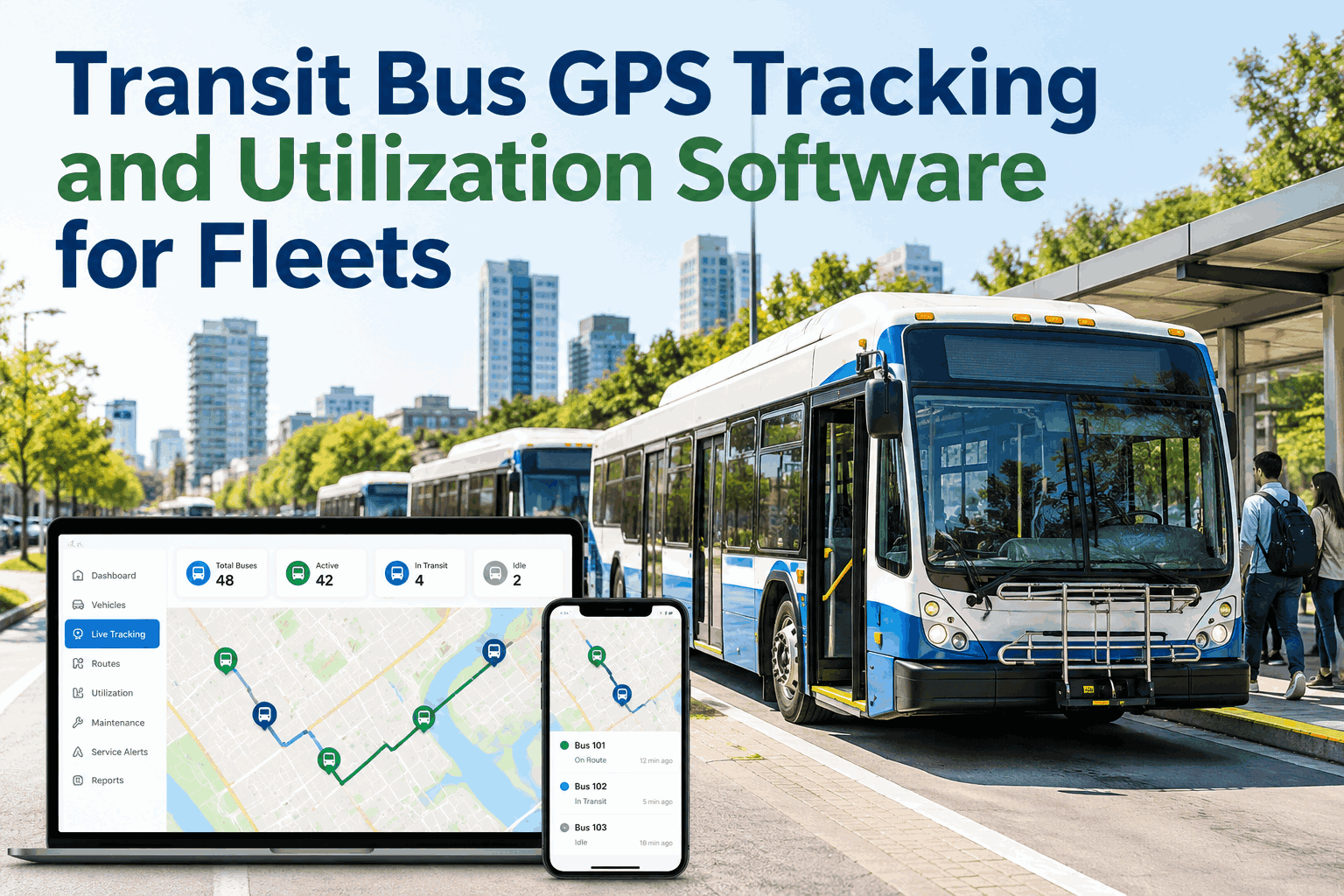
Live location on every admin sedan, with geofence alerts if a vehicle leaves an approved zone or stays out after hours.
Per-Vehicle Utilization Scoring
Every sedan gets a utilization score based on mileage, trip frequency, and idle time — flagged automatically against your class benchmark.
Engine-Hour & Mileage PM Scheduling
Preventive maintenance triggers off whichever threshold hits first — mileage or engine hours — so nothing slips through.
NFPA & DOT-Ready Inspection Logs
Digital pre-trip and periodic inspection records generated in the format auditors and safety officers expect.
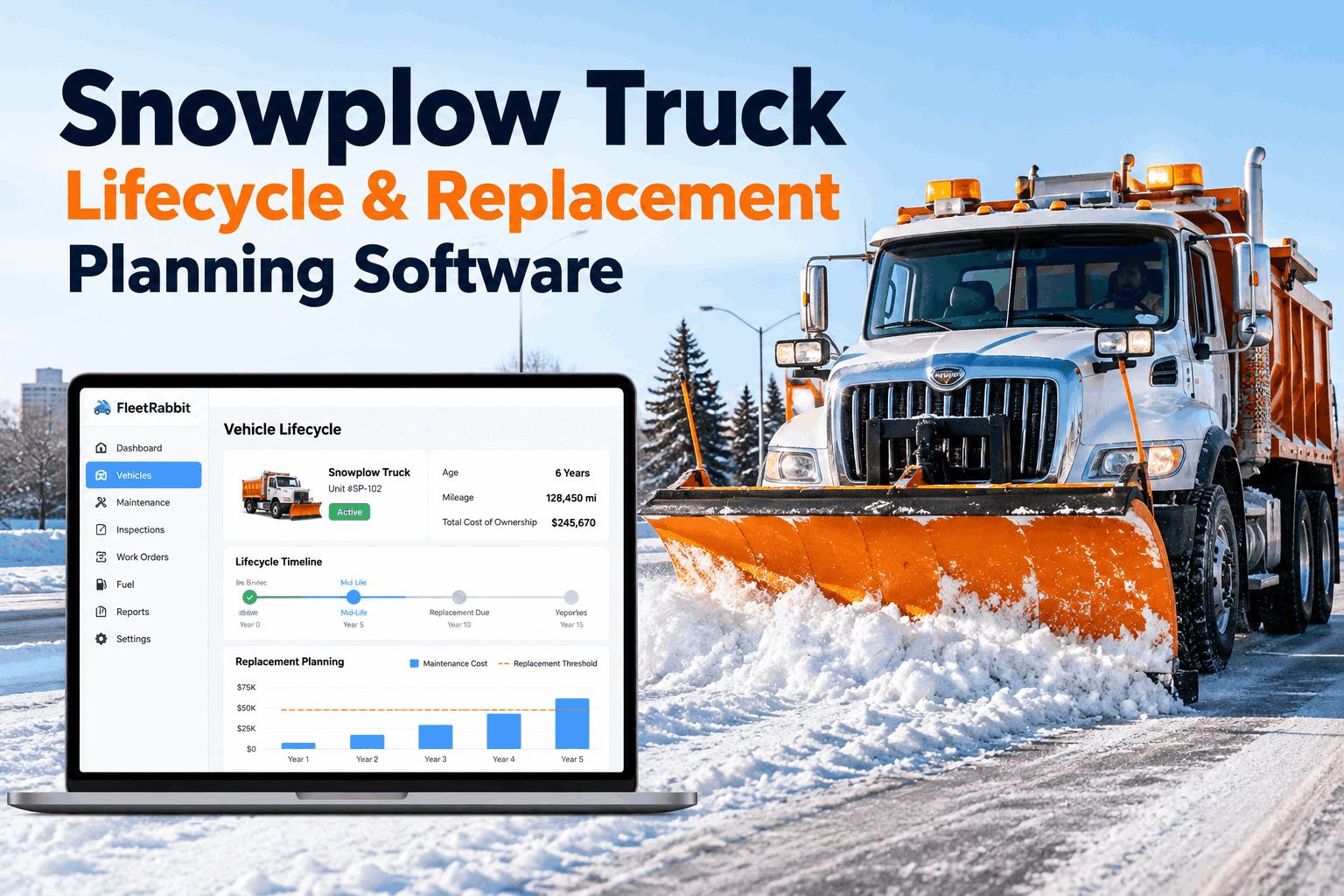
Right-Sizing & Disposal Recommendations
Flags underused vehicles with a recommended action — reassign, pool, or dispose — and the projected budget impact of each.
Audit-Ready by Default
Utilization, Department by Department
A single dashboard view that shows where sedans are working hard — and where they're not.
Live Across Departments Without Disrupting Daily Operations
Fleet & Department Import
Import every admin sedan, assigned driver, and department code in one pass.
Set Utilization Benchmarks
Configure expected mileage and trip frequency per vehicle class and department.
Enable GPS & Geofencing
Activate live tracking and after-hours or route-boundary alerts fleet-wide.
Publish the Utilization Dashboard
Fleet managers and finance get one shared view of usage, cost, and right-sizing recommendations.
Average utilization increase reported after right-sizing with tracking data
"We didn't need more vehicles — we needed to see which ones we already had were actually being used. That data made the right-sizing conversation with council a lot easier."
Fleet Manager, Regional Municipal GovernmentFind Out What Your Admin Sedans Are Really Doing
Turn on utilization scoring and GPS tracking across every department — no new vehicles required.
FleetRabbit vs. Basic GPS-Only Trackers
| Capability | FleetRabbit | Basic GPS Tracker |
|---|---|---|
| Utilization Scoring per Vehicle | Automatic, benchmarked | Manual analysis required |
| Right-Sizing Recommendations | Included, with cost impact | Not available |
| NFPA / DOT Inspection Records | Digital, audit-ready | Separate paper process |
| Engine-Hour + Mileage PM | Both tracked together | Mileage only |
| Public Records Export | One-click report | Manual data pull |
Frequently Asked Questions
How is "utilization" actually calculated?
Utilization is scored per vehicle class using mileage, trip count, and idle time against a configurable department benchmark, so a sedan isn't judged against a snowplow's usage pattern.
Can this flag unauthorized after-hours use?
Yes. Geofence and time-window rules trigger an alert the moment a vehicle leaves an approved zone or moves outside its scheduled hours.
Does it help justify fleet right-sizing decisions to finance or council?
Every underused vehicle comes with a recommended action — reassign, pool, or dispose — plus the projected annual cost impact, exportable as a report.
Is maintenance scheduling included, or only tracking?
Both. Preventive maintenance is scheduled off mileage or engine hours, whichever threshold is reached first, alongside digital inspection records.
Give Every Department a Fleet That's Working, Not Just Sitting
Real-time tracking, utilization scoring, and audit-ready records — built for public fleets.