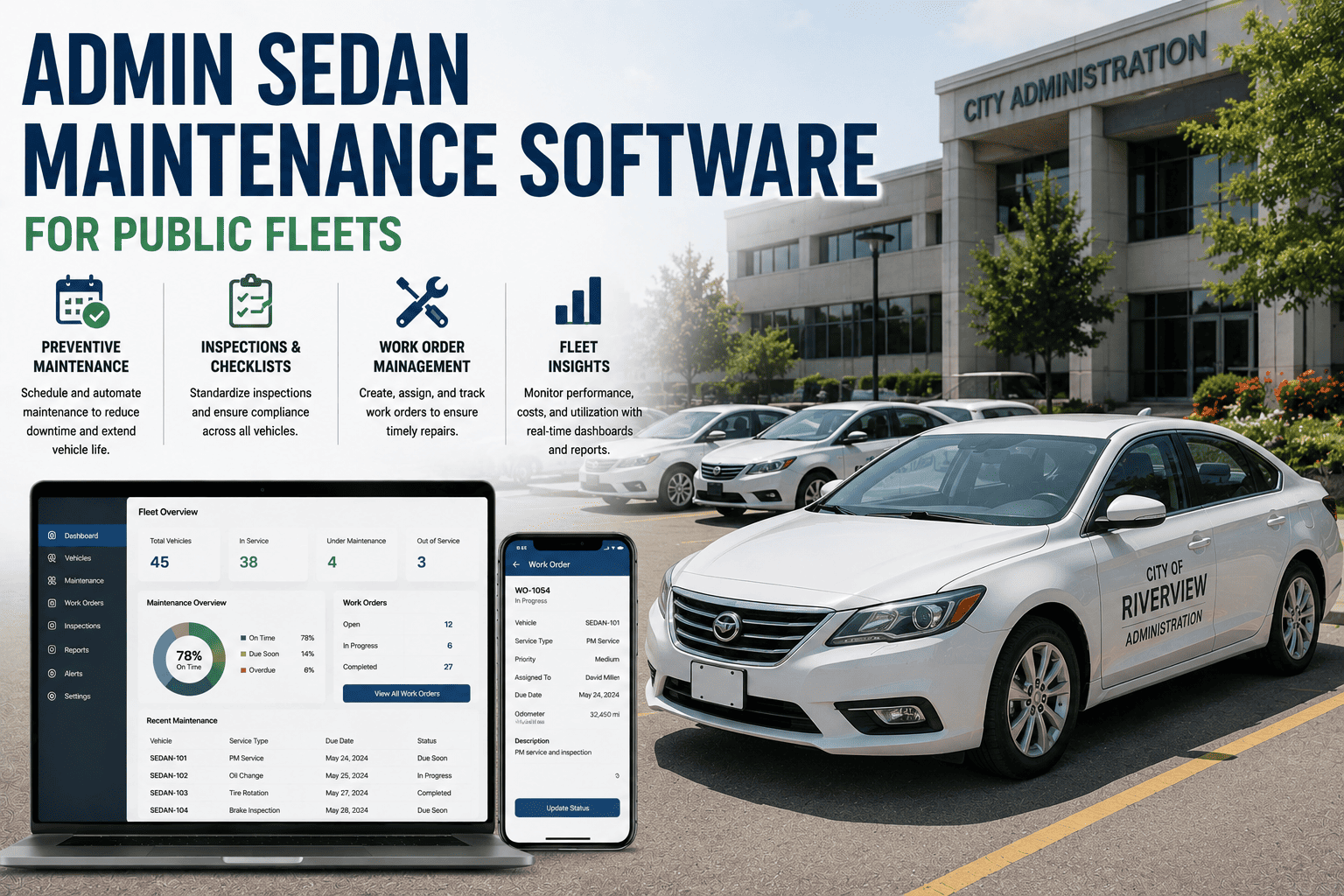
Admin sedans rarely get the attention that ladder trucks, plow rigs, or transit buses get, yet they are usually the largest single vehicle class on a municipal roster. A pooled sedan used by three departments in a week can rack up inconsistent mileage, sit idle for a month, then get driven hard during budget season site visits. Without a system built for that irregular pattern, preventive maintenance quietly slips, and the first anyone hears about it is a stalled vehicle the morning of a council walkthrough.
The blind spot in public fleet management
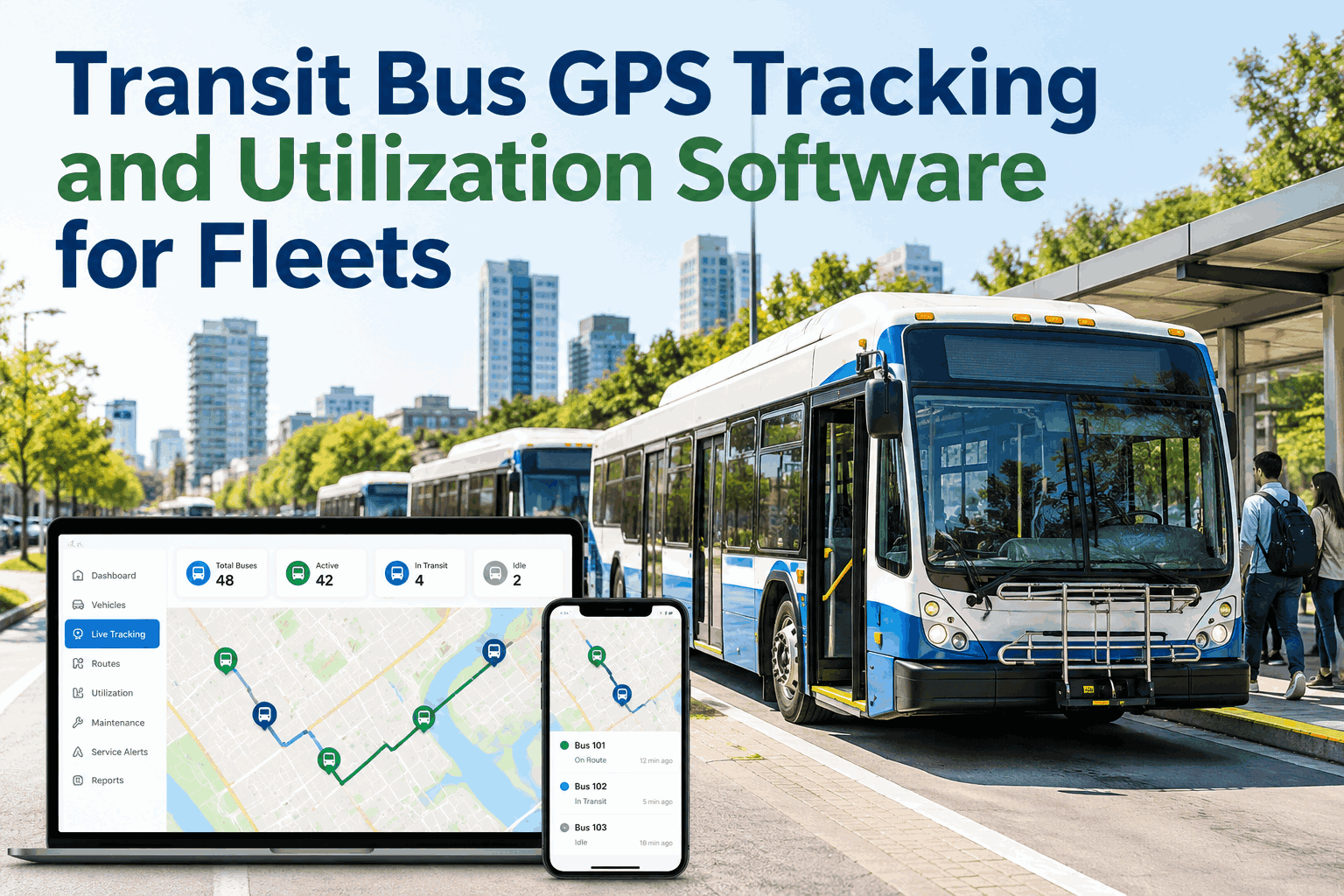
Fire apparatus and marked squad cars get scheduled attention because a breakdown is visible and urgent. A gray sedan shared by finance, permitting, and code enforcement rarely gets the same scrutiny, even though it may log more total miles across departments than any single specialty vehicle. Fleet teams that manage this segment on paper or in shared spreadsheets often lose track of which department drove the vehicle last, what the odometer read at handoff, and whether the last inspection was ever logged at all. FleetRabbit was built to close exactly this gap, and departments that sign up typically find the biggest early win is simply knowing where every pooled sedan stands on a single screen.
The fix is not more paperwork, it is a system that automatically pulls engine-hour and mileage data and applies the correct PM template no matter which department has the keys that week. If your team is still reconciling handwritten logs at month end, it is worth watching how this works before your next budget cycle. You can book a demo and walk through your own sedan roster with our team.
Department by department, where PM templates break down
Every department uses its pooled sedans differently, which means a single generic PM template almost never fits. FleetRabbit lets fleet managers assign a distinct interval profile to each department while still rolling everything up into one audit view.
Why one PM trigger is never enough for a sedan
A sedan that sits for six weeks and then gets driven 1,200 miles in a single site-inspection sprint will confuse a mileage-only schedule and quietly outrun a calendar-only schedule. FleetRabbit runs both triggers side by side for every unit, and whichever line reaches the mark first fires the work order automatically.
Whichever bar reaches its mark first opens a work order, so a low-mileage sedan still gets serviced on time and a heavily driven one never overruns its interval.
Built for departments without a shop floor
Most admin sedans are parked at a city hall lot or a satellite office, not a maintenance yard with reliable connectivity. Field staff still need to log a pre-trip check even where signal is weak, which is why offline capture is a core part of how FleetRabbit is used every day.
Departments that switch from paper logbooks to this workflow generally see missed inspections drop within the first month. If your team wants to see the offline capture flow on a real device, you can book a demo before rolling it out fleet-wide.
NFPA and DOT-ready by default
Auditors do not care whether a vehicle is a fire engine or a sedan used for permitting visits, they expect the same standard of documented, timestamped maintenance history. FleetRabbit maps every inspection and service record to the requirement it satisfies, so nothing has to be reconstructed after the fact.
| Requirement | What FleetRabbit provides |
|---|---|
| NFPA 70B electrical and battery maintenance documentation | Scheduled electrical system checks logged automatically to the vehicle record |
| DOT-aligned pre-trip and post-trip inspection | Digital DVIR captured offline and timestamped at the point of inspection |
| Department-level usage accountability | Checkout and return log tied to driver, department, and odometer reading |
| Council or public records request | One-click export of a full maintenance and inspection history per vehicle |
Manual tracking vs FleetRabbit
| Manual spreadsheet or logbook | FleetRabbit |
|---|---|
| PM interval tracked by memory or a single owner | Dual mileage and calendar triggers applied automatically per department |
| Paper DVIR forms that go missing between departments | Offline digital DVIR that syncs the moment signal returns |
| Records assembled by hand for an audit or council request | Full history exported in one click, already organized by requirement |
| No visibility into which department last drove a pooled unit | Every checkout, return, and mileage reading logged automatically |
Fleet teams that sign up usually start with just their admin sedan pool before expanding to the rest of the fleet, since it is the segment most likely to be under-tracked today. Teams that want a side-by-side walkthrough of their current process against this workflow can book a demo and bring their own numbers.