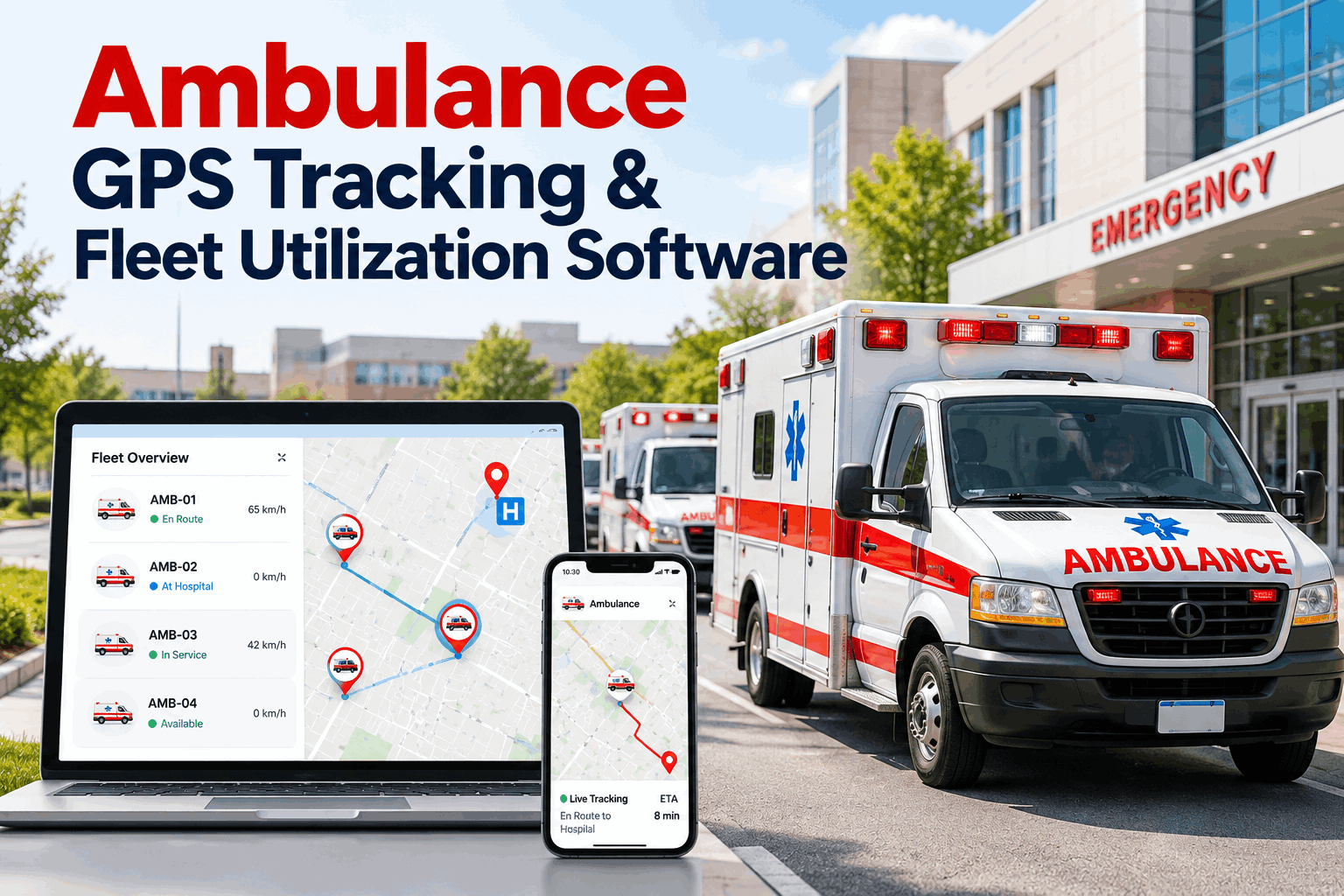
An ambulance is only useful when it is available, and available means more than sitting in a station with the lights on. Dispatch needs to know where each unit is, how hard it has been working and whether it is due for service before the next call comes in. Public ambulance fleets that rely on radio check-ins and spreadsheets miss a lot of that picture. See how FleetRabbit combines GPS tracking, utilization and PM for ambulance fleets and gives every supervisor the same live view.
Ambulance GPS Tracking and Utilization Software for Public Fleets
See where every unit is, how hard each one is working, and when it needs service. One system for tracking, workload and preventive maintenance.
Every Call Is a Cycle, and Every Stage Needs Visibility
An ambulance moves through the same stages on every call. The longer any single stage runs, the longer that unit is unavailable to the next patient. GPS tracking turns each stage into something dispatch and supervisors can actually see.
Utilization: The Number Behind a Fair Workload
EMS systems commonly measure workload with unit hour utilization, or UHU. The usual formula divides transports by unit hours, where one unit hour is one staffed, in-service ambulance for one hour. Some agencies measure committed time instead, so match the definition your system uses. Start free with three vehicles and see how each unit is really being used.
Targets vary by system. Use the thresholds in your own contract or medical director guidance.
Give dispatch and supervisors one live picture
Track every ambulance, review utilization by unit and keep PM on schedule. Free for your first three vehicles.
Same Odometer, Very Different Wear
An ambulance posted at a busy corner and one posted at a quiet station may show similar miles, yet both spend hours idling with the engine running to keep equipment powered and the patient compartment comfortable. That wear never shows up on the odometer, which is why PM built on miles alone can run late.
Illustrative comparison. Actual figures depend on call volume, posting plan and equipment load.
Where GPS and Utilization Data Pay Off
FleetRabbit shows where each ambulance is, how long it runs and idles, and how many hours and miles it has logged. Pair that with your CAD call data to complete the workload picture. Book a demo to see the reports your supervisors would use every day.
What FleetRabbit Gives an Ambulance Fleet
Get Started in Three Steps
Frequently Asked Questions
It is a workload measure, most often transports divided by unit hours. Higher values mean busier units and less time to rest between calls.
Ambulances idle for long stretches to power equipment and maintain the patient compartment. Engine hours capture wear that miles never show.
Live location helps dispatch and supervisors see coverage gaps and unit positions. Response times also depend on your CAD, staffing and posting plan.
No. FleetRabbit focuses on vehicle tracking, utilization, inspections and maintenance. Use it alongside your CAD data for a full workload view.
Yes. You can start free with three vehicles and add more as your fleet grows.
Keep Every Ambulance Visible, Fair and Ready
Live GPS tracking, utilization reporting and engine-hour PM in one system. Free for your first three vehicles.