Winter storms do not wait for paperwork to catch up, and neither should your fleet. When a squad of snowplow trucks rolls out at 2 a.m. into a whiteout, the only thing standing between a clean route and a roadside breakdown is the inspection that happened before the truck ever left the yard. For municipal and county fleets, that inspection is not optional — it is the DOT-required Driver Vehicle Inspection Report, and during snow season it has to happen fast, in the cold, on a truck with plow, spreader, and hydraulics that a regular pickup will never have. This guide walks through what real DVIR-compliant snowplow inspection software looks like, why paper checklists fall apart the moment it starts snowing, and how a purpose-built system keeps your trucks road-legal, your data audit-ready, and your council briefings backed by numbers instead of guesswork.
Snowplow trucks live a double life. For nine or ten months of the year they might sit idle or run light utility routes, and then for a handful of brutal weeks they run around the clock under loads their chassis was never quite designed for. That inconsistency is exactly why inspection discipline matters more here than almost anywhere else in a municipal fleet. A cutting edge that looked fine in October can be dangerously worn by the third storm of January. A hydraulic hose that never got touched in the off-season can fail the moment plow-up pressure spikes. Sign up for FleetRabbit and you get a system built specifically around that seasonal reality, not a generic fleet app with a snowplow label stuck on top.
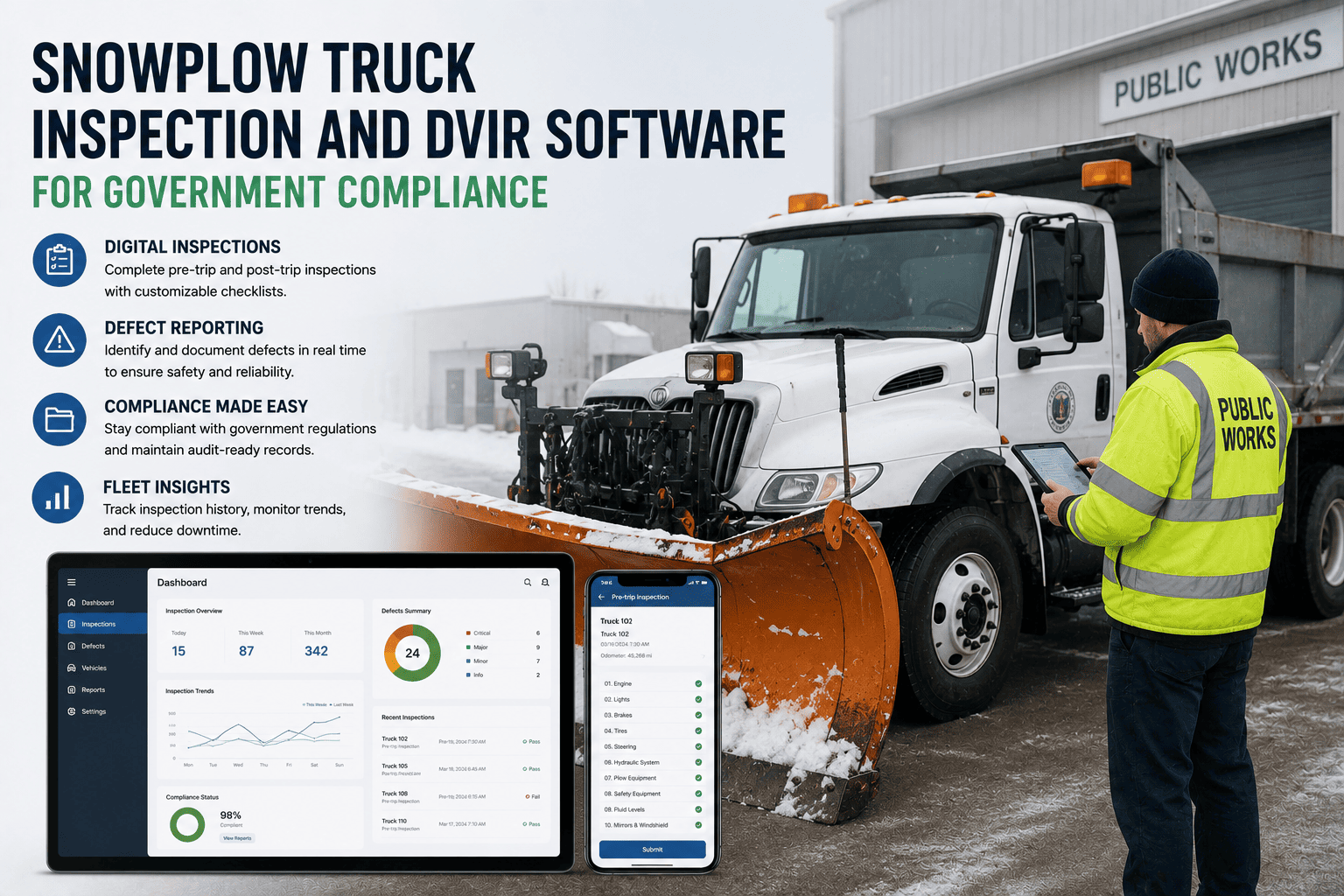
A storm does not have one moment of risk — it has three. FleetRabbit structures snowplow inspections around the full cycle so nothing gets checked once and forgotten for the next eighteen hours.
Every snowplow-specific system gets its own line item, so nothing that matters gets buried in a generic "check vehicle" box.
Storms do not respect cell coverage, and rural routes often run through dead zones for miles at a time. This is exactly where paper checklists and cloud-only apps both fall apart.
Fleets that used to lose entire storm shifts of paperwork to a torn clipboard or a dead phone now book a demo to see the offline capture flow in action before their next storm event.
When a council member or state auditor asks for proof, "the driver said it was fine" is not an answer. Here is what a compliant record actually needs to show.
| Requirement | Governing Standard | FleetRabbit Feature |
|---|---|---|
| Pre-trip and post-trip DVIR on file | DOT 49 CFR 396.11 / 396.13 | Structured digital DVIR with mandatory fields |
| Defect reported and corrected before dispatch | DOT 396.11(a)(3) | Defect-to-repair workflow with sign-off trail |
| Auxiliary equipment condition logged | NFPA 1911 (municipal equipment guidance) | Plow, spreader, and hydraulic-specific checklist items |
| Records retained and retrievable | DOT retention rules | Searchable digital archive, exportable in one click |
| Engine-hour based PM scheduling | Municipal fleet best practice | Automatic PM triggers tied to true engine hours, not just mileage |
The difference shows up the first time an auditor or a council member asks a hard question mid-meeting.
| Manual Process | FleetRabbit |
|---|---|
| Paper DVIR forms stored in a binder, easy to lose in a storm | Digital DVIR captured on device, synced and archived automatically |
| Defects called in verbally, sometimes forgotten by shift change | Defects logged with photo and routed straight to the shop |
| PM scheduled by calendar date regardless of actual use | PM scheduled by real engine hours during heavy storm season |
| Council reports assembled by hand from scattered records | Council-ready reports generated in minutes from live data |
Fleet managers who switch over usually sign up after seeing how little time a full DVIR actually takes once it moves off paper.
Preventive maintenance and inspection work together, not apart. A DVIR catches what changed today; PM scheduling catches what is about to change.
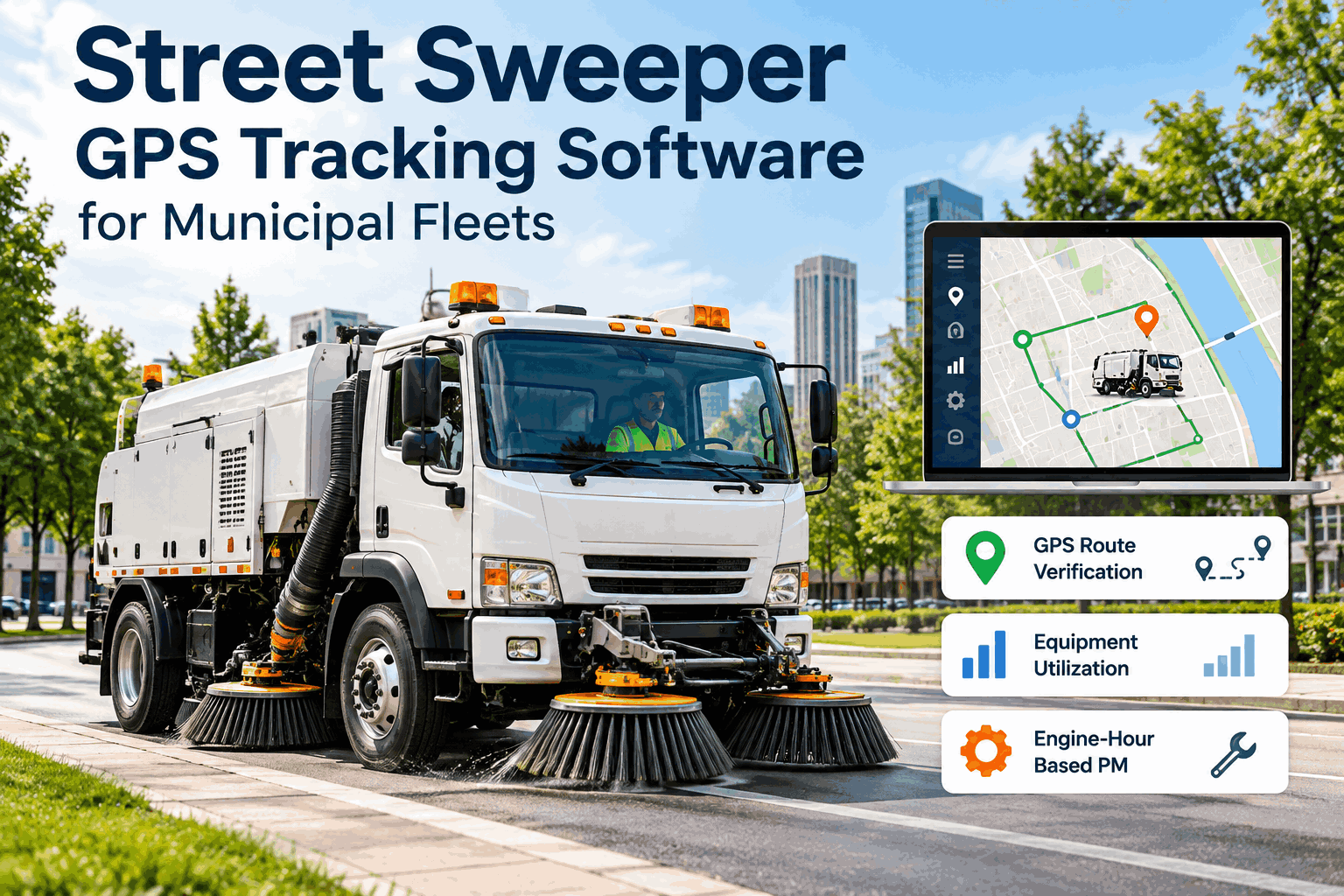
Because plow trucks run in short, intense bursts, mileage alone is a poor proxy for wear. An hour of continuous plowing in heavy, wet snow puts more strain on a hydraulic system and undercarriage than a full day of light patrol driving. FleetRabbit ties preventive maintenance intervals to actual engine hours pulled from the truck, layered on top of the DVIR record, so a truck that worked three back-to-back storms gets flagged for service even if its odometer barely moved. Fleets that book a demo often start here, because it is the piece that paper systems can never track accurately.