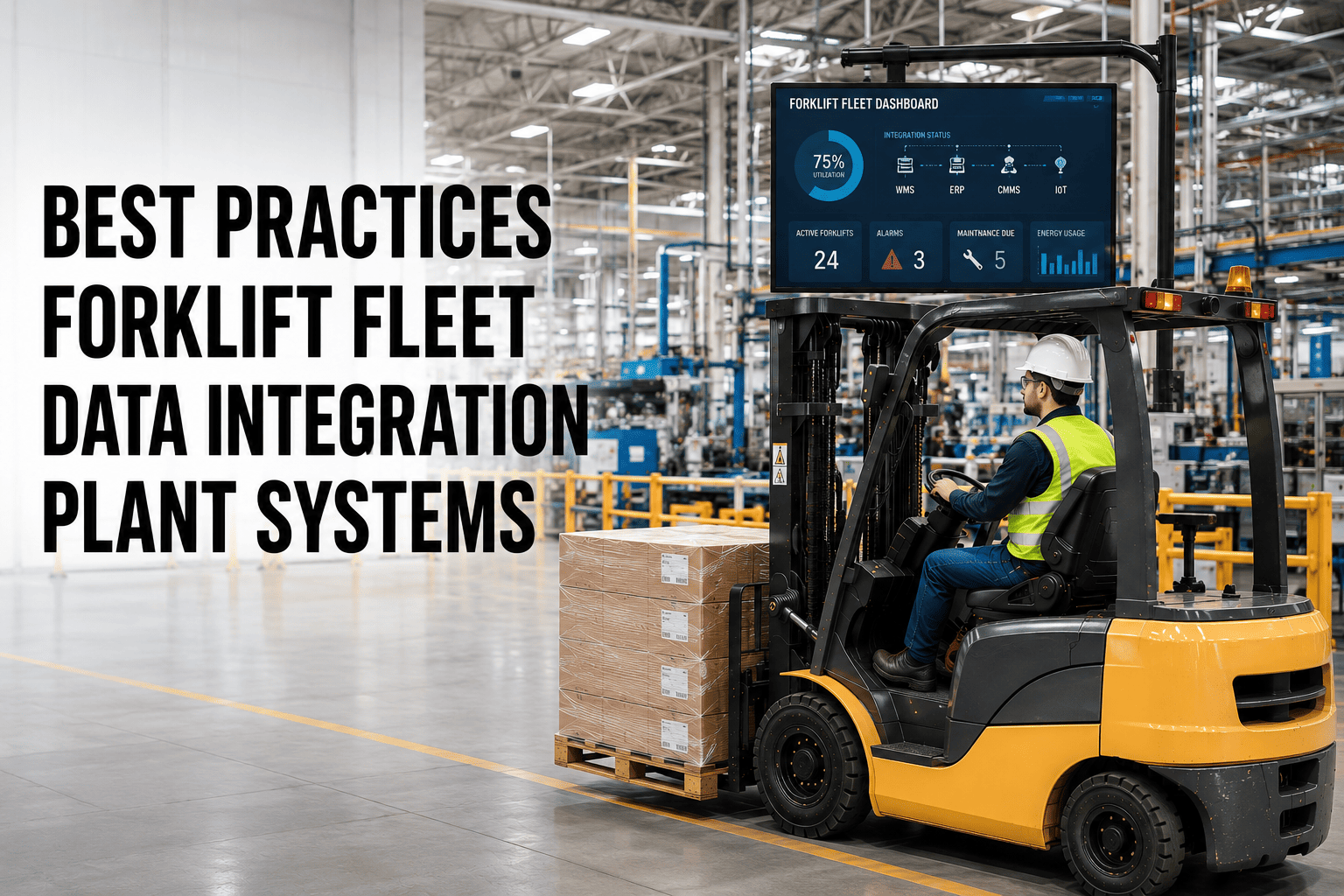
Most plants already collect plenty of forklift data. Impact counts sit in the telematics dashboard. Work orders sit in the maintenance system. Inventory movement sits in the WMS. Cost centers sit in the ERP. The problem is not a lack of data — it is that none of these systems talk to each other, so nobody ever sees the full picture in one place. A truck can be flagged for repeated hard impacts in one system while its maintenance record in another system shows nothing unusual, simply because the two never exchanged information.
Forklift telematics, ERP, WMS, and maintenance systems usually run as separate silos, forcing manual reconciliation and hiding the connections that matter — like a truck's impact history driving up its maintenance cost center automatically. Bidirectional integration turns four disconnected data sets into one operational picture. FleetRabbit connects your fleet data to the systems your plant already runs on.
Where Plant Data Actually Lives — In Silos
Walk through a typical plant's software stack and you will find the same pattern almost everywhere: each system does its own job well, but none of them were built to share what they know.
Four systems, four separate truths. Someone has to manually pull reports from each one, line them up in a spreadsheet, and hope nothing changed in between. That reconciliation work eats hours every week and still leaves gaps, because spreadsheets do not update themselves when a work order closes or a truck logs a new impact.
What Integration Looks Like in Practice
Integration does not mean replacing your ERP or WMS. It means giving fleet data a two-way connection to the systems that already run your plant, so information flows automatically instead of by hand.
ERP
Maintenance costs post automatically to the right cost center
WMS
Fleet utilization data informs demand and staffing forecasts
Maintenance
Work order completions trigger automatic inventory updates
Safety Systems
Impact and access data feeds compliance reporting directly
FleetRabbit integrates with your ERP, WMS, and maintenance systems through pre-built connectors and an open API, so fleet data flows automatically instead of living in a separate dashboard. Start your free trial and see your fleet data connected to the rest of your plant stack.
Five Best Practices for Connecting Forklift and Plant Data
Choose Bidirectional Sync
One-way exports still require manual work on the other end. Look for connectors that push and pull data both ways automatically.
Map Cost Centers First
Before connecting systems, agree on how fleet costs map to your existing GL codes so the data lands in the right place from day one.
Use an API-First Platform
Open API documentation, not just fixed exports, means your IT team can build custom connections as your stack changes over time.
Pilot on One Facility
Prove the integration on a single site before rolling it out plant-wide, so mapping errors get caught while the stakes are still small.
Assign Data Ownership
Someone on your team should own data quality on each side of the connection, or small mismatches quietly pile up unnoticed.
Getting Implementation Right
Align IT and Operations Early
Integration projects stall when IT owns the technical connection but operations never weighs in on what data actually matters day to day. Bringing both groups in from the start avoids building a pipe that nobody on the floor actually uses.
Plan for Access Control, Not Just Data Flow
Not every system needs every field. Defining what data moves where, and who can see it, protects sensitive cost and personnel information as systems become more connected.
Start With the Highest-Friction Manual Process
If your team spends the most hours each week reconciling maintenance costs against the ERP, start the integration there. The biggest manual pain point usually delivers the fastest, most visible win.
Review the Connection Quarterly
Systems change, ERPs get upgraded, and WMS configurations shift. A quick quarterly check keeps the integration from quietly breaking without anyone noticing until reports stop matching. Plants that book a demo usually walk through their current stack first, which is often the fastest way to see exactly where the disconnected pieces are costing the most time.
Every hour spent lining up spreadsheets from four different systems is an hour your team could spend on the problems the data actually reveals. FleetRabbit connects your forklift fleet to the plant systems you already run, so the full picture is there the moment you need it.