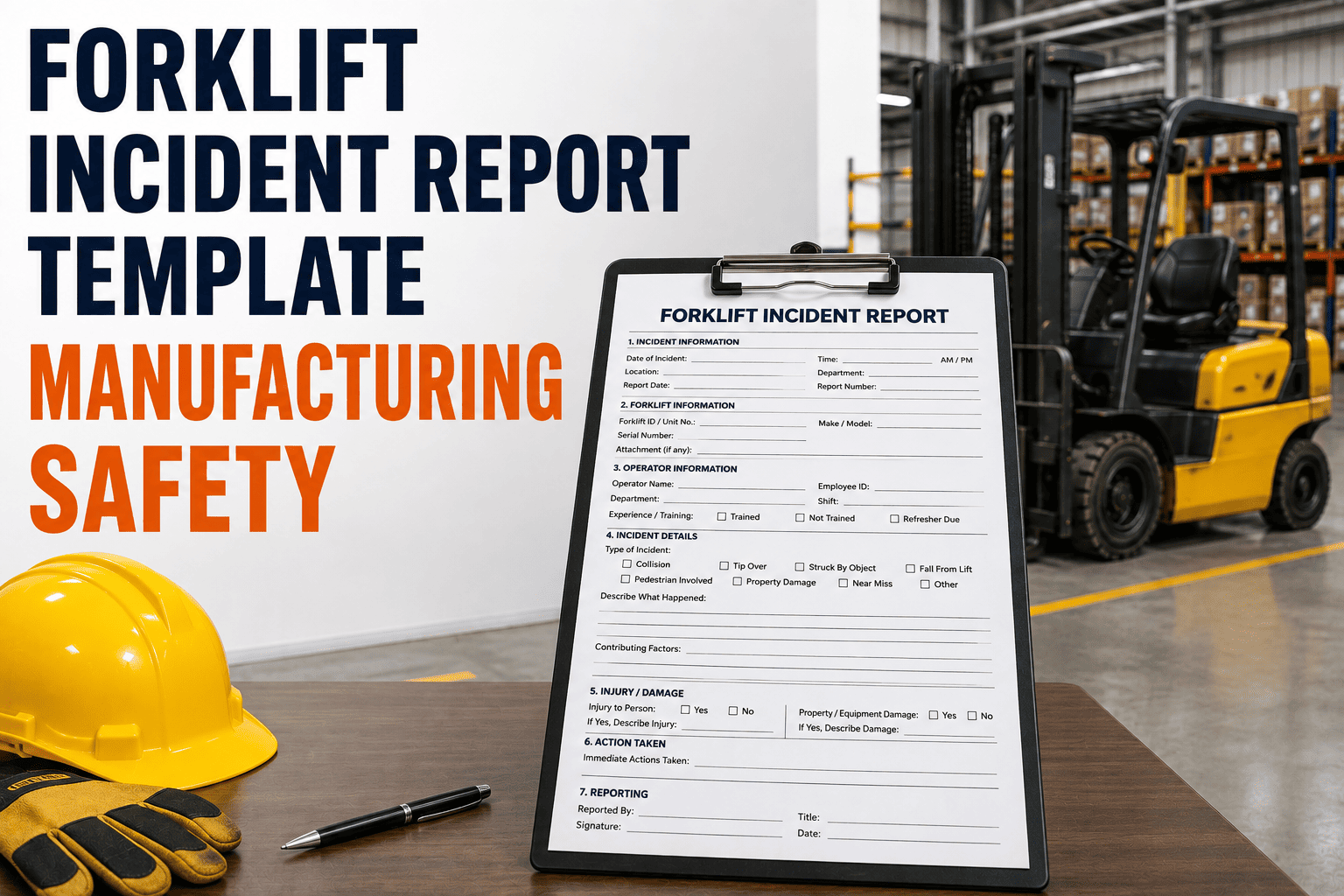
The moment a forklift incident happens on your floor, the clock starts running on two fronts at once. There is the injured worker or the damaged rack to deal with immediately, and there is a documentation window that OSHA measures in hours, not days. A fatality has to be reported within 8 hours, a hospitalization, amputation, or loss of an eye within 24. A forklift incident report template built for that pressure, with the right fields already laid out, is the difference between a clean investigation and a scramble to remember details a week later. Sign up free and FleetRabbit will pull truck speed, load status, and location data straight into the report for you.
A forklift incident report template is the standardized form used to document what happened immediately after a collision, tip-over, drop, or near miss on a plant floor. It captures date, time, and exact location, the operator and truck involved, a description of the sequence of events, witness statements, photos, injury details, and the corrective action taken. Employers must notify OSHA within 8 hours for a fatality and within 24 hours for an in-patient hospitalization, amputation, or loss of an eye, so the report needs to be fast to complete, not just thorough.
The First Hour After a Forklift Incident
What happens in the first sixty minutes shapes the whole investigation. Rushing this stage loses evidence, and stalling it delays the medical response the situation might need. A forklift incident report template works best when it mirrors this order rather than asking for everything at once.
What a Complete Report Must Capture
A report that skips a field is a report that has to be reopened later, usually by someone under more pressure than the person who filled it out originally. Every forklift incident report should walk through the same six sections, in the same order, every time.
Identification Details
Date, time, and exact location within the facility, the forklift unit number and hour meter reading, and the operator's name and certification status. This section alone answers most of what an insurance adjuster asks for first.
Sequence of Events
A plain description of what happened, in order, written in the operator's or witness's own words rather than a conclusion about fault. What the truck was doing, what the load was, and what changed in the seconds before impact.
Contributing Conditions
Note the floor surface, lighting, aisle congestion, pedestrian traffic, and whether the truck's most recent pre-shift inspection had any flagged items. These details are often what separates an isolated event from a pattern.
| Report Field | What to Record | Why It Matters |
|---|---|---|
| Truck and Operator | Unit ID, hour meter, operator name, certification date | Ties the incident to a specific piece of equipment and a trained individual |
| Injury or Damage | Nature and severity of injury, or property and load damage | Determines whether the event is OSHA recordable or reportable |
| Witness Statements | Names, contact details, written or recorded account | Corroborates the operator's account and fills gaps in the sequence |
| Photo Evidence | Scene, truck position, load, floor condition, damage | Preserves conditions that change or get cleaned up within hours |
| Root Cause | Mechanical, procedural, environmental, or training-related factor | Points directly to the corrective action needed to prevent a repeat |
| Corrective Action | Repair, retraining, layout change, or policy update, with owner and date | Shows the incident was closed out, not just logged |
FleetRabbit pulls truck speed, load status, and last known location straight from your fleet's telematics into every incident report, so your team fills in what a sensor cannot see instead of retyping numbers from memory. Sign up free and connect your fleet in minutes.
Recordable, Reportable, and Near Miss: Know the Difference
Not every incident needs the same paperwork, and mixing these up is one of the most common recordkeeping mistakes on a plant floor. Understanding which bucket an event falls into determines how fast you have to move and which form it lands on.
Reportable to OSHA Directly
A work-related fatality must be reported to OSHA within 8 hours. An in-patient hospitalization, amputation, or loss of an eye must be reported within 24 hours. These are direct notifications, separate from your regular injury log, and missing the window is its own violation regardless of the incident itself.
Recordable on the OSHA 300 Log
Injuries requiring medical treatment beyond first aid, days away from work, restricted duty, or loss of consciousness typically belong on the OSHA 300 log, with a matching 301 incident report for each entry. Employers with more than 10 employees generally maintain these unless their industry is exempt.
Near Misses Deserve a Report Too
A tip-over that caused no injury or a pedestrian who stepped clear just in time is not OSHA reportable, but it is often the clearest warning sign you will get. Logging near misses in the same template used for actual incidents builds a pattern history that catches a hazard before it produces a real one.
Building the Report Into Daily Practice
A template only works if it gets used the same way every time, by whoever happens to be on shift when something goes wrong. Keep the form short enough to complete on a phone at the scene, require a photo for every entry, and route the finished report straight to your safety lead instead of a shared drive nobody checks until the next audit. Book a demo and see how FleetRabbit turns this into a two-minute process for your team.
FleetRabbit gives your team a guided incident report with telematics data pre-filled, photo capture built in, and instant routing to your safety lead, so every investigation starts with a complete record instead of a memory.