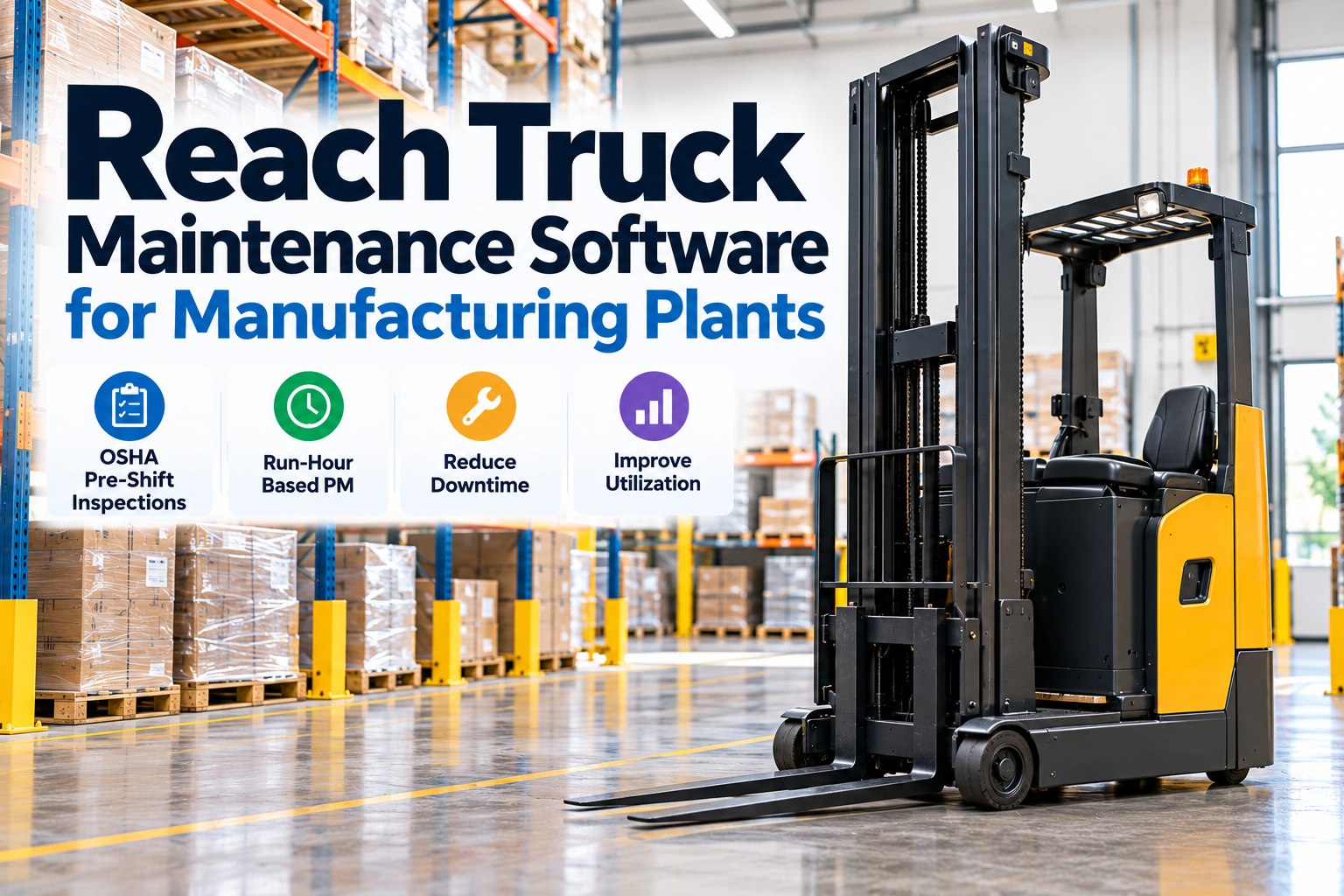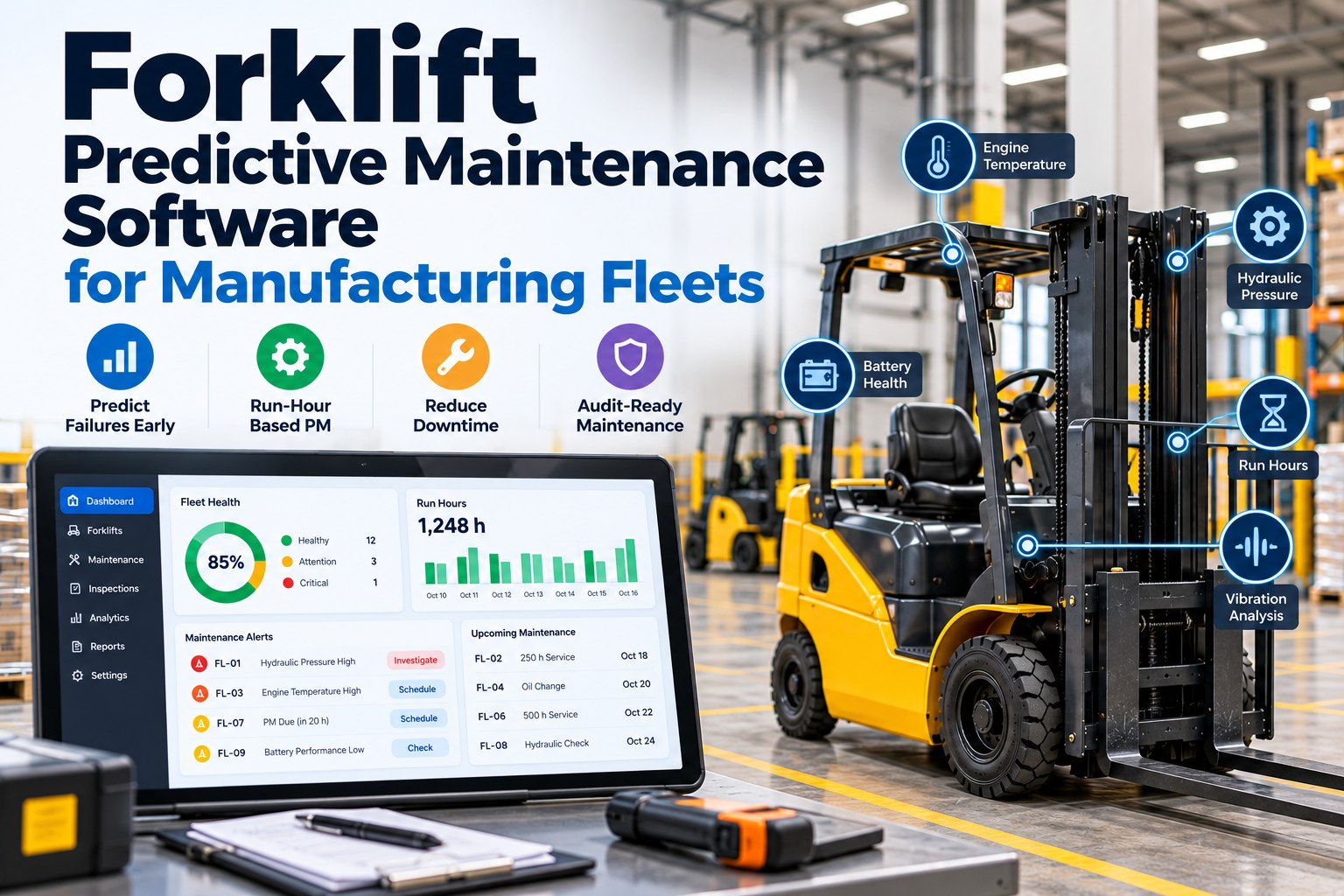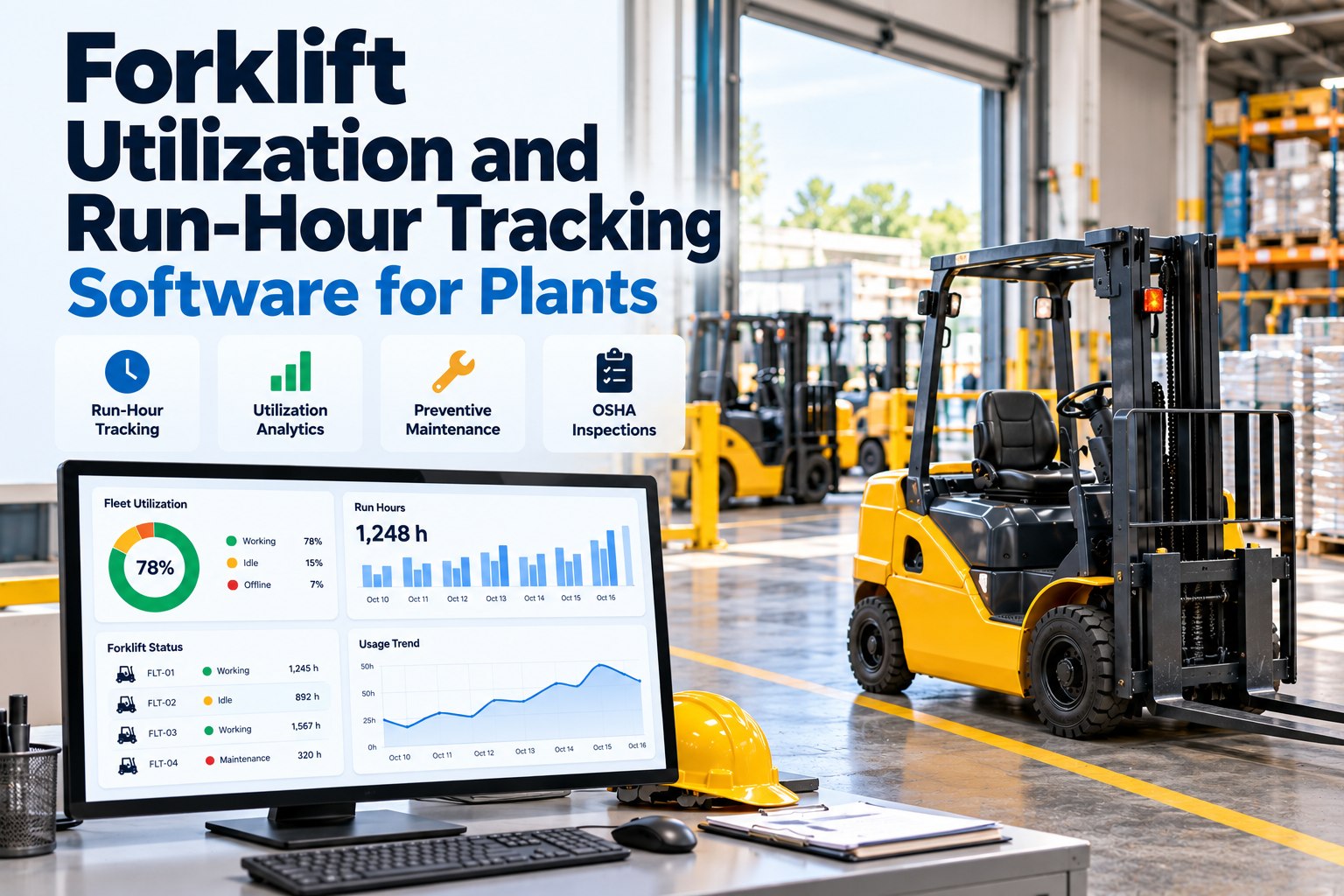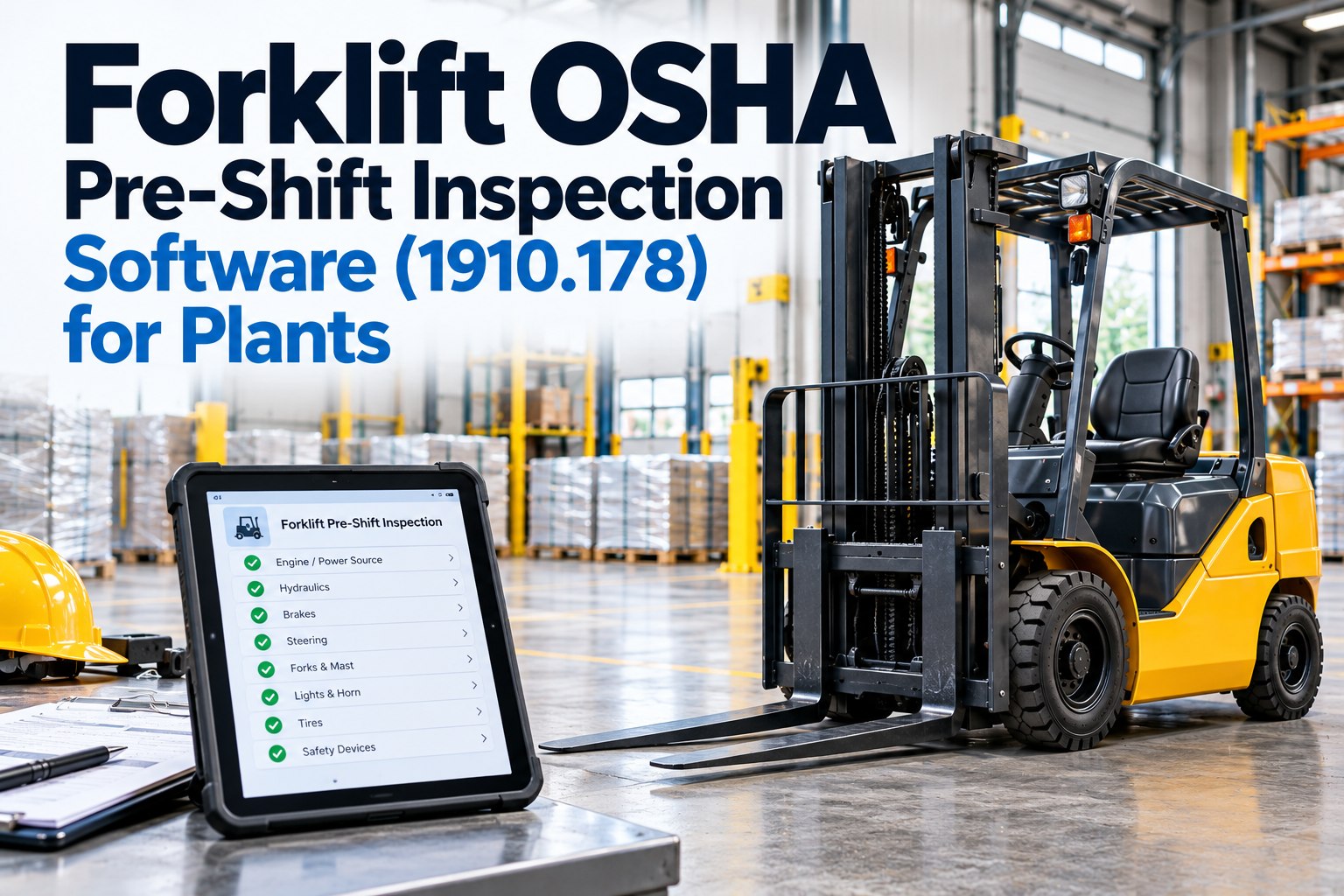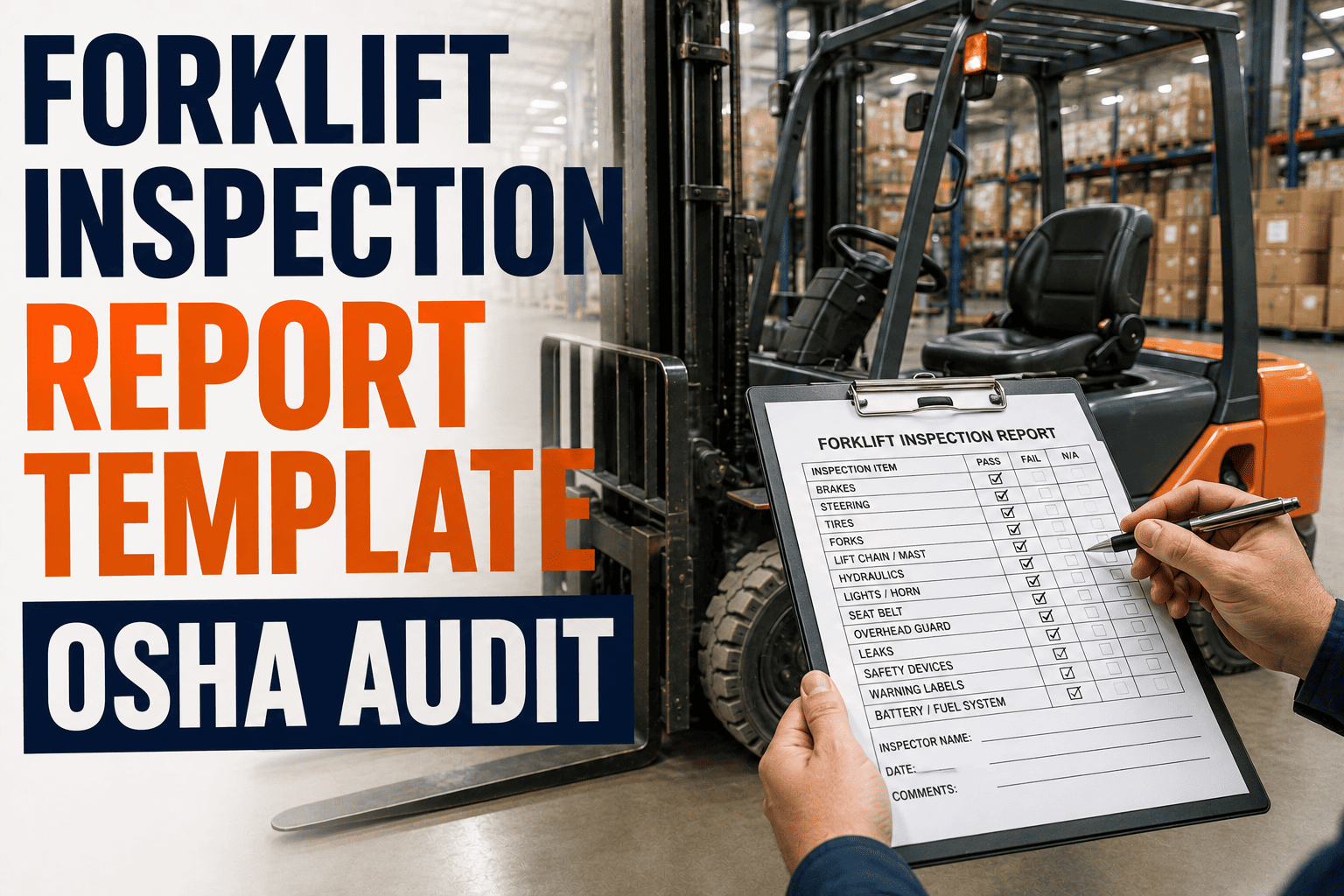
An OSHA inspector walking your floor does not ask to see your forklifts. They ask to see your paperwork. Under 29 CFR 1910.178(q)(7), every powered industrial truck has to be examined before it goes into service, and while OSHA does not force you to keep a written record, an auditor who finds a truck with no documented history behind it has every reason to keep digging. A forklift inspection report template turns a five-minute walk-around into a permanent, defensible record, and it is the single easiest gap to close before your next plant audit. Sign up free and FleetRabbit will build that record for you, automatically, on every shift.
A forklift inspection report template is a standardized form operators complete before every shift to record tire, fork, mast, hydraulic, brake, and safety-device condition under OSHA 29 CFR 1910.178(q)(7). It should capture the operator name, truck ID, date and time, a pass or fail result for each check point, photos of any defect, and a signature. Digital templates that route failed inspections straight to maintenance cut average repair response time by 40 to 60 percent compared with paper clipboards.
Why a Written Report Matters More Than the Regulation Says
The regulation itself is short. Trucks must be examined at least daily, and where they run around the clock, after every shift. Defects have to be reported and corrected before the truck goes back to work. Nowhere does it say the examination has to be written down. In practice, that gap is exactly where fleets get hurt. An inspector or an insurance adjuster investigating an incident is not going to take your word that the exam happened. A dated, signed forklift inspection report is the only evidence that stands up when it matters, and it is what separates a routine audit from a citation.
What Belongs on the Report
A usable forklift inspection report template is not a wall of text. It is organized in two halves, the way operators actually check a truck: engine-off visual checks first, then engine-on operational checks. Each line needs a pass or fail box, not a paragraph, so a rushed pre-shift check still gets done properly.
Engine-Off Visual Checks
Walk the truck before it starts. Look under it for fluid on the floor, check tire condition and pressure, inspect forks for cracks or bends, confirm the mast chains show no visible wear, and verify the overhead guard and load backrest are intact. Any leak, crack, or missing guard is an automatic fail line on the report.
Engine-On Operational Checks
With the truck running, test the service brake and parking brake, confirm the horn and back-up alarm work, check headlights and warning lights, raise and lower the forks through their full range, and tilt the mast forward and back. A truck that fails any operational check gets tagged out of service on the spot, not fixed by memory at the end of the day.
Fields Every Report Needs
Beyond the check points, every complete report captures: operator name and ID, forklift unit number, date and shift, hour meter reading, a pass or fail result per item, a photo of any defect found, corrective action taken, and a signature certifying the exam was performed. Missing any one of these is what turns a clean audit into a follow-up request from OSHA.
| Report Section | What It Captures | Why It Matters for Audits |
|---|---|---|
| Header Data | Truck ID, operator, date, shift, hour meter | Ties the exam to a specific truck and person, closing 1910.178(q)(7) |
| Visual Checklist | Tires, forks, mast, leaks, guards, backrest | Documents the pre-op look-and-feel exam before the engine starts |
| Operational Checklist | Brakes, horn, lights, lift, tilt, steering | Confirms safety systems function, not just look correct |
| Defect and Photo Log | Description, image, severity, out-of-service flag | Shows defects were reported immediately, satisfying (q)(7) and (p)(1) |
| Corrective Action | Repair performed, technician, date closed | Proves the truck was restored to safe condition before reuse |
| Sign-Off | Operator and supervisor signature | Establishes accountability for the examination itself |
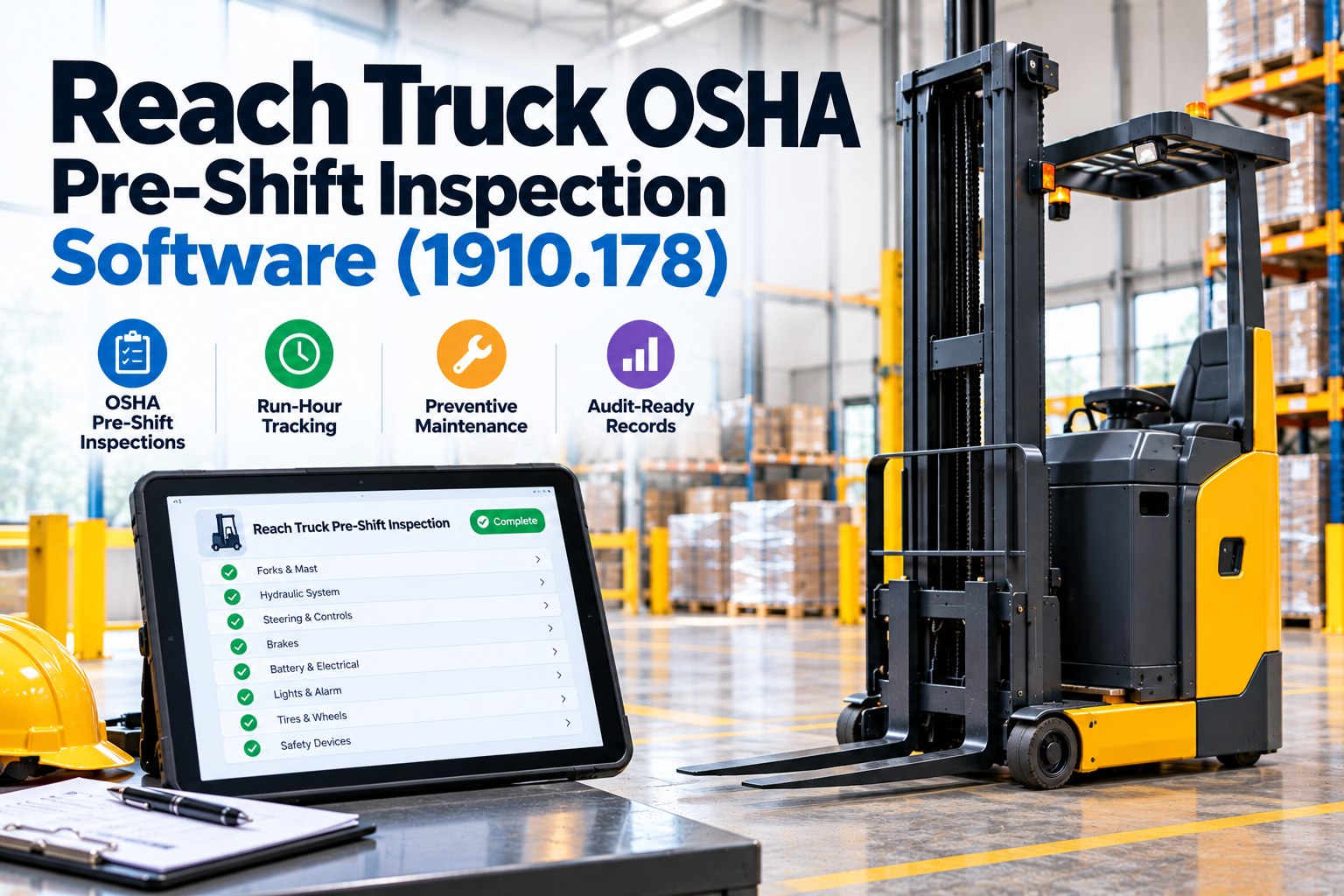
FleetRabbit gives every operator a mobile checklist, timestamps and geotags each submission, and routes any failed item straight to your maintenance queue with a photo attached. No clipboards, no missing signatures, no scrambling before an audit. Sign up free and load your fleet in minutes.
Paper Versus Digital: What an Audit Actually Exposes
Paper checklists fail audits in predictable ways. Forms get filled out at the end of the shift instead of before it, defect boxes get skipped, and a stack of clipboard sheets from six months ago is nearly impossible to search when an auditor asks for a specific truck's history. A digital forklift inspection report template removes the guesswork: the app will not let an operator submit without answering every line, the timestamp cannot be backdated, and every report for every truck sits in one searchable archive.
What to Look for in a Digital Template
A good digital report should require photo evidence on any failed item, auto-notify a supervisor when a truck is tagged out of service, store records for at least three years, and let you pull a full inspection history for any single truck in seconds when an auditor asks for it. That last point is usually where paper-based fleets lose the most time during a plant walk-through.
What Auditors Actually Request
Most site visits ask for the same three things: the current inspection record for the trucks on the floor, proof that a recent defect was corrected before the truck went back into service, and evidence that operators are trained under 1910.178(l). A report template that captures all three in one place turns that request into a five-minute pull instead of a week of searching through binders.
Putting a Report Template Into Daily Use
The template only works if operators actually complete it before the truck moves, every shift, without exception. Start by shrinking the form to what an operator can realistically finish in under three minutes, make every failed item require a photo, and route that failure directly to whoever schedules repairs rather than a shared inbox nobody checks. Once that loop closes automatically, the inspection report stops being a compliance chore and becomes the earliest warning system your maintenance team has. Book a demo and FleetRabbit's team will show you exactly how that workflow runs on your own fleet.
FleetRabbit gives every operator a guided mobile inspection, captures photos and signatures automatically, and keeps a searchable record for every truck in your fleet. Walk into your next OSHA audit with every report already organized.