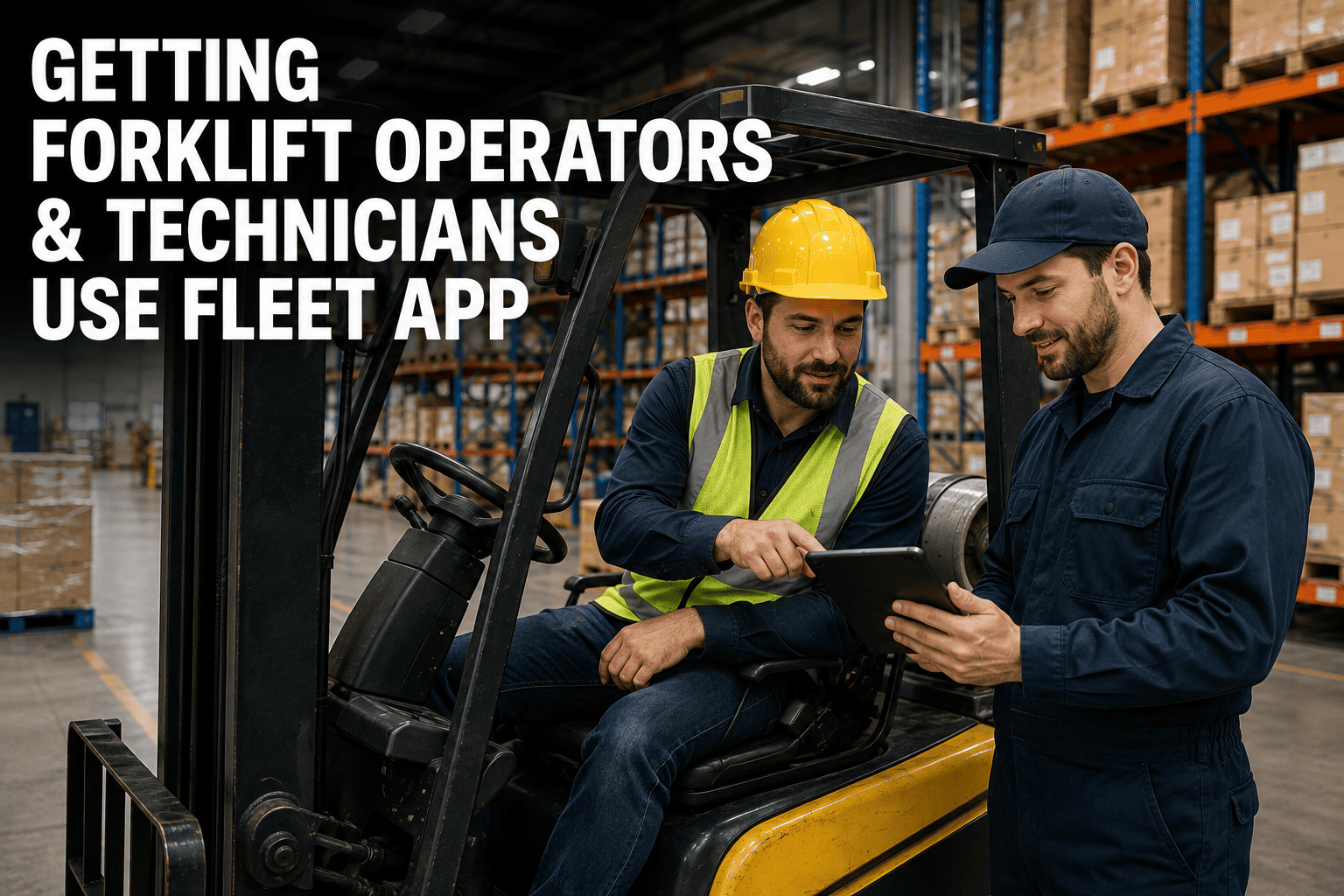
The software rollout meeting always goes well. Leadership signs off, the dashboard looks great, and everyone agrees this is the year paper inspection sheets disappear for good. Three weeks later, half the operators are still filling out the old clipboard and quietly handing it to a supervisor instead of opening the app. This isn't a technology failure. It's an adoption failure, and it's the single biggest reason forklift fleet software underdelivers on its promised ROI. Getting the platform right is half the job. Getting operators and technicians to actually open it every shift is the other half, and it's the half most rollouts get wrong.
Operators and technicians abandon fleet apps when a task takes too many taps, when the app doesn't work without signal, or when nobody explained what's in it for them. Apps that complete a pre-shift inspection in under three minutes, work fully offline, and visibly close the loop on reported defects are the ones frontline teams actually keep using. Sign up free to try the app your team would actually use, or book a demo to see the operator experience firsthand.
Why "They're Resistant To Change" Is The Wrong Diagnosis
When a mobile app rollout stalls, the easy explanation is that the frontline team doesn't want to learn something new. That explanation is almost always wrong, and it's worth correcting before trying to fix adoption. Most operators and technicians use smartphones fluently in their personal lives. They order rides, split bills, and navigate apps far more complex than a pre-shift inspection checklist without a second thought. If the same person struggles with a work app, the problem usually isn't the person, it's the app.
The real friction shows up in specific places: a checklist that takes fifteen taps to complete, a screen that spins uselessly in a warehouse corner with no signal, or a defect report that vanishes into a system with no visible follow-up. Fix those, and resistance tends to disappear along with them.
The Three Failure Points That Kill Adoption
Across manufacturing plants rolling out fleet software, the same three breakdowns show up again and again, almost always in this order.
FleetRabbit's mobile app is built around a two-minute pre-shift inspection, full offline mode, and instant work order creation from any flagged defect. Sign up and try it on your fleet, or book a demo to walk through the operator screens directly.
What Actually Wins Skeptical Teams Over
Adoption isn't won with a training session, it's won with the first five minutes a worker spends in the app. If that experience is fast, obvious, and clearly useful, the app sticks. If it's confusing or slow, no amount of mandatory training will keep people from quietly going back to paper.
Design That Doesn't Require A Manual
Not every operator reads at the same speed or in the same language, and not every worker is naturally comfortable with technology. Icon-led screens, color-coded status indicators, and a primary task that takes no more than two taps aren't nice extras, they're the baseline for an app that gets used on a real plant floor instead of one that looks good in a demo.
Offline Mode That Actually Works
An inspection completed in a dead zone should queue silently and sync the moment signal returns, never forcing a worker to redo a report or lose a photo. This single feature is often the difference between an app that survives contact with a warehouse and one that gets abandoned in the first month.
Why The First Two Weeks Decide Everything
A worker who can't complete a task in the app returns to paper. Two weeks of paper use quietly becomes two weeks of parallel processes running side by side. A month in, the app has been demoted to a compliance checkbox instead of the operational tool it was meant to be. Whatever friction exists needs to be solved before that two-week window closes, not after.
| What Kills Adoption | What Operators Actually Need |
|---|---|
| Multi-step desktop-style forms | A pre-shift inspection completed in under three minutes, one hand on the phone |
| App that fails without Wi-Fi | Full offline mode that queues and syncs automatically once signal returns |
| Defects reported into a black box | An automatic work order and visible status the moment a defect is flagged |
| Text-heavy, menu-buried navigation | Icon-led screens with color-coded status that need no training manual |
| No feedback loop to the worker | Confirmation that a flagged issue was seen, assigned, and resolved |
Getting Technicians On Board, Not Just Operators
Operators aren't the only frontline group whose adoption decides whether software succeeds. Technicians need to look up parts, log labor time, and close work orders directly from the shop floor without switching to a separate system. A maintenance app that requires a technician to walk back to a desktop computer to close out a job creates the exact same abandonment pattern as a clunky inspection screen, just on the repair side instead of the inspection side.
The fix is the same principle applied to a different workflow: keep the primary actions, parts lookup, labor entry, work order closure, available in a few taps, on the device the technician is already carrying.
FleetRabbit connects operator inspections directly to technician work orders, so a flagged defect turns into visible action instead of silence. Start your free trial today, or book a 30-minute demo to see the full operator-to-technician flow.
FleetRabbit is built around a fast pre-shift inspection, full offline mode, and instant follow-up on every flagged defect, so adoption doesn't depend on a training mandate.