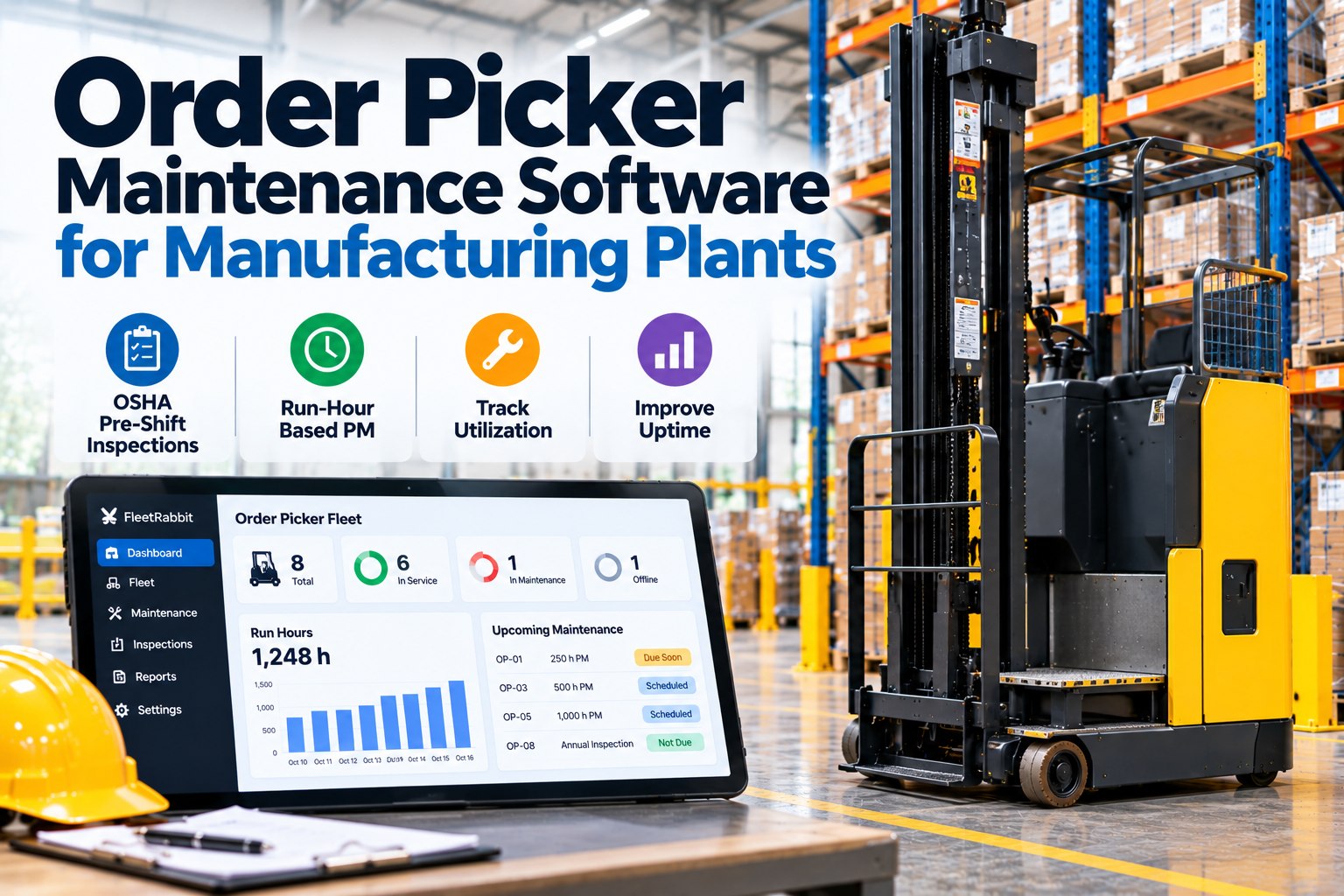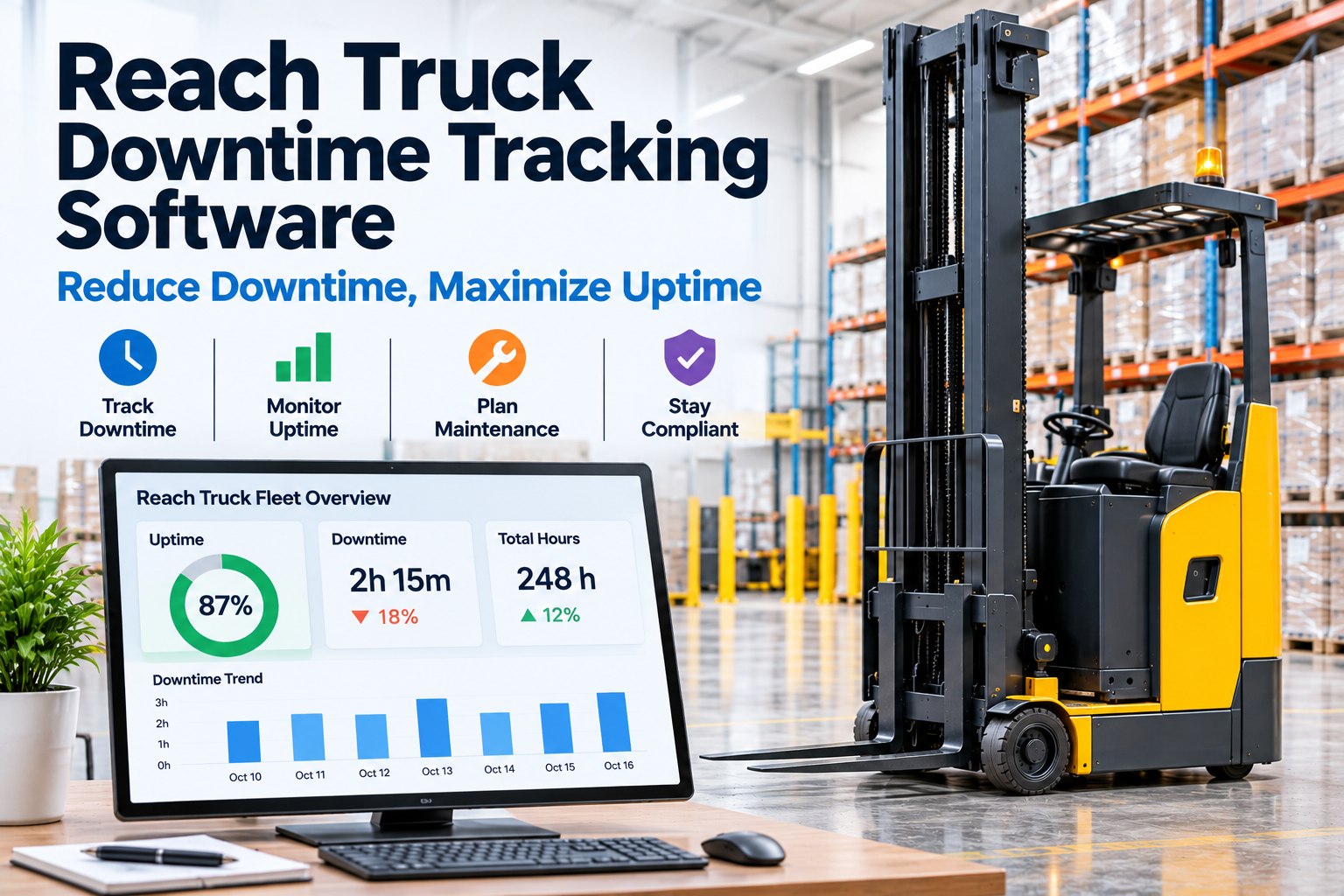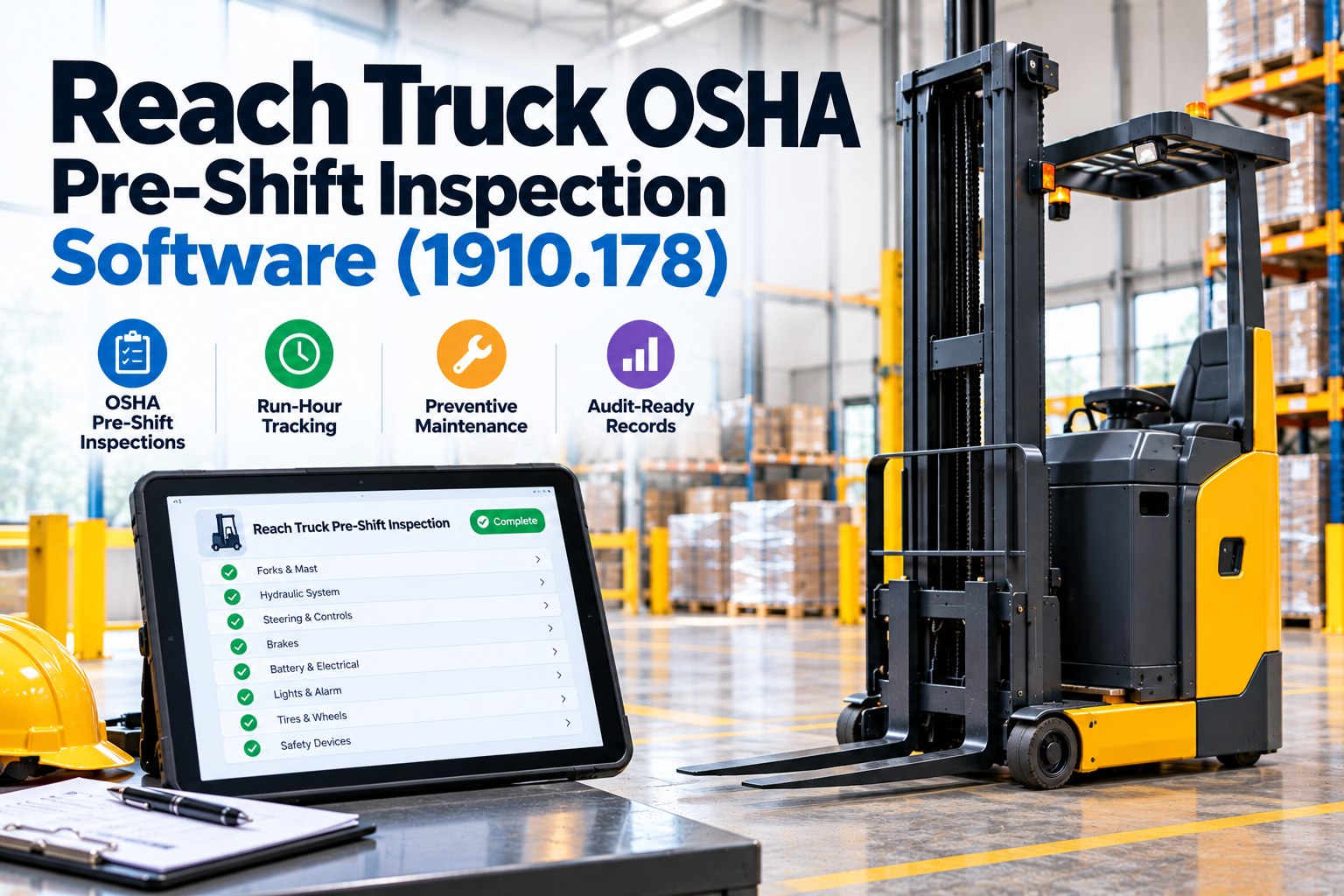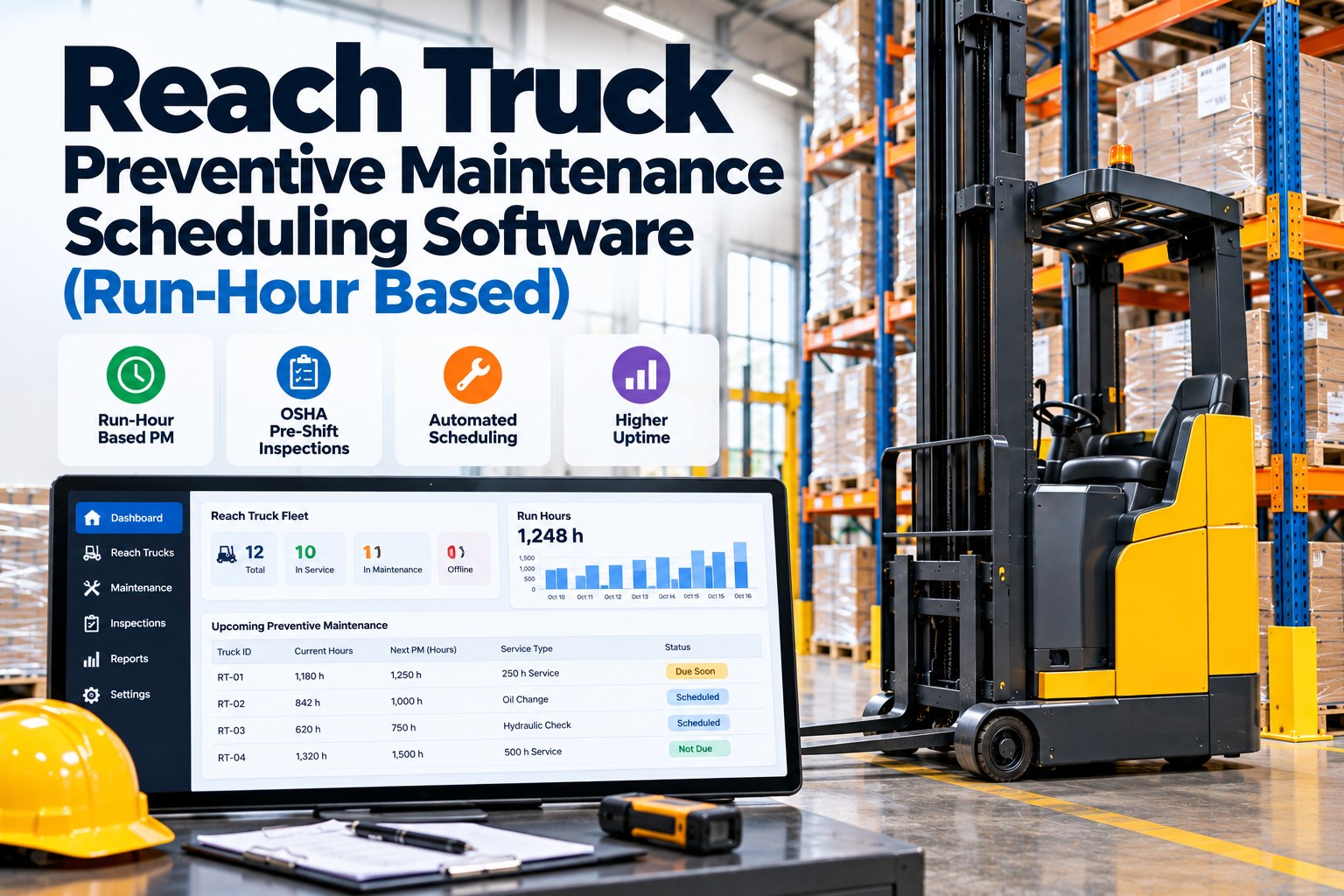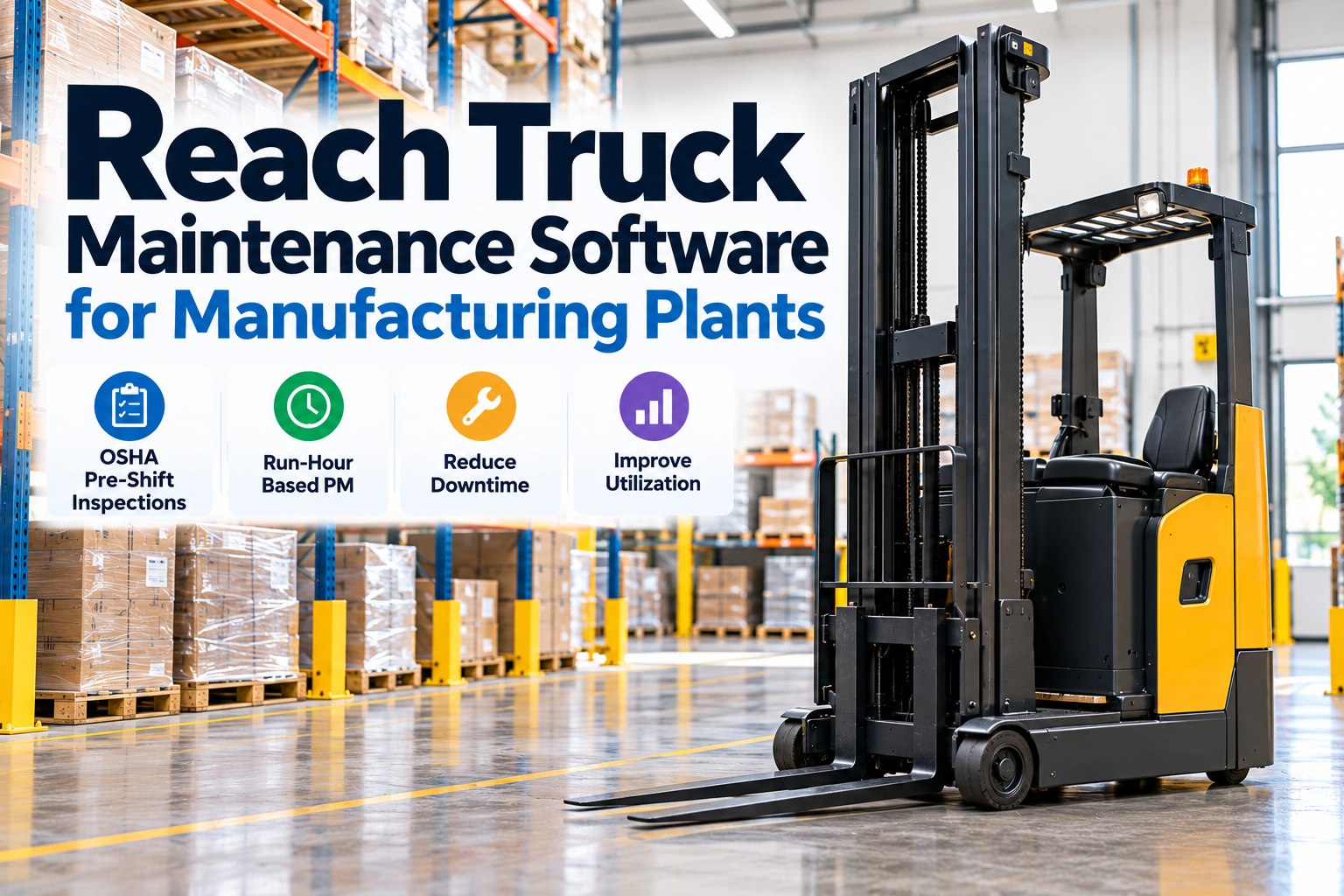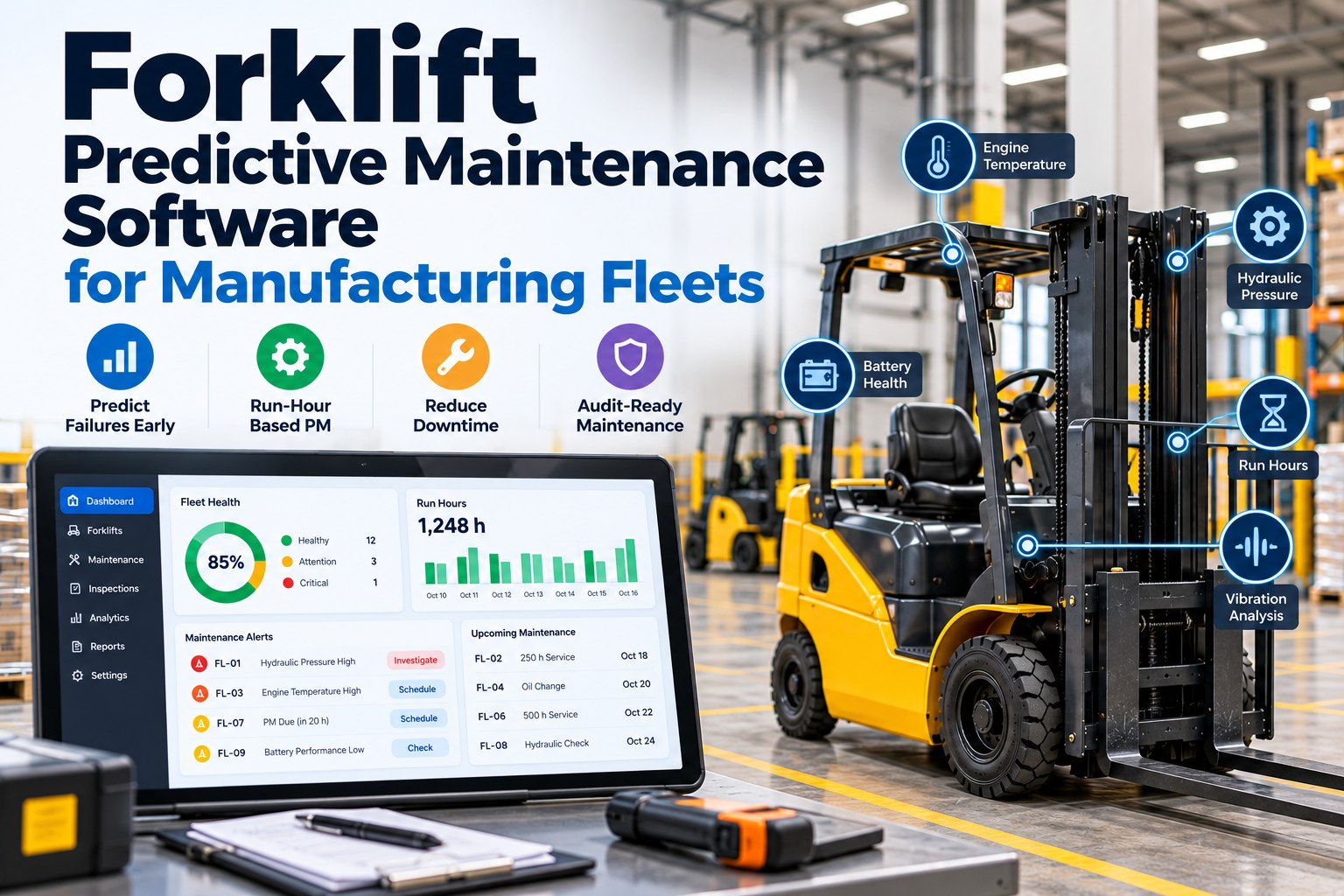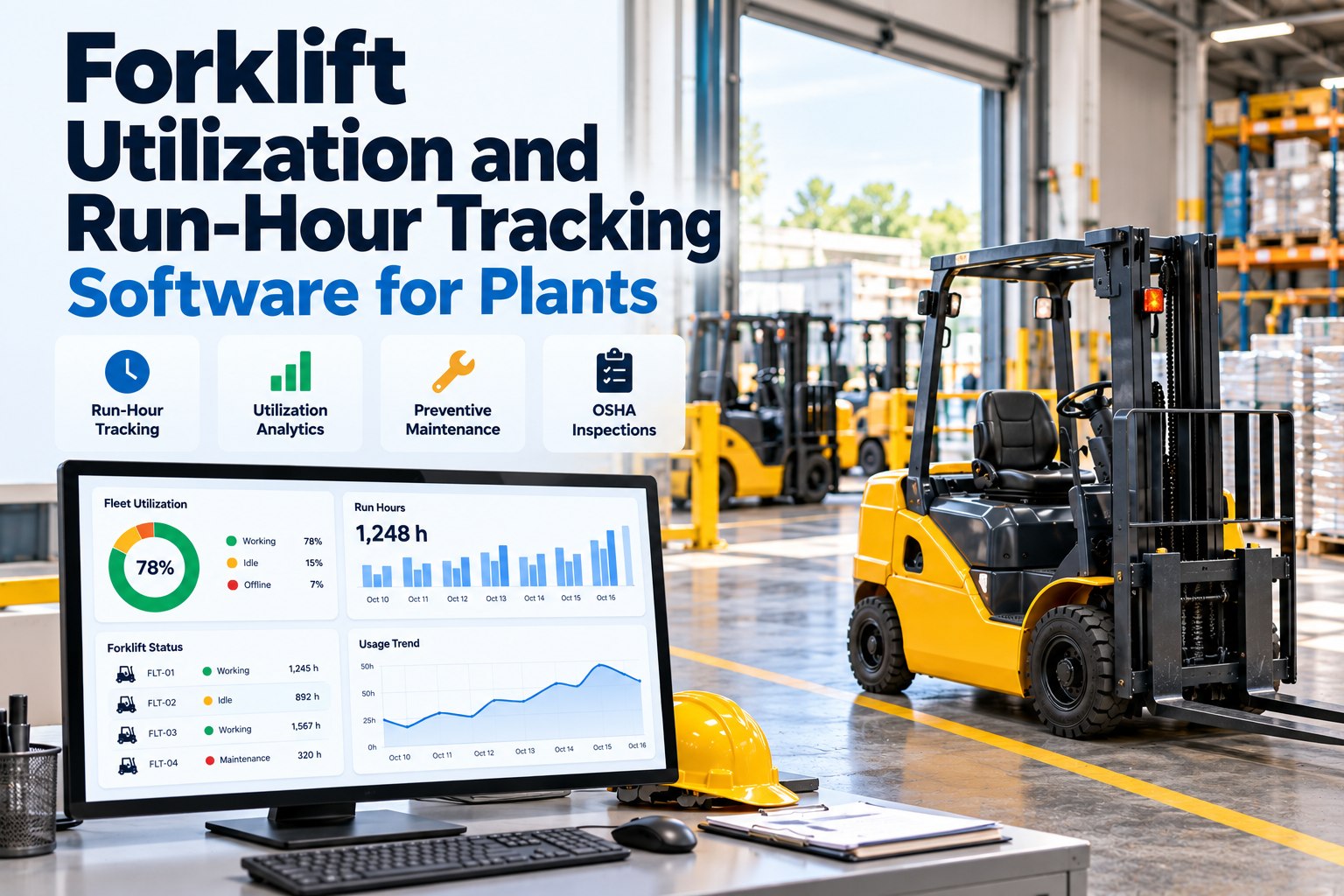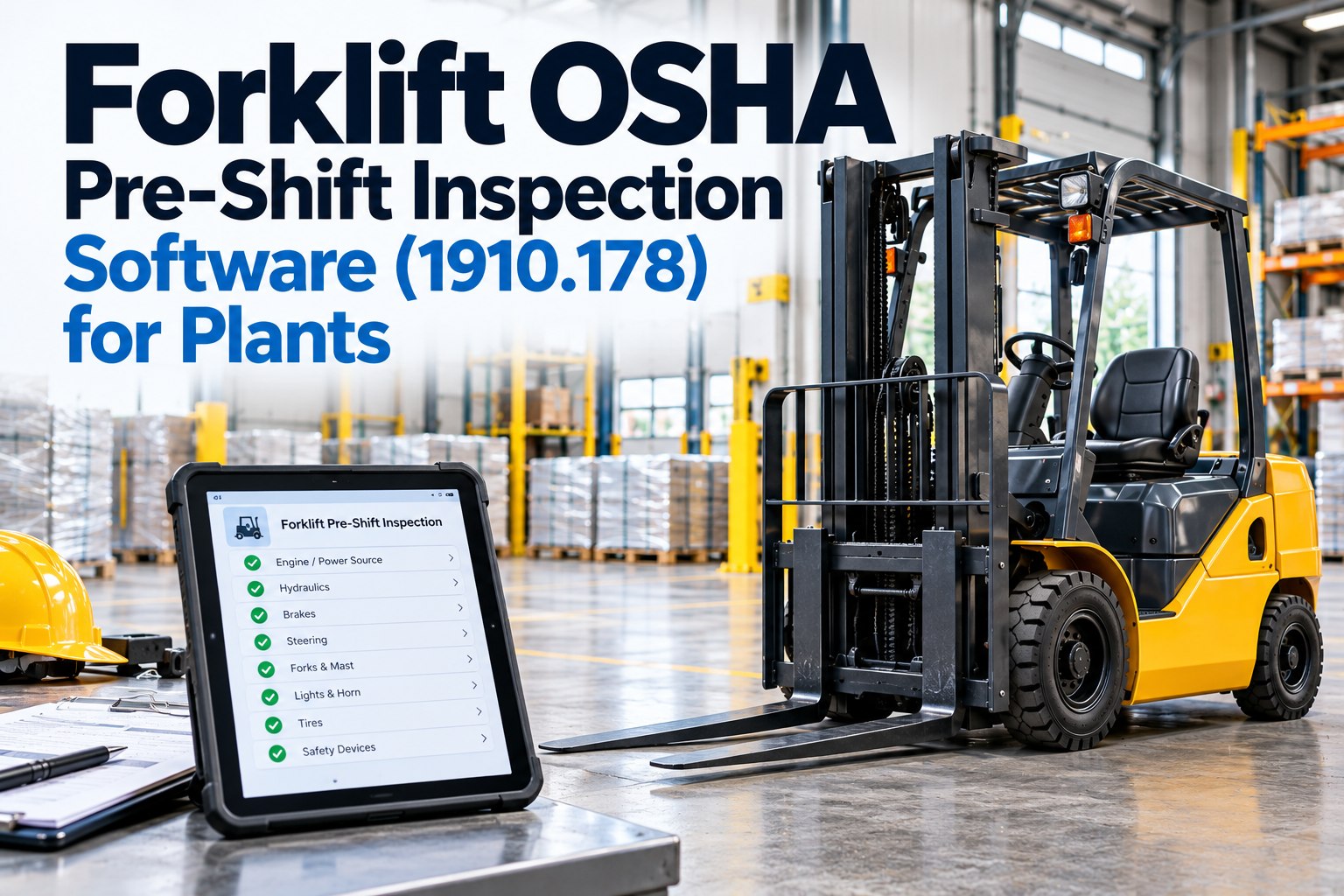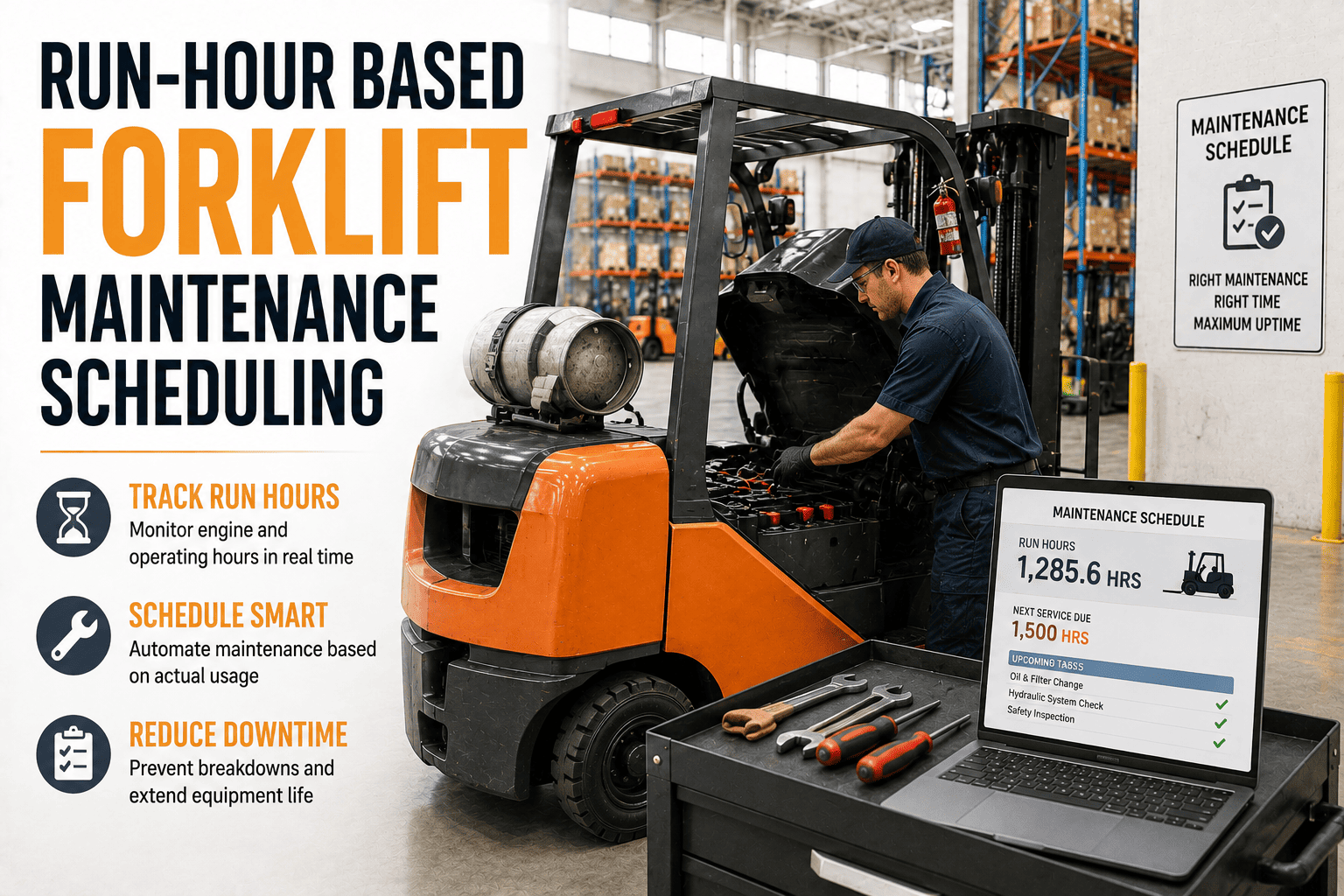
Two forklifts sit on the same plant floor. One ran 180 hours last month on a single shift. The other ran 620 hours across three shifts covering the same period. If both trucks get serviced on the same date because that's what the calendar says, one of them is being maintained too early and the other is running dangerously close to failure. This is the quiet flaw in calendar-based maintenance, and it's why every major forklift manufacturer writes its service manuals in hours, not months.
Run-hour-based maintenance scheduling triggers forklift service based on actual operating hours from the hour meter, rather than a fixed calendar date. Because wear on hydraulics, brakes, and drivetrain components tracks usage, not time, hour-based triggers keep high-use trucks from outrunning their service window while preventing low-use trucks from being serviced too often. Most fleets combine hour-based triggers with a calendar minimum, so trucks are serviced on whichever comes first.
Why The Calendar Is The Wrong Clock For A Forklift
A forklift's hour meter measures the one thing that actually predicts wear: how much the truck has been used. Hydraulic pumps, tilt cylinders, brake actuators, and starter motors degrade with cycles and load, not with the passage of days. A truck parked most of the week and pulled out for occasional pallet moves accumulates almost no wear between visits. A truck running three shifts on a production line racks up hundreds of hours in the same window.
Calendar-based PM schedules can't tell the difference between those two trucks. Servicing both on the first of the month either wastes labor and parts on the low-use truck or leaves the high-use truck running two or three service intervals past due, right up until a bearing, hose, or brake component fails mid-shift. Neither outcome is acceptable when the same forklift is often the one thing standing between a production line and a shutdown.
- Every truck serviced on the same fixed date regardless of use
- High-use trucks quietly run past their real service interval
- Low-use trucks get serviced too often, wasting parts and labor
- Failures get blamed on "bad luck" or truck age
- Service triggers when the truck actually reaches the interval
- High-use trucks get serviced on time, every time
- Low-use trucks aren't touched until they've earned it
- Failures trace back to a specific, correctable scheduling gap
The Standard Hour-Based Service Ladder
Most forklift manufacturers, including Toyota, Yale, Hyster, Crown, and Mitsubishi, structure their preventive maintenance recommendations around a tiered hour-meter ladder. The exact numbers vary slightly by model and power source, but the pattern below is close to universal across the industry.
Between each hour-based tier, certain items still deserve a calendar minimum. Hydraulic fluid and coolant break down chemically over time even on a truck that barely runs, and brake fluid absorbs moisture and should be flushed on a roughly two-year cycle regardless of hour-meter reading. The most reliable fleets use hours as the primary trigger and calendar time as a backstop, servicing on whichever comes first.
FleetRabbit reads hour-meter data straight from each truck and fires a work order the moment it crosses its 250, 500, 1,000, or 2,000-hour threshold. Sign up free and connect your first three trucks in minutes.
What Changes When You Track Hours Instead Of Dates
Switching a fleet from calendar PM to hour-based PM is less about new equipment and more about disciplined tracking. Once hour data is flowing reliably, several operational habits shift immediately.
Alerts Arrive Before The Threshold, Not After
Rather than discovering a truck is 400 hours overdue, a well-configured hour-based system generates a work order at a lead-time mark, commonly around 50 hours before the interval hits. That gives the maintenance team time to order parts and schedule a technician instead of pulling a truck out of rotation mid-shift.
Environment Still Tightens The Schedule
A truck operating outdoors in dust or extreme heat should have its hour-based intervals tightened, not left at the standard 250-hour baseline. Airborne debris accelerates wear on mast rollers and clogs filters faster than the manufacturer's clean-warehouse assumption accounts for.
Choosing The Right Trigger For Every Truck
Not every asset in a mixed manufacturing fleet needs the same maintenance logic. The table below breaks down which trigger type fits which situation, and why blending them beats picking just one.
| Trigger Type | Best For | Strength | Limitation |
|---|---|---|---|
| Hours-Based | High-use, multi-shift production forklifts | Matches service timing to real wear and usage rate | Requires reliable hour-meter data or telemetry integration |
| Calendar-Based | Standby, backup, and low-use yard trucks | Catches aging fluids and components even on idle equipment | Can over- or under-service trucks with variable usage |
| Condition-Based | Outdoor, dusty, or extreme-temperature operations | Shortens intervals automatically when duty cycle is severe | Needs sensor data or consistent operator condition reporting |
| Hybrid (Hours + Calendar) | Most manufacturing fleets with mixed shift patterns | Whichever trigger comes first fires the work order | Requires a system that tracks both without manual reconciliation |
Building The Case For Hour-Based Scheduling In Your Fleet
Moving a maintenance program from calendar to hour-based triggers is usually a two-step conversation. First, pull utilization data across the fleet and show how wide the hour spread is between your highest-use and lowest-use trucks over a single month. That spread is the clearest evidence that one calendar date can't serve every truck fairly. Second, map your existing service intervals, task lists, and parts specifications onto hour thresholds so the transition doesn't require rebuilding your maintenance program from scratch.
Fleets that make this switch typically see fewer surprise breakdowns within the first service cycle, simply because the trucks that were quietly running past due finally get caught by a trigger built around their real usage. If you want to see how this looks against your own fleet's hour data, a quick demo call is the fastest way to map it out.
Frequently Asked Questions
FleetRabbit turns raw hour-meter data into automatic, tiered work orders, so high-use trucks never outrun their service window and low-use trucks are never serviced before they need it. Book a demo to see your fleet's real hour spread, or sign up and start tracking today.