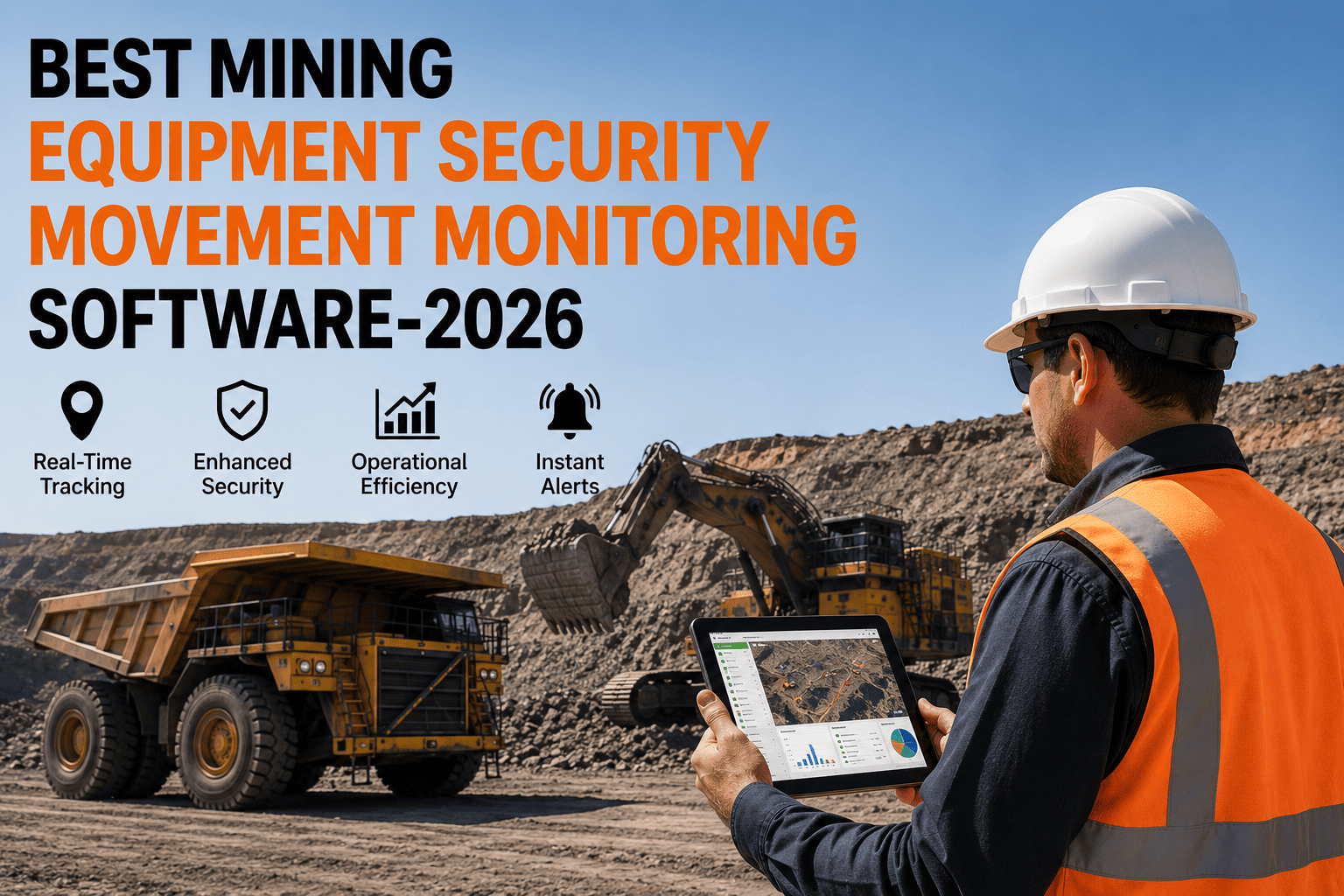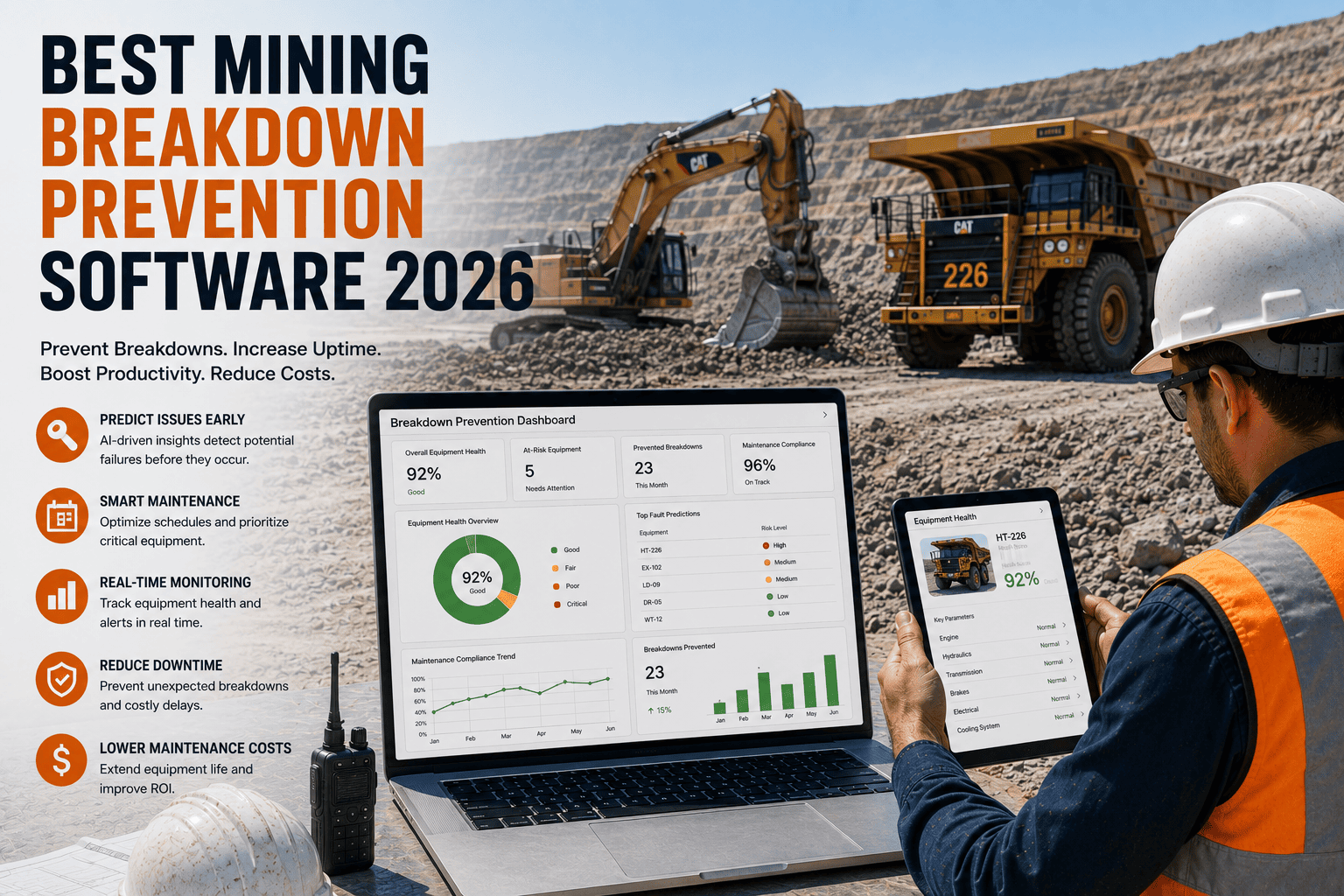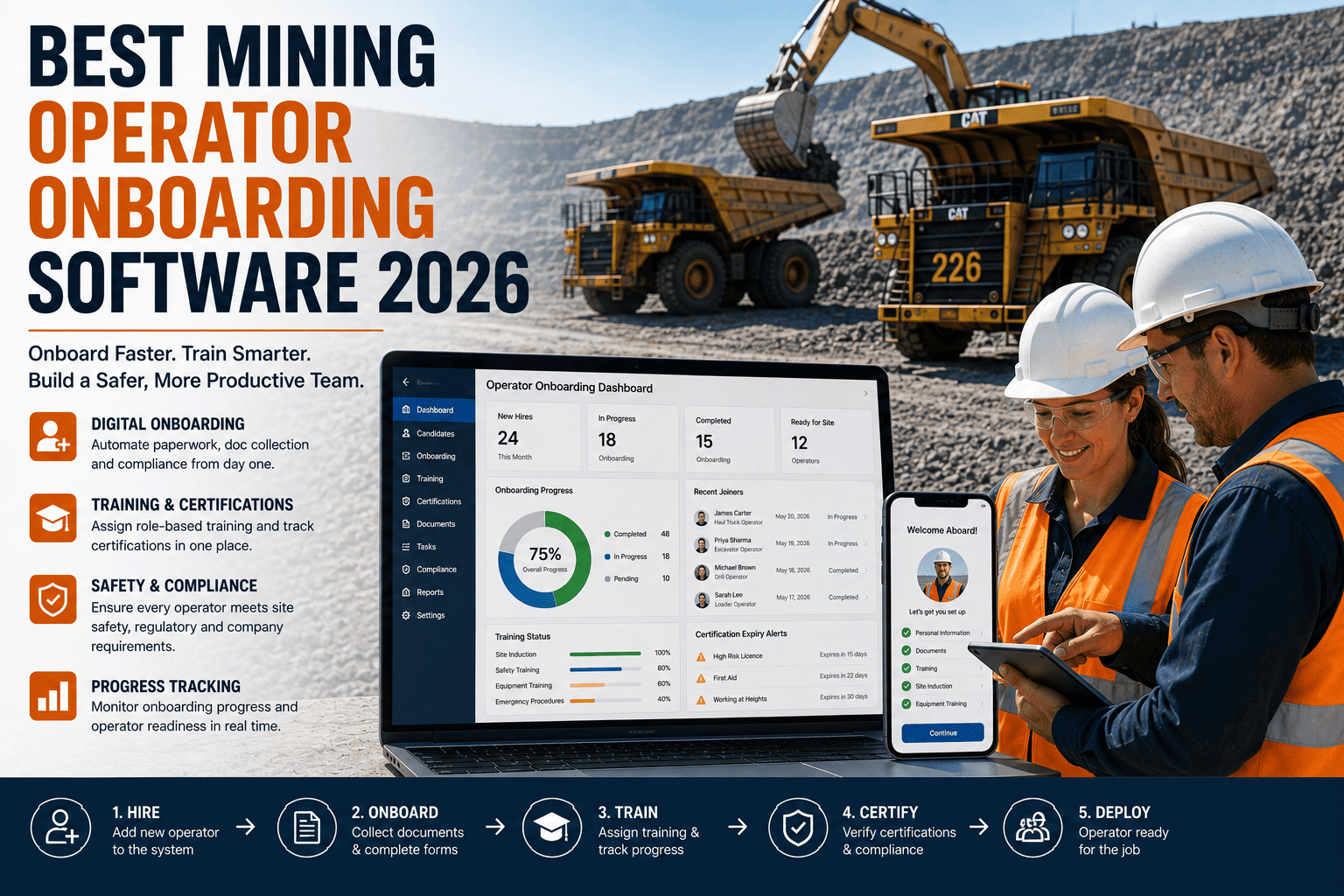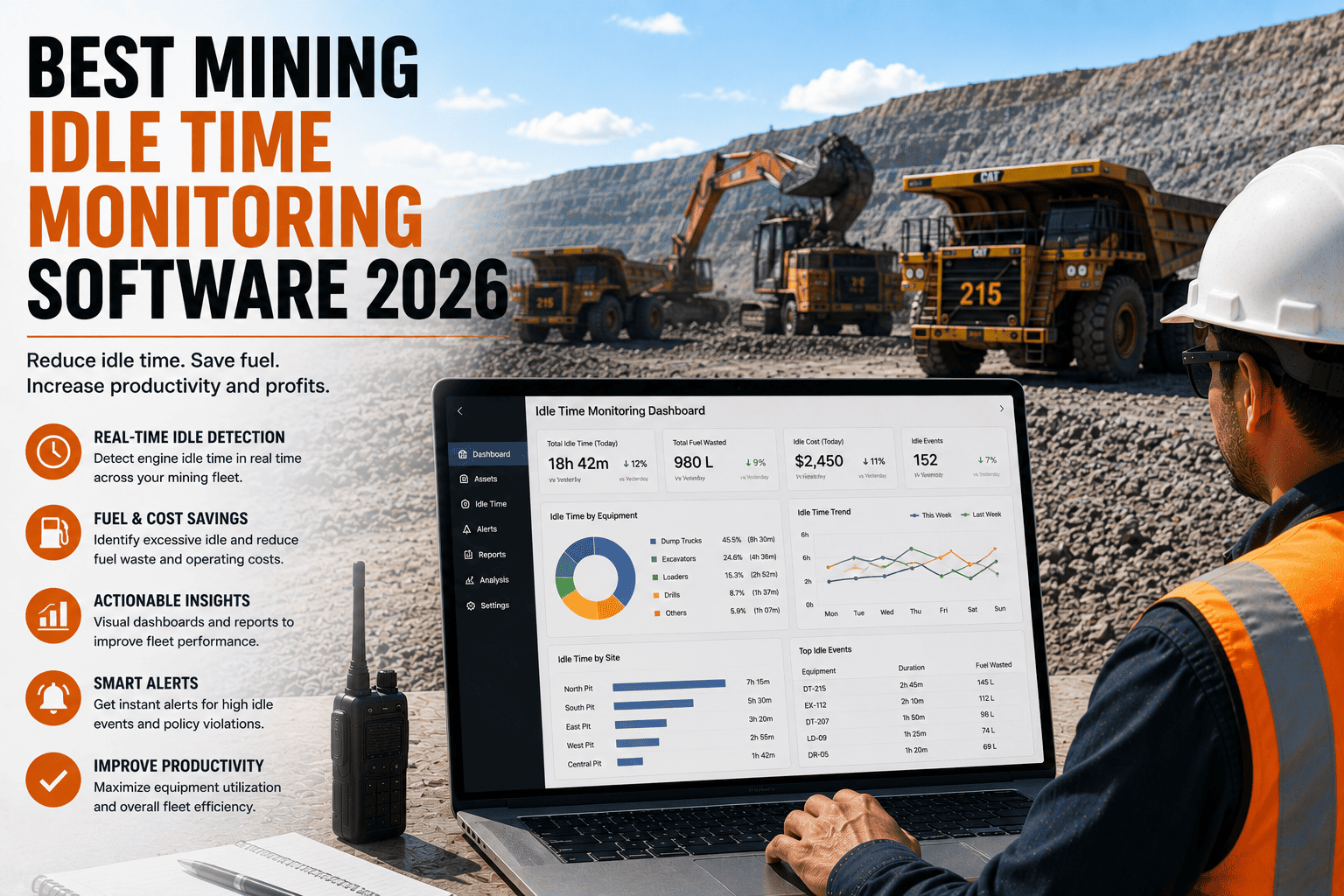
Walk into most mine sites today and you'll still find the same scene: a supervisor scribbling shift data on a clipboard, a dispatcher re-typing haul cycle numbers into a spreadsheet, and a maintenance clerk keying yesterday's inspection sheets into a system that nobody fully trusts. Manual data entry has quietly become one of the biggest hidden costs in mining operations. It isn't just slow, it's the reason production numbers arrive late, equipment failures go unnoticed until they become expensive, and decisions get made on data that's already a day old by the time anyone reads it.
Mining data capture software replaces paper logs and manual spreadsheet entry with digital forms, mobile field capture, and automated sync directly into your operations systems. Sites that switch from manual to digital capture typically cut reporting delays by 60 to 80 percent and reduce data errors by more than half, giving supervisors and planners real-time visibility instead of yesterday's numbers.
Why Manual Data Entry Is Quietly Costing Your Mine Site
Manual processes feel free because there's no software invoice attached to them, but the true cost shows up everywhere else. A shift supervisor spending forty minutes transcribing a paper log is forty minutes not spent supervising the pit. A data entry error in tonnage or cycle time can distort an entire shift report, and by the time someone catches it, the decision based on that bad number has already been made.
Reporting Lag
Paper logs and end-of-shift spreadsheets mean production and maintenance data can be 12 to 24 hours old before anyone acts on it, so problems compound before they're even visible.
Transcription Errors
Every handoff from paper to spreadsheet to system introduces a chance for typos, unit mismatches, and skipped fields that quietly corrupt reports used for planning.
Weak Compliance Trails
Paper inspection sheets get misplaced or filled in after the fact, leaving thin evidence for safety audits and regulatory reviews when they matter most.
Wasted Skilled Hours
Engineers and supervisors spend hours reconciling numbers across disconnected spreadsheets instead of solving the operational problems those numbers are meant to reveal.
Watch Field Data Reach Your Dashboard In Seconds
FleetRabbit replaces paper logs and manual re-keying with mobile-first digital capture built for mine sites and haul fleets. Data moves from the field to your reports automatically, with nothing lost in translation. Sign up free to try it on your own site.
What Mining Data Capture Software Actually Replaces
Good data capture software isn't just a form builder. It's the layer that sits between what happens on the ground and what your operations, maintenance, and compliance teams see on their screens. It replaces three things at once: the clipboard, the spreadsheet, and the phone call asking someone to confirm a number nobody trusts.
Field Capture
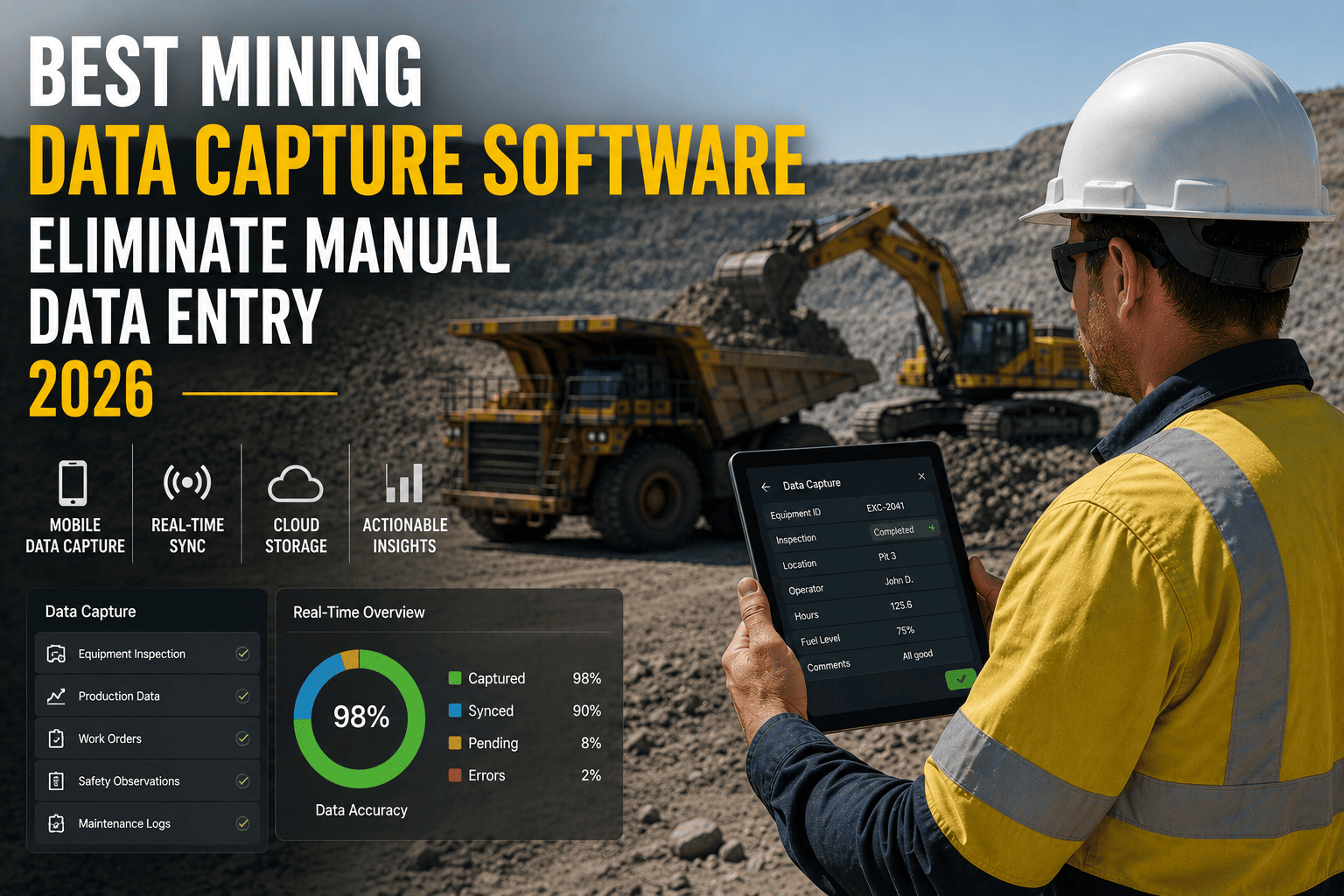
Operators and inspectors log tonnage, cycle counts, delays, and equipment condition on a phone or tablet at the point of work, even offline in low-signal pits.
Automatic Validation
Entries are checked against expected ranges and mandatory fields the moment they're submitted, catching mistakes before they ever reach a report.
Instant Sync
Validated data syncs to your central system the moment connectivity is available, so supervisors see it within minutes, not the next shift change.
Live Reporting
Dashboards update automatically, giving planners and compliance teams a real-time, audit-ready record without a single manual reconciliation step.
Where This Matters Most On Site
Haul truck cycle logging, shift handover reports, pre-start equipment checklists, fuel and consumables tracking, and safety incident reporting are the five areas where manual entry causes the most damage, because they happen constantly and feed directly into decisions about cost, safety, and uptime.
Comparing Data Capture Approaches
Not every "digital" system actually removes manual work. Some just move the same re-typing from paper to a screen. The table below breaks down what separates a true data capture platform from a glorified digital clipboard.
| Approach | Speed to Report | Error Risk | Best For |
|---|---|---|---|
| Paper Logs | 12 to 24 hours delay | High, multiple transcription steps | Sites with no digital process in place yet |
| Spreadsheet Entry | 4 to 12 hours delay | Moderate, manual keying still required | Small operations with limited field connectivity |
| Basic Digital Forms | 1 to 4 hours delay | Low to moderate, validation often missing | Sites replacing paper without changing workflow |
| Connected Capture Platform | Minutes, near real-time | Low, automated validation at point of entry | Fleets and sites wanting live operational visibility |
Features That Separate Real Capture Software From a Digital Clipboard
When evaluating a platform for your site, the feature list matters less than whether those features actually remove manual work. These are the capabilities worth checking for before you commit.
Offline-First Mobile Capture
Mine sites rarely have consistent signal everywhere. Software that queues data locally and syncs automatically once connected is the difference between a tool that works underground and one that only works in the office.
Why offline capability is non-negotiable
A capture tool that requires constant connectivity forces crews back to paper the moment signal drops, which quietly reintroduces every problem you were trying to solve.
Point-of-Entry Validation
Range checks, mandatory fields, and format rules applied the moment data is entered prevent bad numbers from ever reaching a report, rather than catching them after the damage is done.
Integration With Fleet and Maintenance Systems
Data capture is only useful if it flows straight into the systems your team already relies on for scheduling, maintenance, and fleet visibility, instead of becoming another disconnected data island.
Avoiding the "second spreadsheet" trap
Some tools capture data beautifully but still require someone to export and re-import it elsewhere. Confirm the platform pushes data directly into your existing operational systems.
Audit-Ready Digital Records
Every entry timestamped, attributed, and stored automatically gives compliance and safety teams a defensible record without anyone having to file paperwork after the fact.
Capture Data Where Your Crews Actually Work
FleetRabbit's mobile capture works offline, validates entries instantly, and syncs straight into your fleet and maintenance records the moment connectivity returns. Book a demo and see how it handles your site's toughest conditions.
The Real Impact of Switching to Digital Capture
Sites that move from manual entry to a connected capture platform tend to see measurable change within the first few months, not years. The numbers below reflect typical outcomes reported across mining and heavy fleet operations after implementation.
How to Choose the Right Platform for Your Site
The right choice depends less on which platform has the longest feature list and more on whether it fits how your crews actually work day to day. Use these questions to narrow your decision.
Start With Where Manual Entry Hurts Most
Identify the two or three processes, whether that's haul cycle logging, pre-start checks, or shift handovers, where manual entry causes the most delay or the most errors, and prioritize a platform that solves those first.
Test It Where Signal Is Worst
Run a trial in your lowest-connectivity area on site. If the software still captures data reliably there, it will work everywhere else too.
Confirm the Integration Path
Ask specifically how captured data reaches your fleet management, maintenance, and reporting systems, and how long that typically takes to set up.
Involve the People Doing the Entry
Operators and supervisors who will use the tool daily should test it before rollout. A platform crews resist reverts to paper within weeks no matter how good it looks on paper.
Frequently Asked Questions
Key Takeaways
Manual data entry doesn't announce itself as a problem, it just quietly slows every decision your site makes. Switching to connected data capture software turns field information into something you can act on the same shift it happens, not the next day. The sites seeing the biggest gains are the ones that started with their worst manual bottleneck and built outward from there.
Stop Re-Typing Field Data By Hand
FleetRabbit captures production, maintenance, and safety data straight from the field and syncs it into your systems automatically, no clipboard, no spreadsheet, no re-keying. Try it free on your own site today, no credit card required.