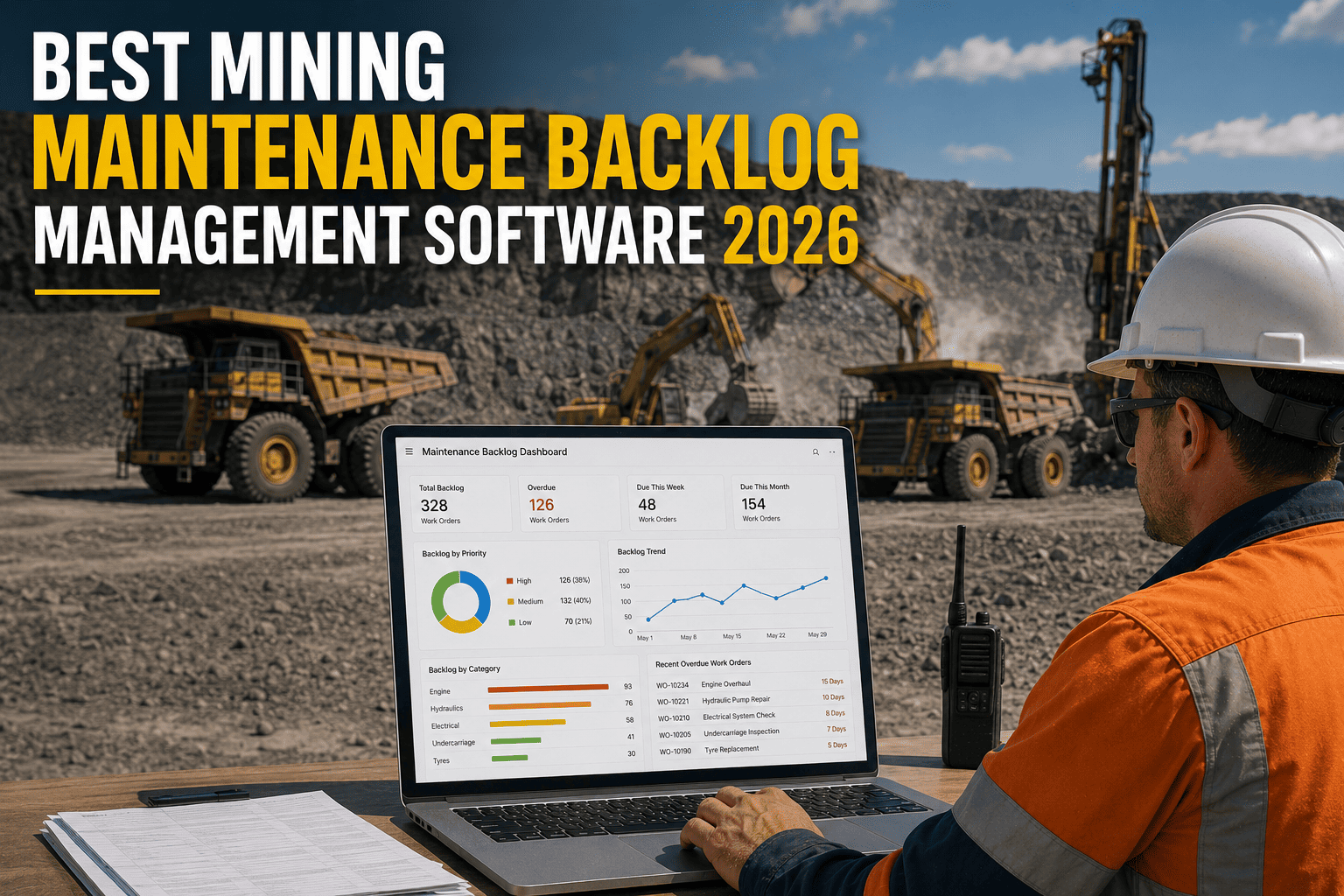
A haul truck sits flagged for a brake inspection that's been open for six weeks. Nobody argues it isn't important, it's just one of four hundred open work orders competing for the same three technicians and the same parts room. In mining, that queue isn't an administrative inconvenience, it's where equipment failures hide in plain sight. The average industrial operation carries six to nine weeks of deferred maintenance work at any given time, and roughly a third of that backlog contains at least one failure waiting to happen. The right software doesn't just track the list, it tells you which item on that list is actually dangerous to leave sitting.
The best mining maintenance backlog management software combines a mobile-first CMMS with automated priority scoring based on asset criticality, failure risk, and safety flags, not gut feel. Look for platforms that generate work orders automatically from inspections and runtime data, route them by technician and parts availability, and give you a live view of backlog age and value across every pit, crusher, and haul route. Mining operations that adopt this kind of structured prioritization typically clear 30 to 40 percent of critical backlog within the first 90 days.
What a Healthy Mining Backlog Actually Looks Like
A maintenance backlog is not automatically a problem. It's the queue of identified, planned, and scheduled work that hasn't been executed yet, and a completely empty backlog is often a warning sign that inspections have simply stopped generating findings. The goal isn't zero, it's a backlog that stays visible, prioritized, and moving instead of quietly aging into a liability.
Most mining sites don't have a staffing problem, they have a prioritization problem. Software that scores every work order the same way, every time, is what keeps a backlog in the healthy zone instead of drifting toward critical. You can see where your own queue sits by choosing to sign up for a free trial and importing your current work orders.
What to Look for in Mining Backlog Management Software
Generic task trackers weren't built for a haul route or a crusher liner. Mining operations need software that understands asset criticality, remote-site logistics, and the difference between a cosmetic repair and a safety hazard. These are the six capabilities that separate a real backlog management platform from a glorified checklist app.
FleetRabbit scores every work order automatically using asset criticality, failure risk, and safety flags, so your team always knows what to fix next, across every site.
How a Priority Score Actually Works
Instead of ranking work orders by who complained loudest, a real scoring model weighs a handful of objective factors every time. A crusher liner nearing its wear limit outranks a cosmetic cab repair automatically, because the math, not a phone call, decides the order.
| Scoring Factor | What It Captures | Example |
|---|---|---|
| Production Impact | Whether the asset stops a line or route if it fails | A conveyor feeding the primary crusher outranks a spare loader |
| Failure Risk | Drawn from runtime data, condition trends, and failure history | Rising vibration on a haul truck axle raises its score automatically |
| Safety Flag | Regulatory or corporate safety triggers | A brake defect jumps the queue regardless of other scores |
| Backlog Age | How long a work order has sat unscheduled | Items open 90-plus days escalate automatically to prevent silent aging |
| Parts Readiness | Whether parts are on hand or still on order | Ready-to-schedule work outranks work still waiting on a shipment |
Why Backlogs Grow in Mining Operations
Backlog rarely grows because a team lacks people. It grows because work arrives faster than it can be screened, scored, and scheduled, and remote sites make every one of those steps harder than a typical plant floor.
Cleaning Up Before You Build New
Before prioritization software can help, most sites need a cleanup pass. Importing an existing backlog and running a validation sweep typically eliminates 15 to 25 percent of a multi-year queue immediately, since a meaningful share references equipment that's already been replaced or issues that were already resolved under a different tracking number.
Getting Started With a Backlog Management Platform
Rolling out a new system across remote mining sites sounds bigger than it usually is. Most operations follow the same three-step path.
Teams that commit to a weekly backlog review alongside a consistent scoring model typically see a 30 to 40 percent reduction in the first 45 days from cleanup alone, with further gains from prioritization discipline in the following weeks. If you'd like to see how this maps to your own sites and equipment mix, you're welcome to book a demo and bring your current backlog to the call.
FleetRabbit imports your existing work orders, applies automated priority scoring, and gives every site manager a live view of what's aging, what's ready, and what's next.
Ready To See It On Your Own Queue
Every day a critical work order sits unscored is another day it competes for attention with a hundred low-priority items. When you're ready to see structured prioritization on your own fleet and equipment, you can sign up and start a free trial, or if you'd rather walk through your backlog live first, book a 30-minute demo with our team.
Every open work order sitting unscored is a coin flip on which failure happens first. FleetRabbit brings automated priority scoring, mobile execution, and live multi-site visibility to your mining maintenance backlog, so your team always knows what to fix next.