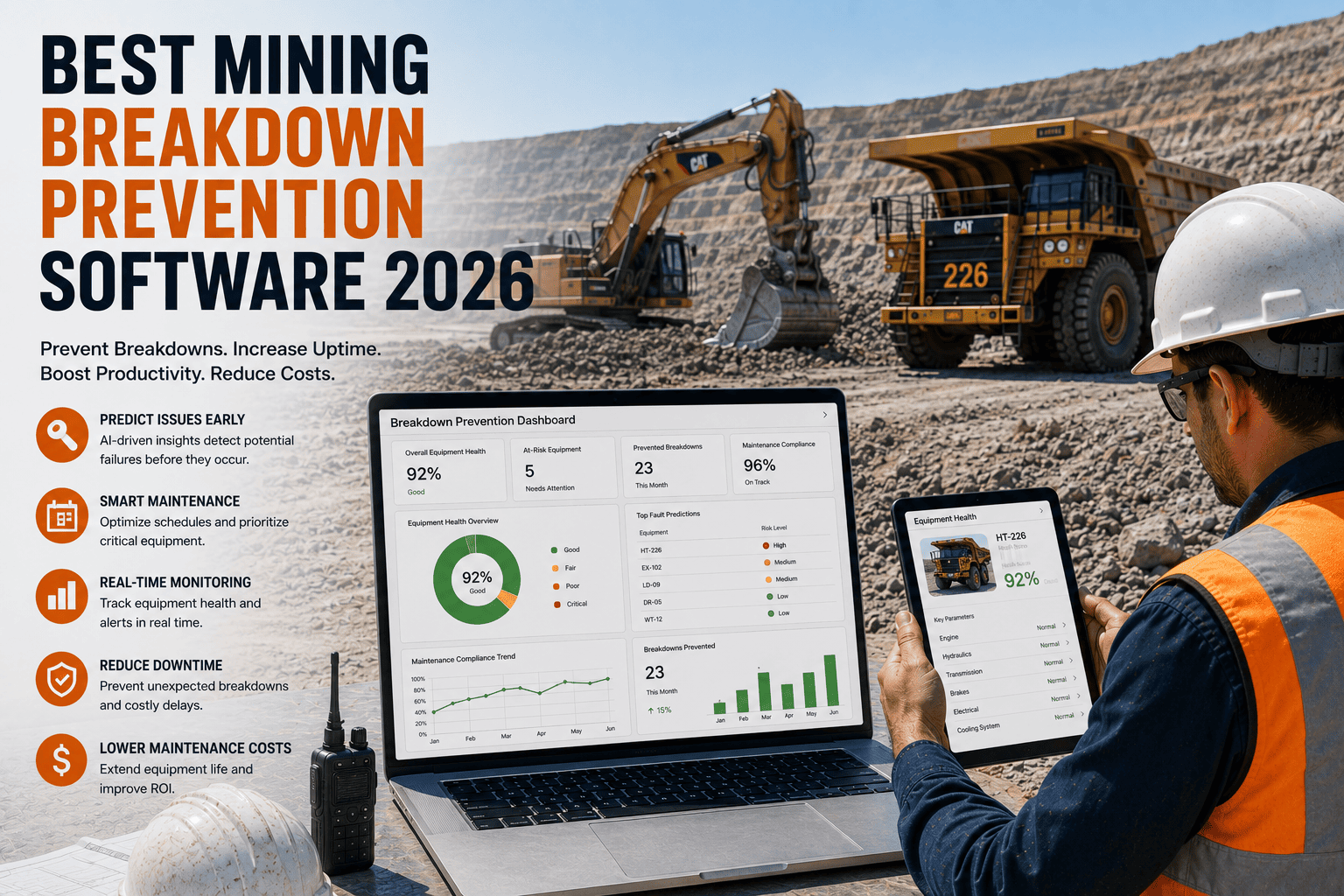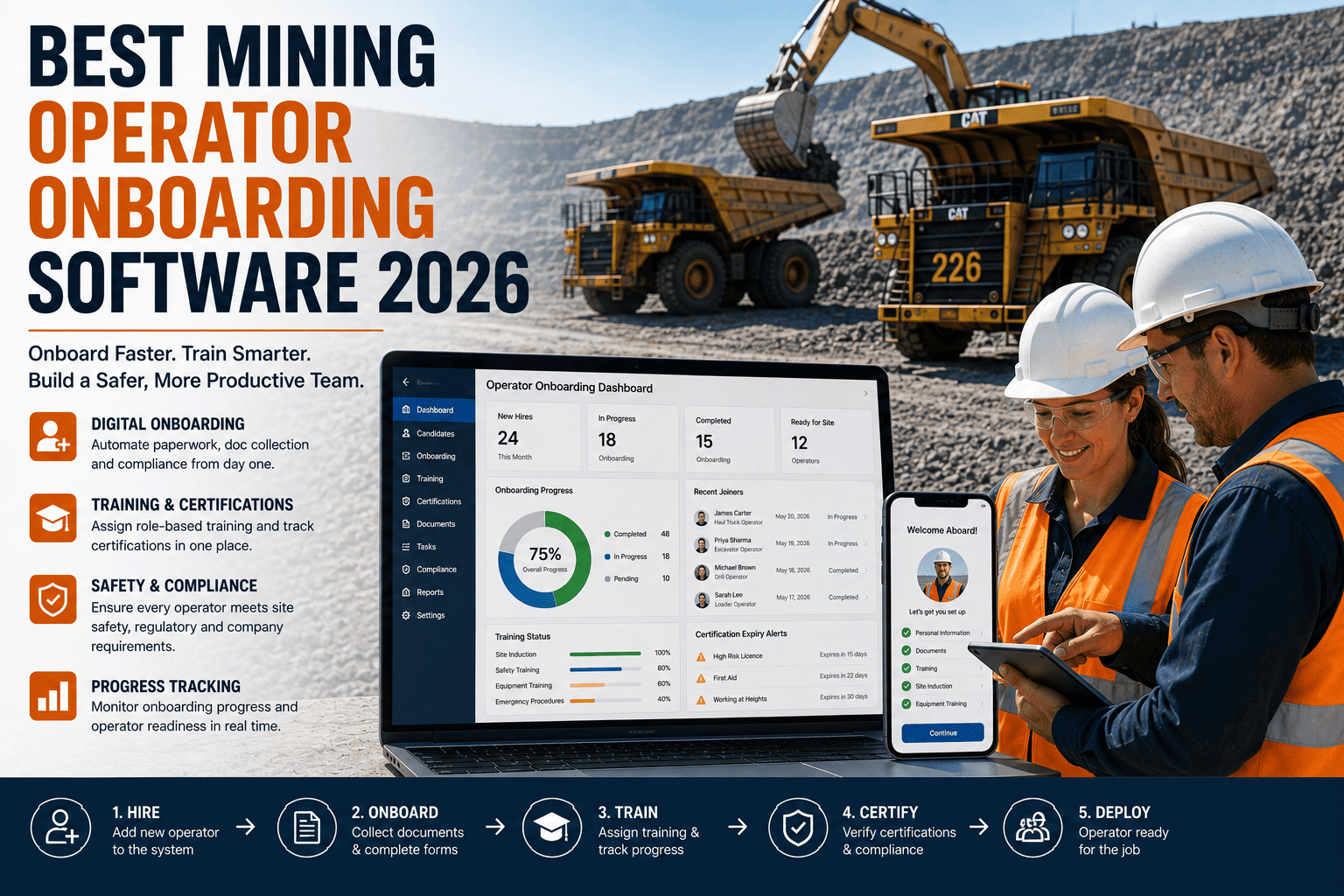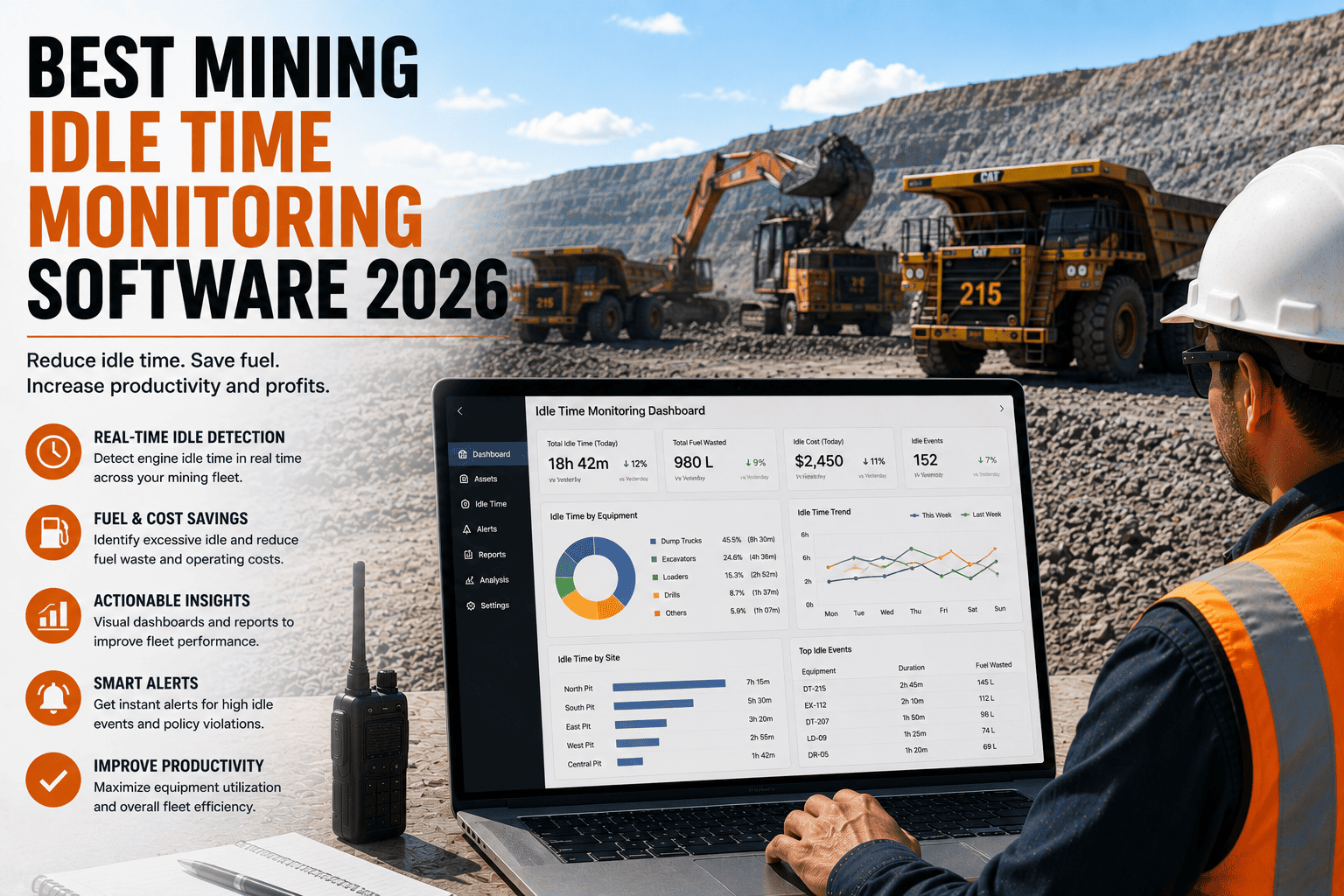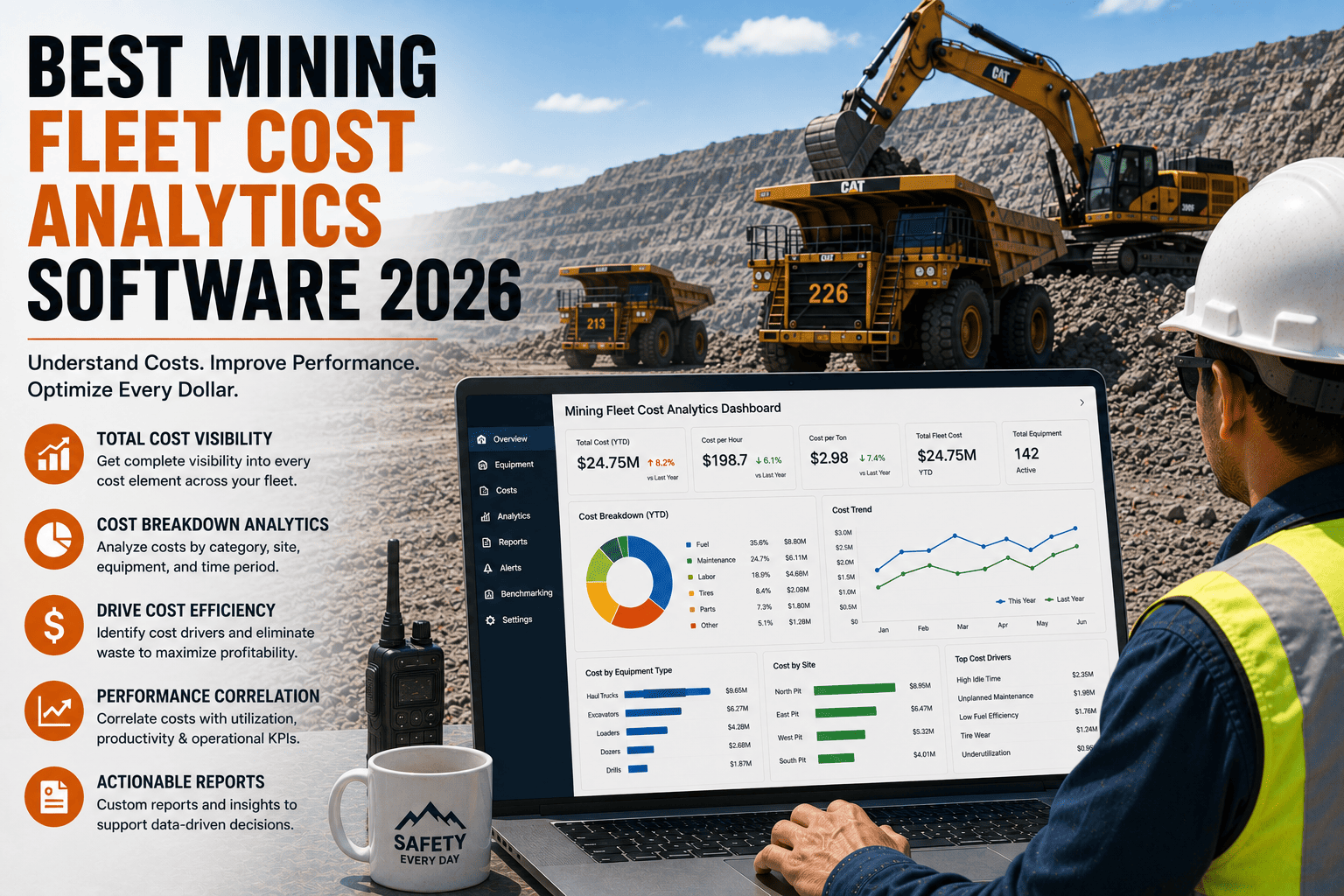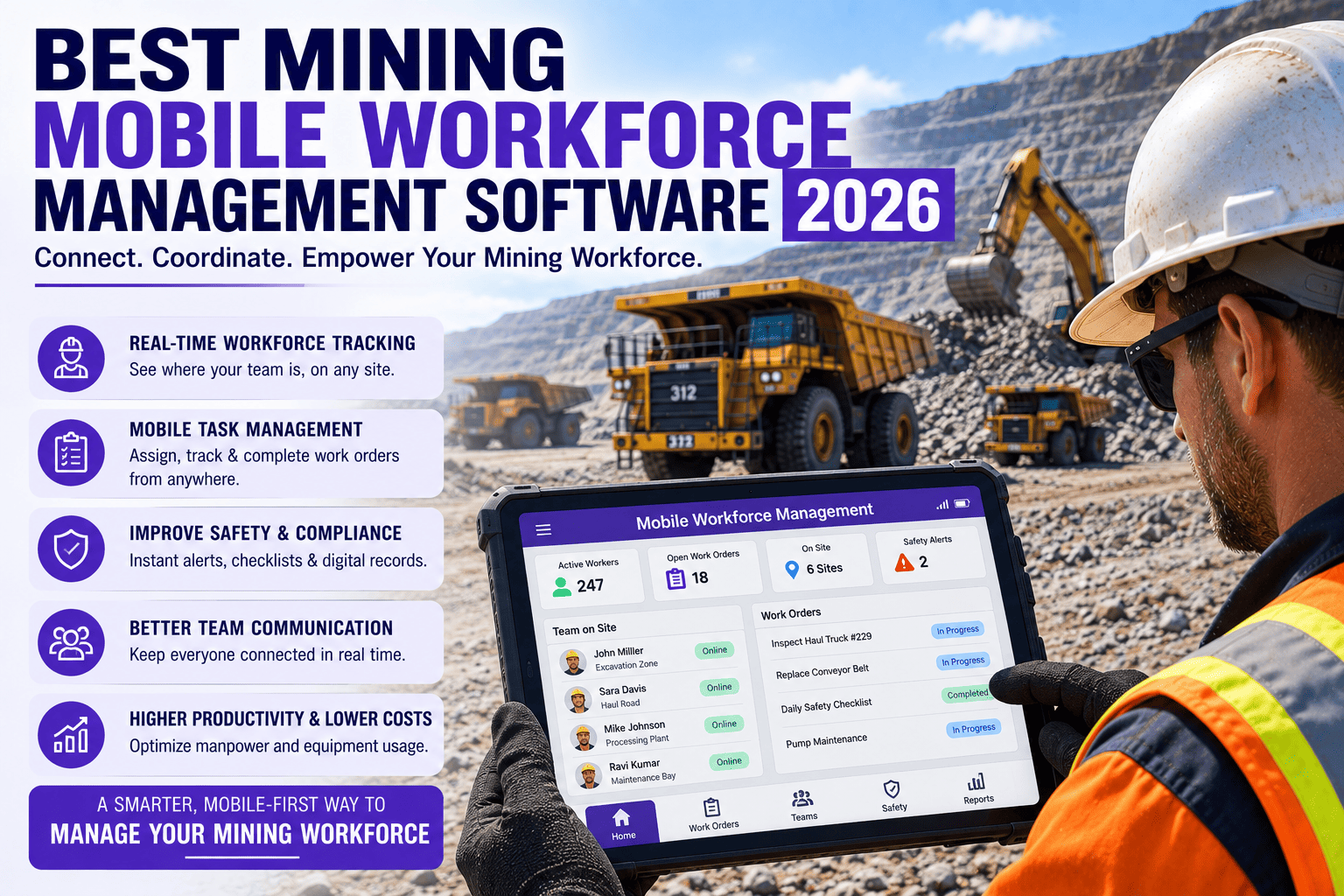
Every mine site has bought at least one app that operators quietly stopped using within a month. It looked fine in the demo. It had every feature on the checklist. Then it hit the pit floor, where gloves are thick, signal is patchy, and nobody has three extra minutes between shift tasks to fight with a login screen. The software itself was rarely the problem. The problem was that it was never actually built for the person holding the phone at 6am in a haul truck cab.
Mining mobile workforce management software puts inspections, work orders, shift communication, and safety check-ins directly in operators' hands, built for gloves, poor signal, and short breaks between tasks. Mobile-first platforms reach 90 percent plus adoption within 90 days, while tools retrofitted from desktop systems consistently struggle to get used at all. FleetRabbit is built mobile-first for mining crews, with offline access and real-time sync as the default, not an afterthought.
Why Operator App Adoption Is The Real Battle
Buying software has never been the hard part of digital transformation in mining. Getting it into daily habit is. Industry data on frontline mobile tools shows mobile-first platforms reaching 90 percent plus adoption within 90 days, while platforms retrofitted from older desktop systems consistently struggle to get the same crews to open the app twice. Field teams benefit most from mobile tools built specifically for shift scheduling, asset inspection, incident logging, and real-time data capture, because those tasks reduce admin instead of adding to it.
The Adoption Curve Most Sites Never See
A workforce app that is genuinely fast to use gets picked up by operators on its own, without a mandate from management. One that adds friction gets used exactly as often as someone is checking whether it was used, which is rarely sustainable past the first audit cycle.
FleetRabbit puts inspections, work orders, and shift communication into a simple mobile app that works with gloves on and no signal. You can sign up for a free trial and roll it out to a crew this week, or book a demo to see the operator side of the app before you commit.
Retrofitted Desktop Tools vs Mobile-First Workforce Software
The difference between the two is not cosmetic. It shows up in whether crews open the app on their own or need to be reminded every shift.
| What Matters On Site | Retrofitted Desktop Tools | Mobile-First Workforce Software |
|---|---|---|
| Interface Design | Dense menus built for a mouse, cramped on a phone screen | Large tap targets designed for gloves and quick entry |
| Offline Behavior | Loses unsaved data when signal drops | Saves locally and syncs automatically once reconnected |
| Time To Complete A Task | Several minutes of scrolling and re-entry | Under a minute for routine inspections and check-ins |
| Operator Buy-In | Seen as extra admin with no personal benefit | Speeds up their own shift, so it gets used without reminders |
| Rollout Time | Weeks of training sessions and manuals | Minutes of hands-on use before it clicks |
What Actually Drives Adoption On A Mine Site
Once you strip away the marketing language, a handful of practical features consistently determine whether an app becomes part of the daily routine or gets abandoned after week one.
Offline-First Design, Not Offline As A Backup
Inspections, work orders, and incident reports need to save instantly on the device itself, then sync the moment a connection returns, so a dead zone underground never means lost work.
Why this beats a "works offline too" feature
Apps where offline is bolted on as an afterthought tend to lag, freeze, or fail to sync cleanly. Apps designed offline-first from day one treat a lost connection as normal, not an edge case.
Fast, Simple Mobile Work Orders
An operator who spots a hydraulic leak should be able to log it, attach a photo, and route it to maintenance in under a minute, without switching apps or hunting through menus.
Real-Time Shift Communication
Shift handovers, safety alerts, and site updates reaching every crew member's phone directly cut out the game of telephone that happens when information only travels through supervisors.
Lone Worker And Safety Check-Ins
Check-in and check-out tracking, live location, and automatic alerts if someone does not respond keep isolated or remote workers visible, which matters as much for peace of mind as for compliance.
Photo, Video, And Voice Capture
Letting operators attach a photo or a quick voice note to a report instead of typing a full description builds a timestamped record that holds up during an audit, without slowing anyone down.
FleetRabbit's mobile app is designed for the realities of a mine site, not a corporate office. Offline work orders, instant inspections, and real-time crew communication come standard. Start your free trial and put it in front of your crew this week, or book a demo to walk through the operator experience first.
Who Needs A Mobile-First Workforce App Most
Some sites feel the cost of low adoption more sharply than others, and these are usually the ones where a mobile-first rollout pays off fastest.
Multi-Shift Operations
When day and night crews rarely overlap in person, a mobile app is often the only reliable way handover notes and safety flags travel between shifts without getting lost or forgotten.
Sites With Weak Or No Connectivity
Underground mines and remote pits need offline-first tools by default, not as an optional add-on, since intermittent signal is the normal operating condition, not the exception.
Growing Contractor And FIFO Workforces
As fly-in fly-out and contractor headcount grows, a single mobile app that handles rosters, inductions, and daily checklists keeps a rotating workforce aligned without duplicated paperwork.
Frequently Asked Questions
Software that operators avoid never delivers the visibility it promised. FleetRabbit is built mobile-first for mining crews, with offline access, fast inspections, and real-time communication as the default from day one.