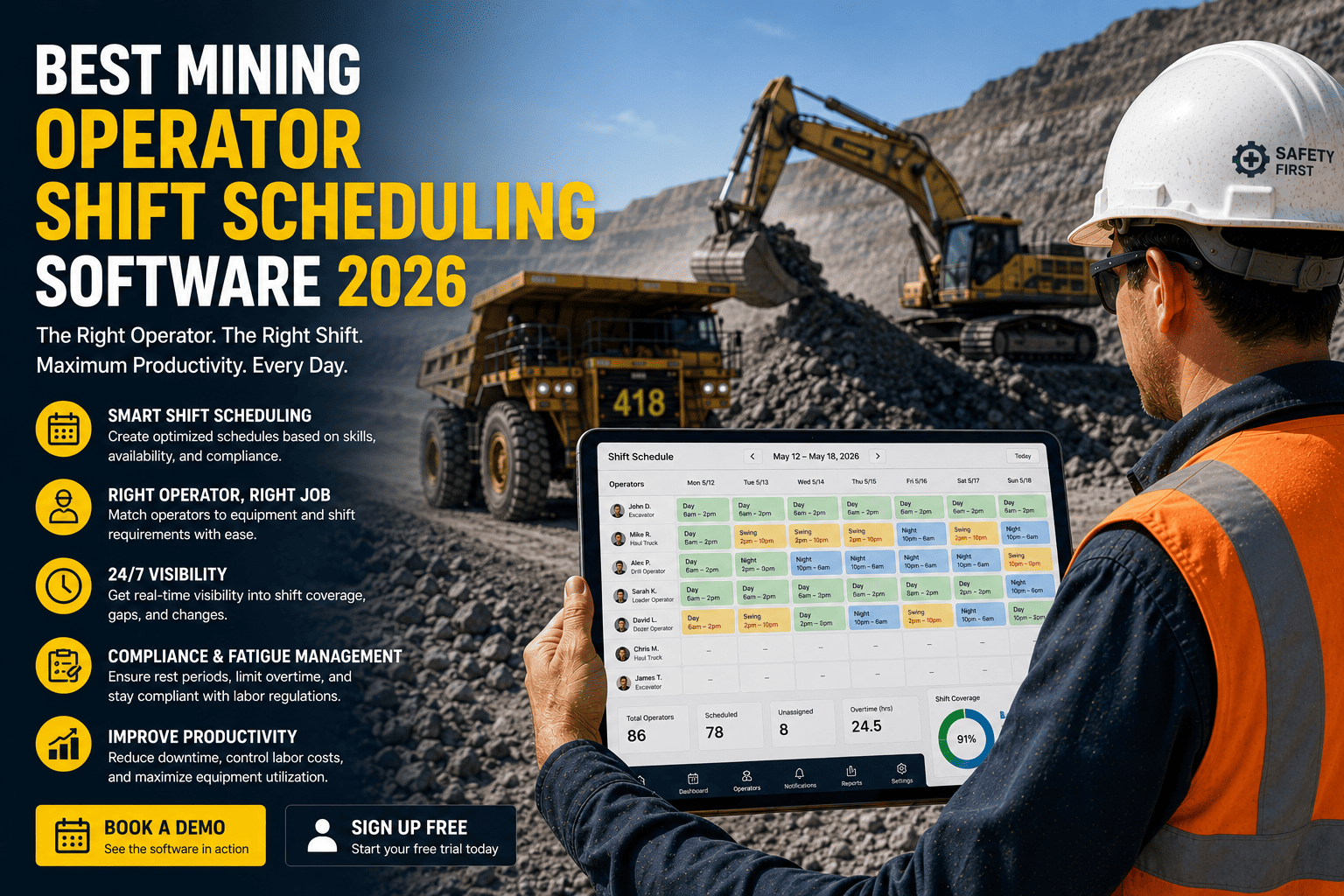
A haul truck sitting empty at shift change is not always a maintenance problem. Sometimes the truck is fine and the real gap is that nobody currently on site is certified to run it, or the operator who is certified just hit their fatigue limit two hours ago. Mining operations lose production every week to scheduling problems that have nothing to do with equipment availability and everything to do with matching the right certified, rested operator to the right machine at the right time.
Mining operator shift scheduling software automatically matches certified operators to available equipment based on current qualifications, fatigue rules, and shift coverage needs, then flags conflicts before they become a stalled machine or a compliance violation. Sites using automated, certification-aware scheduling typically see meaningfully higher equipment utilization simply because idle machines waiting on a qualified operator become far less common.
Why Manual Scheduling Breaks Down on a Mine Site
Spreadsheets and whiteboards work fine until a site has more than a handful of operators, several equipment classes, and regulatory training requirements layered on top. Once those pieces multiply across shifts, manual scheduling starts producing the same three failures on a loop.
Certification Mismatches
An operator gets assigned to a haul truck or loader without anyone checking whether their certification for that specific equipment class is still current, creating a compliance gap discovered only during an audit.
Fatigue and Overtime Drift
Without a system tracking hours worked across the roster, the same available operators get pulled for extra shifts repeatedly, quietly building fatigue risk that manual planning has no easy way to catch.
Last-Minute Coverage Gaps
A call-off or an expired ticket discovered at shift start leaves the scheduler scrambling to find a replacement who is both available and qualified, often while equipment sits idle waiting for an answer.
The Utilization Cost of Getting Scheduling Wrong
FleetRabbit matches every operator to equipment based on live certification and availability data, so conflicts get flagged before the shift starts, not after. Sign up free to build your first schedule today, or book a demo to see it running against your actual roster.
How Automated Scheduling Matches Operators to Equipment
Instead of a scheduler manually cross-referencing names against a training binder, automated scheduling software runs the same checks instantly, for every operator, every shift, without anyone having to remember to look.
Operator Profile
Role, assigned equipment classes, and applicable regulatory framework are stored against each worker.
Certification Check
The system confirms the required certification for that equipment class is current before assignment is allowed.
Fatigue & Availability
Hours already worked and rest requirements are checked so an assignment never pushes an operator past safe limits.
Assignment Confirmed
Only once every check clears does the operator get matched to the machine, with the record logged automatically.
Why This Matters More Than It Looks
None of these four checks are difficult on their own. The problem is doing all four, correctly, for every operator, every shift, without a single miss. A scheduler managing thirty operators across three equipment classes and two regulatory frameworks is running hundreds of these checks a week by hand, and it only takes one missed expiry or one overlooked fatigue limit to create a real safety or compliance problem.
Spreadsheet Scheduling vs Automated Operator Scheduling
| Factor | Spreadsheet or Whiteboard | Automated Scheduling Software |
|---|---|---|
| Certification Checks | Manual cross-reference against paper or separate files | Automatic, checked at the moment of assignment |
| Fatigue Tracking | Relies on the scheduler remembering recent shifts | Hours worked and rest rules tracked continuously |
| Coverage Gaps | Discovered at shift start when it is hardest to fix | Flagged in advance with qualified replacement suggestions |
| Audit Readiness | Records scattered across files and memory | Every assignment and check time-stamped automatically |
What to Look for in Scheduling Software
Real-Time Certification Sync
Qualifications update the moment a training record changes, not on the next manual review.
Fatigue-Aware Rostering
The schedule itself refuses to stack hours past a safe limit instead of relying on a supervisor to notice.
Mobile Shift Confirmation
Operators can confirm, swap, or flag availability from a phone instead of a call to the office.
Audit-Ready Reporting
Every assignment decision is logged automatically so compliance reviews take minutes, not days.
Frequently Asked Questions
Manual scheduling puts certification and fatigue checks on one person's memory. FleetRabbit runs those checks automatically for every operator and every assignment. Create your free account to get started today, or book a 30-minute demo to see it built around your roster.