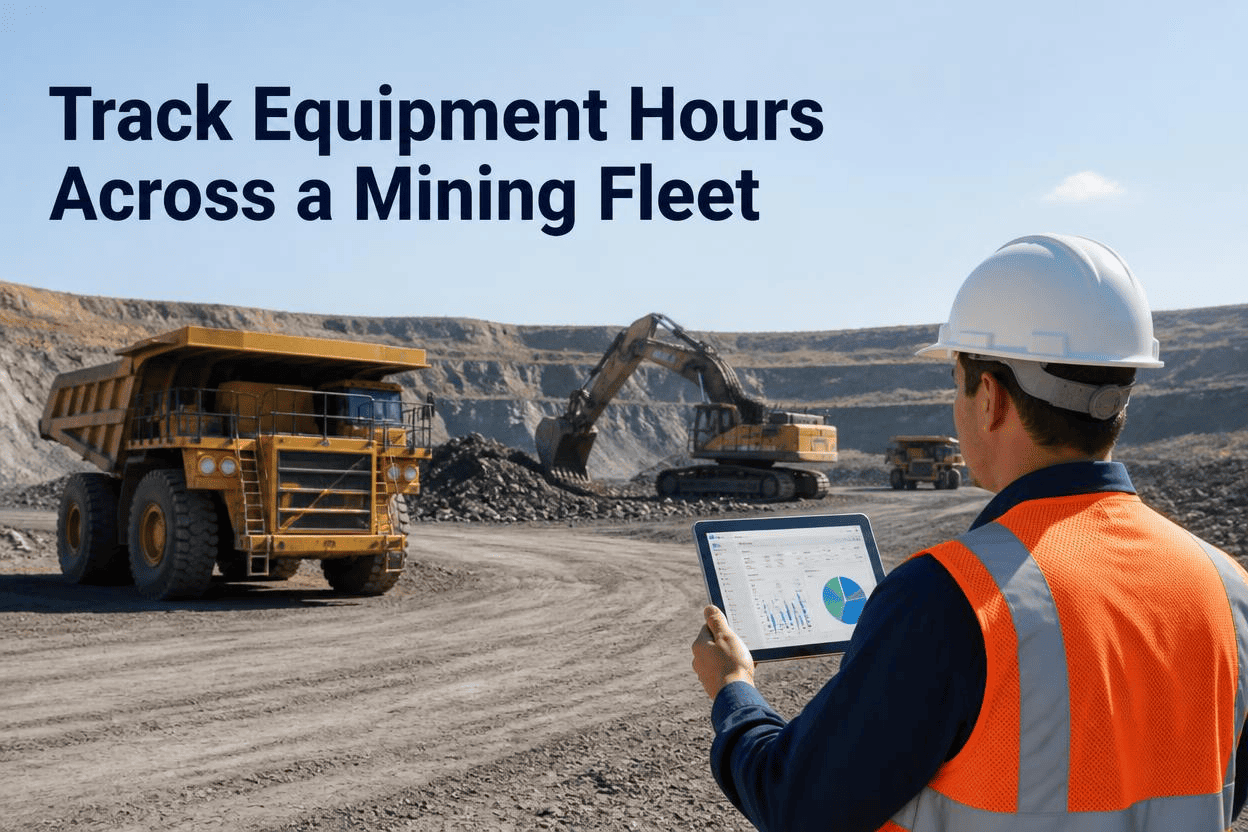
A haul truck running three shifts a day burns through a 250-hour service interval in under ten days. A similar truck running one shift might take three weeks to hit the same threshold. If your maintenance schedule is built on the calendar instead of the hour meter, one of those trucks is getting serviced too early and the other is running well past when it should have been in the shop. Tracking equipment hours across a mining fleet is what closes that gap.
Tracking equipment hours means pulling real engine hours from telematics or hour meters on every haul truck, excavator, loader, and dozer, then triggering preventive maintenance from actual usage instead of a fixed calendar date. Mines using automated hour-based scheduling see haul truck availability improve by roughly 35 percent within the first quarter, and fleets can reduce unexpected breakdowns by up to 42 percent by servicing equipment based on how it's actually being worked.
Why the Calendar Gets Mining Equipment Maintenance Wrong
Two identical excavators on the same site can log completely different hours depending on shift assignment, production targets, and how often they're pulled for emergency digging work. A calendar reminder every 90 days treats both machines the same, which means one gets serviced with plenty of life left in its fluids while the other has already blown past its real service threshold weeks earlier.
The Real Cost of Guessing at Usage
Mining equipment runs 5,000 to 7,000 hours a year, roughly two to three times what a construction machine sees, so the gap between calendar time and actual wear compresses fast. Servicing off a guess instead of a meter reading either wastes maintenance budget on healthy components or leaves worn ones running until they fail mid-shift.
What Automated Hour Tracking Actually Unlocks
Once every asset reports real engine hours automatically, four numbers become visible that most fleets never had reliable access to before.
FleetRabbit pulls engine hours directly from your telematics and turns them into automated maintenance triggers, utilization reports, and cost-per-hour tracking. Sign up free and connect your first assets today.
How Hour Tracking Gets Set Up on a Real Fleet
Fleet managers often assume automated hour tracking means months of configuration and a dedicated data team. In practice, most operations get a full dashboard running within a single business day.
For Equipment Without Factory Telematics
Not every machine on a mine site ships with built-in hour tracking. Aftermarket hour meter integrations and manual entry workflows let older equipment join the same dashboard as newer, telematics-equipped units, so the whole fleet gets tracked consistently instead of leaving gaps for the equipment that's hardest to monitor.
Why MTBF Is the Number to Watch
Mean time between failures tells you how many operating hours a machine averages before something breaks. The industry average for excavators and loaders sits between 400 and 600 hours, while world-class operations exceed 800 hours through consistent, hour-based preventive maintenance.
| Metric | Industry Average | World-Class Fleets |
|---|---|---|
| MTBF, Excavators and Loaders | 400 to 600 hours | 800-plus hours |
| MTTR, Repair Turnaround | 12 to 18 hours | Under 6 hours |
| Haul Truck Availability | Reactive baseline | 92 to 94 percent |
| Annual Savings Per 10 Machines | Baseline breakdown costs | 45,000 to 75,000 dollars recovered |
FleetRabbit connects your telematics, sets maintenance thresholds by asset, and starts populating your dashboard the same day you sign up. Book a demo and we'll walk through your equipment list together.
Every machine on your site is already telling you how hard it's working, the question is whether your maintenance schedule is listening. If you're ready to replace guesswork with real engine-hour data, you can start a free trial today, or book a short demo to see it running against your current fleet list.
Frequently Asked Questions
Every haul truck, loader, and excavator on your site is already reporting the data you need, FleetRabbit just puts it to work. Automated hour tracking, maintenance triggers, and utilization reporting in one dashboard. Start free with no credit card required.