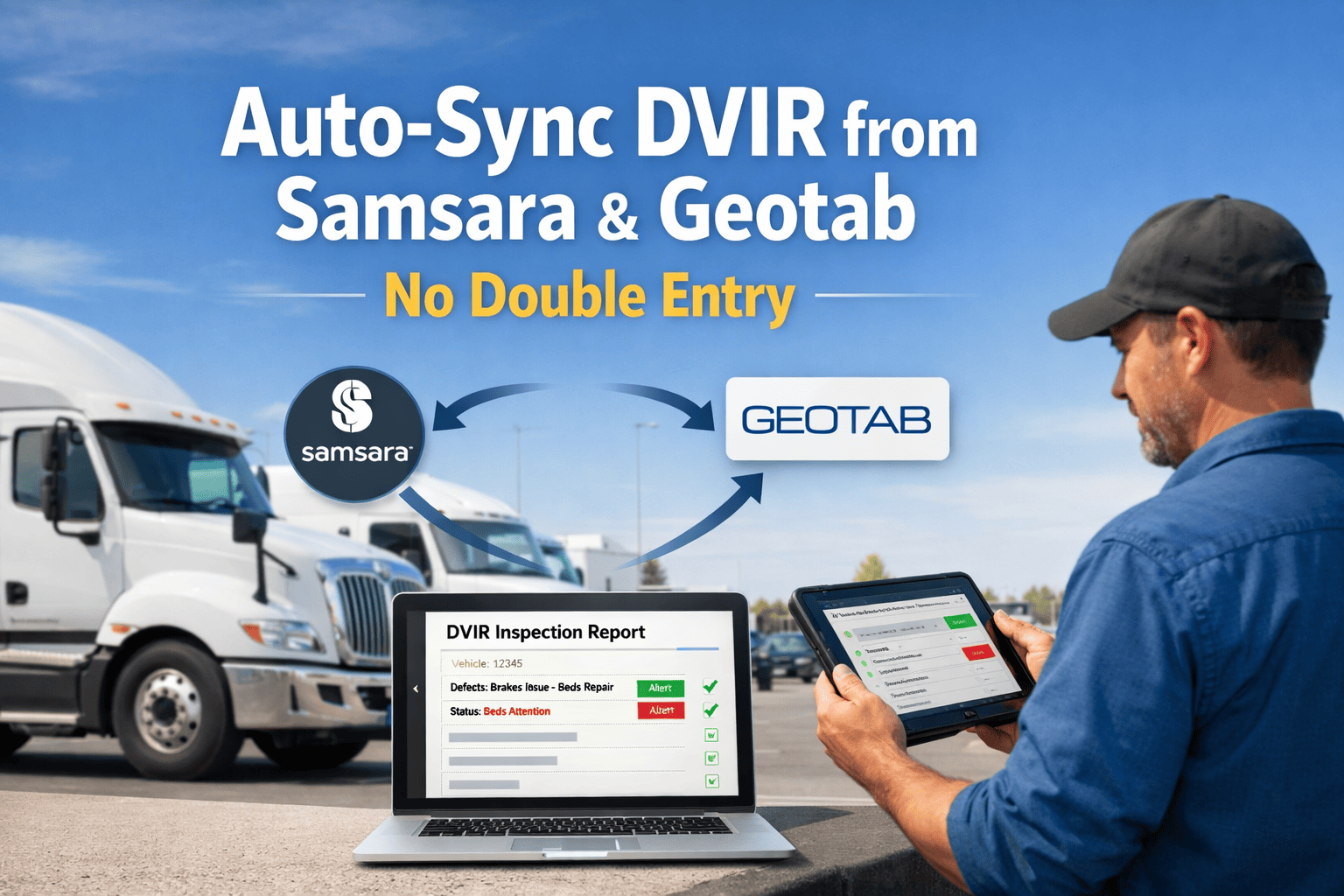
Every fleet driver knows the frustration: complete a detailed pre-trip inspection in Samsara or Geotab, then walk inside and enter the same defects again in the maintenance system. This double-entry problem wastes 15-30 minutes per driver daily and introduces errors that create compliance gaps. The solution exists - automatic DVIR, sync that pulls inspection data directly from your telematics platform into your maintenance workflow. No re-keying. No transcription errors. No compliance headaches.
FleetRabbit connects to Samsara, Geotab, Motive, and other telematics providers via secure API. When a driver submits a DVIR, that inspection - vehicle ID, odometer, defects, photos, signature - flows automatically into your centralized system. Defects trigger work orders. Compliance records stay audit-ready. Drivers never touch a second app. Book a demo to see the integration live.
This guide covers how DVIR auto-sync works, what data transfers, which telematics providers integrate, and how to eliminate double entry in your fleet operations.
Auto-Sync DVIRs from Samsara or Geotab: No Double Entry
Eliminate duplicate inspection entry. One DVIR in telematics automatically syncs to maintenance, compliance, and work order systems.
The Double Entry Problem in Fleet Inspections
Most fleets have digitized DVIRs - drivers use Samsara, Geotab, or similar apps for pre-trip and post-trip inspections. But digitizing the inspection is only half the problem. The data stays trapped in the telematics silo. Getting defects into your maintenance system still requires manual re-entry, creating a cascade of inefficiencies.
Driver completes DVIR in telematics. Driver re-enters defects in maintenance app. Office staff transfers to work orders. Three entry points for the same data.
Odometer readings transposed. Defect descriptions shortened. Critical details lost. Two systems showing different inspection histories.
Drivers already spend significant time on inspections. Asking them to enter data twice adds friction and reduces compliance rates.
DOT requires complete DVIR records. Disconnected systems break audit trails and increase violation risk during inspections.
What Is DVIR Auto-Sync?
DVIR auto-sync eliminates the gap between your telematics platform and maintenance system. Instead of manual re-entry, inspections flow automatically via secure API connection. Drivers complete one DVIR in their familiar telematics app. That inspection - including all vehicle details, defects, photos, and certifications - appears instantly in your centralized fleet management platform.
Connect your telematics account and watch inspection data flow automatically into FleetRabbit. No manual setup. No driver retraining. Live in 24-48 hours.
How DVIR Sync Works: Step-by-Step
The technical flow from driver inspection to work order creation involves four stages. Each stage happens automatically once the integration is configured.
Pre-trip or post-trip inspection in Samsara Driver App, Geotab Drive, Motive, or other telematics mobile app. Inspection includes walk-around items, defect notes, photos, and digital signature.
FleetRabbit connects to your telematics provider via secure OAuth API. New inspections are pulled automatically within minutes of submission. No manual triggers required.
Inspection data mapped to your asset records. Vehicle IDs matched. Defect codes standardized. Odometer readings validated against historical data.
Safety-critical defects automatically generate work orders with appropriate priority. Brake issues, lighting defects, and steering problems flagged for immediate attention.
Key Features of FleetRabbit DVIR Sync
The integration goes beyond simple data import. FleetRabbit's DVIR sync includes intelligent features that transform raw inspection data into actionable maintenance workflows.
Before & After: Eliminating Double Entry
The transformation from manual DVIR processes to automated sync impacts every level of fleet operations - drivers, maintenance teams, office staff, and compliance managers.
Use Cases: Who Benefits Most
DVIR auto-sync benefits any fleet using telematics for inspections but managing maintenance separately. These scenarios deliver the fastest ROI from eliminating double entry.
Drivers complete pre-trip DVIRs at truck stops or distribution centers. Synced inspections ensure defects reach maintenance before trucks return to yard - enabling parts pre-ordering and scheduled repairs.
Dozens or hundreds of vehicles with daily inspections. Auto-sync eliminates administrative burden that would otherwise require dedicated staff just to manage DVIR data transfers.
Acquired companies bring different telematics providers. FleetRabbit syncs from Samsara, Geotab, Motive, and others into one unified system - no forced migration required.
Stop wasting 15-30 minutes per driver on duplicate data entry. FleetRabbit integrates with your existing telematics - no workflow changes, no driver retraining, no migration headaches.
Frequently Asked Questions
FleetRabbit integrates with Samsara, Geotab, Motive (formerly KeepTruckin), Verizon Connect, and other major telematics providers via secure API connections. If you use multiple providers across your fleet, all DVIRs sync into one unified platform. Contact us to confirm compatibility with your specific provider.
Most integrations are live within 24-48 hours. You provide API credentials from your telematics provider, FleetRabbit configures the connection and maps your assets, and inspection data starts flowing automatically. No on-site installation, no driver training, no workflow changes required.
Yes - more accurate than manual entry. The sync pulls data directly from the telematics API, eliminating transcription errors. Odometer readings, defect descriptions, photos, and driver certifications transfer exactly as captured. No human re-entry means no human error.
No. Drivers continue completing DVIRs in the same telematics app they already use (Samsara Driver App, Geotab Drive, etc.). The sync happens in the background. Drivers save time because they no longer need to enter the same inspection data in a second system.
When a synced DVIR contains a defect, FleetRabbit can automatically create a work order with the appropriate priority, category, and assignment. Safety-critical defects (brakes, steering, lights) can trigger immediate alerts. You configure the rules based on your maintenance workflow.
FleetRabbit connects to Samsara, Geotab, Motive, and other telematics providers. One DVIR in your driver's app becomes inspection records, compliance documentation, and work orders - all automatically.


