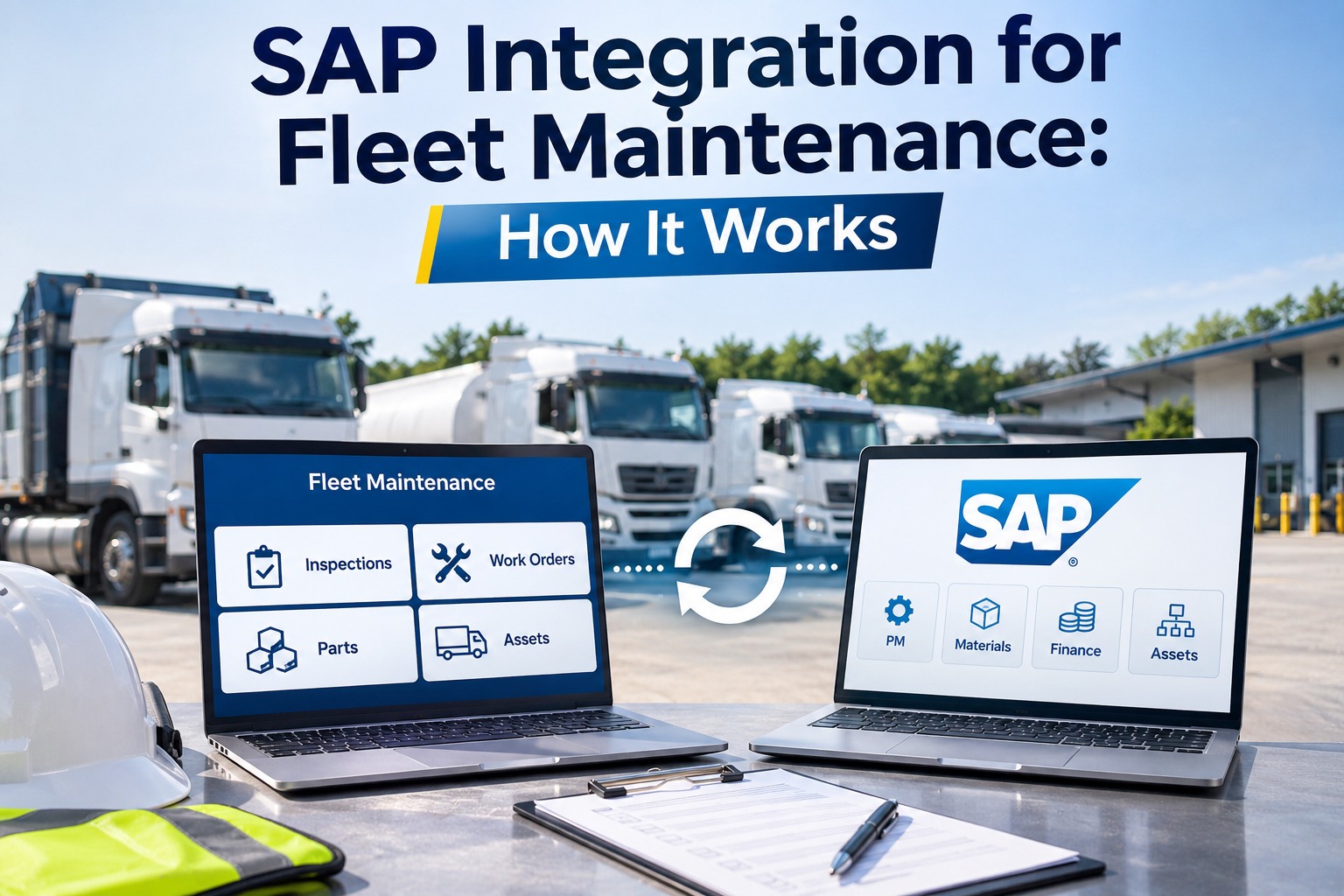
SAP integration for fleet maintenance connects what technicians do in the field, such as inspections, work orders and parts used, to SAP so finance and asset records stay in sync without re-keying. This guide covers which system owns which data, the main integration patterns, common pitfalls and the questions to settle before a project starts. Schedule a call to map your SAP landscape.
SAP Integration for Fleet Maintenance Starts With Data Ownership: What SAP Keeps and What the Field System Captures
Decide who owns each record first, because every sync rule follows from it
Vendor guides on SAP and maintenance software agree on a broad split. SAP holds the master data and plans, and the field system captures what happens at the truck. Re-keying defects and hours between systems is what causes drift, so the integration moves each record once and in one direction where it can.
SAP owns
The field system owns
The table below is how one vendor describes the data objects, so treat it as an example and confirm each direction for your own landscape.
| Data object | Direction in one vendor description | Typical SAP area |
|---|---|---|
| Equipment master | SAP to field system, batch | Plant Maintenance |
| Functional locations | SAP to field system, batch | Plant Maintenance |
| Notifications from defects | Field system to SAP, real time | Plant Maintenance |
| Work orders | Both directions | Plant Maintenance |
| Meter readings | Field system to SAP | Plant Maintenance |
| Task lists | SAP to field system, on change | Plant Maintenance |
| Parts used | Field system to SAP as goods issues | Materials Management |
| Labor time | Field system to SAP cost centers | Controlling |
Four SAP Integration Patterns for Fleet Maintenance Software: OData or REST, iDoc, BAPI and SAP Integration Suite
One vendor guide recommends combining two or three patterns, not forcing one on every object
| Pattern | Best for | Watch for |
|---|---|---|
| OData or REST | Real-time flows, preferred on S/4HANA in one vendor guide | Coverage can be thinner on older ECC releases |
| iDoc | Asynchronous batch sync of master data | Latency from minutes to hours |
| BAPI | Synchronous calls that enforce SAP business rules | Needs middleware to cross networks |
| SAP Integration Suite (CPI) | Multi-step flows with retries and error handling | Adds licensing cost |
How a Work Order Moves Between the Field and SAP: From Plan to Technician to Posted Cost
Five steps show where each system acts, based on vendor descriptions
One vendor describes SAP statuses mapping to this flow: created, released and technically complete. Parts logged in the field create goods issues in Materials Management and time posts to cost centers in Controlling. Confirm the exact statuses and postings with your SAP team.
SAP Integration Pitfalls for Fleet Maintenance: Master Data Drift, Pattern Choice and Status Lag
Three problems show up late, so design against them early
The vendor sources we reviewed say little about conflict resolution when both systems change the same record, or about retries for failed transactions. Ask about both, and test them in your own SAP landscape. Multi-release landscapes also need a pattern chosen per instance.
How Long an SAP Integration for Fleet Maintenance Takes: A Typical Plan and What Changes It
One vendor quotes 12 to 16 weeks for 500 to 2,500 assets on one SAP instance
This timeline comes from one vendor, who says it is based on a paid architecture workshop rather than published benchmarks. The same vendor says about 12 weeks is possible with existing integration middleware and one pilot depot, and 20 to 24 weeks for complex multi-country landscapes. Use it to plan questions, not to set a deadline.
| Phase | Typical weeks | What happens |
|---|---|---|
| Discovery | 1 to 3 | Map assets, objects and owners |
| Development | 4 to 8 | Build the connections |
| Data migration and QA | 8 to 11 | Load masters and test |
| Pilot | 11 to 14 | Run on 10 to 15 percent of the fleet |
| Full rollout | 14 to 16 | Extend to every unit |
How FleetRabbit Handles SAP Integration for Fleet Maintenance: Costs to Cost Centers and Purchase Data Back
What FleetRabbit says its SAP connection does
| Integration need | What FleetRabbit pages describe |
|---|---|
| SAP versions | The ERP section lists SAP S/4HANA and SAP ECC |
| Field to SAP | Work order costs, parts consumption, vehicle depreciation and fuel spend are posted to SAP cost centers automatically on completion |
| SAP to field | Purchase orders, vendor master data and cost center codes come from SAP and are used for automatic GL coding of maintenance events |
| Direction | Bidirectional |
| Timing | Fleet maintenance costs are visible in SAP within 15 minutes of work order completion |
| Security | API connections use OAuth 2.0 or API key over TLS 1.3, with credentials in an encrypted vault and role-based access |
The pages we reviewed do not state which SAP interface FleetRabbit uses or how long a project takes, and they do not list assets as a synced object for SAP. Raise these in your first call so the scope matches your landscape.
SAP Integration for Fleet Maintenance FAQs: Patterns, Data Direction, Timelines and Pitfalls
Short answers for fleet and SAP teams
What does SAP integration for fleet maintenance do?
It connects field work, such as inspections, work orders, parts used and labor, to SAP so equipment records, orders and costs stay aligned. The aim is to stop re-keying between systems, which causes delays and data drift, and to keep finance and asset data current.
Which SAP integration pattern should I use?
It depends on the object. One vendor guide uses OData or REST for real-time flows, iDoc for batch master data, BAPI for synchronous transactions and SAP Integration Suite for multi-step flows. It recommends combining two or three patterns and choosing per object and per SAP instance.
Which system should own the equipment record?
Most vendor guides keep the equipment and asset master in SAP and send it to the field system, so each truck has one identity. Field transactions such as defects, hours and parts flow back. Confirm ownership for every object before you build anything.
How long does an SAP integration take?
One vendor quotes 12 to 16 weeks for 500 to 2,500 assets on one SAP instance, shorter with existing middleware and longer for multi-country landscapes. That estimate is not an independent benchmark, so size your own project after a discovery phase.
What are the common pitfalls?
Master data drift between systems, the wrong pattern for an object, order status that lags the shop, and missing rules for conflicts and failed transactions. Test each in a sandbox before the pilot, and run the pilot on a small share of the fleet.
Where do I start with FleetRabbit?
Share your SAP release, the objects you need and the cost centers that should receive costs, then walk through one work order from completion to posting. Ask which SAP interface is used and how failures are handled before you scope the project. Try work orders in FleetRabbit.