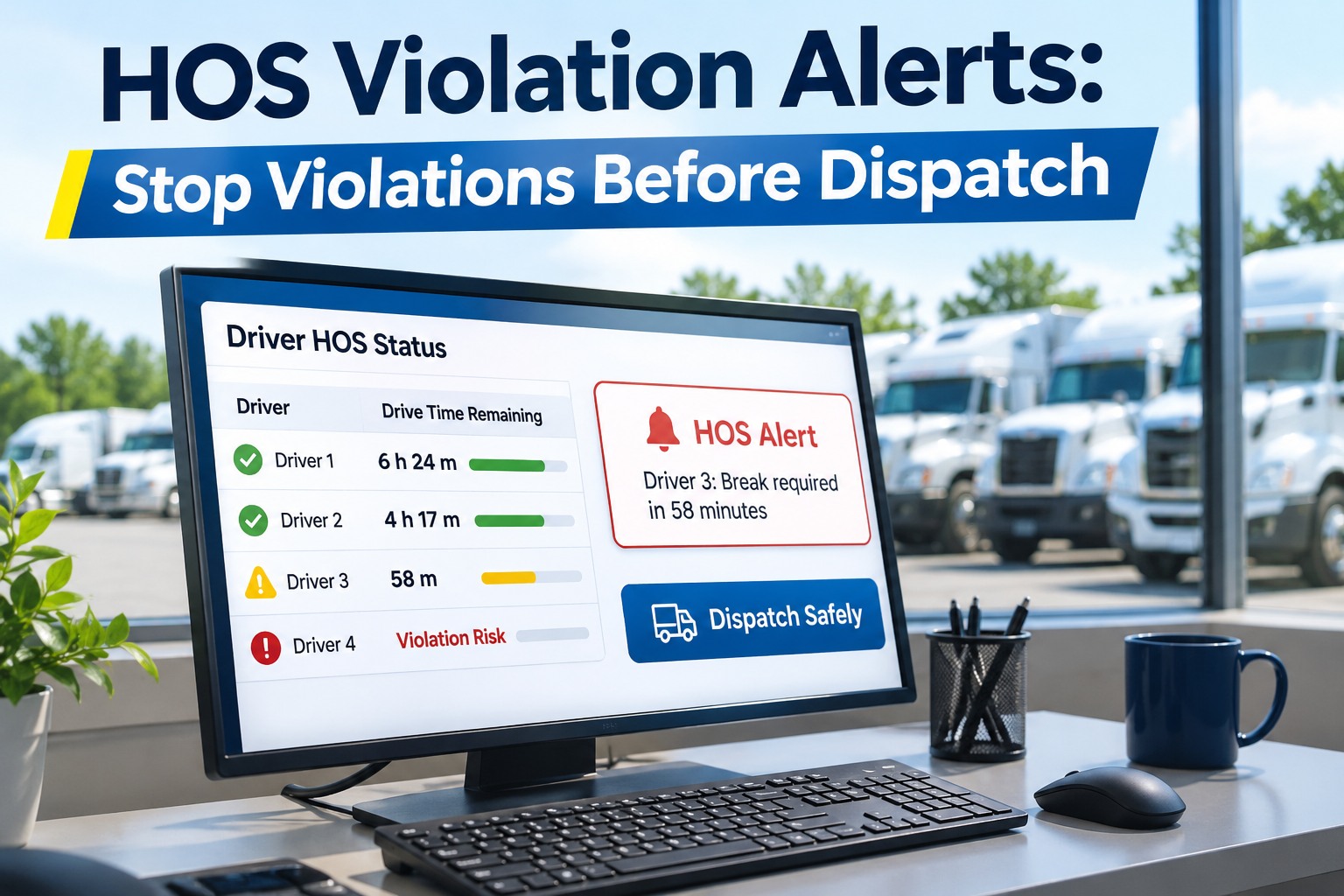
HOS violation alerts show dispatch how much drive time each driver has left before a load is assigned, and warn drivers ahead of breaks and limits. This guide covers the four clocks to check, what alerts should say and when, a pre-assignment routine and how to connect ELD data. Schedule a call to set up HOS alerts for your dispatchers.
HOS Violation Alerts for Dispatch Explained: The Four Clocks to Check Before You Assign a Load
Most violations trace back to a plan that was never possible, not to a driver who ignored it
For property-carrying drivers, FMCSA lists an 11-hour driving limit, a 14-hour driving window and a 30-minute break after 8 cumulative hours of driving. A weekly 60 or 70 hour cycle limit also applies; it is not on the FMCSA page we reviewed, so confirm it in 49 CFR Part 395.
| Clock | What dispatch must remember | Where it catches people |
|---|---|---|
| 11-hour driving | Counts driving only, so a long load can run out of it before the shift ends | A load that needs more driving than remains |
| 14-hour window | Driving is allowed only inside the window, and one vendor says it keeps running during off-duty stops | Waiting at a dock uses window time |
| 30-minute break | Needed after 8 cumulative driving hours; an on-duty, not-driving period can count toward it | Counted from driving time, not the clock |
| 60 or 70 hour cycle | A weekly total that can force a long restart if a load pushes it over | A load that strands the driver mid-week |
Exceptions exist. FMCSA lists adverse driving conditions, which extend the driving window by up to 2 hours, and a short-haul exception within a 150 air-mile radius. Check the rule text before you rely on them.
What HOS Violation Alerts Should Tell Dispatch: Alert Thresholds, Drive Time Remaining and Break Warnings
An alert is only useful if it arrives early enough to change the plan
Sources give example thresholds, not a standard. Set yours so a dispatcher has time to reassign a load or find a stop, and review them after a few weeks.
| Alert | Example timing in vendor sources | What dispatch does |
|---|---|---|
| Approaching a limit | FleetRabbit says alerts typically go out at about 80 and 95 percent of applicable time | Check the next stop and plan the handoff |
| 11-hour driving cap | One vendor suggests about 1 hour before the limit | Route the driver to a legal stop or reassign |
| 30-minute break due | One vendor suggests about 30 minutes before the break is due, to driver and dispatcher | Confirm a safe place to stop |
| Load too long for hours left | FleetRabbit says alerts flag when available time is too short for an assigned load | Pick another driver or split the load |
A Five-Step Dispatch Check That Prevents HOS Violations Before the Load Is Assigned
Run the same routine for every load so nobody has to remember the rules under pressure
This routine follows steps one vendor recommends for dispatchers. The same vendor says loads that cannot be completed legally as scheduled are the root cause of most violations, which is a vendor claim we could not verify independently.
Why HOS Violations Happen at Dispatch: Impossible Loads, a Misjudged Window and Breaks Planned Too Late
Three planning gaps cause most avoidable violations
How to Connect ELD Data to Dispatch: Set Up HOS Alerts Your Team Will Use Every Day
Start with the ELD you already have and one dispatcher
How FleetRabbit Handles HOS Violation Alerts for Dispatch: Hours Left, Early Warnings and Load Fit
What FleetRabbit says its HOS and dispatch tools do
| Dispatch need | What FleetRabbit pages describe |
|---|---|
| ELD data | FleetRabbit says it connects with ELD data and imports driver log data from major ELD and telematics providers |
| Hours before dispatch | Real-time hours remaining are shown before a load is assigned, including driving, on-duty and weekly cycle hours |
| Early warning | Pre-violation alerts go to the fleet manager and driver, typically at about 80 and 95 percent of applicable time |
| Load fit | Alerts flag when a driver available on-duty time is too short for an assigned load |
| Break warnings | The 30-minute break requirement is flagged during active dispatch |
| One view | A fleet HOS board shows every driver status in one view |
FleetRabbit pages say it connects to ELD data but do not say it provides ELD hardware, so confirm compatibility with your provider in a demo.
HOS Violation Alerts FAQs: Drive Time, the 30-Minute Break, Dispatch and ELD Data
Short answers for dispatchers and safety managers
What are HOS violation alerts?
They are warnings that a driver is close to an hours of service limit, such as the 11-hour driving limit, the 14-hour window, the 30-minute break or the weekly cycle. Good alerts reach both the driver and dispatch early enough to change the plan.
How does the 30-minute break rule work?
FMCSA says a break of at least 30 consecutive minutes is required after 8 cumulative hours of driving, and an on-duty, not-driving period can count toward it. Because it follows cumulative driving time, dispatch should know when it is due before assigning a load.
What should dispatch check before assigning a load?
Compare driving hours left with the projected drive time, check the 14-hour window and the weekly cycle, note when the next break is due and whether the route has a safe stop, and reassign the load if it does not fit the driver.
Do I need new ELD hardware for HOS alerts?
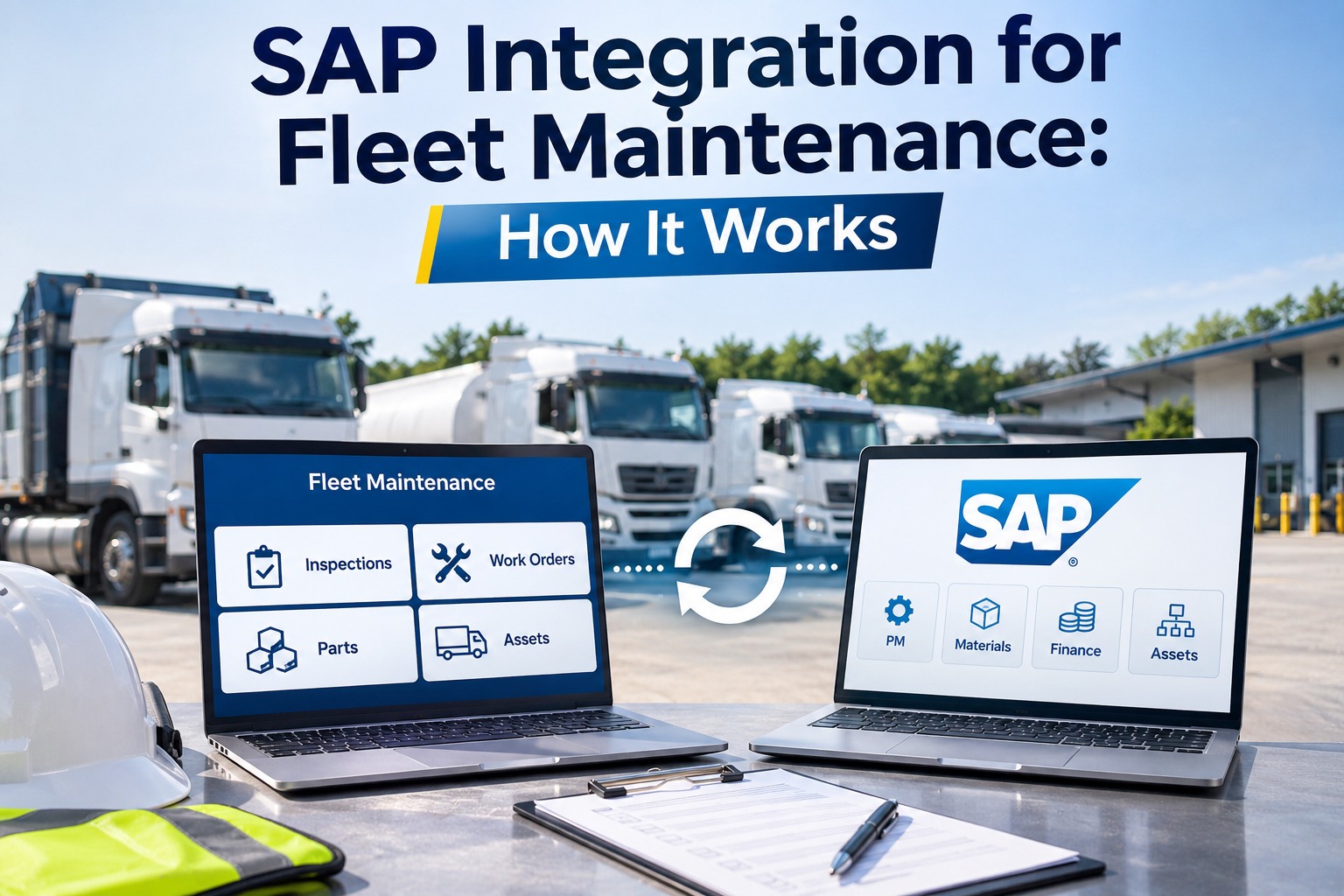
Not necessarily. FleetRabbit says it connects with ELD data from major providers, and its pages do not say it supplies ELD hardware. Ask whether your provider is supported, how often the data refreshes in the dispatch view, and test it in a demo with real drivers before you commit.
When should an HOS alert fire?
Sources suggest examples such as 80 and 95 percent of a limit, about an hour before the 11-hour cap, and about 30 minutes before a break. There is no standard, so set thresholds that give dispatch time to act and adjust them after a few weeks.
Where do I start with FleetRabbit?
Start with your ELD provider and one dispatcher, then look at hours left next to the next few loads. Ask how alerts are set, who receives them and which ELD providers are supported before you roll it out to every driver. Try HOS alerts in FleetRabbit.