Azuga built its reputation on making fleet tracking simple — plug a tracker into the OBD-II port, and in about twenty seconds it's reading GPS, driver behavior, and diagnostic trouble codes straight off the vehicle's computer. No costly installation, no downtime. That simplicity is exactly why Azuga is a favorite of small and mid-sized fleets. But GPS tracking and DTCs are only the start of the maintenance story. A diagnostic trouble code tells you something's wrong; it doesn't schedule the repair, track the fix, or tie the inspection and compliance record together. FleetRabbit does. Connect Azuga to FleetRabbit and get more from your GPS by unifying inspections, maintenance, and compliance data in one place — so a DTC becomes a work order, engine hours drive preventive maintenance, and every DVIR lives with the repair it triggered. This page shows how simple the connection is, how DTCs become maintenance, what unifies, and why one place beats scattered data. Start a free trial or book a demo to see Azuga GPS unified with maintenance.
INTEGRATION · GPS & MAINTENANCE
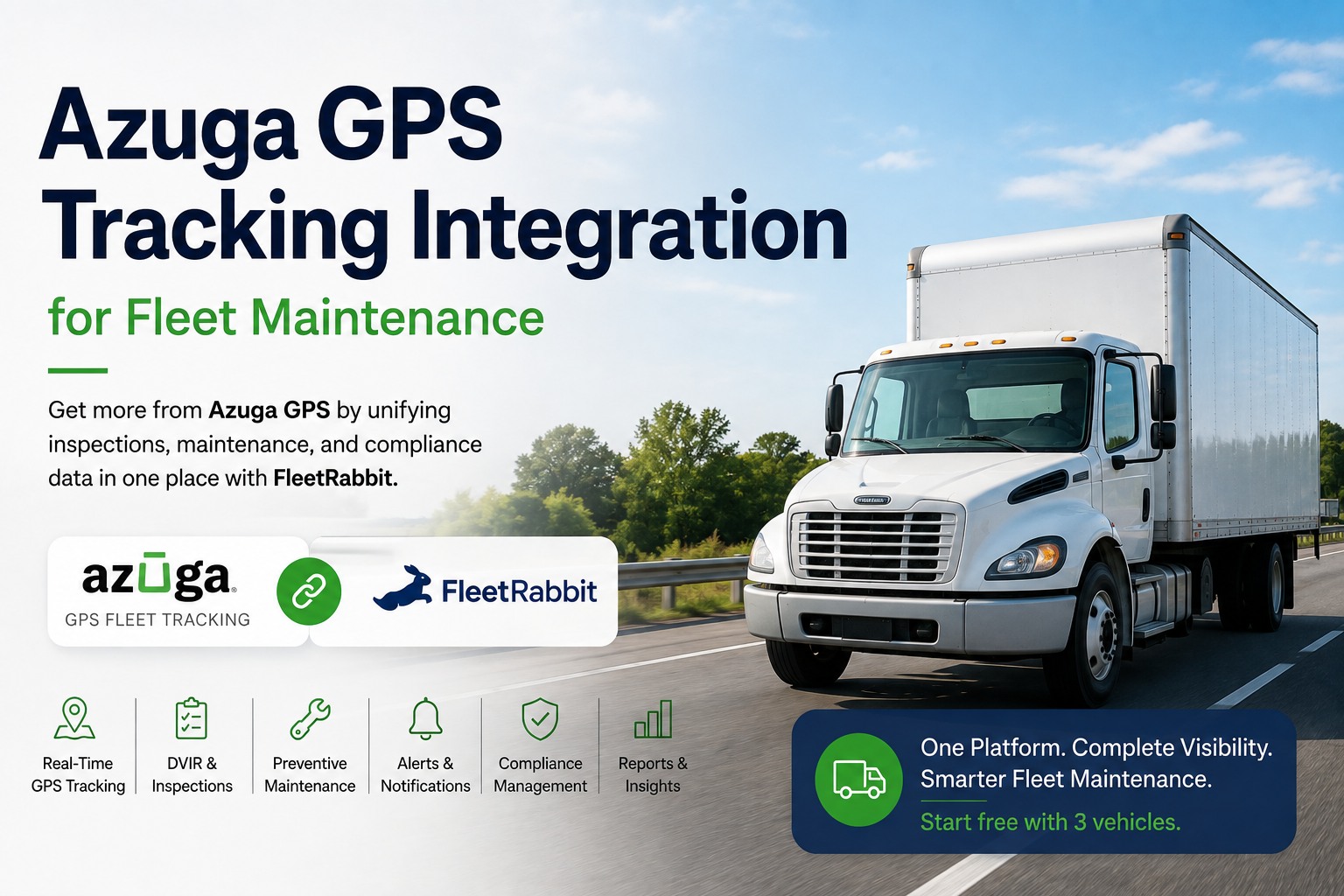
Azuga GPS Tracking Integration for Fleet Maintenance
Get more from Azuga GPS by unifying inspections, maintenance, and compliance data in one place with FleetRabbit. Turn diagnostic trouble codes into work orders and GPS data into preventive maintenance — as simple as the tracker itself.
Simple to Connect, Simple to Run
Azuga is built around end-user simplicity — plug-in hardware, an intuitive app, an easy dashboard. FleetRabbit keeps that spirit: connecting the two and putting the data to work is just as straightforward.
1
Plug In Azuga
The Azuga tracker plugs into the OBD-II port in about twenty seconds per vehicle — no installation service, no downtime — and instantly reads GPS, behavior, and diagnostics.
2
Connect to FleetRabbit
Link Azuga's data to FleetRabbit and its GPS, diagnostic trouble codes, and DVIR data flow into one maintenance and compliance view — no hardware to add.
3
Data Becomes Action
A DTC becomes a work order, engine hours schedule PM, and inspections join the compliance trail — automatically, in one place.
From Diagnostic Trouble Code to Completed Repair
The Azuga tracker reads DTCs straight from the vehicle's onboard computer and warns you when something needs attention. FleetRabbit takes it from a warning to a finished repair. Here's the path a single code travels.
Azuga reads
DTC Detected
The OBD-II tracker reads a diagnostic trouble code off the vehicle's computer and flags that something needs maintenance.
FleetRabbit creates
Work Order Routed
The code becomes a routed repair work order — assigned to a tech, with the vehicle's history and parts attached.
FleetRabbit tracks
Repair Completed
The repair is done, the work order closes, and the record joins the vehicle's unified maintenance and compliance history.
What Azuga Brings to the Unified View
Azuga's plug-in tracker captures more than location. Connected to FleetRabbit, each data type becomes part of one maintenance and compliance picture.
Real-Time GPS Tracking
Live location and trip history give visibility into where every vehicle is — and feed engine-hour data into usage-based preventive maintenance.
Diagnostic Trouble Codes
The tracker reads DTCs directly from the onboard computer and warns you when something needs maintenance — codes FleetRabbit turns into work orders.
eLogs, ELD & DVIR
Azuga eLogs meets FMCSA requirements for HOS and DVIR — inspection and compliance data that links directly to each vehicle's maintenance record.
Driver Safety & Rewards
Driver scoring and rewards data — hard braking, speeding, idling — adds behavior context beside each vehicle's maintenance and wear patterns.
Azuga makes reading the data simple. FleetRabbit makes acting on it simple.
Your tracker already sees the DTCs, the GPS, and the inspections — FleetRabbit turns them into work orders, PM, and one compliance record.
What Connects Between Azuga and FleetRabbit
The integration unifies the GPS, diagnostic, and inspection data that matters for maintenance and compliance. Swipe the table horizontally on mobile.
← Swipe to see all columns →
Unify Azuga GPS With FleetRabbit
Connect Azuga to FleetRabbit and bring GPS, diagnostic trouble codes, DVIR, and compliance into one place — codes becoming work orders, engine hours driving preventive maintenance, and inspections linked to the repairs they trigger. Get more from the tracker you already plugged in. At $5/vehicle/month, no hardware, live within 72 hours, free for up to three vehicles.
DTCs to work orders
GPS-driven PM
Inspections unified
One compliance trail
Why One Place Beats Scattered Data
Azuga sees the vehicle clearly. Unifying that with maintenance and compliance is what turns visibility into fewer breakdowns and cleaner records.
Simple Stays Simple
Azuga's ease-of-use is its strength; FleetRabbit keeps that — no hardware, live in 72 hours, so unifying the data doesn't add complexity for a small team.
Catch Issues Early
DTCs and diagnostics become scheduled repairs before they turn into costly breakdowns — the predictive-maintenance edge a code alone can't deliver.
One Audit-Ready Trail
GPS, DVIR, eLogs, and repair history in one place means a compliance request is answered from a single source, not pieced together.
Keep the Azuga You Like
You don't replace Azuga — you connect it. Its GPS, rewards, and simplicity keep running while FleetRabbit adds the maintenance layer.
Frequently Asked Questions
What does the Azuga integration with FleetRabbit do?
It connects your Azuga GPS trackers to FleetRabbit so their data becomes maintenance action. Diagnostic trouble codes become routed repair work orders, GPS and engine-hour data drives usage-based preventive maintenance, and DVIR and eLogs data links to one audit-ready compliance record. Instead of GPS and DTCs living in the Azuga app and maintenance somewhere else, everything unifies in one place. Seeing that unified view built on your own fleet's data is exactly what you can
book a demo to do.
Does FleetRabbit replace Azuga?
No — it complements it. Azuga is a GPS-first fleet tracking platform known for plug-in simplicity, driver rewards, and DTC reading. FleetRabbit connects to it and unifies its GPS, diagnostic, and inspection data with maintenance and compliance, so a code becomes a work order and inspections join the repair record. You keep Azuga's tracking, rewards, and ease of use and add the maintenance layer that acts on its data, which you can
book a demo to see in practice.
How do Azuga's diagnostic trouble codes become repairs?
Azuga's tracker interfaces directly with the vehicle's onboard computer and reads diagnostic trouble codes, warning you when something needs maintenance. When that data connects to FleetRabbit, a DTC becomes a routed repair work order with the vehicle's history attached — assigned, tracked, and closed rather than left as an app notification. It turns Azuga's early warning into a completed repair, often before the issue escalates, which you can
book a demo to see step by step.
Does it use Azuga GPS data for preventive maintenance?
Yes. Azuga continuously captures GPS location and engine-hour data, and feeding that into FleetRabbit lets preventive maintenance schedule on each vehicle's real usage instead of a fixed calendar. A truck that runs harder is serviced sooner and one that sits isn't serviced needlessly, optimizing cost and uptime. It turns the GPS tracking you already rely on into a precise maintenance-scheduling input, which you can
book a demo to see driving PM on your own vehicles.
Is this a good fit for a small fleet?
Yes — Azuga is especially popular with small and mid-sized fleets for its simplicity, and FleetRabbit matches that. There's no hardware to install, it goes live within 72 hours, and it's free for up to three vehicles, so a small operation gains unified maintenance and compliance without adding complexity or a big IT lift. The plug-in tracker plus a simple maintenance layer is a natural fit for a lean team, and you can
book a demo to see how quickly a small fleet can be up and running.
Does it unify inspections and compliance too?
Yes — that's a core benefit. Azuga eLogs meets FMCSA requirements for HOS and DVIR, and connecting that to FleetRabbit links your inspection and compliance data to each vehicle's maintenance record. A DVIR defect becomes a work order and the inspection record sits with the repair it triggered, so compliance and maintenance are one connected history instead of separate systems. Seeing inspections and compliance unified with maintenance is something you can
book a demo to review.
How does this help with audits?
By putting the whole record in one place. When Azuga's GPS data, DVIR inspections, eLogs, and the repairs that resolved each issue all live together in FleetRabbit, an audit or insurance request can be answered from a single connected trail instead of reconciling the Azuga app with a separate maintenance system. That unified history both speeds legitimate claims and strengthens audit readiness, which you can
book a demo to see assembled end to end.
How quickly can we connect Azuga?
Very quickly — it matches Azuga's own simplicity. FleetRabbit goes live within 72 hours with no hardware, running on devices your team already has, so once the data connection to Azuga is set up you can start turning GPS and DTCs into maintenance actions right away. You keep all your existing Azuga trackers and subscriptions and simply add the maintenance layer — no rip-and-replace, no downtime. Planning that connection and mapping how Azuga data should drive your work orders and PM is exactly what you can
book a demo to set up.
Get More From the Tracker You Already Plugged In
Connect Azuga to FleetRabbit and unify GPS, diagnostic trouble codes, inspections, and compliance in one place — DTCs becoming work orders, GPS driving preventive maintenance, and DVIR linked to the repairs it triggers. Simple to connect, simple to run. Integrated in 5–7 working days, at $5/vehicle/month, free for up to three vehicles, with no hardware required.
Free tier for up to 3 vehicles · No credit card required · No hardware installation
August 7, 2026By Emily Davis
All Blogs