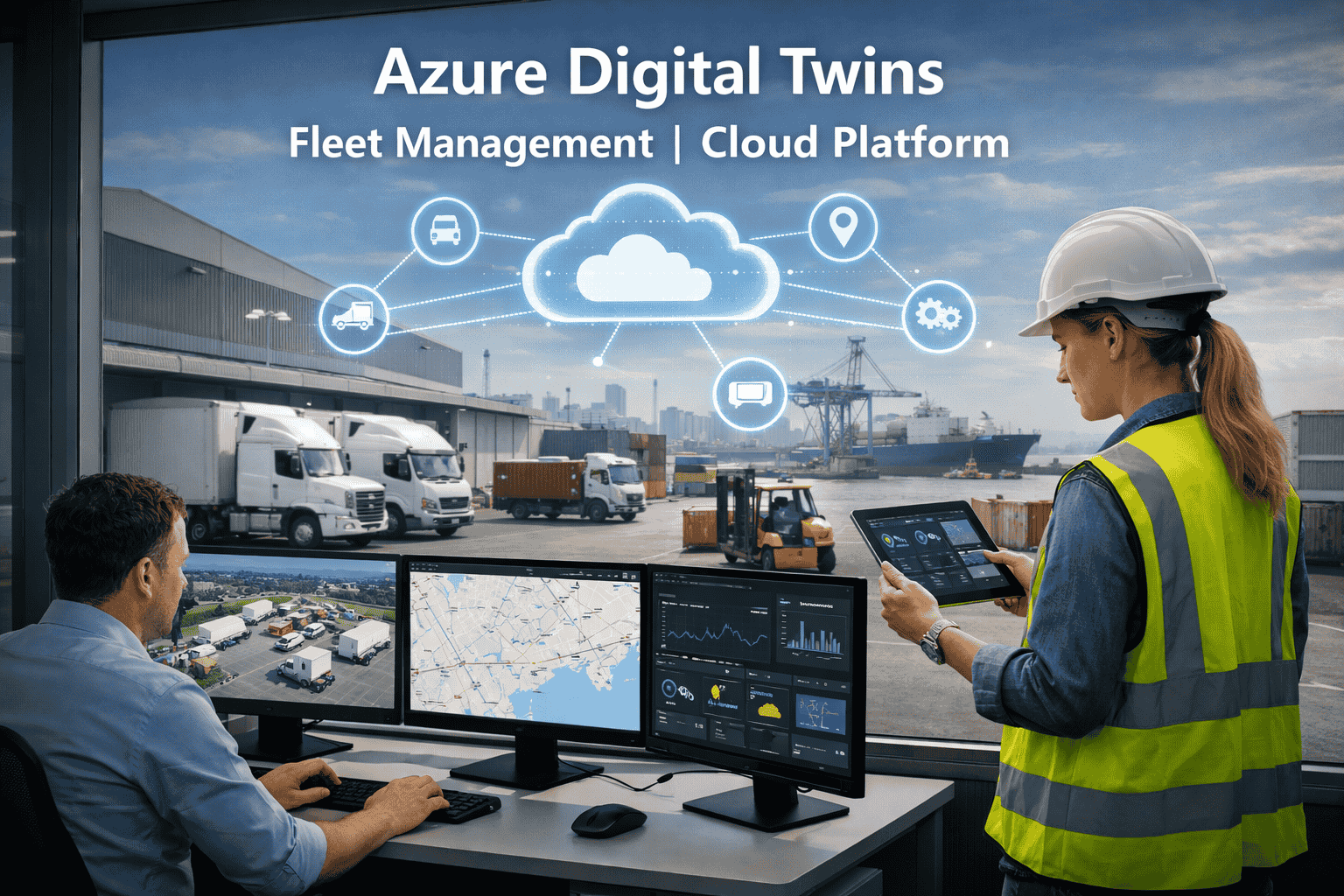
Picture this: 200 trucks running nationwide. Each one sending location, speed, engine temperature, fuel burn rate, lateral acceleration, and cargo condition data every few seconds. A dispatcher's job is to sift through all of it spotting a driver going quiet, an engine trending toward failure, a refrigeration unit losing temperature while simultaneously managing deliveries rerouting around incidents, and keeping HOS compliance clean. That is not a data problem. That's a needle-in-a-haystack problem at industrial scale. Microsoft Azure Digital Twins was built to solve exactly this giving every truck in your fleet its own live virtual replica in the cloud, connected to every other element in your operation, queryable in real time, and capable of surfacing anomalies automatically before they become crises. FleetRabbit's Azure Digital Twins fleet management platform brings this architecture to commercial fleet operators without a 12-month enterprise IT project. Book a free demo to see your fleet modeled live →
Every Truck Has a Digital Copy. Every Copy Talks to Every Other. Your Fleet Becomes One Intelligent System.
FleetRabbit connects your fleet's IoT sensors to Microsoft Azure Digital Twins — building a live, queryable cloud graph where every vehicle, driver, route, and depot is a connected node that updates in real time and powers automatic fleet decisions.
The Problem Azure Digital Twins Solves for Fleet Managers
Every fleet manager running more than 20 vehicles knows the same frustration: the data exists, but you can't act on it fast enough. Your telematics platform shows location. Your maintenance system has service history. Your ELD has driver hours. Your dispatch tool has delivery windows. But none of these systems talk to each other — so when a truck's engine starts trending toward failure on a route that has a 4-hour delivery window and a driver with 90 minutes of HOS remaining, no single system sees all three facts simultaneously. You only find out when the driver calls it in from the side of the road.
Telematics, ELD, maintenance, dispatch, and cargo systems generate separate data streams. No single view shows the full truth about a vehicle's current state and what's at risk.
Traditional fleet software reports what happened. Engine failed. Driver was late. Cargo spoiled. By the time you see it, the cost is already real. There's no system watching patterns and flagging what's about to happen.
As fleets grow, the dispatcher-to-vehicle ratio becomes unsustainable. Manually monitoring 100 vehicles is a full-time job for multiple people. At 500 vehicles, it's simply impossible to catch every signal that matters.
Azure Digital Twins connects every data source into a single queryable graph and runs ML anomaly detection continuously — so your dispatcher gets alerted to the three things that matter right now, not buried in 500 data points.
What Azure Digital Twins Actually Is — Plain Language Explanation
Before getting into what FleetRabbit does with it, it helps to understand exactly what Azure Digital Twins is and why it's different from standard IoT tracking or fleet telematics.
Azure Digital Twins is Microsoft's cloud platform that lets you create a live virtual model of any physical environment — including your fleet. Each vehicle gets a digital replica in the cloud: a live document that mirrors its real-world state, updated every few seconds by IoT sensor data. But unlike a GPS dot on a map, each vehicle twin is connected to other twins — its driver, route, depot, cargo — forming a graph of relationships that reflects your entire operational reality.
Standard telematics tracks individual vehicle data points. Azure Digital Twins models the relationships between them. You can ask questions like: "Which vehicles are within 100 miles of Houston with a maintenance flag, a time-sensitive delivery, and a driver with less than 2 hours HOS remaining?" — and get a real-time answer from the live twin graph. No report. No manual cross-referencing. The graph knows because every element is connected.
Each vehicle in the Azure Digital Twins fleet graph is defined using Microsoft's Digital Twins Definition Language (DTDL) — a JSON-based schema that describes the vehicle's properties (fuel efficiency rating, engine type, cargo capacity), its live telemetry feeds (current speed, engine temp, GPS position), and its relationships to other twins (assigned driver, current route, home depot). FleetRabbit comes with pre-built DTDL models for trucks, vans, trailers, reefers, and mixed fleet types — no custom modeling required.
4 Things Azure Digital Twins Enables That Standard Fleet Software Can't
In a traditional fleet, the sequence is: engine warning light appears → driver calls dispatch → emergency tow → missed deliveries → $2,000–$5,000 unplanned repair bill. With Azure Digital Twins, the sequence changes entirely. Every vehicle's twin receives engine parameter telemetry continuously — oil temperature trends, fuel injector timing, coolant behavior, vibration patterns. Azure Stream Analytics ML models run anomaly detection against that vehicle's specific historical pattern. When a combination of parameters begins matching signatures that historically precede a failure — sometimes weeks before the actual failure — the twin flags the vehicle, and FleetRabbit automatically generates a maintenance work order scheduled for the next available service window.
This is what Rolls-Royce did with its aircraft engine fleet on Azure Digital Twins — monitoring entire fleets in real time to generate optimal maintenance recommendations and fuel routes. The same architecture now runs commercial truck fleets on FleetRabbit. See predictive maintenance in a live demo →
The Azure Digital Twins query API lets fleet managers interrogate the live graph in ways that standard fleet dashboards simply can't match. Because every vehicle is a connected node linked to its driver, route, cargo, and depot twins, you can query across multiple dimensions simultaneously.
These aren't reports pulled after the fact. They're live queries against your fleet's real-time state — answered in seconds. Start your free trial to run live fleet graph queries →
Because each vehicle twin contains that vehicle's actual fuel efficiency curve, maintenance history, current load, and driver assignment, FleetRabbit can run route change simulations against the live Azure Digital Twins graph before deploying them to drivers. A proposed rerouting is tested against each affected vehicle's real performance data — not generic fleet averages — producing a fuel cost comparison and ETA projection that reflects your specific fleet's reality. If the simulation shows the new route burns more fuel despite being shorter in distance (because of road grade or expected traffic conditions stored in the route twin), the manager sees that projection before the dispatch happens. This is the Azure fleet simulation platform capability that separates digital twin fleet management from every GPS routing tool on the market.
Azure Stream Analytics ML models running against each driver twin's behavioral telemetry — lateral acceleration patterns, speed variance, steering input frequency, brake timing — can detect fatigue signatures before they become safety incidents. When a driver's behavior pattern begins matching historical pre-incident profiles, the driver twin triggers a FleetRabbit alert automatically. The fleet manager gets a specific, actionable flag: Driver 14, Route 7, showing early fatigue indicators — 47 miles from next rest stop. Not a data dump. A decision prompt. Book a demo to see driver safety automation →
FleetRabbit + Azure Digital Twins: What You Get Out of the Box
FleetRabbit is the operational fleet management layer built on Azure Digital Twins architecture — turning Microsoft's cloud IoT platform into daily fleet decisions. Here's what's included from day one.
Ready-to-use connectors for Azure IoT Hub, OBD-II adapters, major ELD platforms, and telematics providers. Your fleet data flows into the Azure Digital Twins graph without custom integration work.
Vehicle twins for trucks, vans, semis, reefers, flatbeds, tankers, and mixed fleets — modeled and ready. No Digital Twins Definition Language authoring required from your team.
The FleetRabbit interface queries the Azure Digital Twins graph in real time — showing live vehicle status, route progress, maintenance flags, driver HOS, and cargo conditions fleet-wide in one view.
Microsoft Entra ID role-based access control, end-to-end encryption, SOC 2 compliance, and Azure's enterprise security infrastructure protecting every byte of your fleet data.
Continuous anomaly detection running against every vehicle twin's live telemetry — engine degradation, driver fatigue patterns, cargo temperature anomalies — without dispatcher monitoring.
Historical fleet performance stored and analyzed in Azure Data Explorer — trend modeling, compliance reporting, fuel efficiency benchmarking, and route performance analysis across any time period.
Your fleet generates millions of data points every day.
Azure Digital Twins finally makes them all work together.
FleetRabbit brings Microsoft's enterprise IoT cloud platform to commercial fleet operators — without the 12-month build timeline. Connect your existing telematics, go live on Azure Digital Twins in 24 hours, and start running a fleet that sees problems before they happen.
Frequently Asked Questions
What exactly is Azure Digital Twins and how does it apply to fleet management?
Azure Digital Twins is Microsoft's cloud-native platform for building live virtual models of physical environments. For fleet management, it means creating a digital replica of every vehicle that mirrors its real-world state in real time — updated every few seconds via Azure IoT Hub as sensor data flows in. Each vehicle twin is connected to its driver, route, depot, and cargo in a queryable graph. Azure Stream Analytics runs ML anomaly detection against the live graph, and Azure Data Explorer handles historical analytics. FleetRabbit provides the pre-built fleet layer on top — turning the raw Azure infrastructure into daily operational fleet decisions without requiring enterprise IT development work.
Do I need an existing Microsoft Azure subscription to use FleetRabbit?
Not necessarily. FleetRabbit can operate in two modes: if your organization already has an Azure environment, FleetRabbit connects to your existing Azure IoT Hub and Digital Twins instances via API — your fleet data stays within your own Azure tenant. If you don't have an existing Azure setup, FleetRabbit manages the Azure infrastructure entirely on your behalf — provisioning, configuring, and maintaining all Azure services as part of the platform. Either way, your fleet's twin graph goes live within 24 hours of setup. Book a demo to discuss the right deployment model for your fleet.
How is Azure Digital Twins fleet management different from standard GPS tracking?
GPS tracking shows you where vehicles are — a location point, updated periodically. Azure Digital Twins fleet management creates a connected intelligence layer where each vehicle twin knows its location, engine state, fuel consumption rate, driver HOS status, maintenance history, cargo condition, and relationship to every other element in the fleet graph simultaneously. The twin graph is queryable in ways GPS can't match — you can ask "which vehicles have a maintenance flag and a delivery window closing in the next 2 hours" and get a real-time answer. ML anomaly detection runs continuously against the live data stream — not a historical report pulled hours later. That's the gap Azure Digital Twins closes for enterprise fleet operators.
How long does FleetRabbit's Azure Digital Twins setup actually take?
FleetRabbit comes with pre-built Azure IoT Hub connectors, DTDL vehicle models for all major commercial vehicle types, and Azure Functions pipelines already configured for fleet telemetry processing. For fleets with existing telematics or ELD systems, the integration typically goes live within 24 hours. Building equivalent Azure Digital Twins fleet architecture from scratch typically requires 6–18 months of enterprise development work. FleetRabbit eliminates that timeline with its pre-built cloud native fleet twin platform — your first live twin graph and real-time dashboard are active the same day.
What fleet sizes and vehicle types does FleetRabbit's Azure platform support?
FleetRabbit supports commercial fleets from 5 vehicles to 5,000+ — delivery vans, straight trucks, semi-trucks, refrigerated units, flatbeds, tankers, and mixed fleet configurations. The Azure Digital Twins graph scales to handle thousands of simultaneous vehicle twins with identical query performance at any fleet size. Enterprise operators across the US, Australia, UK, Canada, Malaysia, Singapore, and major global markets are supported, with regional Azure data residency options for local compliance requirements. Start free — no credit card required.







