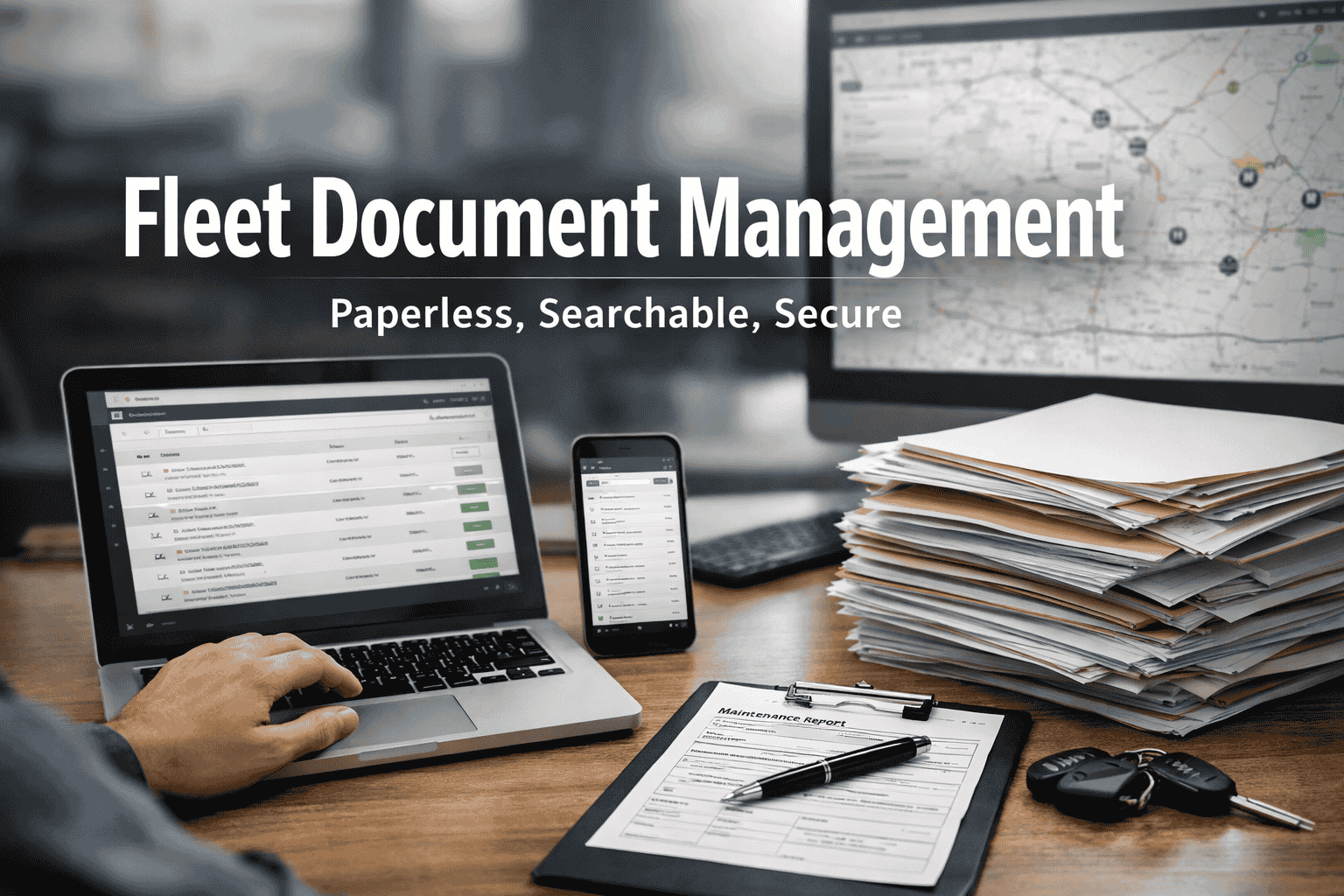
The average fleet manager spends 12+ hours per week buried in paperwork chasing expired registrations, hunting down driver files, and scrambling before every DOT audit. With 93% of carriers receiving at least one violation during audits, and fines averaging $7,100 per case, disorganized documentation isn't just frustrating it's expensive. Fleet document management centralizes every critical file in one searchable cloud vault with automatic expiration alerts, cutting admin time by 70% ,and eliminating the compliance gaps that trigger violations. Book a demo to see paperless fleet management in action.
The Hidden Cost of Paper-Based Fleet Management
What Is Fleet Document Management Software?
Fleet document management software is your fleet's digital filing cabinet — except it's smarter, never loses anything, and reminds you before deadlines hit. It replaces paper records, spreadsheets, and scattered files with a centralized cloud platform that organizes every document, tracks every expiration date, and generates audit-ready reports instantly. Start organizing your fleet documents free:
Centralized Cloud Storage
Every document — registrations, insurance policies, DVIRs, permits, driver qualification files — lives in one searchable vault accessible from any device, anywhere. No more hunting through filing cabinets or asking "who has that file?"
Automated Expiration Alerts
Get 90-day, 60-day, 30-day, and 7-day reminders before licenses, medical cards, registrations, and insurance policies expire. Tiered alerts ensure you have time to schedule appointments and process renewals.
Mobile Document Capture
Drivers snap photos of receipts, BOLs, DVIRs, updated medical cards, and other credentials directly from their smartphones. Documents upload instantly to the correct driver or vehicle profile — no paper delay.
Audit-Ready Reporting
Generate compliance reports in seconds, not hours. When auditors arrive, show them exactly what they need — organized, timestamped, and instantly accessible. No scrambling, no stress.
Instant Search & Retrieval
Find any document in seconds with powerful search. Search by driver name, vehicle number, document type, date range, or keyword. What used to take 15-30 minutes now takes 5 seconds.
Secure Access Controls
Role-based permissions ensure the right people access the right documents. Drivers see their own files, dispatchers see operational docs, managers see everything. Full audit trail tracks who accessed what.
Critical Documents Every Fleet Must Track
DOT auditors examine specific document categories during compliance reviews. Missing even one document can result in fines exceeding $16,000 per violation. Here's the complete breakdown of what needs to be organized, accessible within 48 hours, and properly retained — see our complete FMCSA compliance checklist:
Driver Qualification Files
- Employment applications (signed, dated)
- CDL copies with endorsements
- Medical examiner's certificates
- Motor vehicle records (MVRs)
- Road test certificates
- Previous employer verification
- Clearinghouse query records
- Annual review documentation
Vehicle Records
- Vehicle registrations
- Titles and lease agreements
- Annual inspection certificates
- Preventive maintenance schedules
- Repair and service records
- Daily Vehicle Inspection Reports
- Brake adjustment records
- Tire inspection logs
Insurance & Authority
- Liability insurance certificates
- Cargo insurance policies
- Operating authority (USDOT)
- BOC-3 filing confirmation
- IFTA fuel tax permits
- IRP registration cab cards
- Hazmat permits (if applicable)
- State-specific permits
Operations & Compliance
- Bills of lading (BOLs)
- Fuel purchase receipts
- Toll transaction records
- ELD/HOS records of duty
- Accident reports and register
- Drug & alcohol testing records
- Training certifications
- Safety meeting logs
Document Retention Requirements at a Glance
Stop Losing Documents. Start Passing Audits.
FleetRabbit automatically enforces retention policies, prevents premature deletion, and ensures you never keep documents longer than necessary. Every file categorized, every deadline tracked.
Paper vs. Digital: The Time and Cost Difference
Manual document management creates hidden labor costs that compound daily. Fleet managers spend 30-40% of their time tracking down files, chasing paper forms, and manually compiling reports. Here's what changes when you go digital:
How to Implement Fleet Document Management
Going paperless doesn't have to be overwhelming. Most fleets are fully operational within 30 days — and many see compliance improvements in the first week. Here's the proven implementation roadmap — see document management best practices:
Week 1: Setup & Priority Upload
Create your account, configure fleet profile, and upload the most critical documents first — active driver files and current vehicle records. Set a policy: no new paper enters the system without being digitized. This creates your single source of truth from day one.
Week 2: Expiration Tracking
Enter expiration dates for all licenses, medical cards, registrations, insurance policies, and permits. Configure alert timelines — 90 days for appointments, 60 days for renewals, 30/14/7 days for critical reminders. The system takes over deadline tracking from here.
Week 3: Mobile & Team Training
Roll out mobile apps to drivers for uploading DVIRs, receipts, and updated credentials. Train office staff on the compliance dashboard, search functions, and report generation. Assign role-based access permissions to ensure security.
Week 4+: Optimization & Archives
Review compliance dashboard metrics, fine-tune alert thresholds, and establish quarterly audit schedules. Gradually digitize historical records and archive paper files. Your fleet is now audit-ready 365 days a year.
Pro Tip: Start with New Hires
The easiest way to transition is requiring all new driver onboarding to be 100% digital from day one. This immediately establishes the new process without disrupting existing workflows, and you'll have a growing portion of your fleet on the digital system within months.
Why Smart Fleets Go Paperless
Beyond time savings, digital document management transforms how your fleet operates. Here's what changes when you centralize your documentation:
Pass Audits 3x Faster
When DOT auditors arrive, every document is organized, timestamped, and instantly accessible. No scrambling through filing cabinets, no missing files, no excuses. Demonstrating this level of organization actually improves your safety rating.
70% Fewer Compliance Violations
Automated expiration tracking eliminates missed deadlines — the #1 cause of preventable compliance violations. With 35% of audit violations being expired medical certificates, automated alerts alone prevent thousands in fines.
Lower Insurance Premiums
Insurance underwriters reward fleets with strong compliance cultures and organized documentation. Clean audit records and demonstrable safety management can reduce premiums by 10-20% — savings that compound annually.
Reclaim 12+ Hours Weekly
Stop spending 30-40% of your time on paperwork. Redirect those 600+ annual hours to driver coaching, route optimization, customer relationships, and strategic initiatives that actually grow your business.
Enterprise-Grade Security
Cloud storage with encryption, automatic backups, and redundant data centers protects your documents better than any filing cabinet. Role-based access controls and full audit trails ensure security and accountability.
Team Access From Anywhere
Drivers, dispatchers, safety managers, and executives access documents from any device, anywhere. No more "I can't find the file" or "It's on someone else's computer" or "The office is closed."
Who Benefits From Fleet Document Management
Fleet Managers
Eliminate 12+ hours/week of paperwork. Access any document instantly. Generate reports for leadership in seconds. Focus on operations instead of administration.
Safety Directors
Monitor compliance across entire fleet from one dashboard. Get alerted before expirations. Prove compliance culture to auditors with organized, accessible documentation.
Drivers
Upload documents from your phone. Access your own files anytime. No more waiting for the office to send paperwork. Prove credentials instantly at roadside inspections.
Owner-Operators
Stay compliant without a back-office team. Track your own expirations automatically. Be audit-ready at all times. Compete with larger carriers on professionalism.
See How FleetRabbit Organizes Your Documents
Join thousands of fleets that eliminated filing cabinet chaos. Centralized storage, automatic alerts, mobile capture, and audit-ready compliance — all in one platform starting free.
Frequently Asked Questions
Most fleets complete initial document migration within 2-4 weeks depending on fleet size and document volume. The recommended approach is prioritizing active driver files and current vehicle records first — get audit-critical documents digitized in week one. Then gradually archive historical documents over the following weeks. Many systems include bulk upload tools, OCR scanning, and some offer migration services to speed the process.
Yes — FMCSA explicitly allows digital records as long as they are secure, legible, and readily accessible for inspection. Digital documents are actually preferred by many auditors because they're organized, timestamped, and can be produced instantly. The key requirement is having documents accessible within 48 hours for remote audits, which digital systems handle effortlessly. Many carriers report that auditors specifically compliment their digital organization.
Quality fleet document systems include offline access for critical documents, automatic syncing when connectivity returns, and redundant cloud backups across multiple data centers. Documents you've recently viewed are cached locally on your device. Your documents are actually safer in the cloud than in a filing cabinet that could be damaged by fire, flood, theft, or simply getting misfiled.
Absolutely. Mobile apps let drivers photograph and upload DVIRs, fuel receipts, updated medical cards, BOLs, and other documents directly from their smartphones. Documents sync instantly to the correct driver or vehicle profile, eliminating the delay of waiting for paper forms to reach the office. This is especially valuable for over-the-road drivers who may not return to the terminal for weeks.
Best practice is tiered alerts based on document type: 90 days for documents requiring appointments or processing time (medical exams, CDL renewals), 60 days for standard renewals (registrations, insurance), 30 days as a standard reminder, and 14-day and 7-day alerts for critical items. Medical certificates should have the full tiered approach since scheduling DOT physicals can take weeks in some areas.
Most fleets see positive ROI within the first 3-6 months. The math is straightforward: if you save even 5 hours/week at $25/hour loaded cost, that's $6,500 annually. Add one prevented violation ($7,100 average), and you're at $13,600 in first-year savings. Factor in reduced insurance premiums, fewer out-of-service orders, and the strategic value of time redirected to revenue-generating activities, and ROI often exceeds 500%.
Join thousands of motor carriers who transformed their compliance operations with digital document management. Centralized storage, automatic expiration alerts, mobile capture, and audit-ready reports — all in one platform. Free tier available for fleets up to 3 assets.


