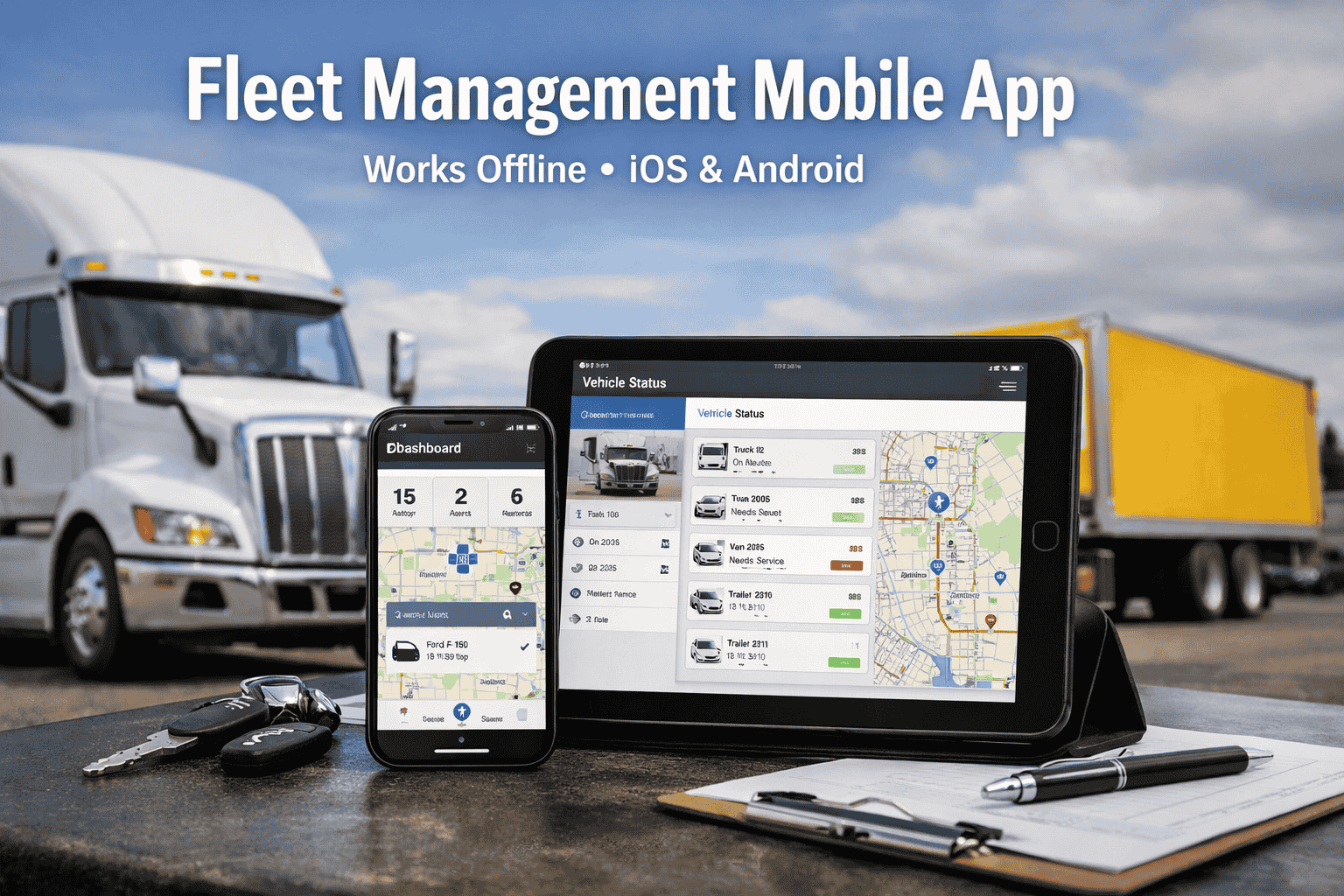
Your drivers are on the road at 5am. Your mechanic is under a truck in a dead-zone garage. Your fleet manager is fielding a breakdown call from three states away while trying to approve a work order on a desktop computer back at the office. This is the reality of modern fleet operations, and it's exactly why desk-bound fleet management doesn't work anymore. FleetRabbit's fleet management mobile app puts every critical workflow on the phones already in your drivers' and mechanics' pockets. iOS and Android. Works offline. Free to download. Book a demo to see the app live →
Why Fleet Managers Are Switching to Mobile-First Management
The global fleet management market was estimated at $27 billion in 2025 and is expected to reach $122.3 billion by 2035 at a 16.9% CAGR — driven largely by mobile and cloud adoption. But the real story isn't market size. It's what happens operationally when your team can't access fleet data from their phones.
Want to see how FleetRabbit solves these gaps? Book a 30-minute demo and see every workflow live → Or start free — no credit card needed.
Everything Your Fleet Needs. One App. Zero Desk Required.
FleetRabbit's fleet management mobile app covers every workflow that happens in the field — where your drivers, mechanics, and supervisors actually are. Here's what's inside the app.
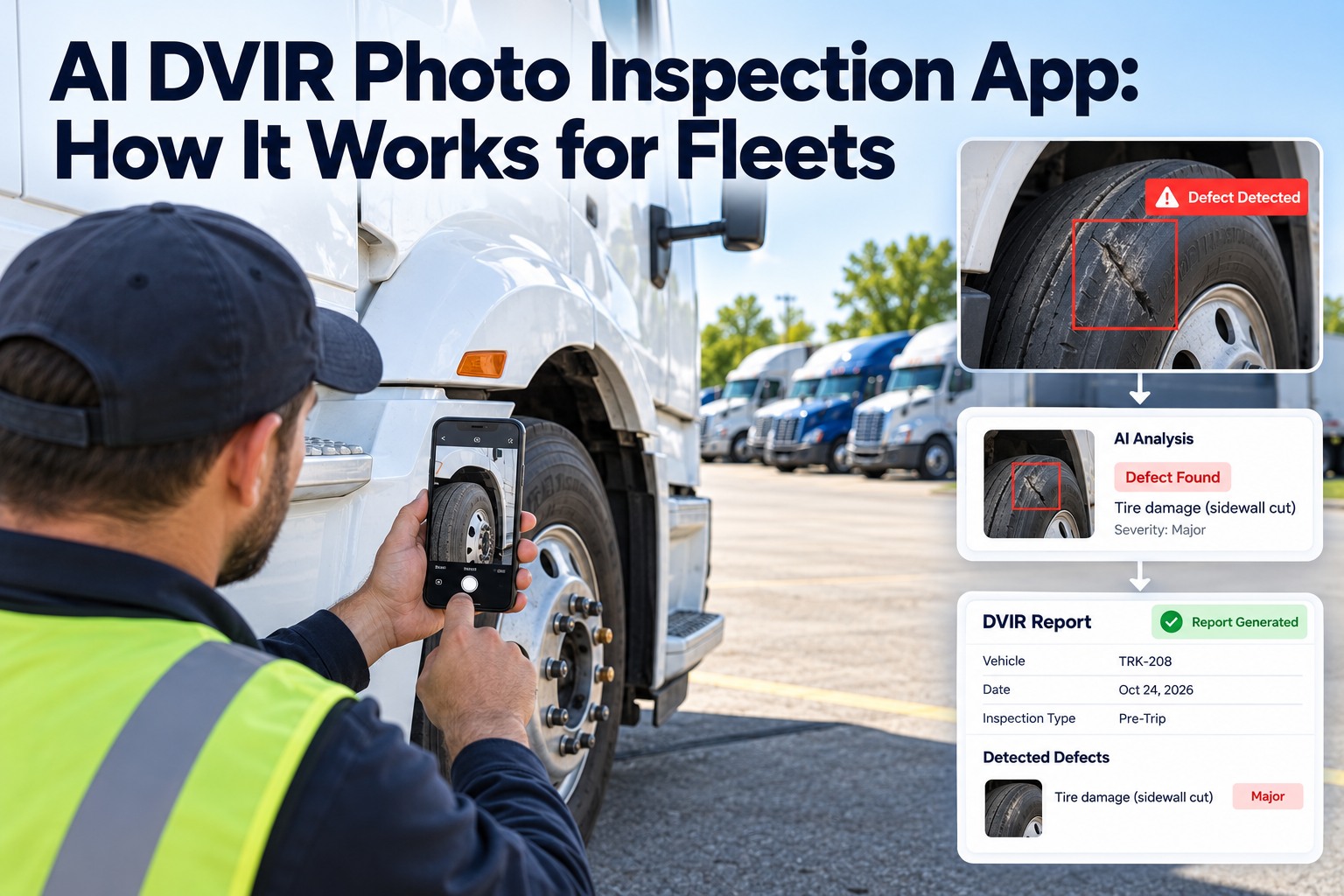
FleetRabbit's mobile DVIR form is built for the way drivers actually work — guided checklists, tap-to-flag defects, in-app photo capture with automatic GPS timestamp, and instant submission. FMCSA's February 2026 final rule explicitly authorizing electronic DVIRs effective March 23, 2026 eliminates the last regulatory argument for paper. Every completed inspection syncs automatically to the fleet manager's dashboard and generates work orders for flagged defects. Works completely offline in low-signal areas — syncs the moment connectivity returns. Start free and complete your first digital DVIR today →
Your mechanic shouldn't have to walk back to a computer to update a work order. FleetRabbit's mobile work order module lets technicians view assigned jobs, log labor hours, add parts used, capture repair photos, and mark work complete — all from their phone, all in real time. When a driver submits a DVIR with a flagged defect, a work order is generated automatically and pushed to the assigned mechanic's phone within seconds. The 4–24 hour paper gap between "defect found" and "repair started" becomes under 60 seconds. Book a demo to see the full workflow →
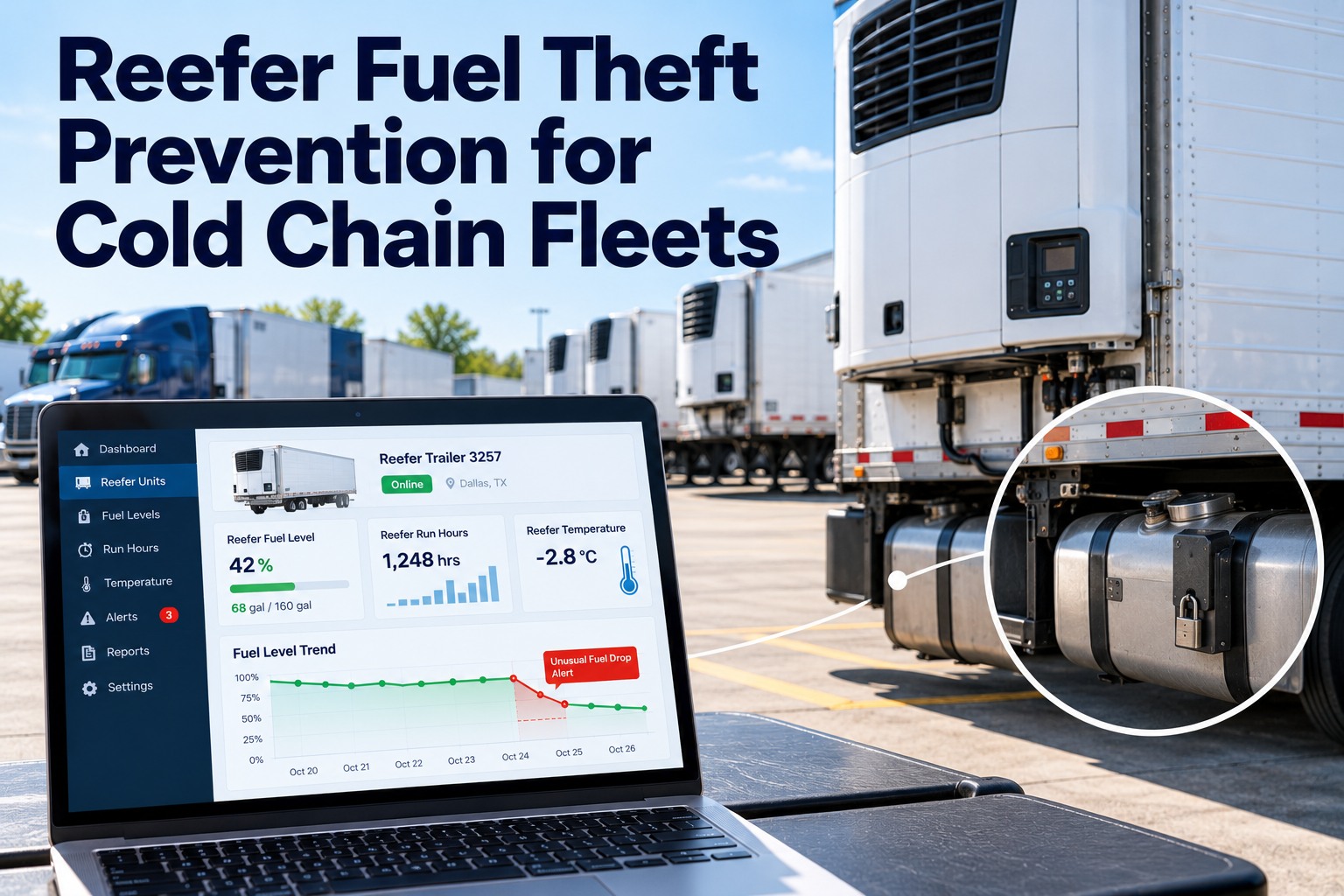
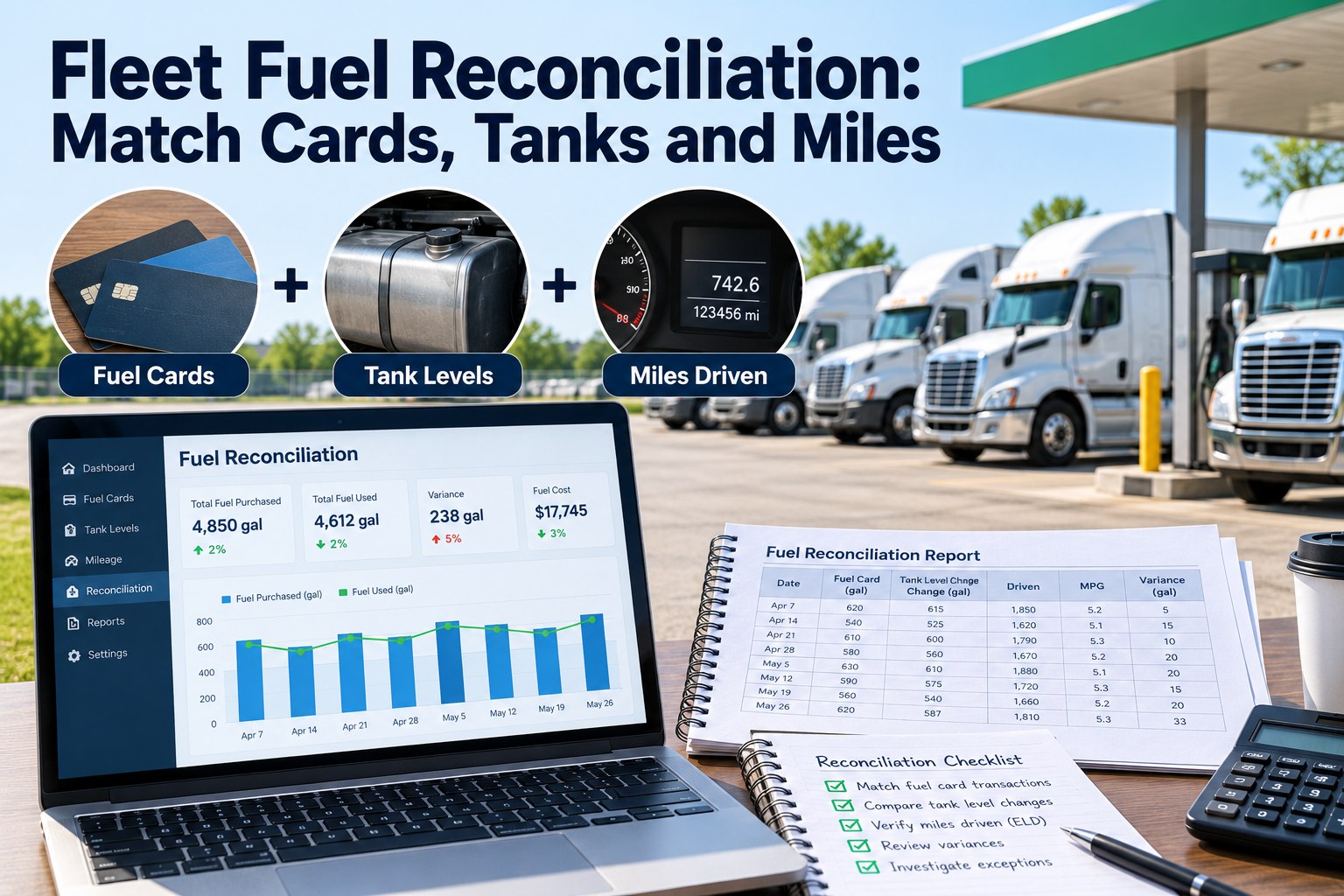
Drivers log fuel fills directly in the app — gallons, odometer, location, fuel card used — in under 30 seconds. FleetRabbit cross-references every fill against the vehicle's expected consumption rate and GPS position. Suspicious fills trigger instant alerts to the fleet manager. Fuel card integration automatically imports transaction data — drivers don't have to enter anything manually for card fills. Everything reconciles automatically at month end. Fleets using mobile fuel tracking report 8–15% fuel savings through real-time monitoring and behavior alerts. Start free to track your fleet's fuel →
FleetRabbit's driver app connects to your ELD devices and displays live HOS status for every driver — hours remaining, current duty status, next required break. Fleet managers see the full fleet's HOS picture in real time from their phone. Drivers get in-app warnings when approaching hours limits with enough notice to plan a stop before a violation occurs. When a driver logs off for a rest break, their status updates on the fleet manager's dashboard immediately. No phone calls, no guessing, no HOS violations from missed updates. See live HOS tracking in a demo →
Every feature above works offline and syncs automatically. Download FleetRabbit free and run your first digital inspection today →
The Feature Most Apps Don't Have: Works Offline, Always
Remote depots. Underground parking structures. Rural routes through signal-dead corridors. Construction sites. Mining operations. Your drivers and mechanics work where there's no cell signal — and their fleet management app needs to work there too.
See how drivers, mechanics, and fleet managers use FleetRabbit together. Schedule a demo and we'll walk through each role live →
Three Roles. One App. Everyone Gets What They Need.
FleetRabbit serves three distinct user roles — each with their own tailored view, permissions, and workflows. No one sees more than they need. Everyone sees exactly what they do.
FleetRabbit is built for the mobile-first shift. Start free on iOS or Android → or book a demo to see it in action.
Why Mobile Fleet Management Is the Standard in 2026 — Not the Exception
The shift to mobile-first fleet management isn't a trend — it's a structural change in how commercial fleets operate. Cloud-based deployment now dominates with 72% of new fleet software implementations in 2025, up from 58% in 2020. For fleet operators evaluating platforms in 2026, choosing a desktop-only system isn't just operationally limiting — it's choosing a category that's structurally losing share to mobile-first competitors.
Ready to make the switch? Sign up free — your team can be running digital DVIRs from their phones within the hour.
FleetRabbit Mobile App vs. Paper-Based Fleet Operations
The difference between a mobile fleet management app and paper-based operations isn't just convenience — it's the speed, accuracy, and completeness of every data point your fleet generates every day.
Your Fleet is Already Generating the Data.
FleetRabbit Puts It in Your Pocket.
Download the FleetRabbit fleet management app, connect your fleet, and have drivers completing digital DVIRs — from their phones, online or offline — within the hour. Free for up to 3 vehicles.
Frequently Asked Questions
Does FleetRabbit's mobile app work offline?+
Yes — full offline functionality is a core feature of FleetRabbit's mobile app. Drivers can complete DVIR inspections, log fuel fills, update HOS status, and capture defect photos with zero connectivity. Mechanics can view, update, and close work orders offline in the shop. All data is stored locally on the device and syncs automatically the moment any connectivity is detected — even a brief pass through a coverage area. No manual upload required, no data loss. This is specifically designed for fleets operating in remote areas, underground facilities, rural routes, and construction sites where signal is unreliable.
Is FleetRabbit available on both iOS and Android?+
Yes. FleetRabbit is available as a native app on both Apple iOS (iPhone and iPad) and Google Android devices. The same features, the same offline capability, and the same sync reliability are available on both platforms. Mixed iOS/Android driver teams work seamlessly on the same FleetRabbit account. Start free and download the app today →
What fleet management workflows can drivers complete from their phones?+
Drivers can complete every field-facing workflow in the FleetRabbit app: pre-trip and post-trip DVIR inspections with photo capture, fuel fill logging with odometer entry, HOS duty status updates and log management, defect reporting with severity flagging, delivery confirmation with notes, and direct communication with fleet manager. Most workflows are completed in under 60 seconds. The interface is deliberately simple with guided forms that prevent incomplete submissions and immediate confirmation that data was submitted successfully.
How does the app generate work orders from inspections automatically?+
When a driver flags a defect during a DVIR inspection — selecting the defect type, severity level, and attaching a photo — FleetRabbit automatically generates a maintenance work order and pushes it to the assigned mechanic's mobile device within seconds. The mechanic receives a push notification and can open the work order immediately. Fleet managers receive a notification simultaneously and can monitor progress from their own mobile device. This reduces the typical paper-based defect-to-repair-start gap of 4–24 hours to under 60 seconds.
What fleet sizes does FleetRabbit's mobile app support?+
FleetRabbit supports fleets from 1 vehicle to 5,000+ across all commercial vehicle types — delivery vans, straight trucks, Class 8 semis, service vehicles, construction equipment, refrigerated units, and mixed fleets. The app is free for up to 3 vehicles with no time limit — making it accessible for owner-operators to start immediately without a procurement process. Start free — no credit card required.