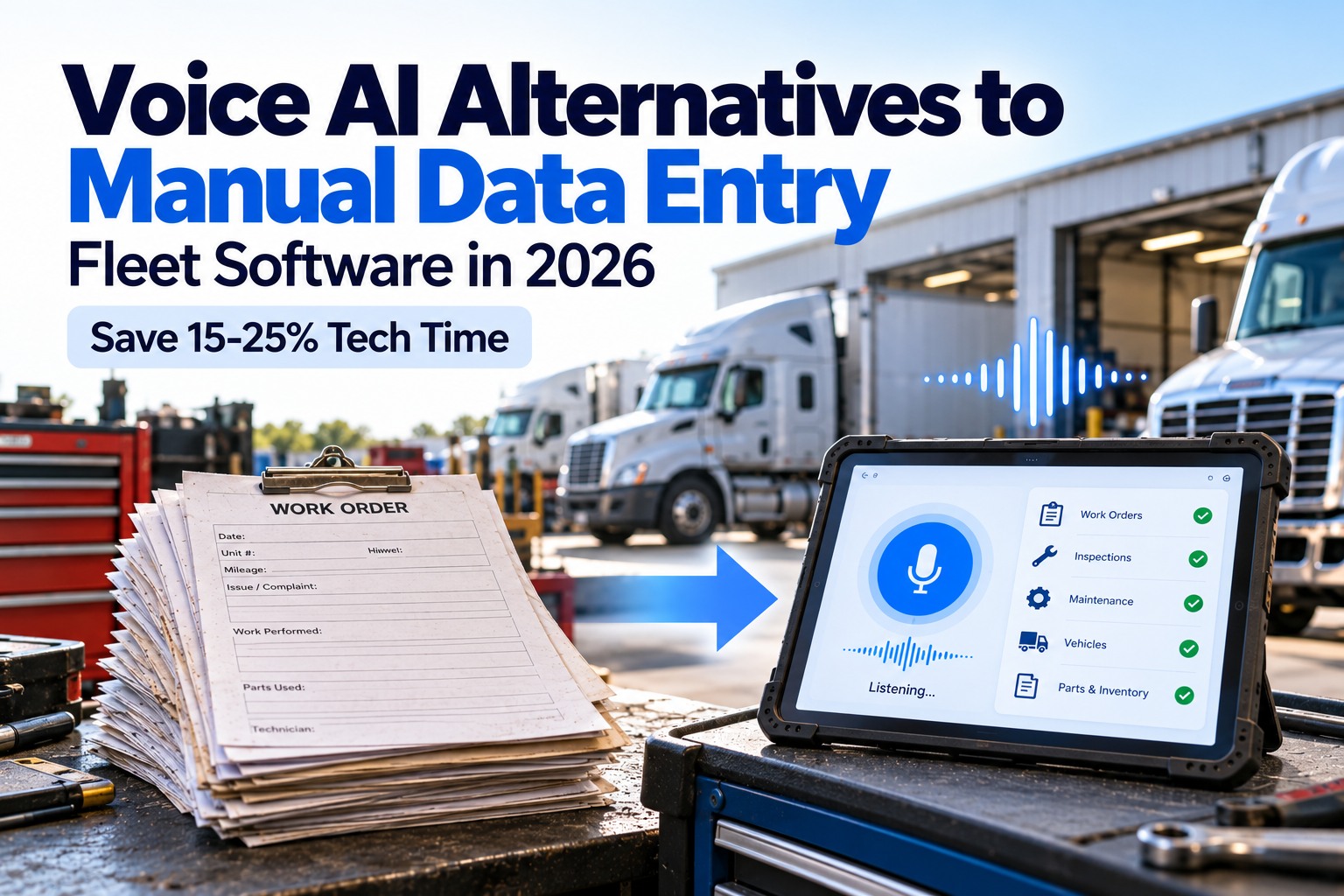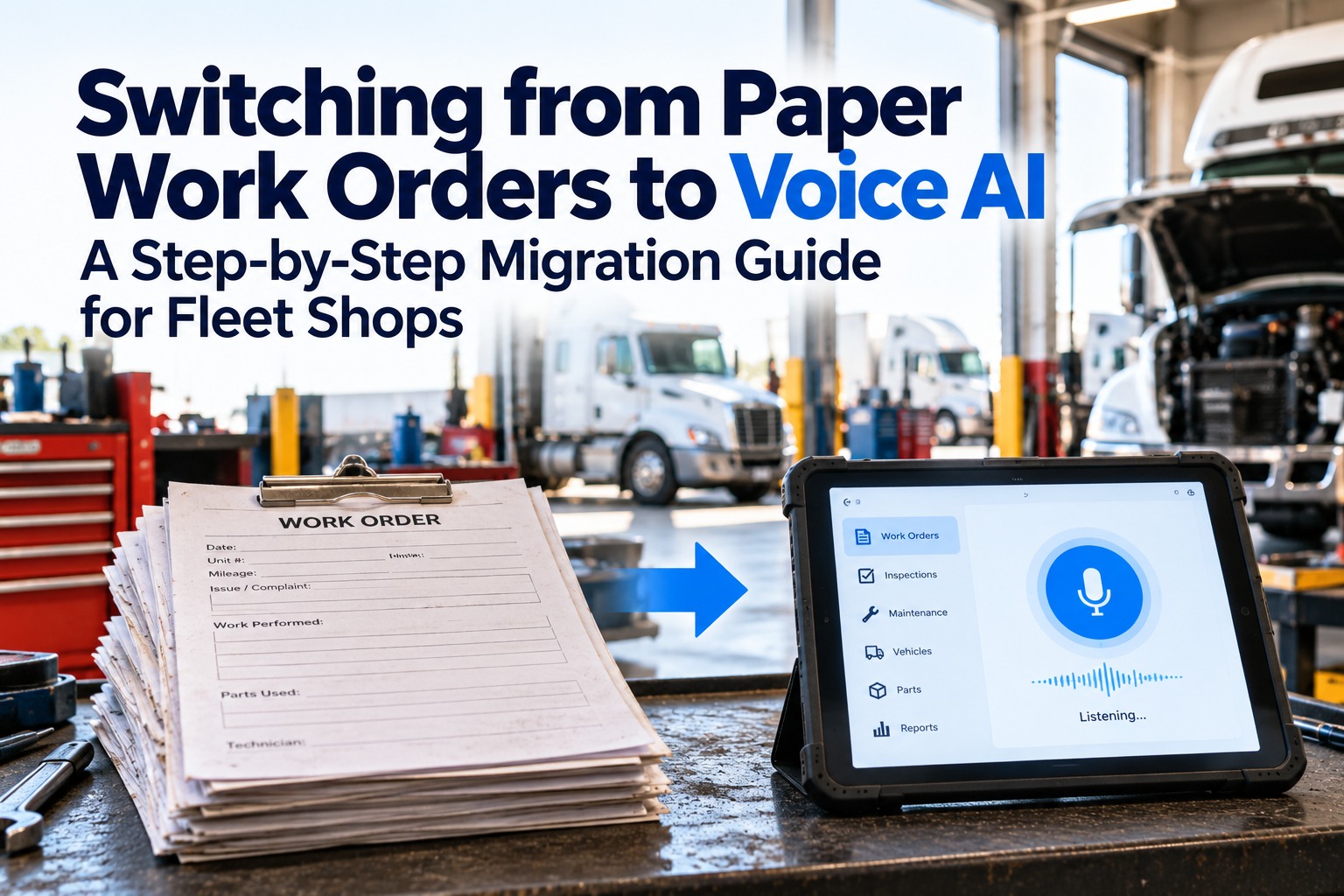
The average fleet manager spends 2–3 hours daily on administrative tasks that should take 20 minutes — navigating between screens, re-entering the same vehicle data across different forms, looking up driver names before filling out work orders. Quick Actions eliminates that friction entirely. One panel. Every critical fleet action accessible without a single navigation hop. Create a work order, log a DVIR, reassign a driver, send a dispatch notification — all without leaving your current screen. See Quick Actions live in a 30-min FleetRabbit demo →
What Is the Quick Actions Panel?
The Quick Actions panel is a persistent, context-aware command layer that sits on top of your FleetRabbit dashboard. It surfaces every high-frequency admin action — create work order, log DVIR, assign driver, dispatch vehicle, flag for maintenance, send alert — in a single compact interface that pre-fills every field it can from your existing fleet data.
Instead of opening a work order form → selecting a vehicle → finding the vehicle ID → entering the driver name → selecting the PM type → saving — you click the Quick Actions button, select "Create Work Order," and FleetRabbit pre-fills the vehicle from whatever you were viewing, auto-suggests the driver, and pre-selects the most relevant PM type based on what's due. Two clicks, not twelve. Start free with 3 vehicles and activate Quick Actions today →
Before vs After — The Same Task, Two Different Realities
Here is the same task — creating an urgent work order for a brake inspection — performed the traditional way versus through Quick Actions. The difference isn't just time. It's the cognitive load of context-switching that disappears.
Quick Actions is live in FleetRabbit now. Every high-frequency task — work orders, DVIRs, driver assignments, dispatch — accessible in 2 clicks from anywhere in the platform.
Every Action Available — The Complete Quick Actions Catalogue
Quick Actions covers every high-frequency task across the five core fleet management categories. Here is the complete current catalogue — each action accessible in 2 clicks or less from anywhere in FleetRabbit.
How Quick Actions Works — The 3 Intelligence Layers
Quick Actions isn't just a shortcut menu. It has three intelligence layers that make each action faster than filling out a blank form — even on the first use.
Quick Actions reads your current screen. If you're on a vehicle's profile page when you trigger it, "vehicle" is already filled in on every action. Viewing a driver record? The driver field auto-populates. The panel knows where you are and eliminates all re-entry of data you've already touched.
FleetRabbit's AI analyses your fleet's current state — upcoming PMs, recent DVIR flags, driver hours — and surfaces the most likely actions you'll want to take next. When you open Quick Actions with a vehicle that's 200 miles from its next oil change, "Schedule PM: Oil Change" appears at the top of the action list. You're shown what matters, in priority order.
Quick Actions learns from your usage patterns. If you always assign the same technician to brake jobs on Class 8 trucks, it starts pre-selecting them. If you typically flag the same three fields when logging a compliance issue, they're pre-checked. The panel adapts to your operation's specific workflows over time — getting faster every week.
See Quick Actions Live — On Your Fleet's Data
Book a 30-minute demo and we'll show Quick Actions working on a live fleet environment: creating a work order from a DVIR defect, reassigning a route mid-day, and generating an audit package — all in under 3 minutes combined.
Who Benefits Most — Fleet Roles & Daily Time Savings
Quick Actions was designed with input from five distinct fleet roles — each with a different task profile and different pain points around admin overhead. Here's the time saving per role per day.
Handles work orders, compliance flags, audit packages, and reporting. Quick Actions eliminates the navigation overhead between modules — every task from a single panel.
Reassigns routes, sends driver notifications, marks vehicles available/unavailable, confirms deliveries. All done from dispatch view without switching screens.
Opens and closes work orders, adds parts, assigns technicians. Quick Actions with context detection auto-fills the vehicle and service type from the current DVIR or PM record.
Generates audit packages, updates certification expiries, flags compliance deadlines. One-click audit package generation alone saves 12–18 hours of quarterly manual assembly.
Frequently Asked Questions
Yes — Quick Actions is fully available on both the FleetRabbit web dashboard and the iOS and Android mobile apps. On mobile, the Quick Actions panel is accessible via a floating action button in the bottom-right corner of the screen. The mobile version includes the same 28 actions as desktop, with touch-optimised inputs and a streamlined interface designed for one-thumb operation. Actions triggered from mobile carry the same context detection — if you're viewing a vehicle's profile, the vehicle field auto-fills just as it would on desktop.
Custom Quick Actions are available on request — contact your FleetRabbit account manager or submit a request through the in-app feedback button. The 28 standard actions cover the most common fleet admin tasks identified across our customer base, but fleets with industry-specific workflows (refuse, concrete, utility) often benefit from custom actions tied to their specific operational steps. Custom action configuration typically takes 3–5 business days and can include custom field mapping, conditional logic, and integration with external systems you're already using.
The AI suggestion engine draws from three data sources to rank actions in your Quick Actions panel: (1) current fleet state — which vehicles have upcoming PMs, open defects, expiring certifications, or overdue items; (2) your usage history — which actions you trigger most frequently at different times of day, from different pages, and for different vehicle types; and (3) contextual signals — what screen you're on, which vehicle or driver you're viewing, and what recent activity has occurred on that asset. After a 7-day learning period, suggested actions are typically accurate 80%+ of the time, meaning your first suggestion is usually the action you were going to take.
Yes — Quick Actions works across mixed fleets and automatically adapts its suggestions per vehicle type. When you trigger Quick Actions from a roll-off truck's profile, the suggested maintenance actions will reflect roll-off-specific intervals (hydraulic service, cable inspection, hoist PM) rather than generic truck actions. For a transit bus, it would surface ADA lift inspection and FTA compliance actions. The vehicle type is automatically detected from your fleet roster and used to filter and personalise the action list. You can manage Class 8 trucks, vans, heavy equipment, and specialty vehicles in the same panel with fully type-aware suggestions.
Yes — Quick Actions is included on all FleetRabbit plans, including the free tier (up to 3 vehicles). All 28 standard actions are available on the free plan. The AI suggestion layer activates after the 7-day learning period regardless of plan. Paid plans starting at $3/vehicle/month unlock the full platform including advanced analytics, unlimited historical records, and multi-location management — but Quick Actions itself has no tier restriction. If you start free today, Quick Actions is live in your account immediately.
Stop Losing 2–3 Hours Every Day to Admin Navigation
Quick Actions puts every fleet task — work orders, DVIRs, driver assignments, dispatch, compliance — in a single 2-click panel that knows what you need before you ask. It's live in FleetRabbit now, on all plans, starting free for 3 vehicles.
No contracts · No hardware · Quick Actions active from day 1