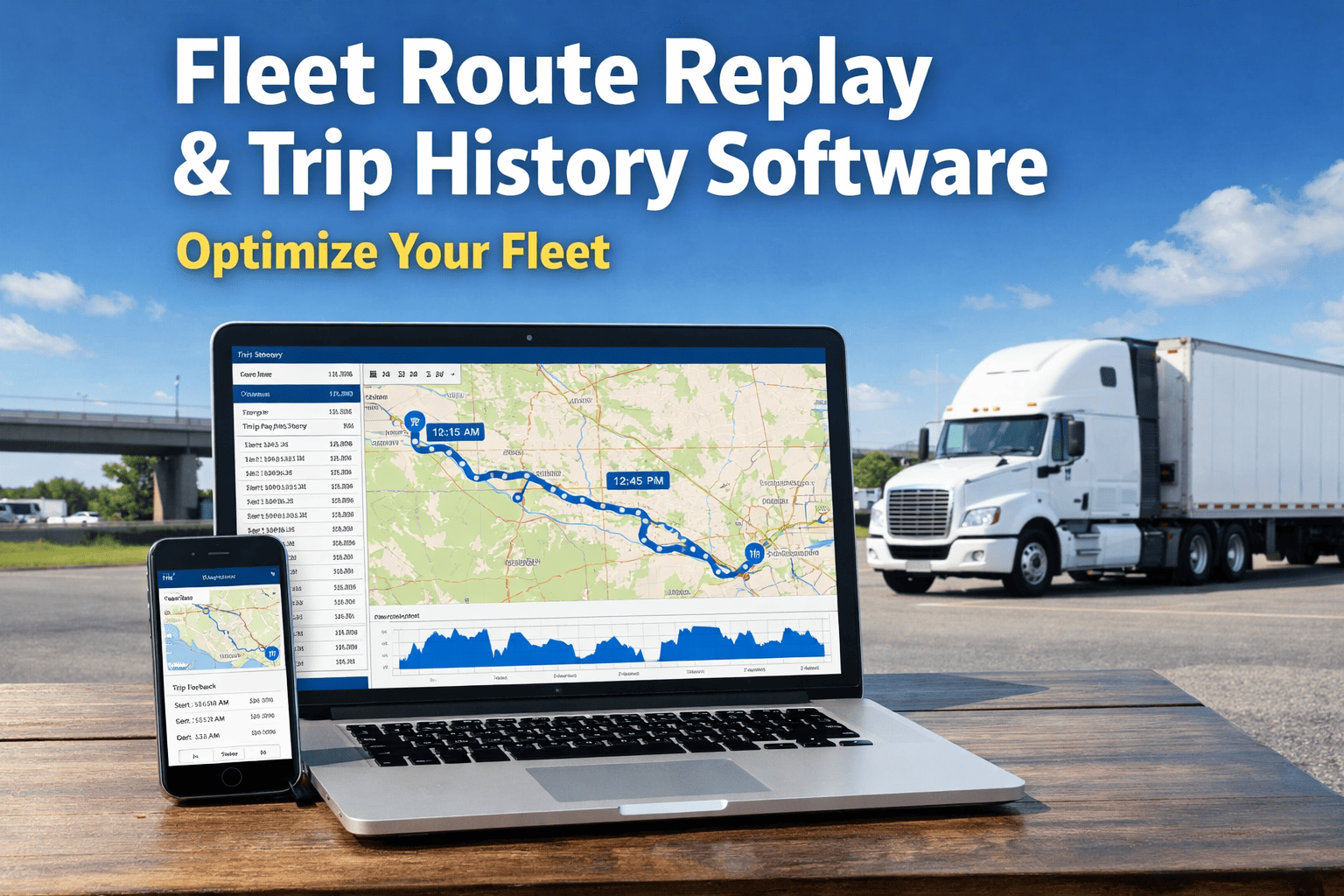
Fleet Route Replay & Trip History Software: Optimize Your Fleet
By James Henderson on April 9, 2026
A customer calls claiming your driver never showed up. A manager questions why a delivery took three hours instead of one. A route that should cost $40 in fuel costs $65. Without trip history and route replay, you're answering every one of those questions with a guess.
Route replay and GPS trip history give you a time-stamped mile-by-mile record of exactly where every vehicle went, when it stopped, how long it idled, and whether it followed the planned route. Not an approximation. The actual breadcrumb trail — replayable like a video, exportable as proof, and actionable for future route planning.
Want to replay your fleet's routes right now?See every stop, every detour, every idle — with FleetRabbit's GPS trip history and route replay.
What Is Fleet Route Replay — And What Does It Show You?
Think of route replay as a DVR for your fleet. Instead of trying to piece together what happened from driver recollections or paper logs, you scrub back through a vehicle's exact GPS breadcrumb trail — second by second, stop by stop — and see everything that actually happened on that trip.
Route Replay Playback Interface
1×
2×
4×
7:42am Departed depot
8:19am Idle — 12 min at unscheduled location
8:34am Route deviation detected — +3.2 mi
9:07am Stop — 8 min (delivery confirmed)
9:51am Arrived final destination
5 Real Problems Route Replay Solves — Every Single Day
Route replay isn't just a feature for investigations. Itis the tool fleet managers reach for every morning — to verify, optimise, protect, and improve. Here's where it earns its value:
Customer Disputes — Solved in Seconds
"Your driver never showed up." With route replay, you pull up the exact GPS log: arrived at 10:14am, departed 11:47am — 93 minutes on-site. Timestamped, irrefutable. Full payment received instead of a 50% discount given to keep the peace.
Delivery verification · Dispute resolution
Route Deviation Costing You Money
12–20% of miles driven by the average fleet are avoidable. Route replay shows exactly where drivers went off-plan — whether it's a daily detour adding 4 miles per trip, or a pattern of avoiding certain roads that adds up to thousands in extra fuel every month.
Fuel optimisation · Route compliance
Unaccounted Time Between Stops
Fleets lose an average of 25–30 minutes per vehicle per day to unproductive time — extended breaks, personal detours, unnecessary stops. GPS trip history makes those gaps visible, timestamped, and addressable before they become a pattern.
Time accountability · Productivity tracking
Accident & Incident Investigation
When an accident occurs, route replay provides objective data: exact speed at time of incident, location, heading, brake events before impact. This protects your business from false claims and provides evidence that manual logs never could.
Insurance protection · Liability evidence
Planning Future Routes With Real Data
Historical trip data shows which routes consistently run slow, where traffic patterns affect delivery windows, and which stop sequences reduce total drive time. Fleets using replay data for planning report 20–40% less route planning time and 15–30% better on-time delivery rates.
Route optimisation · Historical analytics
See your fleet's actual routes — not what drivers reported
FleetRabbit's real-time fleet tracking stores complete GPS breadcrumb trails with timestamped stops, idle events, speed data, and route deviations — searchable for any vehicle, any date.
What Trip History Data Is Captured on Every Journey
Modern GPS trip history goes far beyond a line on a map. Each journey generates a rich dataset that answers the questions you most often need answered — without anyone having to fill in a form.
Breadcrumb Trail
GPS coordinates captured every 15–60 seconds. Full route path from departure to arrival, replayable at 1×, 2×, or 4× speed.
Stop & Dwell Times
Every stop logged with arrival time, departure time, and duration. Know exactly how long your driver spent at each location.
Speed & Idle Events
Speed at every recorded point. Speeding incidents flagged automatically. Idle time totals with location — so you know where and why engines ran unnecessarily.
Planned vs Actual
Side-by-side comparison of the assigned route versus the path driven. Deviations highlighted with distance and time impact calculated automatically.
Trip Summary Report
Total distance, drive time, idle time, fuel used, stops made, and on-time performance — auto-generated for every trip, exportable as PDF or CSV.
Driver Attribution
Every trip linked to the assigned driver. Compare performance across your team — who runs efficient routes, who deviates, who idles most.
The Numbers: What Trip History Data Is Worth to Your Operation
These aren't projections — they're documented outcomes from fleets using GPS route history and replay analytics. The payback comes from multiple directions simultaneously:
15–30%
Fuel savings
From identifying route deviations, excess idling, and inefficient stop sequencing with historical data.
25 min
Recovered per vehicle per day
Unproductive time made visible and eliminated through data-driven coaching conversations.
10–25%
Better on-time delivery
Historical trip patterns reveal which routes run consistently late and why — before customers complain.
$0
Lost on disputed deliveries
GPS proof of arrival replaces he-said/she-said disputes — full payment collected with irrefutable timestamps.
How FleetRabbit's Trip History & Route Replay Works
FleetRabbit stores complete GPS breadcrumb trails for every vehicle trip — no data caps, no storage limits, no extra modules to purchase. Every journey is automatically logged, searchable, and replayable from the moment your vehicle starts moving.
01
Search Any Vehicle, Any Date
Pull up any vehicle's complete trip log for any date range. Filter by driver, vehicle, route, or time of day. Historical data stored and searchable — no digging through spreadsheets.
02
Replay the Route at Variable Speed
Watch the vehicle's exact path play back on the map — pause at any point to see speed, location, and event data. Play at 1×, 2×, or 4× depending on how much detail you need.
03
Compare Planned vs Actual Route
See the planned route overlaid with the actual path driven. Deviations highlighted automatically with distance and time calculations — no manual comparison required. Connect to FleetRabbit Analytics for trend views across your entire fleet.
04
Export Proof in One Click
Generate a timestamped trip report — PDF or CSV — that includes route map, stop times, idle events, and speed data. Ready for customer disputes, insurance claims, or compliance audits. Works alongside DVIR compliance records for complete trip-to-inspection documentation.
05
Use Historical Data to Improve Future Routes
Historical trip patterns feed directly into route planning and dispatch. See which routes consistently underperform, where traffic patterns affect your windows, and which drivers run the most efficient sequences — then build better routes using real data.
Every trip your fleet drives is a story. Are you reading it?
FleetRabbit gives you complete GPS trip history, real-time route replay, planned-vs-actual comparison, and exportable proof — for every vehicle, every day. Start free with 3 vehicles, no hardware needed, live in minutes.
Free for 3 vehicles
No hardware needed
Replay from day one
$3/vehicle/month