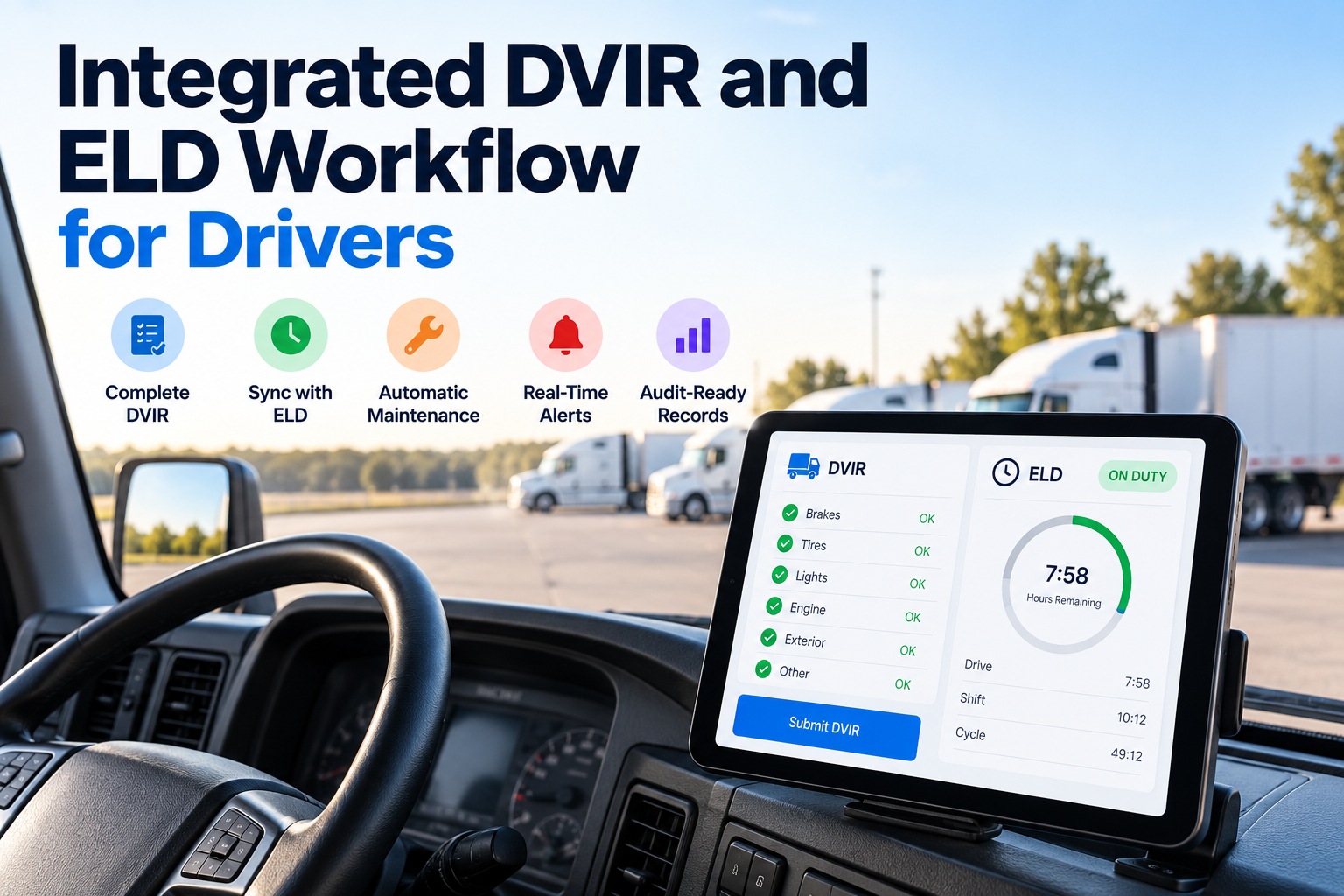
An integrated DVIR and ELD workflow puts the driver's vehicle inspection and hours-of-service log on one timeline, so every pre-trip shows up as on-duty time, every defect opens a work order, and the next driver can't roll without seeing the repair sign-off. Kept apart, the two records drift: an inspection logged while the ELD shows the driver off duty, or a pre-trip "completed" after the truck is already moving, is exactly what auditors compare. This guide shows where the two records must agree, which hours-of-service clocks a pre-trip actually uses, the mismatches that draw scrutiny, and the six-step flow that keeps both clean. Book a demo to see your DVIRs and ELD data side by side, or create a free account to connect your first units.
DVIR + ELD, one timeline
Integrated DVIR and ELD Workflow for Drivers
For fleet managers, safety and compliance leads, and drivers: how to make the inspection record and the hours-of-service log tell the same story — and turn defects into repairs automatically.
Works with the ELD you already run. No credit card required.
Two Records That Must Tell the Same Story
The DVIR and the ELD log are separate legal records with different rules, but they describe the same morning. Where they overlap — driver, unit and time — they have to agree, because auditors check one against the other. You can link each DVIR to its matching ELD duty segment with a free account.
Driver Vehicle Inspection Report
- Rule: 49 CFR 396.11 and 396.13
- Proves the vehicle was inspected and defects were repaired or certified
- Three signatures: driver, mechanic, next driver
- Keep 3 months from the date written
- Electronic format made explicit by FMCSA's rule effective March 23, 2026
ELD Record of Duty Status
- Rule: 49 CFR Part 395
- Proves when the driver worked, drove and rested
- Four statuses: off duty, sleeper berth, driving, on duty not driving
- Keep 6 months, with supporting documents
- Inspecting a vehicle is on-duty time under 395.2
Which Hours-of-Service Clocks a Pre-Trip Uses
A pre-trip inspection is work, so it is logged as on duty, not driving. That means it uses up the 14-hour window and the 60/70-hour limit, but not the 11-hour driving limit — which is why drivers are tempted to leave it off the log. A short demo shows how pre-trips sit inside the on-duty segment.
Only time behind the wheel with the vehicle in motion counts here.
The window starts when the driver comes on duty, pre-trip included.
All on-duty time, driving or not, counts toward the weekly total.
The shortcut that becomes falsification
Logging the inspection as off duty saves a few minutes on the 14-hour clock, but compliance guidance from J.J. Keller notes that auditors compare known on-duty activities such as inspections and fueling against the logs — and time logged off duty while actually working is treated as falsification.
Five Mismatches Between DVIRs and Logs That Draw Scrutiny
Each of these is easy to create when the inspection and the log live in different systems, and easy to prevent when one workflow owns both. You can check your own units for these mismatches with a free account. Swipe the table on mobile.
| Mismatch | What it suggests | How an integrated workflow prevents it |
|---|---|---|
| Pre-trip time falls in an off-duty or sleeper segment | Inspection time hidden from the log | The pre-trip is opened from the on-duty status, so the times line up by design |
| Inspection completed after the ELD shows driving | Inspection done late, or not done | The driver is prompted to finish the DVIR before the unit leaves the yard |
| No on-duty time at all on an inspection day | Log edited to save hours | A DVIR with no matching on-duty segment is flagged for review |
| Unit number differs between DVIR and ELD | Wrong truck inspected, or paperwork filled in later | The unit comes from the driver's ELD login, not typed by hand |
| Defect reported, truck driven next day with no repair sign-off | Broken signature chain under 396.11 and 396.13 | The next driver sees the open defect and the repair certification before driving |
Hours of Service Still Leads Roadside Driver Violations
At CVSA's 2025 International Roadcheck, hours-of-service problems were the most common reason drivers were placed out of service, and the special focus on false logs found 332 out-of-service violations. The records behind these are the same records a DVIR must agree with.
Share of driver out-of-service violations, 2025 International Roadcheck (56,178 inspections; driver out-of-service rate 5.9%). Source: CVSA, FreightWaves.
Are your DVIRs and logs telling the same story?
Bring a week of inspections and ELD logs. In 30 minutes we'll line them up in FleetRabbit and show where the times, units or signatures don't match.
The Six-Step Integrated Workflow
An integrated workflow passes one event between the driver, the system and the shop so nothing is typed twice. Each lane shows who acts at each step. Book a demo to watch a defect travel from pre-trip to repair sign-off.
FleetRabbit connects to the ELD you already use and adds the digital DVIR, work orders and HOS monitoring around it, so the driver keeps one familiar login.
What Changes for Each Role
The same integration saves different time for different people, which is why it tends to stick once it is in place. Start free to give each role its own view.
Driver
Shop lead
Compliance lead
Frequently Asked Questions
What is an integrated DVIR and ELD workflow?
It connects the driver's vehicle inspection report to the hours-of-service log, so inspections sit inside on-duty time, defects create work orders, and the next driver sees the repair status before driving. Both records keep their own legal format. See the workflow on your units.
Does a pre-trip inspection count as on-duty time?
Yes. Inspecting a vehicle is on-duty time under 49 CFR 395.2, logged as on duty, not driving. It uses the 14-hour window and the 60/70-hour limit, but not the 11-hour driving limit. Log pre-trips correctly with a free account.
Do we need to replace our ELD?
No. FleetRabbit connects to the ELD you already run and adds the DVIR, work order and HOS monitoring around it, so drivers keep the login they know. Check your ELD's compatibility with us.
How long must DVIRs and ELD logs be kept?
DVIRs must be kept for three months from the date written under 396.11, and records of duty status with supporting documents for six months under Part 395. Electronic copies are acceptable for both. Keep both in one place free.
What DVIR and ELD mismatches do auditors look for?
Inspections that fall in off-duty or sleeper time, inspections completed after the ELD shows driving, days with inspections but no on-duty time, unit numbers that don't match, and defects with no repair sign-off before the next trip. Review your records for these with us.
Does integration make us compliant automatically?
No. It keeps the records consistent and complete, but drivers must still inspect the vehicle properly and log accurately, and the carrier stays responsible for compliance. Start building consistent records free.
One Morning, One Timeline, Two Clean Records
Put the pre-trip inside the on-duty segment, send defects straight to the shop, and give the next driver the repair sign-off before the wheels turn.


