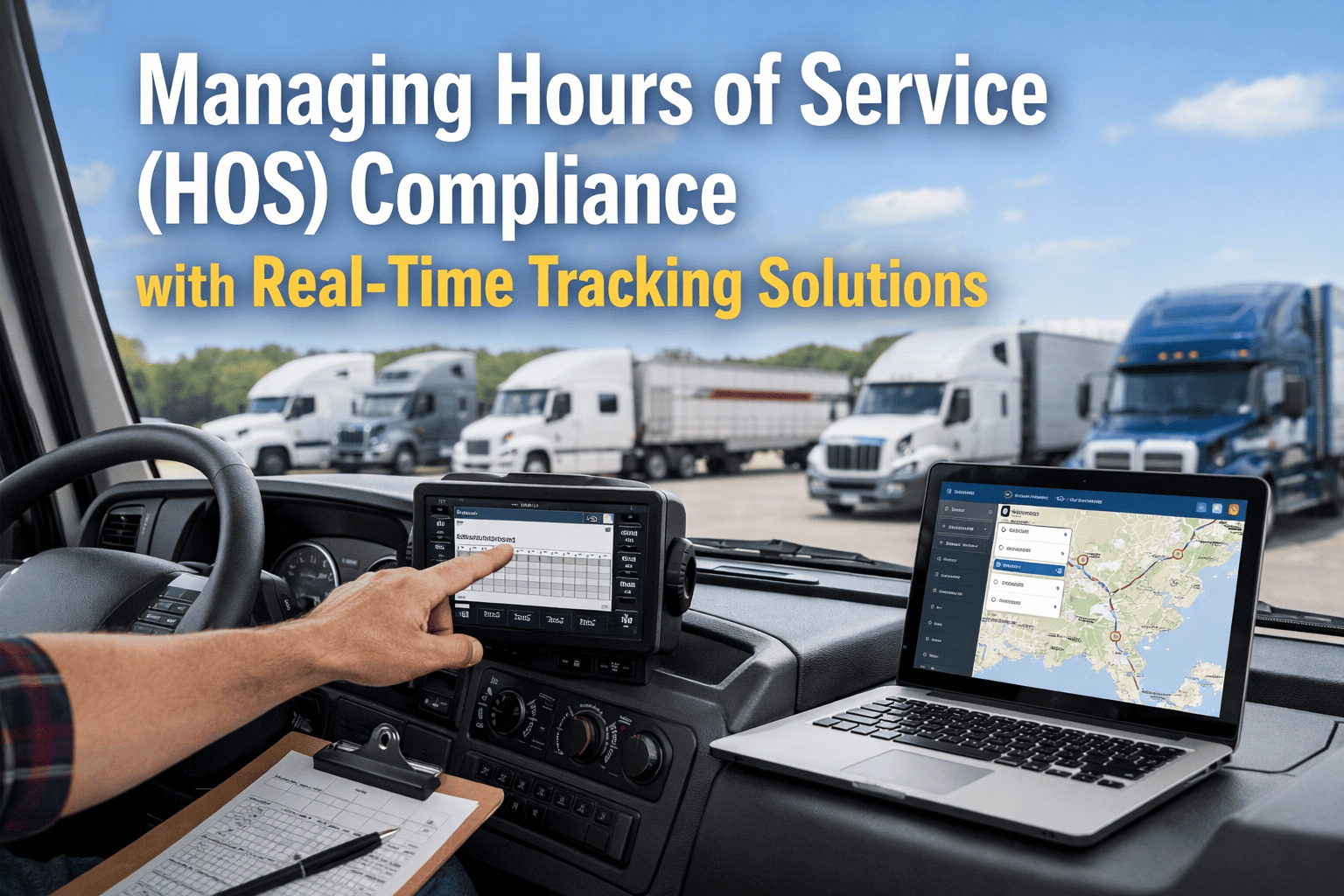
Most HOS violations don't happen because drivers are trying to break the rules. They happen because nobody in the operation had a clear, real-time view of where each driver stood against their limits at 2pm on a Tuesday until a DOT officer at a weigh station pulled up the ELD data and found a driver who'd been behind the wheel for 11.4 hours. In 2026, FMCSA can fine motor carriers up to $19,246 per hours-of-service violation and drivers up to $4,812 per violation. Driver fatigue plays a role in 13% of all commercial vehicle crashes — making HOS compliance as much a safety issue as a regulatory one. The operations that stay consistently compliant don't rely on drivers self-monitoring against a rulebook. They use real-time HOS tracking software that tells the right person the right information before a limit is crossed, not after. See how FleetRabbit manages HOS compliance — book a 30-minute demo →
The HOS Rules Every Fleet Manager Must Know in 2026
Hours of Service regulations set the federal limits on how long commercial drivers can operate vehicles between mandatory rest periods. Understanding exactly what the limits are — and where the gray areas live — is the foundation of building a compliance program that actually holds up under enforcement scrutiny.
Maximum driving time allowed within a 24-hour period. Applies after 10 consecutive off-duty hours. This is the most commonly violated HOS rule — exceeded by more than 3 hours constitutes an "egregious" violation carrying maximum fines.
The 14-hour on-duty window is the container for the entire driving day. Once it starts — from the first minute the driver is on duty — the clock runs regardless of rest breaks taken within it. No driving after the 14-hour window closes, even if the 11-hour driving limit hasn't been reached.
Drivers must take a 30-minute break after 8 consecutive hours of driving. The break must be off-duty or sleeper berth — not on-duty non-driving time. Missed or incorrectly logged breaks are one of the most common violation categories in roadside inspections.
The weekly cycle cap limits total on-duty hours across a 7 or 8-day rolling window. This is the rule most frequently miscalculated in operations without real-time tracking software — because it requires tracking cumulative hours across multiple prior days simultaneously for every driver in the fleet.
Why Manual HOS Tracking Fails — Every Single Time
The problem with relying on drivers to self-monitor against HOS limits isn't that drivers are dishonest. It's that the mental load of tracking 11-hour driving limits, 14-hour windows, 30-minute break timing, and rolling 60/70-hour cycle totals simultaneously — while navigating traffic, managing customer communications, and handling route changes — is genuinely unreasonable to expect of any person doing it manually.
Manual paper logs require drivers to calculate and record duty status changes accurately and in real time across multiple categories. Any arithmetic error, any delay in recording a status change, any missed annotation creates a gap that becomes a violation during inspection. Most violations weren't from drivers trying to cheat the system — they were from misunderstanding the rules or poor record-keeping.
In operations without real-time HOS tracking, the fleet manager's view of driver hours status is whatever the driver reports — which may be incomplete, delayed, or simply wrong. Dispatch decisions get made without accounting for whether the assigned driver actually has the hours to complete the run legally. The violation is discovered at a weigh station, not in the dispatch office where it could have been prevented.
Tracking cumulative on-duty hours across a rolling 7 or 8-day window for a single driver is already mentally demanding. Doing it simultaneously for 50 drivers, each with different start dates and cycle types, while managing daily operations, is operationally impossible without software. This is where cycle limit violations accumulate invisibly — each individual day looks fine, but the rolling total has been exceeded for days before anyone notices.
Most fleets subject to FMCSA regulations already have ELDs generating accurate HOS data. The problem is that data is reactive rather than proactive — it records violations that have already occurred, rather than flagging approaching limits before they're crossed. Real-time HOS tracking software converts that existing ELD data into pre-violation alerts that arrive in time to change the dispatch decision, not after the violation is already on record.
FleetRabbit converts your ELD data into real-time pre-violation alerts. Start your free trial and see live HOS status for your fleet from day one →
How Real-Time HOS Tracking Changes Fleet Operations
The shift from reactive ELD recording to real-time HOS monitoring changes three specific operational moments — the ones where violations actually originate.
How FleetRabbit Manages HOS Compliance End-to-End
FleetRabbit integrates with your existing ELD hardware and telematics providers to deliver real-time HOS visibility across your entire fleet — without replacing any hardware or requiring a new ELD installation.
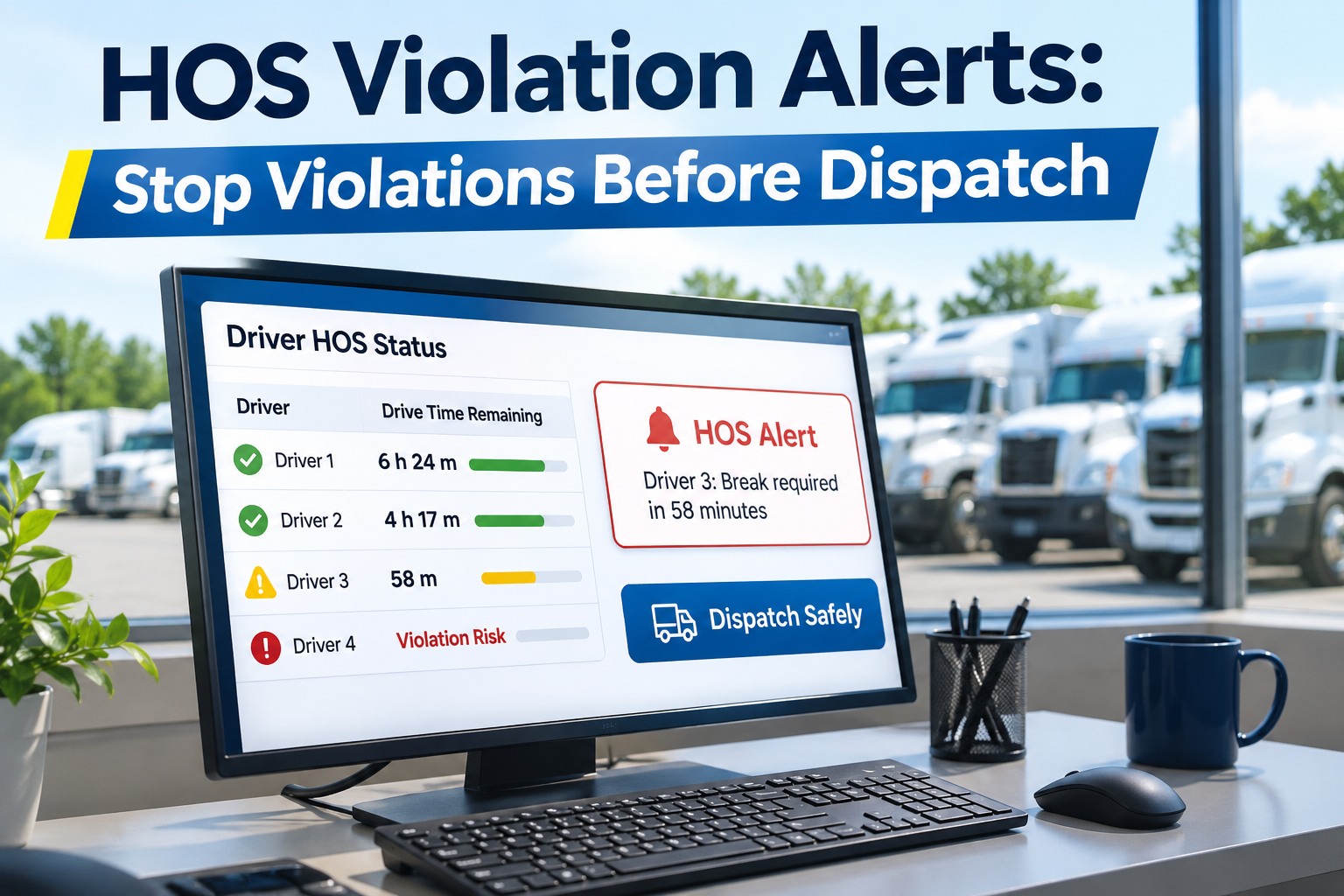
Fleet managers see each driver's remaining drive time, on-duty window remaining, and rolling cycle hours on a single live dashboard. Color-coded status: green (compliant and hours available), amber (approaching limit — alert threshold triggered), red (at or near limit — do not dispatch). Dispatch screens integrate HOS availability data so route assignments account for remaining hours automatically.
FleetRabbit sends configurable pre-violation alerts at your chosen thresholds — 60 minutes remaining, 90 minutes remaining, or whatever your operational planning window requires. Alerts route to the driver's app, the assigned fleet manager, and the dispatcher simultaneously. Every alert includes the specific driver, current hours status, route context, and recommended action — not just a generic "hours warning."
When a dispatcher creates a route assignment in FleetRabbit, the system cross-references the estimated route duration against each available driver's remaining legal hours. Drivers without sufficient available time are flagged before the assignment is confirmed. The system surfaces the best available driver for each run based on hours, location, and vehicle availability — eliminating the guesswork that produces mid-route HOS violations.
FleetRabbit stores all HOS records with the 6-month minimum retention required under FMCSA regulations, with tamper-evident digital records that satisfy audit documentation requirements. DOT compliance review preparation — producing HOS records for a specific driver across a specific date range — takes 30 seconds rather than hours of manual record assembly. Violation history, exception logs, and ELD malfunction records are all maintained in the same retrievable format.
Want to see FleetRabbit's HOS dashboard on your real driver data? Book a personalized demo — we'll connect to your ELD provider and show you live hours status →
HOS Compliance Scorecard: Where Does Your Fleet Stand?
The Cost of Getting HOS Compliance Right — vs. Getting It Wrong
Real-Time HOS Tracking That Prevents Violations Before They Happen — Not After.
FleetRabbit gives fleet managers live hours status for every driver, pre-violation alerts at configurable thresholds, HOS-aware dispatch routing, and instant audit-ready record retrieval. Connected to your existing ELD hardware. Live in 14 days. Free for up to 3 vehicles.