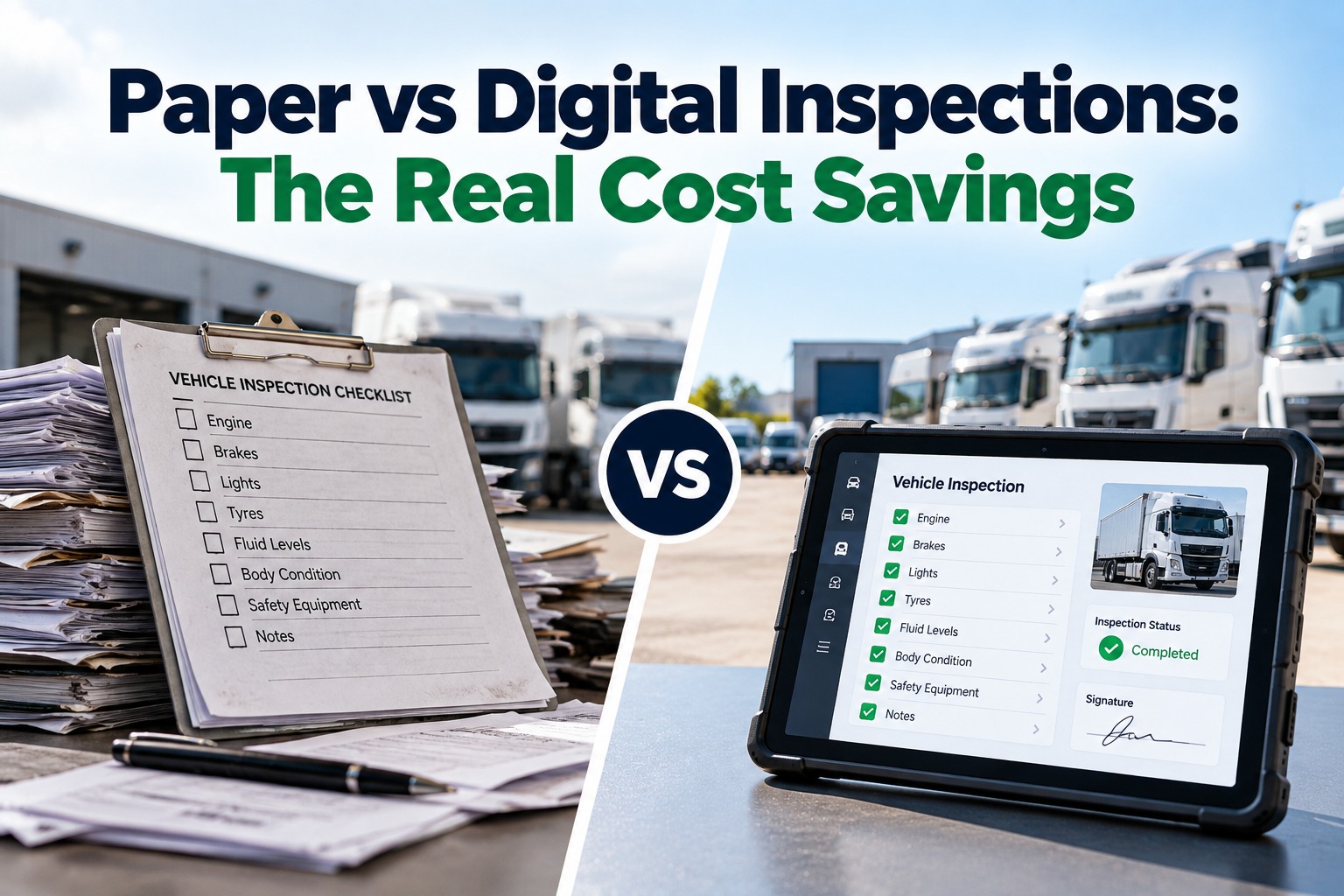
Every fleet that still runs paper inspections is paying a cost it rarely sees: the minutes a driver spends writing and handing in a form, the time someone spends re-keying or filing it, the days a reported defect sits in a tray, and the scramble when a record is needed and can't be found. Digital inspections attack all four. This guide gives you the formulas to price that cost on your own fleet, a worked example with every assumption shown, and a short pilot plan to replace our assumptions with your measured numbers. If you want background on what the rule actually requires first, start with our guide to DVIR requirements explained, or time your own inspections on three trucks free.
PAPER VS DIGITAL · FOR FLEET & MAINTENANCE MANAGERS
Every Minute Spent on a Paper Form Has a Price Tag
The savings are real, but they are hiding in minutes, not invoices. This is the manager's guide to pricing them: the five cost buckets of paper, the formulas for each, a worked 25-truck example and a pilot that proves it on your own fleet.
THE BASELINE
Paper Isn't Free. It's Just Not Itemized.
Federal rules require drivers to complete a vehicle inspection report for each vehicle at the end of each day's work, and carriers must keep those reports for a minimum period. Paper satisfies the rule, but every report still has to be written, delivered, read, acted on, filed and, when needed, found. Each of those steps is labor, and none of it shows up as a line item.
Daily
A report per vehicle, every working day, adds up fast
3 months
Minimum retention for DVIR records (49 CFR 396.11)
5 buckets
Where paper inspection cost actually hides
The Five Cost Buckets of Paper Inspections
When fleets compare paper to digital they usually compare the price of a clipboard to the price of software and stop. That misses where the money actually goes. These are the five buckets to price, in the order most fleets feel them.
1
Driver time on the form
Writing out defects, finding a pen, hunting for a blank form and walking the report to the office all happen on paid time. A guided mobile checklist with tap-to-select items and photo capture is usually faster per inspection, and the saving repeats for every driver, every working day.
2
Admin handling, re-keying and filing
Someone reads the form, types the defect into a work order or spreadsheet, files the paper and chases missing signatures. Digital reports arrive structured, so a reported defect can become a work order without being typed a second time.
3
Defect-to-repair delay
A defect on paper can sit until someone reads the form. A defect reported digitally can reach the shop immediately. Time between report and repair is exposure, whether that is an out-of-service violation, a breakdown or a claim.
4
Lost, illegible or incomplete records
Forms get wet, torn, left in a cab or filled in at the end of the week. A missing or unreadable record is hard to defend in an audit or after an incident, and you only discover the gap when you need the record.
5
Storage and retrieval
Boxes, cabinets and the hours spent pulling a specific vehicle's history. Digital records are searchable by unit, driver and date, so retrieval takes seconds instead of a search through folders.
Your own stopwatch beats any benchmark.
Run digital inspections on a few trucks, compare the timing to your paper process and plug the real minutes into the formulas below.
The Formulas
Each bucket reduces to a simple formula. Measure the inputs on your own fleet for a week and the calculation takes minutes. Swipe the table horizontally on mobile.
← Swipe to see all columns →
A Worked 25-Truck Example
Here is the arithmetic for a 25-truck fleet. The inputs are assumptions, not benchmarks: replace each one with your measured figure. We assume 25 drivers, 250 workdays a year, 5 minutes saved per driver per day, a $30 loaded driver hour, 3 minutes of admin handling saved per report and a $25 admin hour. Swipe the table horizontally on mobile.
← Swipe to see all columns →
This counts only labor. It leaves out defect-delay exposure, lost-record risk and retrieval time, which are real but harder to price. It is also sensitive to the inputs: if you save 2 minutes per driver instead of 5, the driver line falls to about $6,250 and the net saving to roughly $12,560. That is why the pilot below matters more than the headline number.
What to Measure in a 3-Truck Pilot
You don't need a fleet-wide rollout to get defensible numbers. Run digital inspections on three trucks for two to four weeks and track these six measures against your paper baseline.
1
Minutes per inspection, paper vs digital, timed on real drivers
2
Completion rate: share of required inspections actually done
3
Admin minutes per report for reading, re-keying and filing
4
Report-to-repair time: hours from defect reported to work order closed
5
Records found: can you retrieve any one inspection in under a minute
6
Driver feedback: what slows them down and what they like
Track Your Inspection Savings in One Dashboard
FleetRabbit gives you mobile DVIR with photo capture, defects that flow into work orders, and timestamped records you can search in seconds, alongside maintenance history and cost per mile. Free for up to three vehicles, then $5 per vehicle per month, with no hardware to buy.
Mobile DVIR
Defect-to-work-order
Searchable records
Free for 3 vehicles
Paper vs Digital, Side by Side
Where the two approaches differ day to day. Swipe the table horizontally on mobile.
← Swipe to see all columns →
A 30-Day Switch Plan
Moving off paper doesn't need a big project. This is a realistic path from baseline to a decision.
1
Week 1: Baseline the paper process
Time inspections, count reports and sample last quarter's forms for gaps, so you have real before numbers.
2
Week 2: Pilot digital DVIR on three trucks
Set up checklists, brief the drivers on those units and start collecting digital reports alongside the paper baseline.
3
Week 3: Connect defects to work orders
Route reported defects straight to the shop and track the hours from report to repair.
4
Week 4: Run the numbers and decide
Put your measured minutes into the formulas above, compare against the software cost and decide whether to roll out to the rest of the fleet.
Frequently Asked Questions
How much does switching from paper to digital inspections save?
It depends on your fleet size, how long paper takes today and what your labor costs. The worked example above reaches about $21,900 a year net for 25 trucks using stated assumptions, but the right number is the one you get from your own timing.
Run the formulas with us on your fleet's real inputs if you'd like help.
Are electronic inspection reports allowed?
Yes. FMCSA's inspection report rules in 49 CFR 396.11 and 396.13 allow carriers to keep these records electronically, as long as the required information is captured and the records are retained and available. Our guide to
DVIR requirements explained walks through what a compliant report contains.
Will drivers actually use it?
Adoption is the main risk, so judge it in the pilot. A guided checklist on a phone is usually quicker than handwriting, but ask the three pilot drivers what slows them down and fix that before rolling out wider.
Do I need to buy hardware?
No. Digital inspections run on the smartphones your drivers already carry, so there is nothing to install on the trucks to start.
What happens to the defects drivers report?
What does it cost, and can I try it on a few trucks first?
FleetRabbit is free for up to three vehicles with no credit card, then $5 per vehicle per month with no hardware and no setup fee. That is enough to
run the three-truck pilot described above before you commit to anything.
Find Out What Paper Is Costing You
The only number that matters is the one measured on your own trucks. Start with three vehicles for free, time the difference and let the formulas do the rest.
Free tier for up to 3 vehicles · No credit card required · No hardware installation
October 2, 2026By Derek Goes
All Blogs