Two trucks burn the same fuel over the same four hours. One was running a boom, a pump or a compressor and generating revenue. The other was sitting with the engine on because nobody switched it off. On a fuel report those two events are indistinguishable — and that single blind spot is why work-truck fleets simultaneously over-service some units, under-service others, under-bill customers and leave fuel tax credits unclaimed. A PTO sensor resolves it, because it answers one question the odometer cannot: was the engine working, or just running? The problem for most fleets is not getting that signal. It is that the signal lands in a telematics portal while DVIRs live in a second system, PM schedules in a third and compliance records in a fourth. Start free with three vehicles and see PTO hours sitting next to the inspection and PM records they should have been driving all along.
INTEGRATIONS · PTO SENSORS
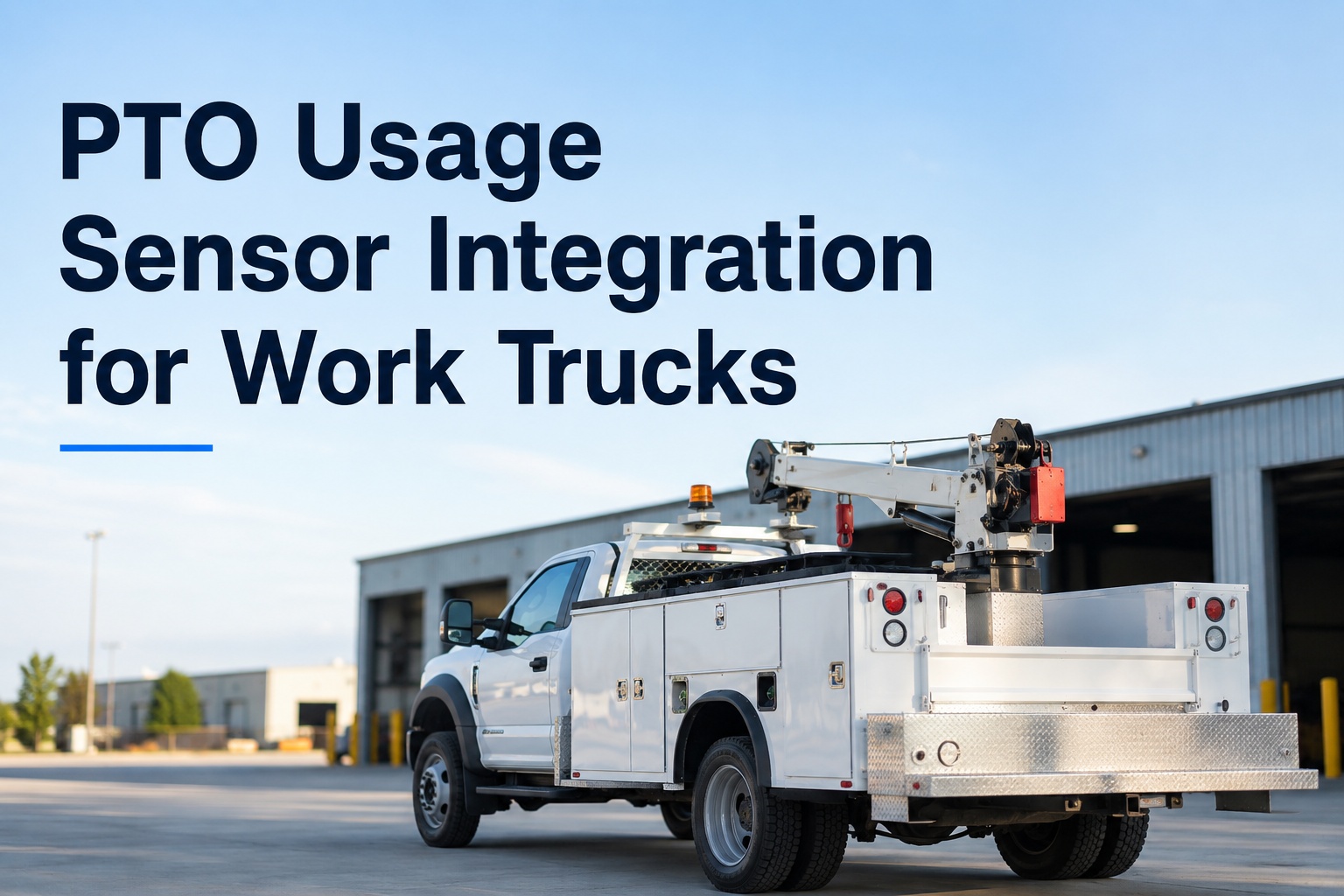
PTO Usage Sensor Integration for Work Trucks
Bring PTO hours together with DVIR, preventive maintenance and compliance in one view — so hour-based wear, billable equipment time and genuine idle waste stop looking like the same number.
Same fuel burn. Same four hours. Same fuel report.
Truck A
PTO engaged — billable
Truck B
True idle — pure waste
Without a PTO signal these are the same event. With one, they are a revenue record and a coaching conversation — and they drive completely different maintenance intervals.
What the Odometer Misses
Mileage is the wrong meter for a work truck, and the consequence is systematic rather than occasional.
Stationary wear is invisible
Fleets that track only mileage routinely under-maintain vocational trucks, yard tractors, refrigerated units and anything that runs PTO equipment or idles for extended periods. Hours capture wear that an odometer completely misses.
Engine hours are still too blunt
Engine hours count everything the engine did, including sitting in traffic and warming the cab. PTO hours isolate the portion where auxiliary equipment was actually under load — which is what wears the pump, the compressor and the drivetrain components behind them.
Load only exists when engaged
A common misconception is that PTO equipment steals engine power continuously. In reality it taps torque already available at idle, and engine load rises only when the PTO engages — which is exactly the interval worth counting.
The low-mileage trap
A truck covering 2,000 miles in three months while running a PTO for two hundred hours looks like a low-utilisation asset on a mileage report. It is one of the hardest-working units in the fleet, and it is being serviced as though it barely left the yard.
The 2026 standard
The professional approach is not choosing one trigger over the others. It is running mileage, hours and calendar simultaneously and servicing on whichever arrives first — with PTO hours as a fourth trigger on units where auxiliary equipment is doing the work. A truck scheduled for a 7,500-mile oil change that covers 2,000 miles still gets serviced on the calendar trigger, because oil degrades with time. The same logic applies to hours.
Four Things PTO Data Unlocks
The maintenance case is the obvious one and rarely the largest. Three of these four show up in revenue or cost rather than in the shop.
01
Hour-based PM that reflects real wear
Service intervals triggered by PTO hours rather than miles, so the pump, compressor or aerial unit gets attention on the schedule its own duty cycle earned. Reference points exist for this — auxiliary equipment running beyond a couple of thousand hours a year typically warrants component-level attention on its own cycle.
02
Billing on measured equipment time
Many specialised services are billed by the hour of equipment operation rather than by the mile. Invoicing from precise PTO duration rather than manual estimates eliminates billing leakage and ensures you are compensated for the actual wear on expensive auxiliary systems.
03
Idle waste separated from productive engine time
There is a substantial difference between a truck idling to stay warm and a truck idling because the engine is powering equipment. Separating the two identifies drivers leaving engines running unnecessarily — and stops the productive units being coached for the same behaviour.
04
Documented proof for fuel tax credits
In many jurisdictions, fuel used to power auxiliary equipment is eligible for tax credits — and the documented proof required to claim them is exactly what a PTO usage record provides. This is frequently the line that pays for the integration on its own, and it is the one most often left on the table.
Bring one month of PTO hours and your PM schedule
On a 30-minute call we'll load them into Fleet Rabbit side by side and show which units are being serviced on the wrong meter — plus how many hours of billable equipment time went out on estimates rather than on measurement. Most work-truck fleets find both numbers larger than expected.
How the Signal Gets Captured
Three routes, in descending order of richness. Which one applies depends on the truck and on how the equipment was fitted.
← Swipe to see all columns →
On heavy-duty trucks the network route is usually the cleanest, because the standard protocol lets diagnostic tools, loggers and telematics devices read the same messages consistently across different makes — an engine from one supplier, a transmission from another and a telematics unit added later all speak the same language. Where that is unavailable, a simple switch input still gives you hours, billing and idle separation, which is the majority of the value.
Why One View Matters More Than One More Portal
The signal is only half the problem. A PTO reading that lives in a telematics dashboard while the work order lives elsewhere changes nothing about what actually gets serviced.
PTO hours trigger the work order
Hours accumulate against the unit and cross a threshold, and a PM task is raised automatically — not noticed by someone comparing two screens at the end of a month.
DVIR defects land on the same record
A driver reporting a hydraulic leak or an unresponsive control writes to the same asset history that holds the PTO hours — so the defect and the duty cycle that caused it sit together rather than in separate systems.
Compliance records stay attached
Inspection completion, defect resolution and service history in one place, which is the version that survives an audit rather than the version assembled from three exports.
One asset, one timeline
Miles, engine hours, PTO hours, inspections, defects, work orders and costs on a single record. Every question about that truck answered from one place instead of reconciled across four.
The failure this prevents
Fleets relying on driver reports and periodic manual checks leave developing problems unnoticed for days or weeks. The same is true of PTO wear — a unit accumulating hours far beyond its service interval is entirely visible in the data and entirely invisible in practice, because nobody was looking at that particular number in that particular portal on that particular day.
Setting PTO-Hour Intervals
Five steps. The first is the one that determines whether any of this produces different behaviour.
1Identify which units actually have PTO dutyNot every truck in a mixed fleet needs hour-based triggers. Flag the ones running auxiliary equipment so the schedule differs where it should and stays simple where it should not.
2Take intervals from the equipment maker, not the chassisThe pump, compressor or aerial unit has its own service schedule expressed in operating hours. That is the number the PTO trigger should be counting against.
3Run it alongside miles and calendarFour triggers on the same asset, servicing on whichever arrives first. A PTO-heavy unit will hit hours long before mileage; a rarely used one will hit the calendar first.
4Add the annual checks that are hour-dependentSome auxiliary components warrant replacement above defined annual operating hours, and the network interface itself is worth validating periodically. Both are calendar tasks whose scope depends on the hour count.
5Review the split after a quarterLook at which trigger actually fired on each unit. If mileage is still firing first on your PTO-heavy trucks, the hour threshold is set too loose to be doing any work.
Worth adding to the same record: PTO shafts carry a genuine entanglement risk and guarding requirements apply where they are accessible. Putting the guard check on the inspection alongside the hour counter keeps a safety item attached to the asset that generates it, rather than living in a separate safety file nobody opens between audits.
What to Track
Six figures. The first three are new information the moment the sensor is connected.
PTO hours per unitThe base number. Drives the maintenance trigger and reveals which assets are genuinely working hardest regardless of what the odometer says.
PTO hours against engine hoursThe productive share of engine running time. A low ratio on a unit that should be working is either a utilisation problem or an idling one.
Non-PTO idle timeEngine running with no equipment engaged and no movement. This is the coaching number, and it is only visible once PTO is separated out.
Billable hours captured against estimatedMeasured equipment time versus what was invoiced. The gap is billing leakage, and it is usually one-directional.
Trigger that fired per serviceMiles, engine hours, PTO hours or calendar. Tells you whether the hour thresholds are set tightly enough to matter.
Auxiliary defect rate per hundred PTO hoursNormalised by duty rather than by unit, so a hard-working truck is not penalised for the volume of work it did.
Start free · 3 vehicles
Stop switching between portals to answer one question about one truck
Fleet Rabbit brings PTO hours together with DVIR submissions, PM schedules, defect history and compliance records on a single asset timeline. Connect three vehicles at no cost and see the whole picture on one screen before deciding anything about the rest of the fleet.
Frequently Asked Questions
Why not just use engine hours?
Because engine hours count everything, including traffic and cab warming. PTO hours isolate the period when auxiliary equipment was actually engaged and under load — which is what wears the pump, compressor or aerial unit and its drivetrain. Engine hours are a large improvement on mileage for a work truck; PTO hours are the meter that matches the component you are actually servicing.
Can PTO data separate real idling from productive time?
That is one of its most useful applications. There is a substantial difference between a truck idling to stay warm and a truck idling because the engine is powering a PTO unit, and without a sensor those two look identical on a fuel report. Separating them identifies drivers leaving engines running unnecessarily — and, just as importantly, stops the productive units being coached for something they were not doing.
Does PTO tracking help with billing?
Yes, and for hourly-billed services it is often the strongest single case. Many specialised services are billed by the hour of equipment operation rather than by the mile, and invoicing from measured PTO duration rather than manual estimates eliminates billing leakage. It also ensures you are compensated for the actual wear being put on expensive auxiliary systems rather than for an approximation of it.
What about fuel tax credits?
In many jurisdictions fuel used to power auxiliary equipment is eligible for tax credits, and the obstacle is usually documentation rather than eligibility. A PTO usage record provides exactly the documented proof required to make the claim. Confirm the position for your own jurisdictions before relying on it, but for fleets running significant PTO hours this frequently justifies the integration by itself.
How is the signal actually captured?
Usually one of three ways. On heavy-duty trucks the vehicle network is cleanest, since the standard protocol lets telematics devices read PTO status alongside engine hours, fuel use and load consistently across different makes. Where that is not available, a wired input from the PTO switch circuit gives engaged-or-not status with timestamps — enough for hours, billing and idle separation. Some auxiliary equipment also has its own controller that can report status directly.
Do we have to replace our telematics provider?
No. The point of the integration is that PTO data from your existing devices flows into the same place as your DVIRs, PM schedules and compliance records, rather than living in a separate portal. Keeping the hardware and consolidating the view is usually both cheaper and faster than replacing anything — and it removes the specific failure where a number is visible in one system and acted on in none.
Where should we start?
With three vehicles, at no cost. Pick your most PTO-heavy units, connect the signal, and watch a month of hours accumulate against their existing mileage-based schedule. The gap between the two is the whole argument, and it is far more persuasive on your own trucks than in any general case.
Start free with three vehicles and extend once the numbers make the decision for you.
Count the Hours That Actually Do the Work
PTO hours separated from engine hours and from idle, service triggered on the meter that matches the component, billable equipment time measured rather than estimated, and all of it on the same asset record as the inspections and defects it produces.
Works with your existing telematics devices · No credit card required · Confirm tax credit eligibility for your own jurisdictions
August 25, 2026By Alex Rowan
All Blogs