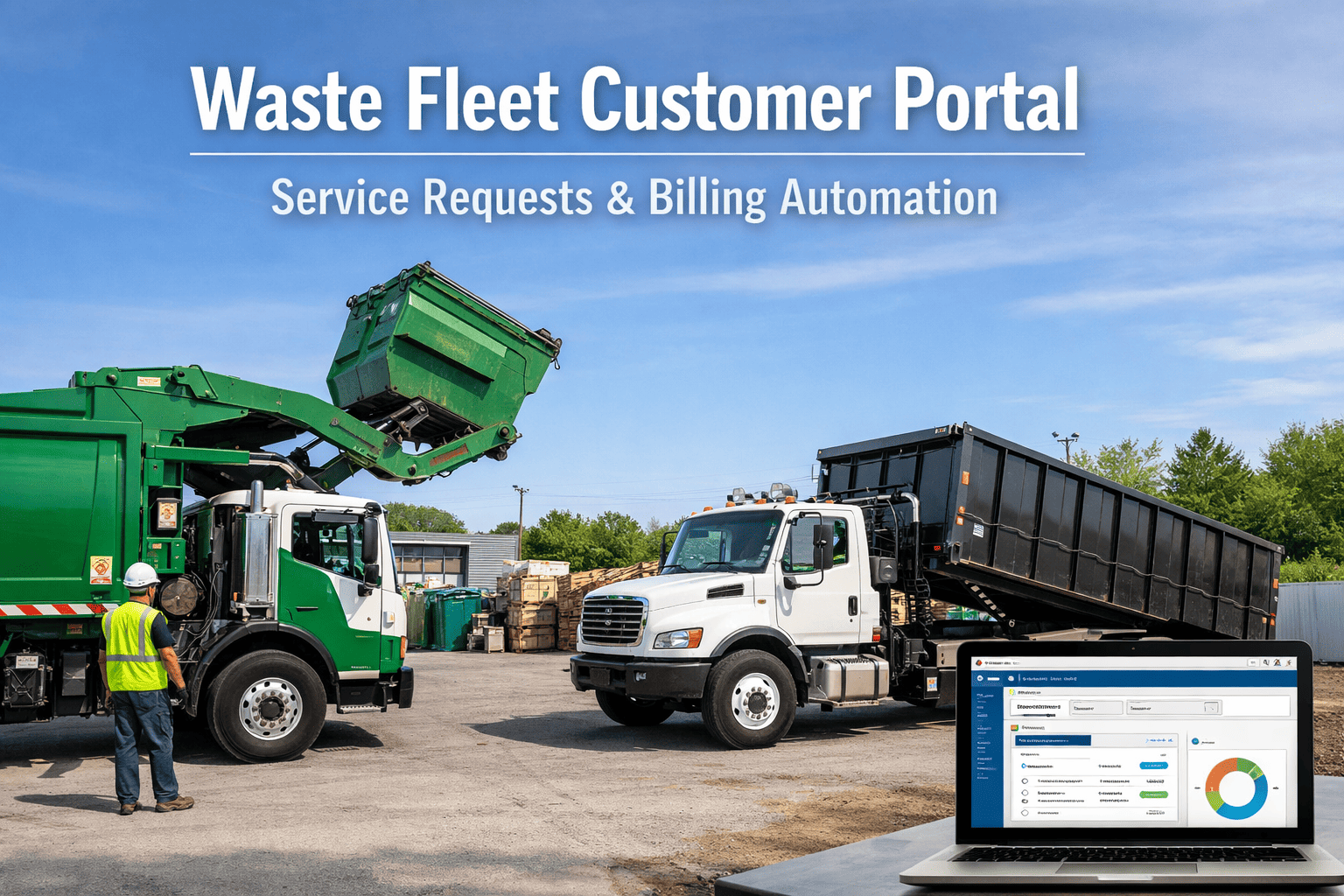
Every missed pickup call that lands in your office is a problem you could have prevented. Every billing dispute your team spends 20 minutes resolving is a task a customer could have handled themselves in 90 seconds. Every container swap request sitting in someone's email inbox is a revenue opportunity aging out. Waste haulers running without a customer self-service portal are paying staff to handle interactions that customers actively want to handle on their own — and the numbers are stark: customer portals reduce inbound call volume by up to 60% cut billing disputes by 35%, and improve on-time payment rates dramatically when customers can pay online on their schedule, not yours.
What a Waste Fleet Customer Portal Actually Does
A customer portal isn't a website FAQ page or a phone number that goes to voicemail. It's a branded, secure web interface where your customers — residential, commercial, and roll-off — can manage their entire service relationship with your company without calling your office.
That's what your customers see. Behind the scenes, every interaction flows directly into your operations system — updating driver manifests, triggering billing records, and logging service history without anyone on your staff lifting a finger.
Want to see how this works for your waste operation? Schedule a personalised 30-minute portal walkthrough — we'll demo the exact customer experience for your service types.
The 5 Things Customers Do on the Portal — That Used to Call Your Office
Report Missed Pickups
Avg 3 calls/week eliminated per 100 customersCustomers submit missed pickup reports with address, container type, and photo evidence directly in the portal. The report auto-routes to the relevant route driver with GPS flag and ETA for same-day or next-day make-good service. No phone tag. No he-said-she-said disputes. Time-stamped proof on both sides.
View Invoices and Pay Online
AR days cut by 25–40% vs paper billingFull billing history accessible 24/7. Current invoice with itemised service breakdown. One-click online payment via card or ACH. Auto-pay setup for recurring services. Customers who can pay at 11pm on a Sunday do — and you collect faster than any paper invoice cycle can achieve.
Request Container Swaps and Upgrades
Revenue-generating self-service requestsCommercial and roll-off customers can request container size changes, extra hauls, or service frequency upgrades directly from the portal. Requests flow into your dispatch queue with customer account details, service address, and preferred date — creating a revenue opportunity that previously required a sales call to initiate.
View Pickup Schedules and ETAs
Most searched feature on waste company websitesCustomers see their next scheduled pickup date, holiday service adjustments, and real-time driver ETA when the truck is on route. No more "where is my driver?" calls. No more calls asking if collection is happening on a bank holiday. The portal answers these questions before customers pick up the phone.
Manage Account Details and Contacts
Reduces billing error correction calls by 35%Customers update billing address, contact names, service notes, and payment methods themselves. Multi-site commercial accounts can manage all locations under one login. Changes sync to your operations system immediately — no data entry lag, no transcription errors from phone conversations, no chasing customers for updated details.
Curious how each of these features works in practice? Book a free demo — we'll walk through the complete customer journey for your specific service types and account mix.
What Happens Behind the Portal: Your Operations Dashboard
Every customer action in the portal generates a structured event in your operations system — no manual processing required. Here's how a single customer interaction flows from portal submission to resolved service:
The ops dashboard that processes portal requests is the same one tracking your vehicle health and route progress. See how FleetRabbit Waste Fleet Optimisation connects customer service, dispatch, and maintenance data into one operational picture.
Customer Portal vs. Phone-Only Operations: A Real-World Comparison
Customer portal data feeds directly into driver daily manifests and route planning. See how FleetRabbit PM Scheduling connects customer service requests with vehicle maintenance schedules — so make-good jobs don't get dispatched to trucks already overdue for service.
Automated Billing: Close the Gap Between Service and Payment
The portal's billing module doesn't just display invoices — it automates the entire cycle from service completion to cash collection. Here's what automated billing looks like end-to-end for a waste hauler:
Service Completed
Driver marks job complete on mobile app. Photo evidence and GPS time stamp logged automatically.
Invoice Auto-Generated
Billing system creates itemised invoice based on contracted rates, service type, and any extras recorded by driver. No manual data entry.
Customer Notified
Customer receives email/SMS with link to portal where invoice is ready. Click-to-pay button on the invoice for instant online payment.
Auto-Reminders
Automated payment reminders at 7 days, 14 days, and 30 days past due — without your staff chasing accounts. Stop date rules apply automatically if needed.
Payment Reconciliation
Online payments reconcile to customer accounts automatically. AR dashboard shows real-time outstanding balance. QuickBooks integration syncs financial records daily.
Automated billing starts with accurate service records. See how FleetRabbit Fleet Analytics maintains the service completion records, route data, and cost-per-job metrics that power accurate automated invoicing for every service type in your operation.
Ready to Launch Your Waste Customer Portal?
What Gets You Live in 5 Days
Your logo, colours, and domain. Portal branded as your company — not FleetRabbit. Customers never see the platform behind it.
Existing customer accounts, service addresses, and billing history imported. Customers invited via email with portal access credentials.
Missed pickup, container swap, extra haul, billing query — each request type configured for your service area and routing to the right team member.
Invoice templates, rate structures, and payment gateway configured. Auto-reminder schedules set. QuickBooks sync verified. Test transactions completed.
See the Portal in Action
30-minute demo — customer experience and ops dashboard together.
Book Free Demo Start Free — 3 VehiclesAlso available: schedule a billing module demo or see missed pickup tracking in action







